

Canva Frame Not Working? 9 Fixes for Every Common Frame Problem
Photo won't drop into your frame? Custom frame came out rectangular? Here are the nine things that actually go wrong with Canva frames — and the exact fix for each one, including the errors you'll hit inside frame apps.

How to Make a QR Code in Canva (2026 Update): What Changed, and Every Workaround
Canva replaced its QR code app in 2026. Codes now carry a Canva logo, route through a Canva domain, accept URLs only, and old codes can no longer be edited. Here is the current step-by-step flow, plus a workaround for each new limit.

How to Fill a Shape with a Photo in Canva (Step by Step)
Canva shapes can't hold photos on their own — frames can. Here's how to turn any shape into a photo-filled frame in Canva using Frames Lab, plus the built-in options and when to use each.

How to Fill Each Letter with a Different Photo in Canva (Step by Step)
Learn how to fill text with images in Canva so each letter holds its own photo — a name where every letter is a different memory, or a word like BEACH with a scene in each character. A step-by-step Text to Frames tutorial.

How to Put a Photo in a Frame in Canva on Mobile (iPhone & Android)
A step-by-step guide to putting a photo inside a frame in the Canva mobile app on iPhone and Android — using built-in frames, adjusting the crop, and reusing custom shaped frames you made with Image to Frame.
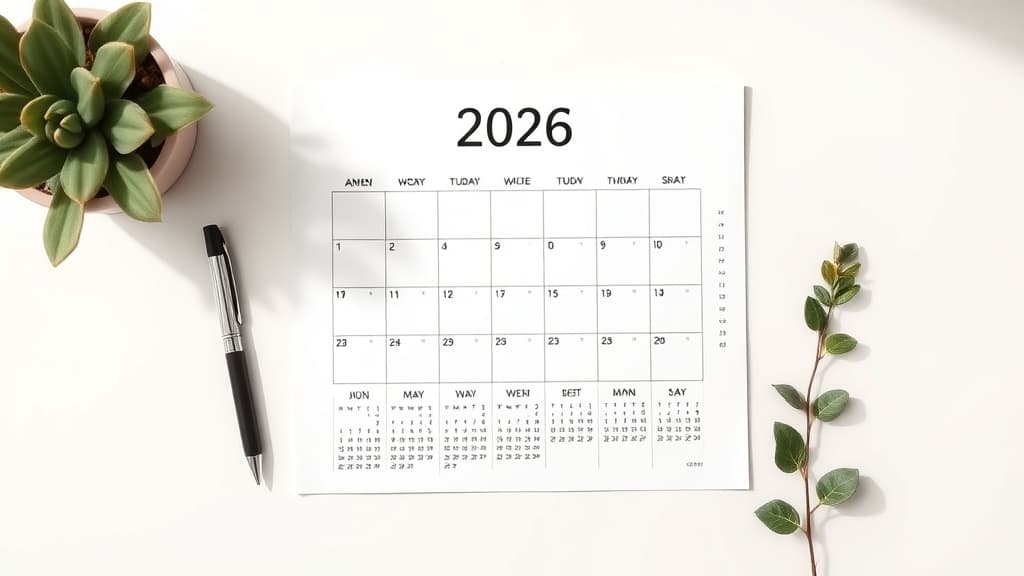
How to Make a Free Printable 2026 Calendar (with Holidays) in Canva
A step-by-step guide to making a free printable 2026 calendar in Canva, adding US holidays, and exporting a clean one-page or 12-month PDF ready to print.

How to Make a Photo Collage in Canva
Build a grid, arc, or diagonal photo collage in Canva with Frames Lab — layouts Canva's native Grids can't make, with photos that crop to fit automatically.

The Best Canva Apps for Teachers (2026)
Five Canva apps that make classroom prep faster — from generated schedules and name banners to worksheet borders, resource QR codes, and an interactive spin wheel for review games.
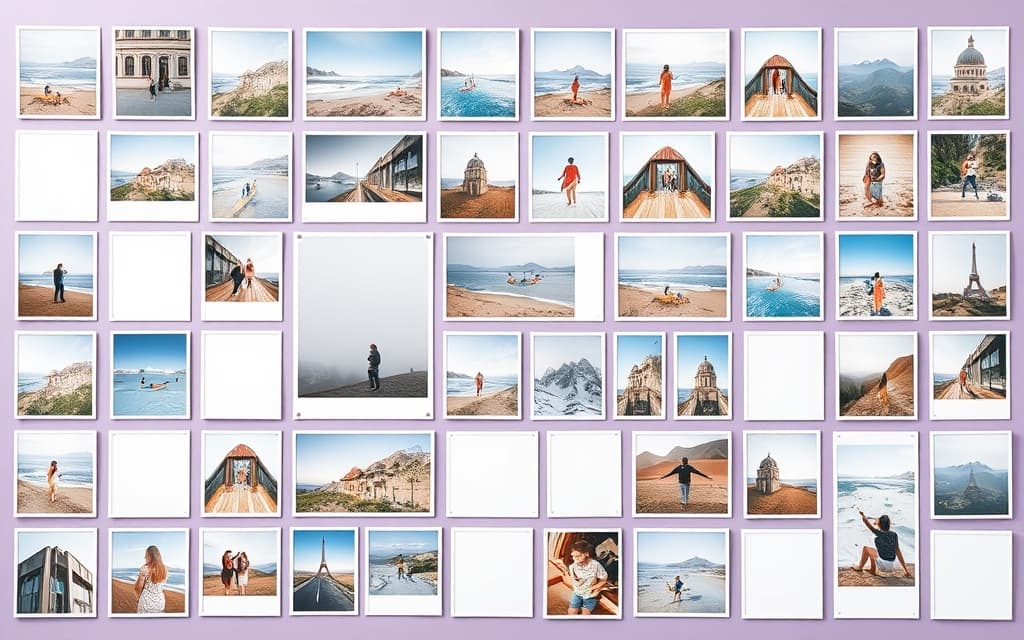
What Is a Photo Collage? Definition, Types, and How to Make One in Canva
A photo collage is a single design that arranges multiple photos together. Here's what it means, the main collage types, and how to build one fast in Canva.

Text to Frames vs Image to Frame: Which Canva Frame App Do You Need?
Text to Frames and Image to Frame are both QRdy frame makers for Canva, but they solve different problems: photos inside letters vs photos inside a custom shape. Here's a clear comparison so you pick the right one.

How to Put a Photo Inside Text in Canva: Native Method vs Text to Frames
Canva has no true built-in way to fill text with a photo. Here's how the native workaround compares to Text to Frames — and which one to use for image-in-text effects.

What Is a Frame in Canva? Definition, How Frames Work, and How to Add Custom Ones
A frame in Canva is a shaped container you drop photos or videos into, and the media clips neatly to that shape. Here is what frames are, how they work, and how to add custom ones.