
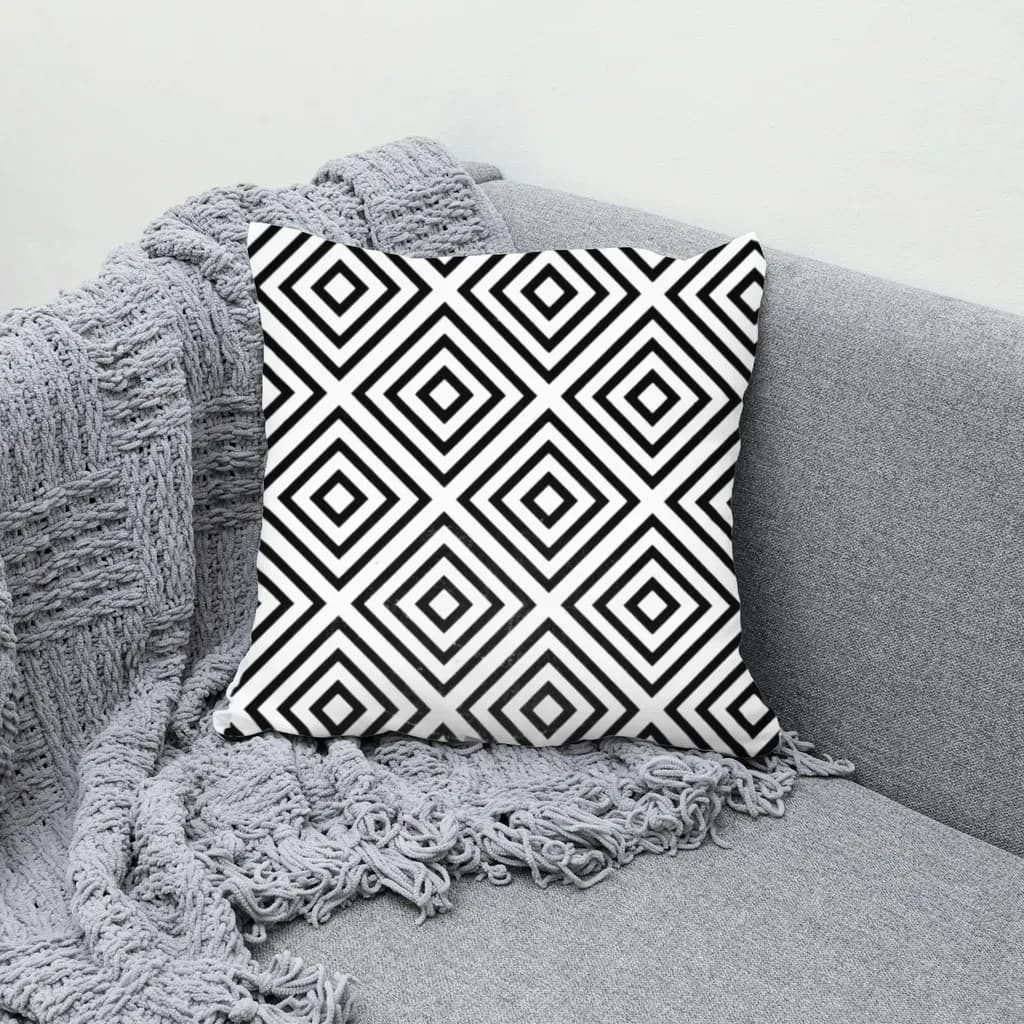
How to Make a Mockup in Photoshop (Smart Object Steps) — Plus a Faster Way From a Plain Photo
Step-by-step: use a mockup PSD's smart object, or build your own Photoshop mockup from a product photo with Warp, Multiply and a displacement map. Plus when a plain-photo tool is faster for bulk.
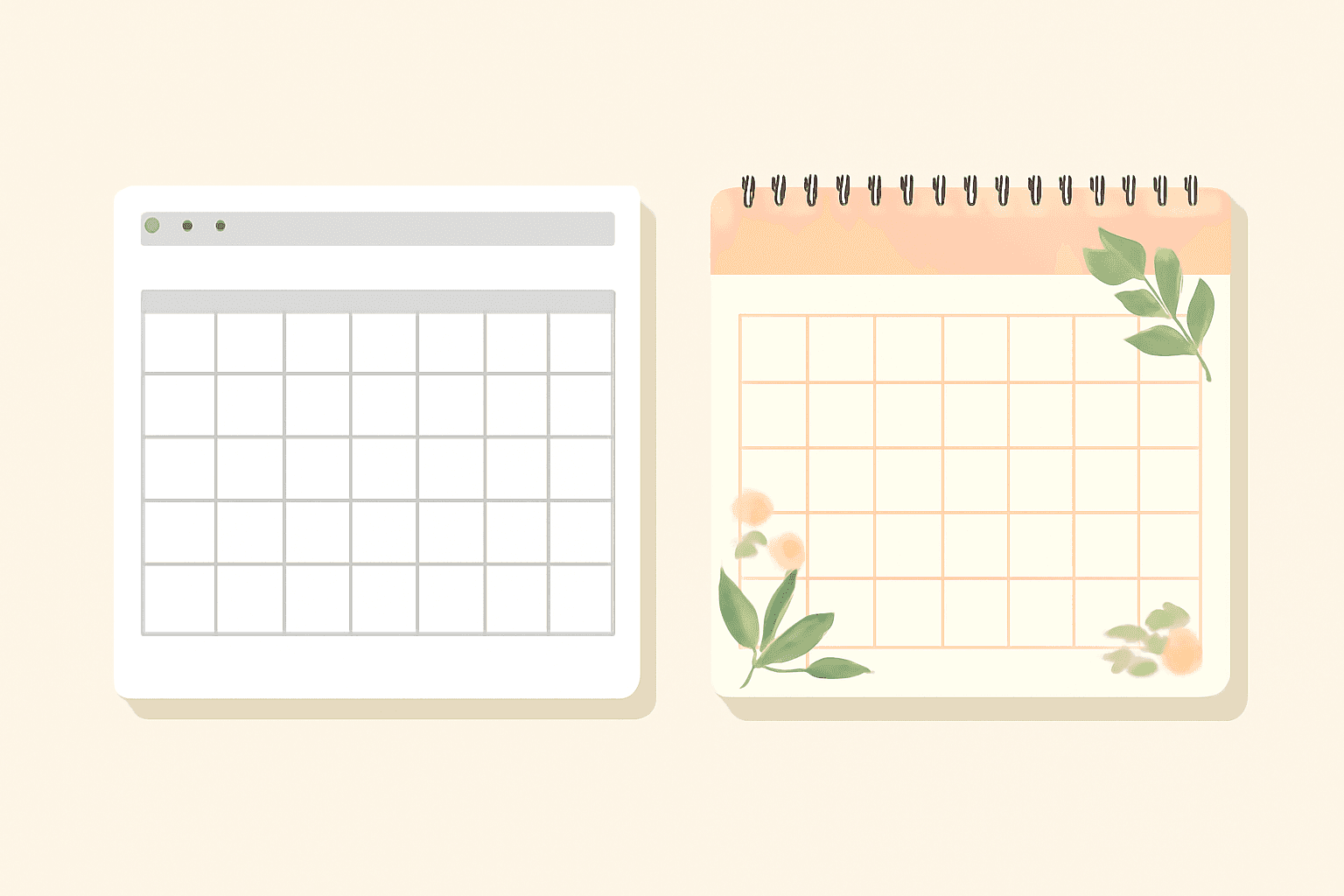
Print Google Calendar vs Canva Calendar Maker: Which Makes a Better Printable Calendar?
Google Calendar's print option is fast and pulls in your real events. Calendar Maker gives you a designed, decorated calendar in Canva. Here is a fair side-by-side and when to pick each one.

Photo Grid Maker: Online Collage Apps vs Building a Grid in Canva with Frames Lab
Need a photo grid? Compare standalone photo grid maker apps with building the grid inside Canva using Frames Lab: control, layout limits, wavy grids, editing after, and cost.
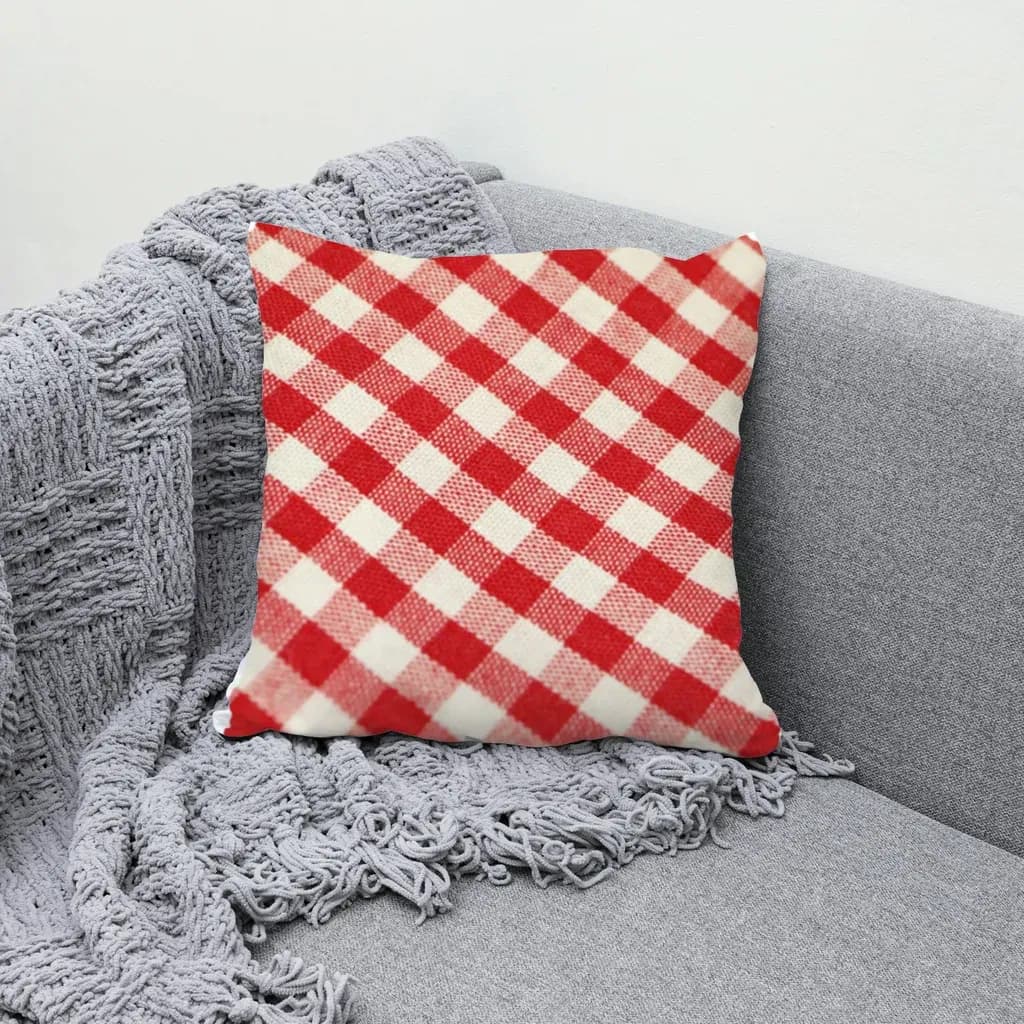
Printify Mockup Generator vs Making Your Own Mockups: When to Use Each
Printify's built-in mockup generator is free and fast, but every seller on the same blank gets similar photos. Here is when to rely on it, when to make your own mockups from real product photos, and how to combine both.
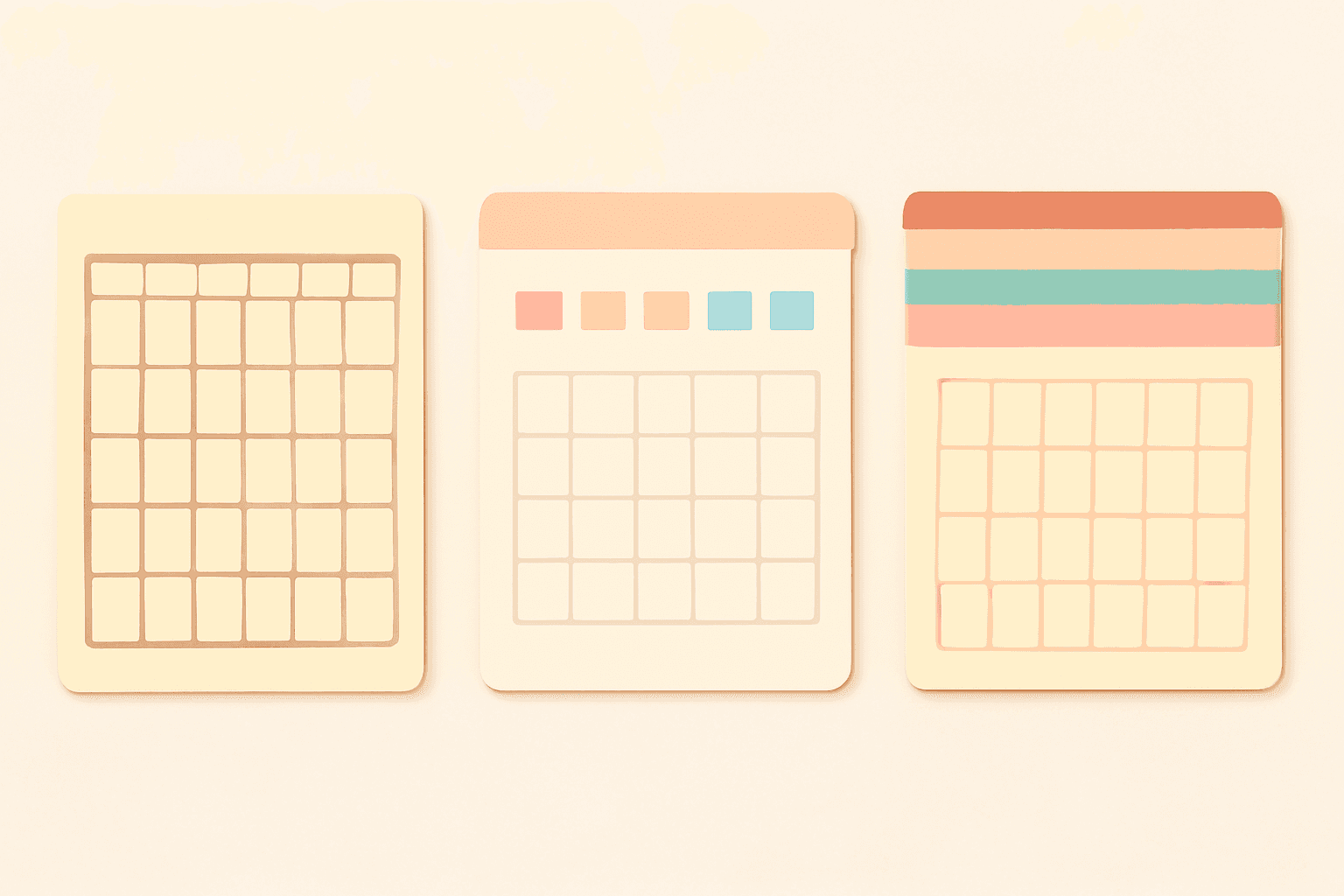
Canva Monthly Calendar: Template vs Table vs Calendar Maker (Which Is Fastest?)
Three ways to make a monthly calendar in Canva: a ready-made template, a hand-built table, or the Calendar Maker app. We compare setup time, flexibility and 12-month projects, with a clear verdict.
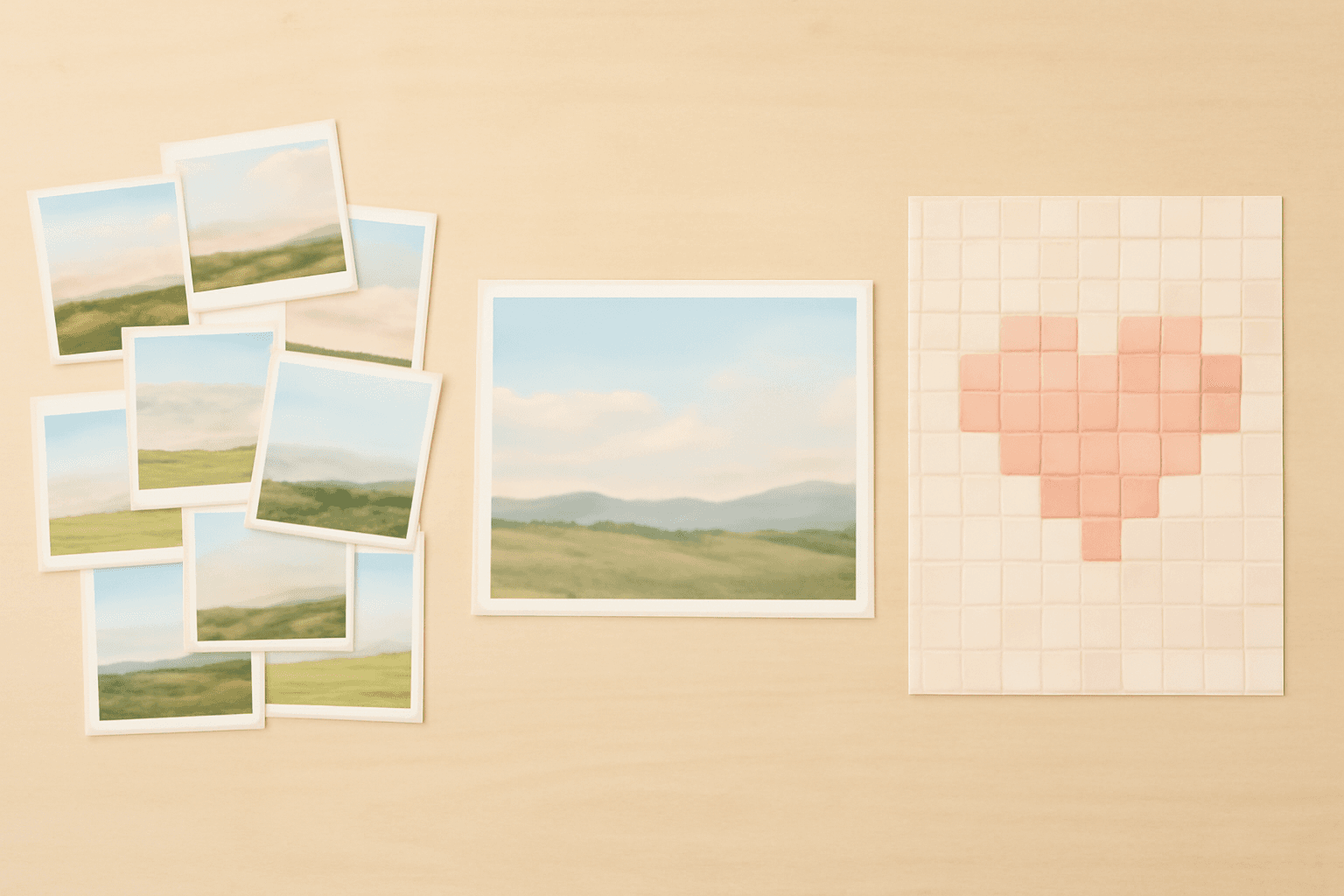
Photo Collage vs Photo Montage vs Photo Mosaic: What's the Difference?
Collage, montage and mosaic get used as if they mean the same thing. They don't. Here is how each one works, a side-by-side table, and which to build in Canva for your photos.

Image to Frame vs Trace to Frame: Which Canva App Makes Your Custom Frame?
Need a custom-shaped frame in Canva? Image to Frame converts a PNG, SVG or JPG; Trace to Frame lets you click points to draw a polygon. Here is when each one wins, with a side-by-side table.
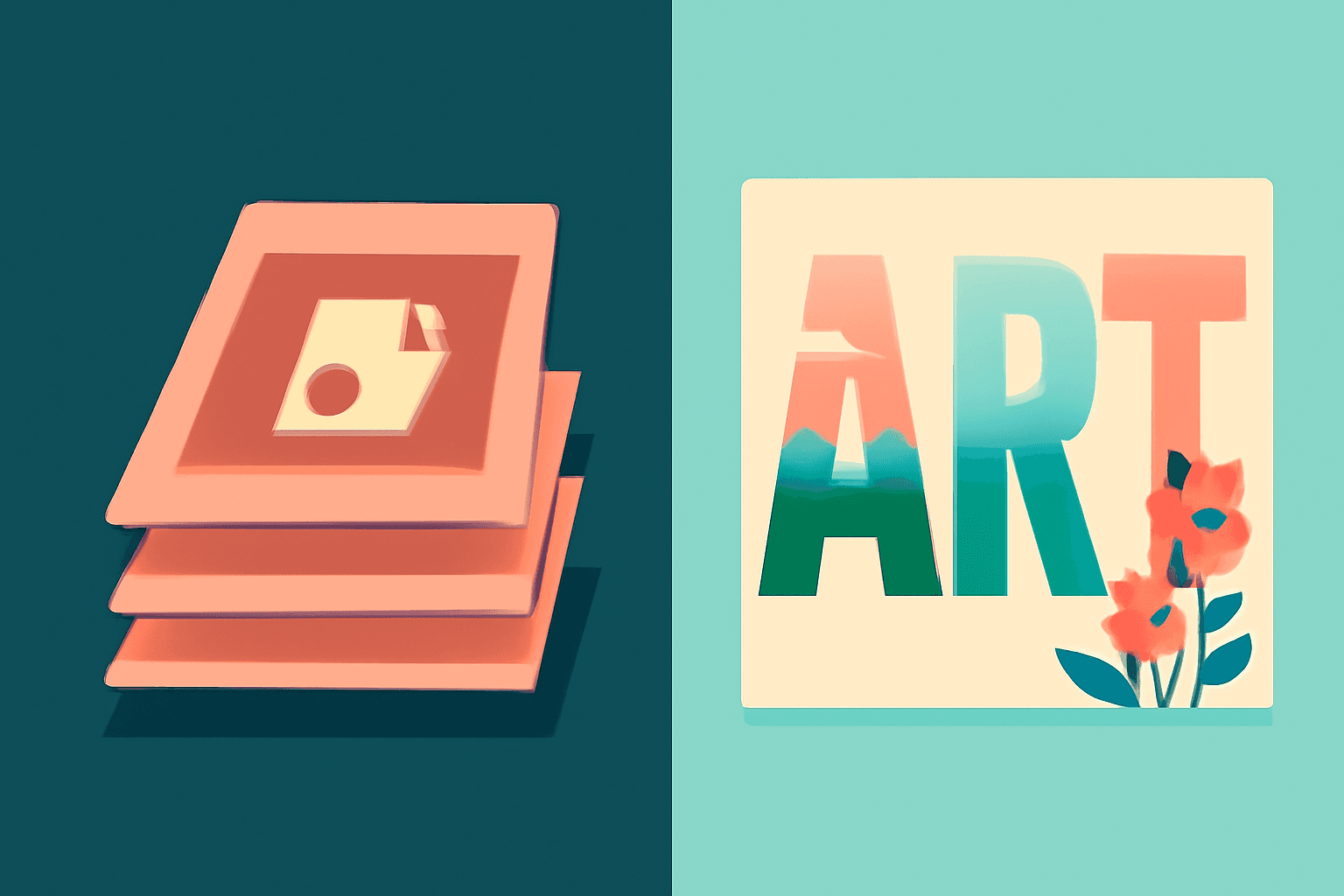
Photoshop Clipping Mask vs Text to Frames: Photo-in-Text in Canva
Filling text with a photo is a classic Photoshop trick. Here is how the Photoshop clipping mask compares with Text to Frames in Canva, and which one fits a quick title or banner.
Word Calendar Template vs Canva Calendar Maker: Which Should You Use?
Microsoft Word calendar templates are fast and familiar; Canva's Calendar Maker app is built for good-looking, printable calendars. Here is an honest side-by-side, with a clear verdict for each use case.
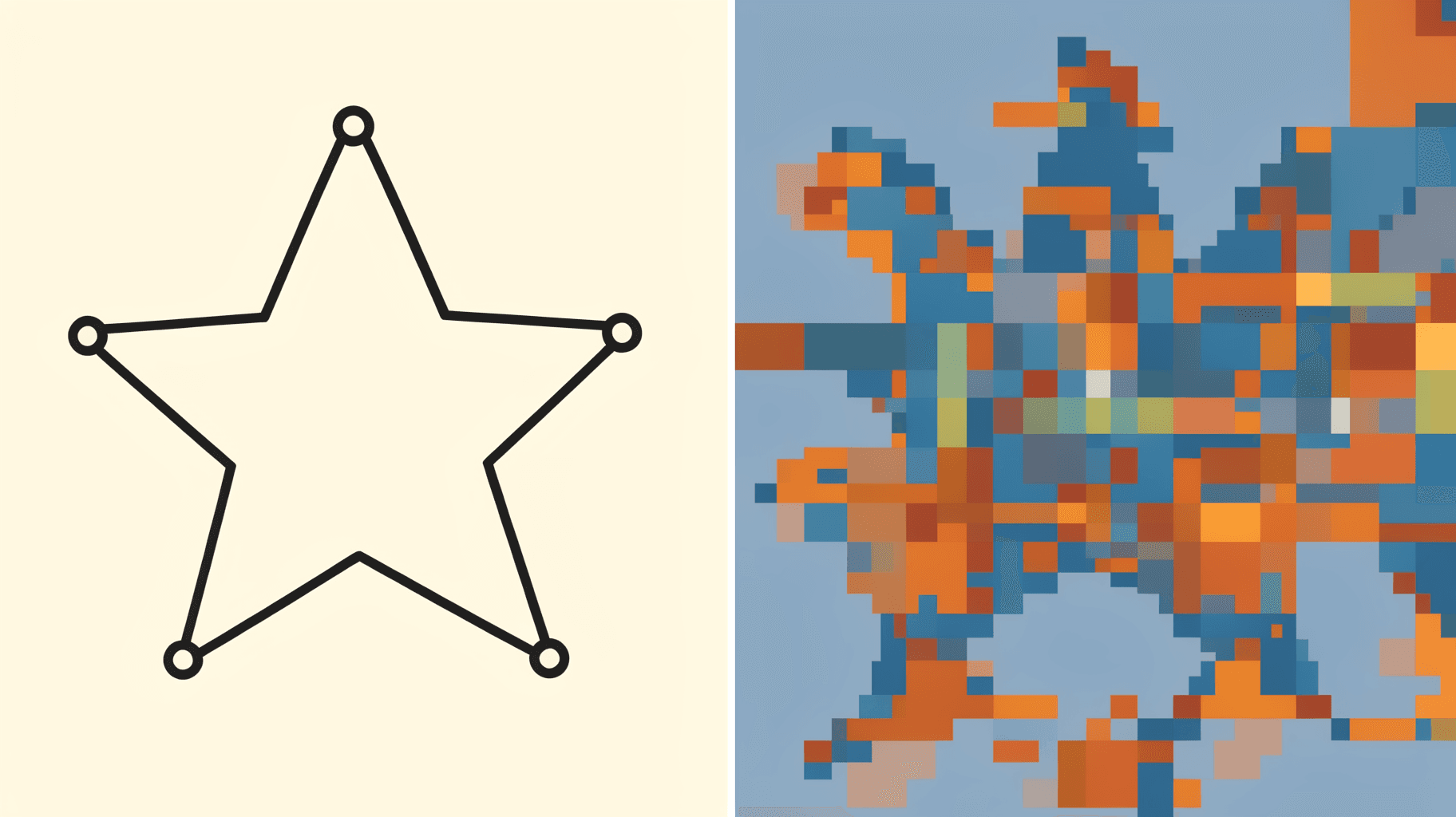
Vector vs Raster: What's the Difference (and Which to Use)
Vector graphics are built from math paths that scale to any size; raster images are grids of pixels that don't. Here's the real difference, plus which one to reach for with logos, photos, and Canva frame shapes.
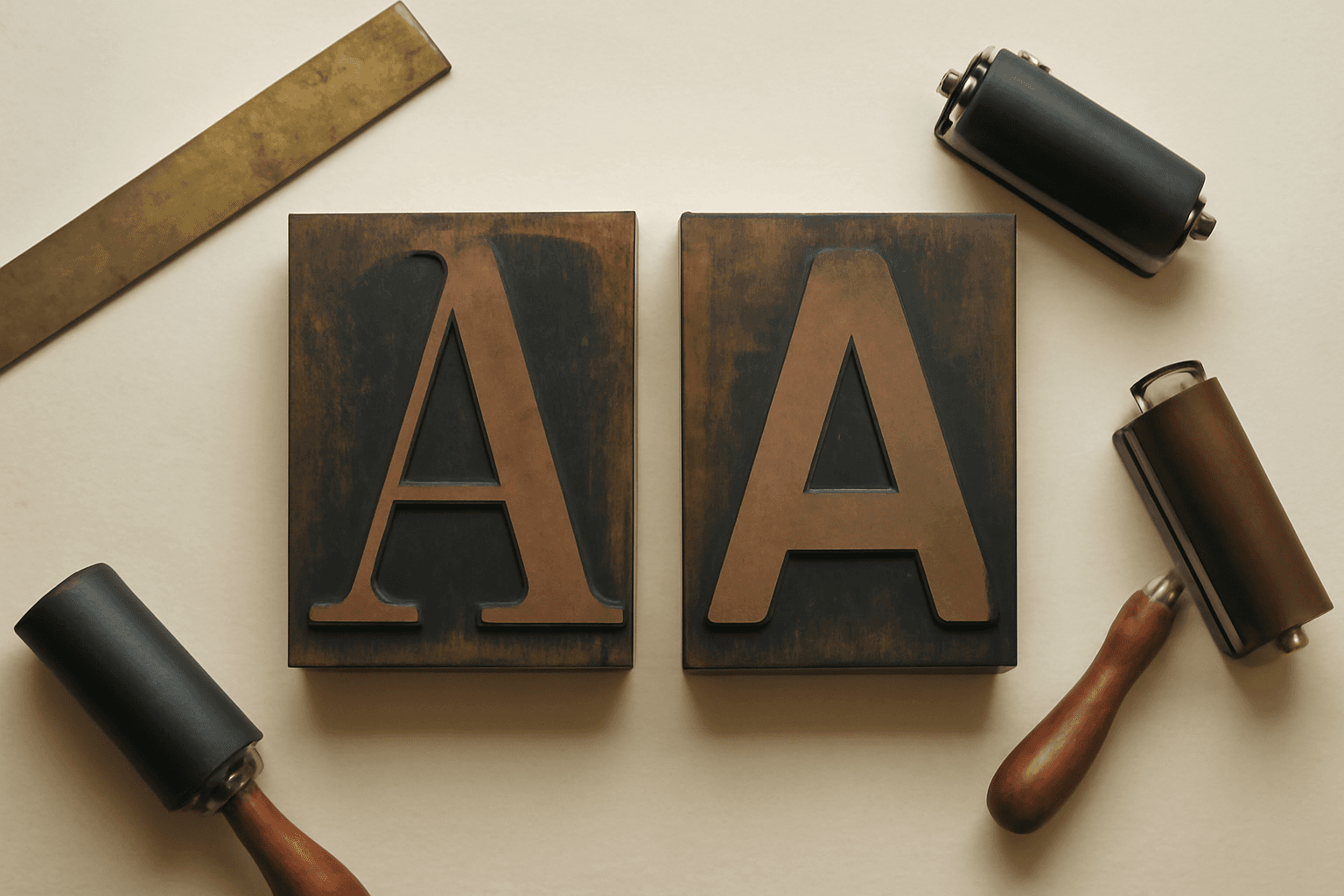
Serif vs Sans Serif: What's the Difference, and Which Font Should You Use?
Serif fonts have small strokes at the ends of their letters; sans serif fonts don't. Here's what that changes for readability, print, screens and pairing — and why heavy sans serifs win when you put photos inside letters.
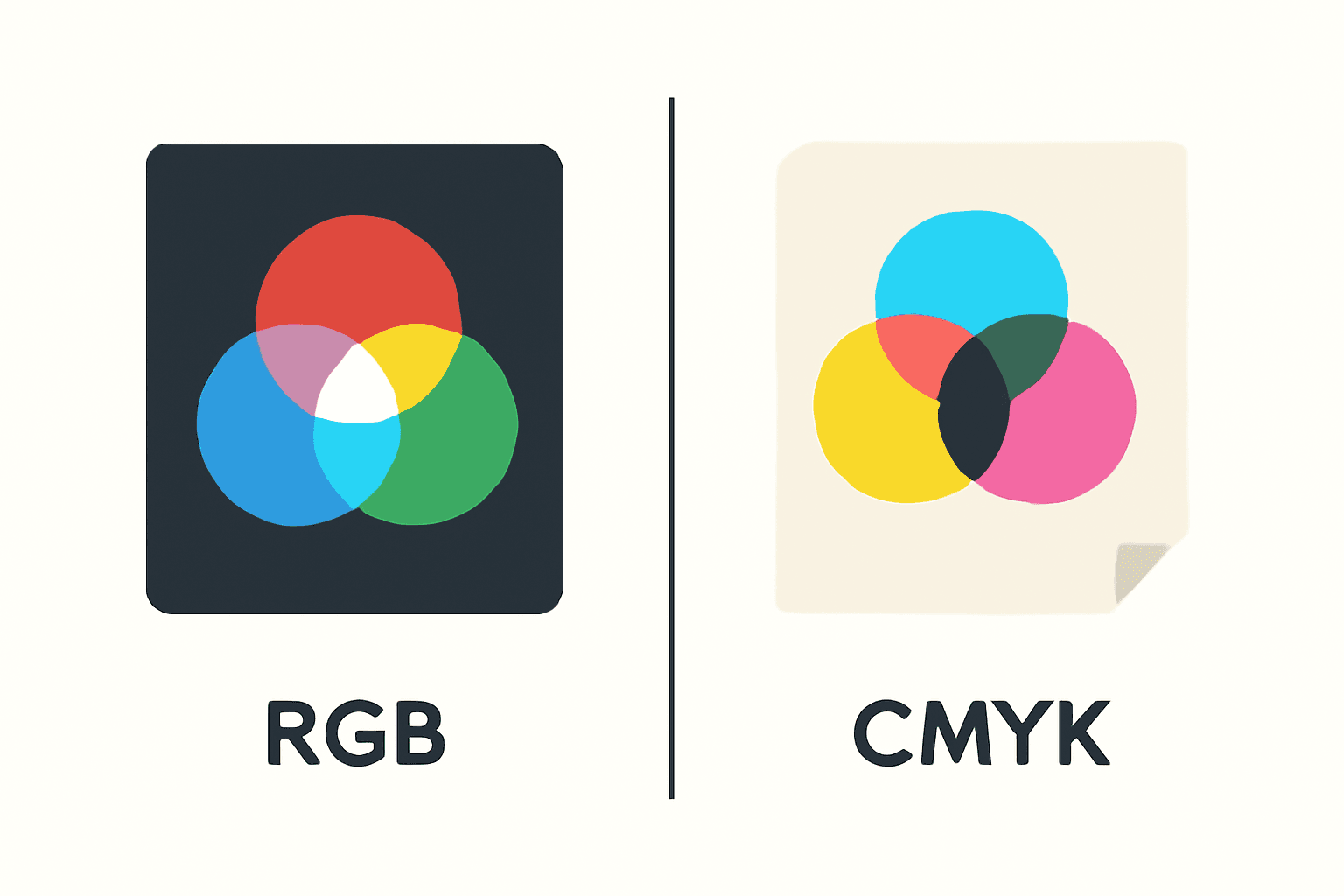
CMYK vs RGB: Which Color Mode Should You Use (and What Canva Actually Does)
RGB is light, CMYK is ink — and that one difference is why your print came back duller than the screen. Here's the plain-English comparison, plus exactly what to do about it inside Canva.