
Tutorials, deep-dives,
creator tips.
Honest write-ups from the team behind 28 tools used by 50k+ creators. Canva apps, AI for makers, dynamic QR codes — what works, what doesn't.
~ shipped with love ✦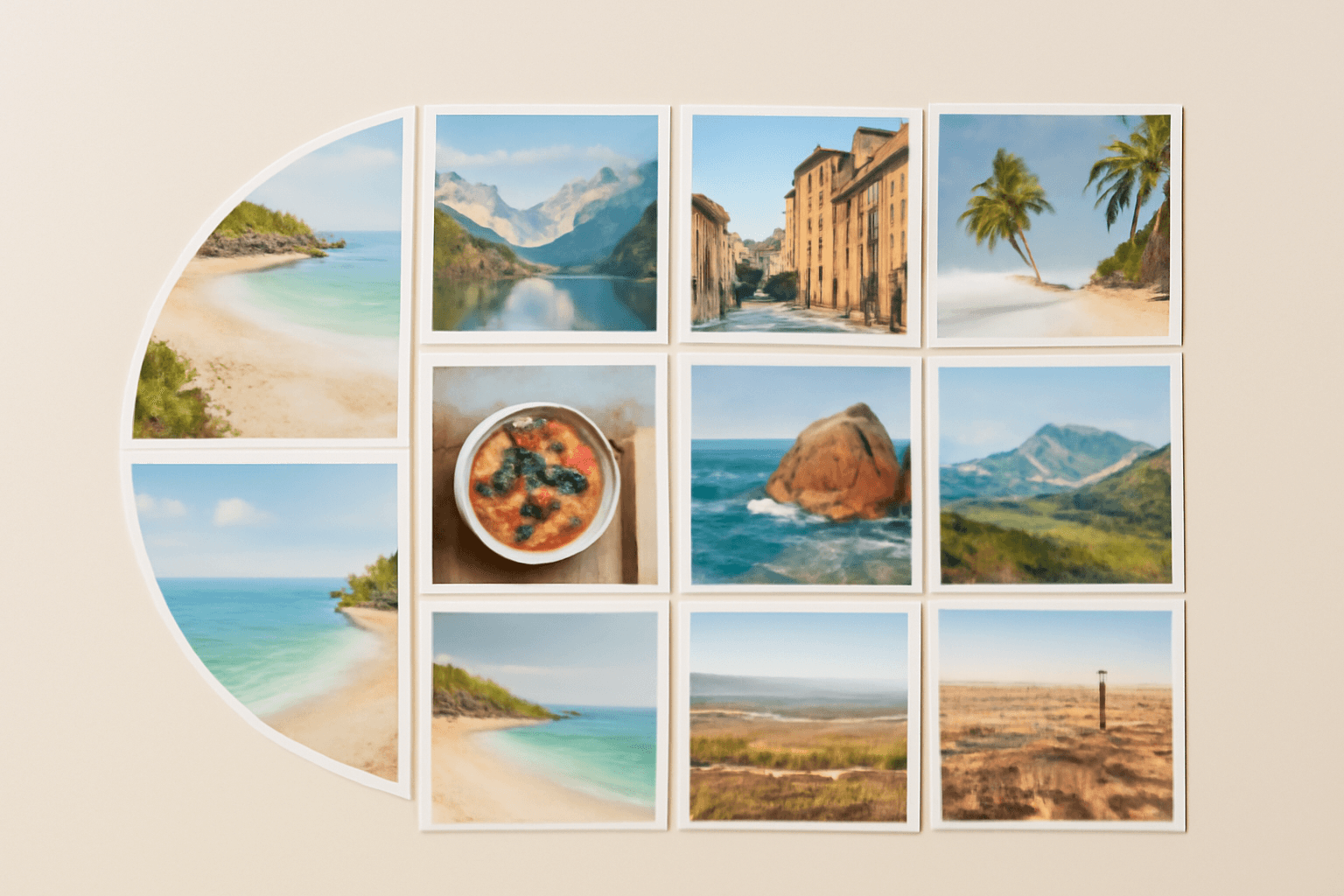
10 Photo Collage Ideas You Can Make in Canva (Grids, Arcs, Diagonals and More)
Ten photo collage ideas you can build in Canva, from classic grids and rainbow arcs to diagonal strips and sunburst layouts, with honest notes on when Canva's built-in grids are enough.
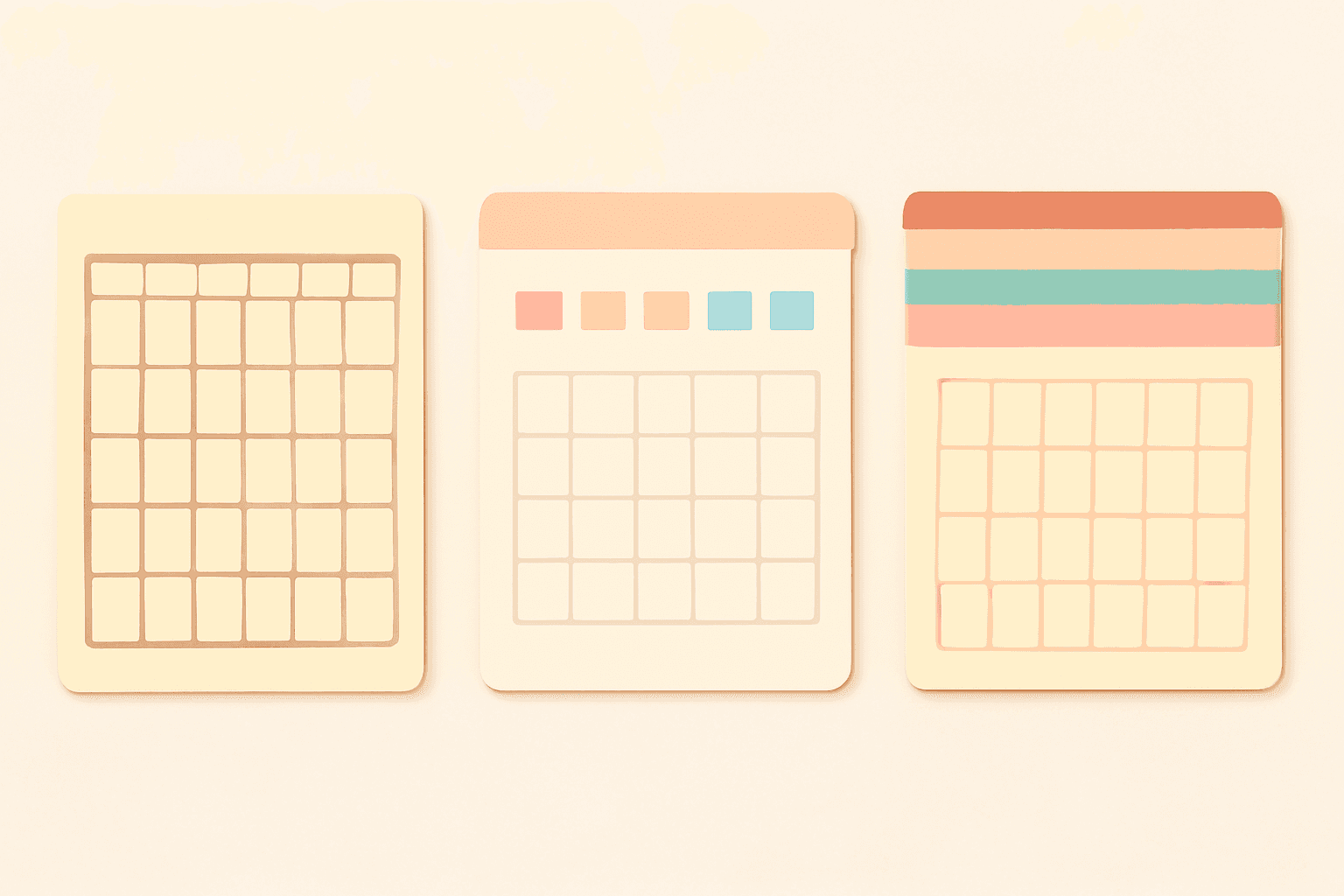
Canva Monthly Calendar: Template vs Table vs Calendar Maker (Which Is Fastest?)
Three ways to make a monthly calendar in Canva: a ready-made template, a hand-built table, or the Calendar Maker app. We compare setup time, flexibility and 12-month projects, with a clear verdict.
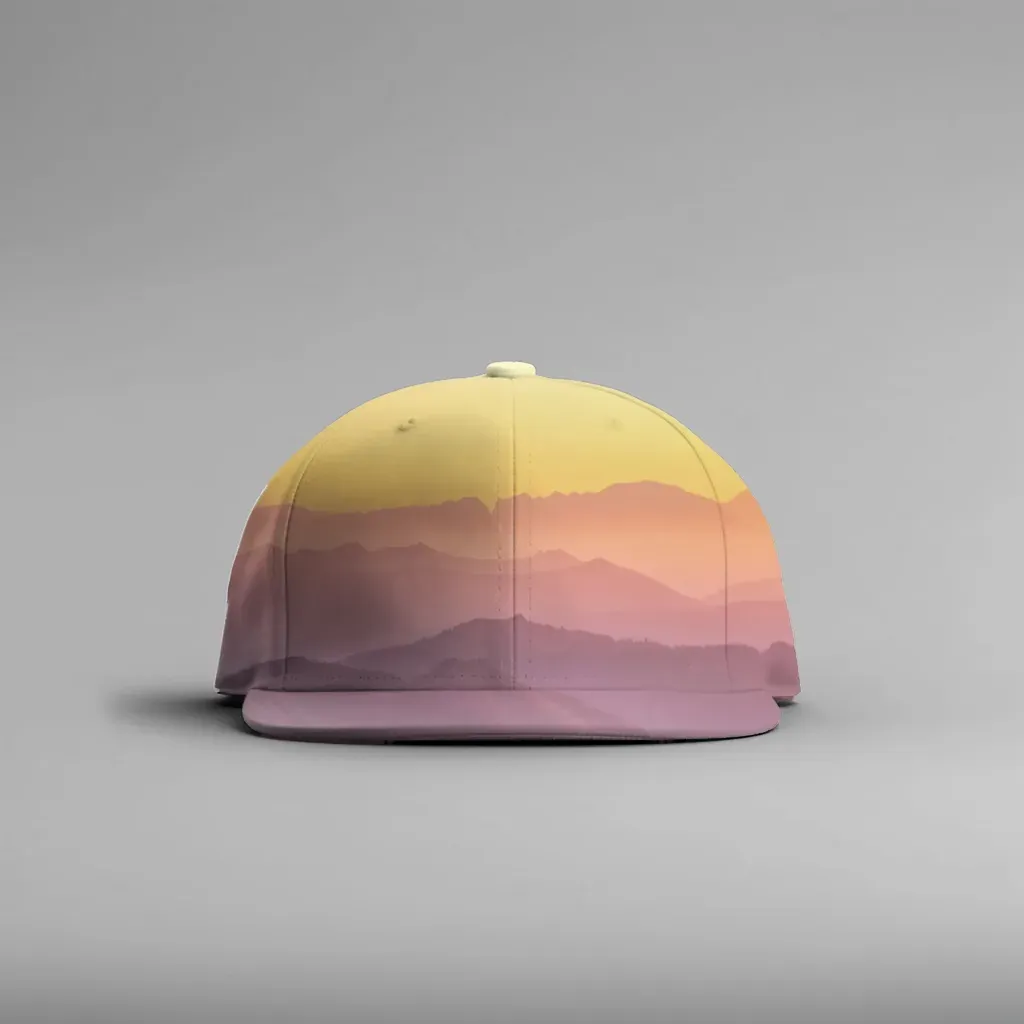
How to Make a Hat Mockup From a Photo (So the Design Curves With the Cap)
Turn one photo of a blank cap into realistic hat mockups: drag a box around the front panel, let the design wrap the curve with the photo's real shading, then render all your designs at once in your browser.
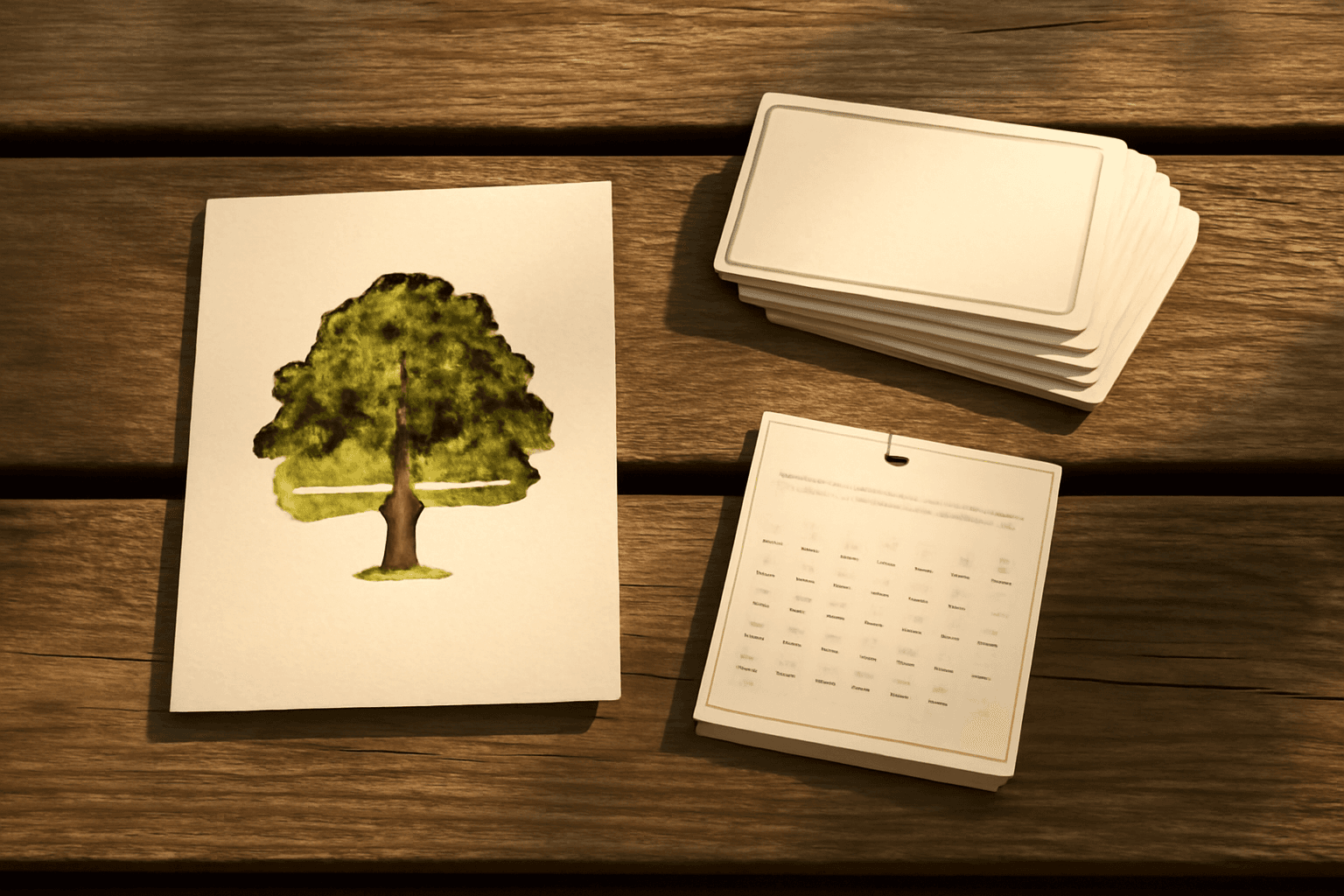
The Best Canva Apps for Family Reunions (2026): Invites, Banners, Photo Walls and Calendars
Planning a family reunion in Canva? Here are the five Qrdy apps that actually help: shaped photo invitations, photo-letter banners, photo-wall grids, a countdown calendar and a QR link that can change after printing.
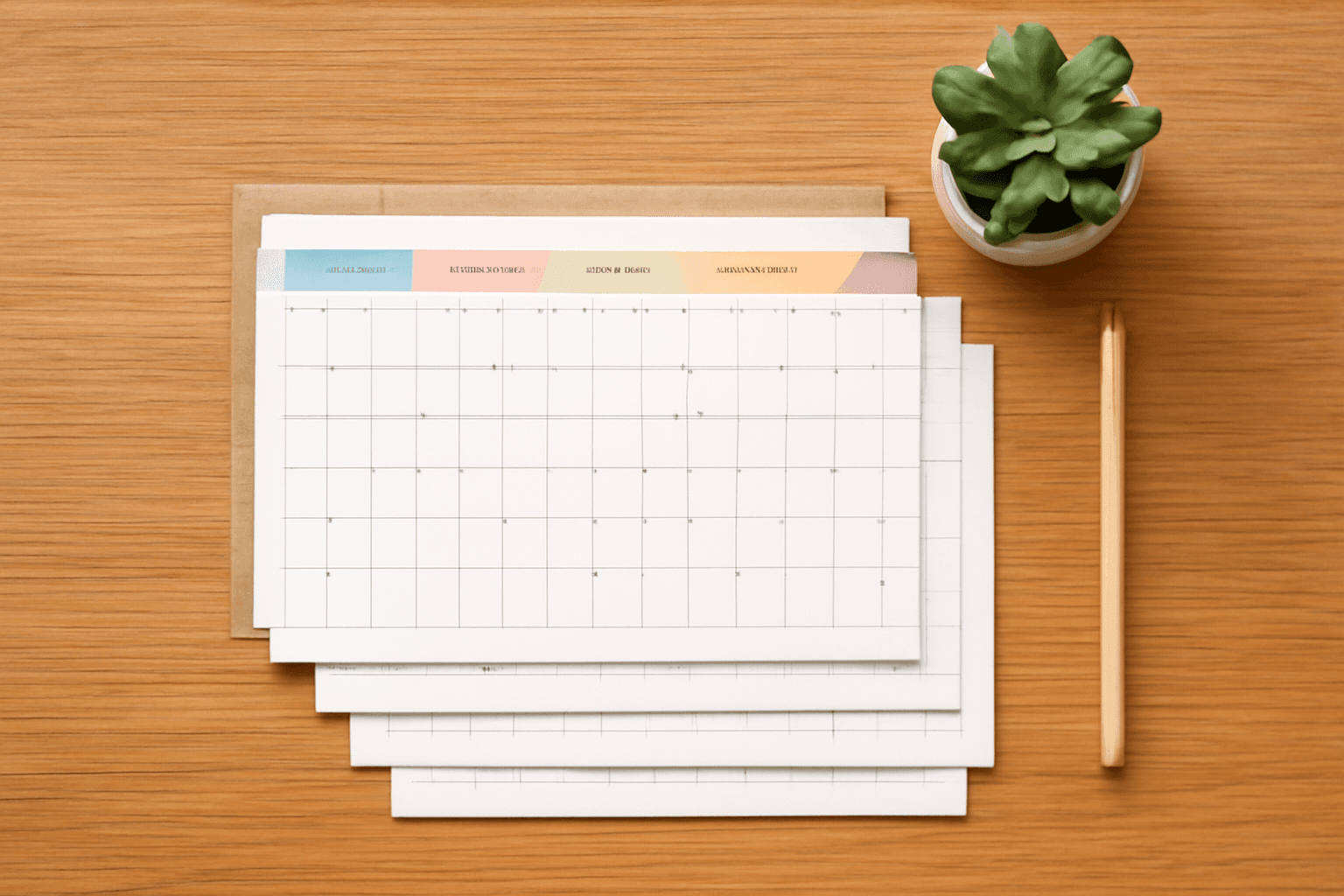
How to Make a Birthday Calendar in Canva (Family Birthday Tracker, Step by Step)
Build a printable family birthday calendar in Canva: 12 months, one page each, with names added in minutes. A step-by-step tutorial using Calendar Maker, plus honest notes on what Canva does on its own.
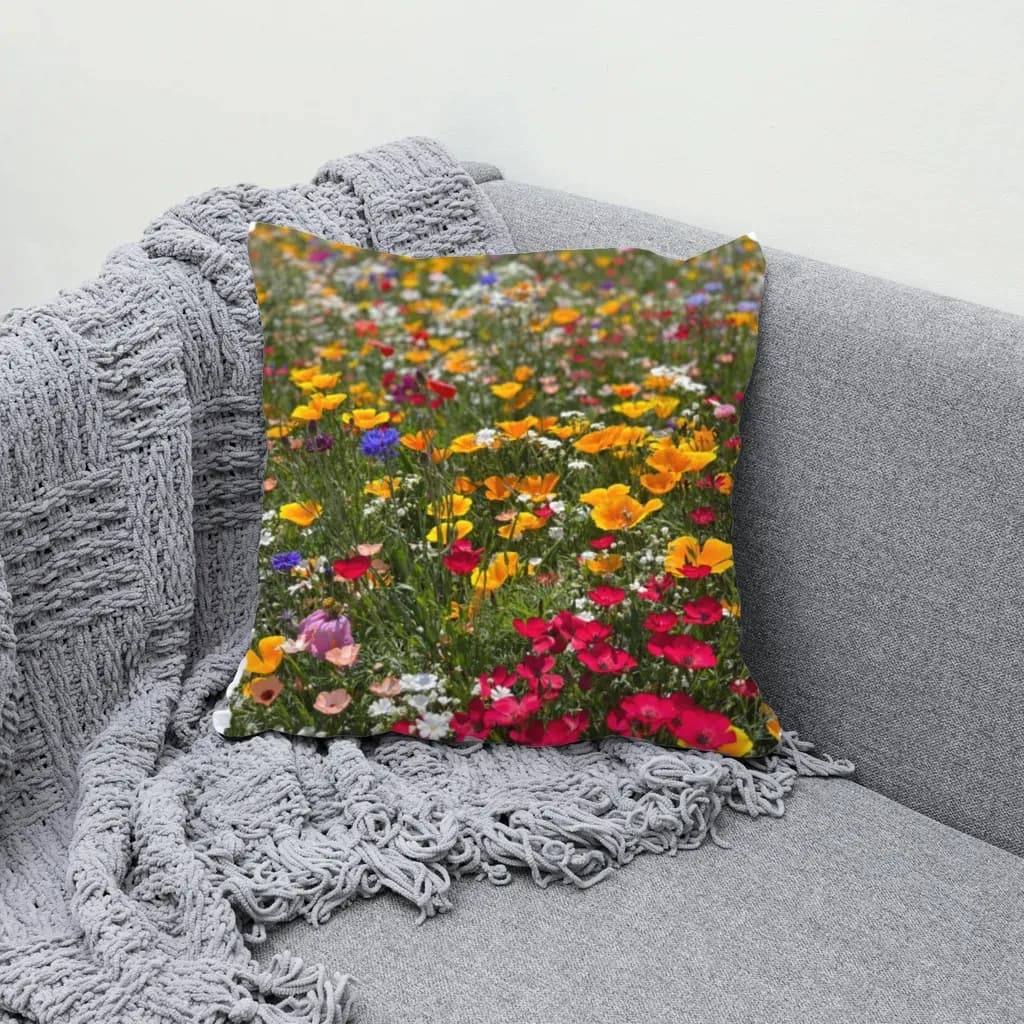
How to Make Mockups for Etsy Without AI (Using Your Own Product Photos)
Make Etsy mockups from real photos of your own blanks instead of AI-generated scenes: photograph or source a blank, drag one box around the print area, save a template and render every design in one batch, all in your browser.
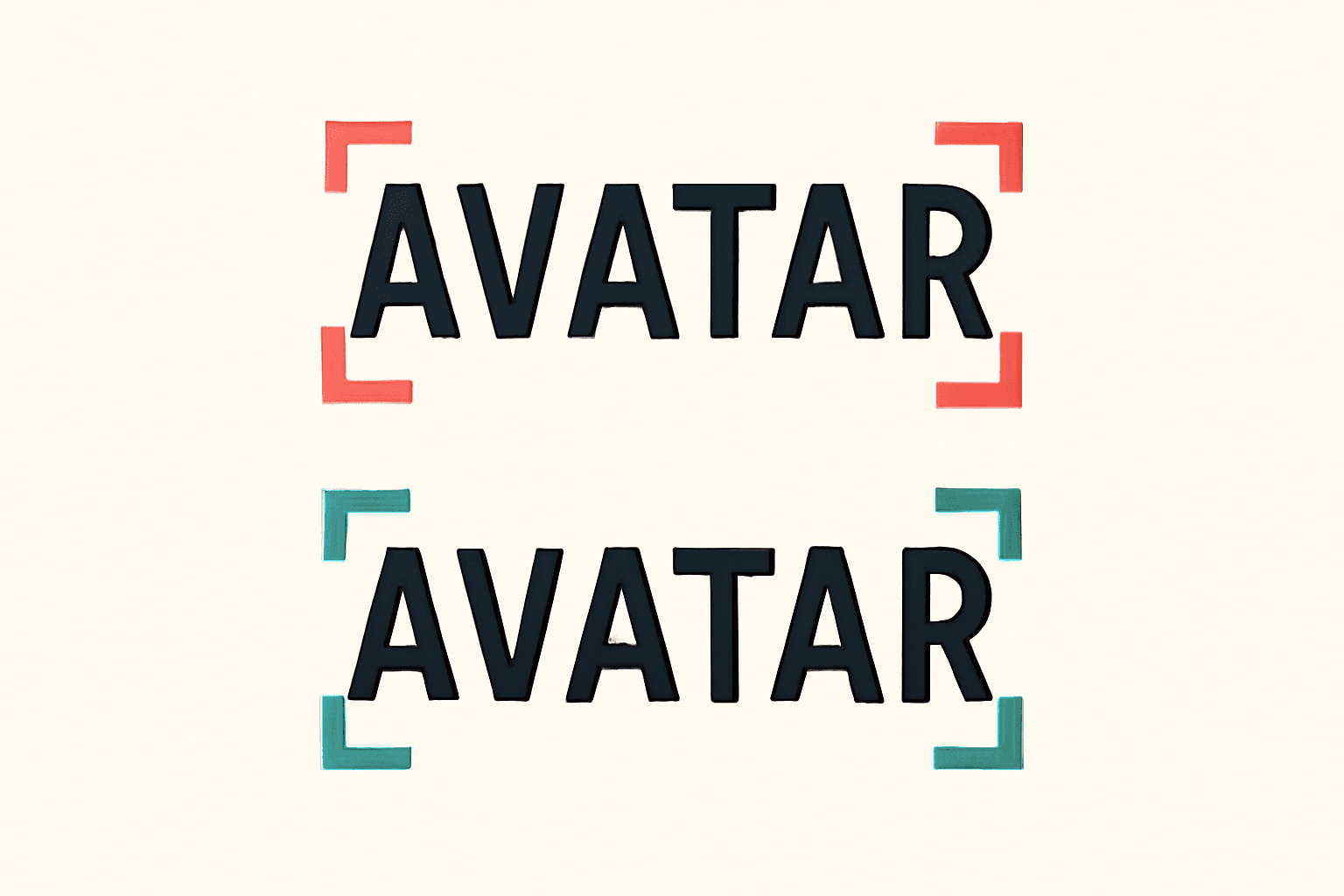
What Is Kerning? Meaning, Examples, and How to Space Photo Letters in Canva
Kerning is the adjustment of space between one pair of letters so gaps look even. Learn how it differs from tracking, which pairs need it, and how to space photo-filled letters in Canva.
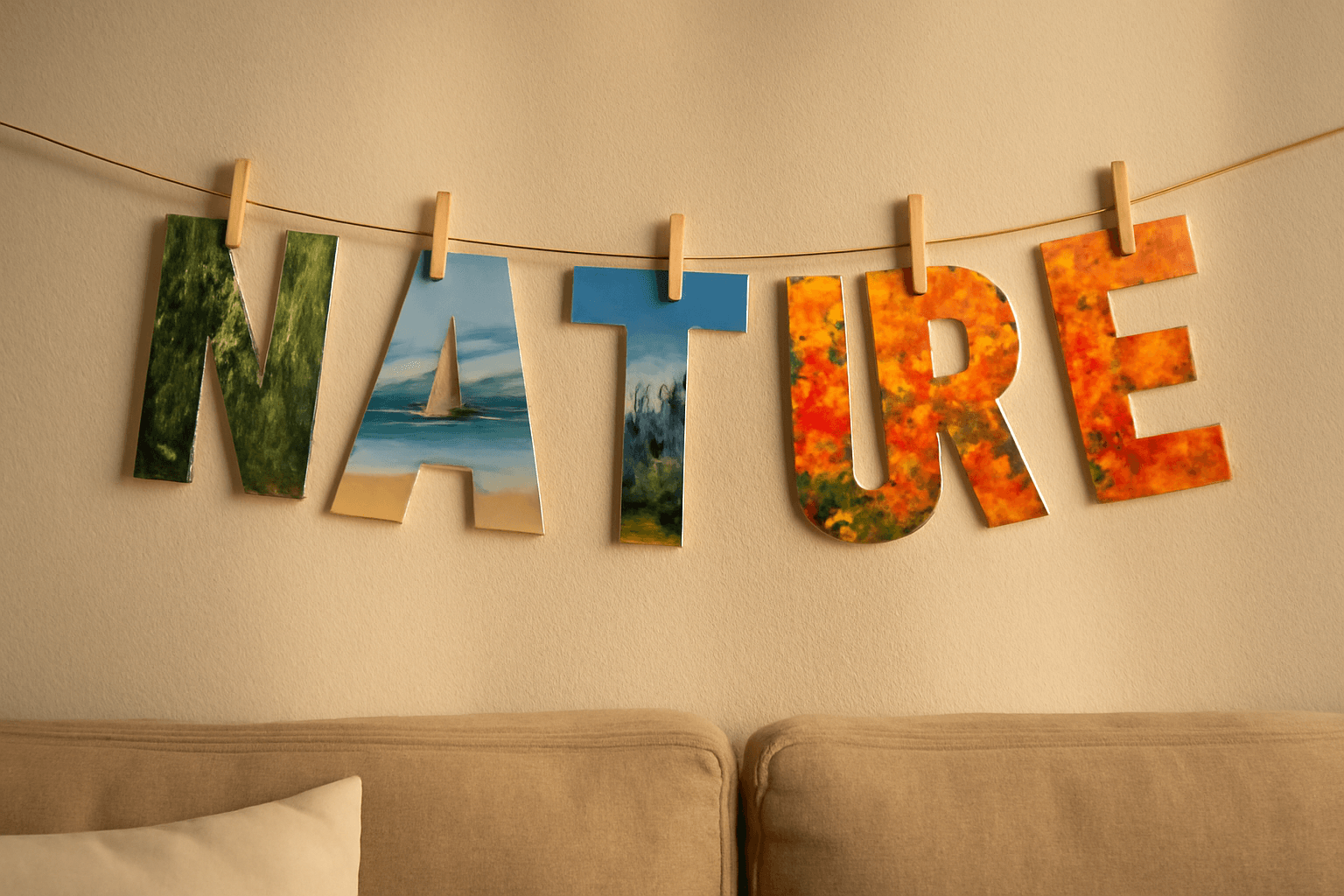
10 Photo Letter Banner and Name Sign Ideas You Can Make in Canva
Ten printable letter banner, name banner and family name sign ideas where every letter is a Canva frame filled with its own photo, built with Text to Frames.
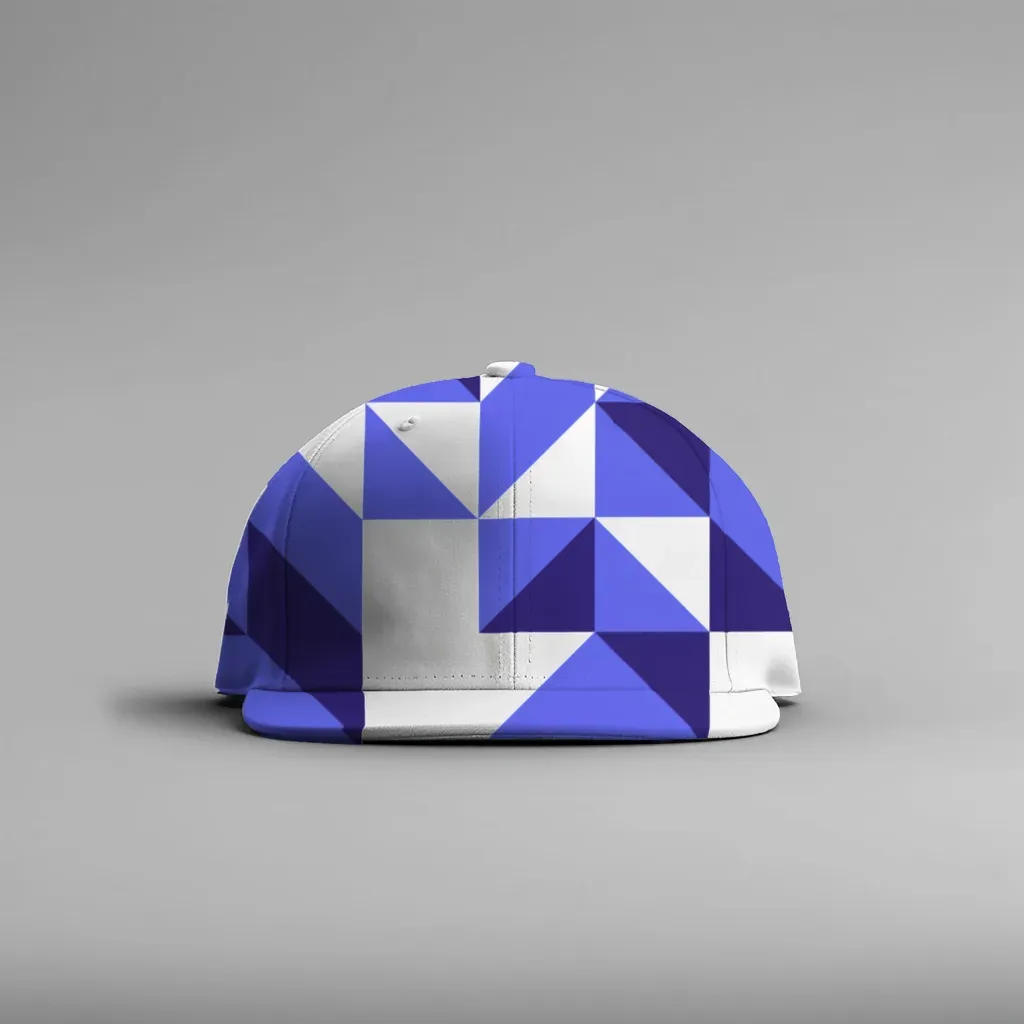
How to Make a Mockup Without Photoshop (From Any Product Photo)
Make a realistic product mockup from any plain photo, no PSD or Photoshop needed: drag one box around the print area, fix what the auto pass missed, save a template and render all your designs at once in your browser.
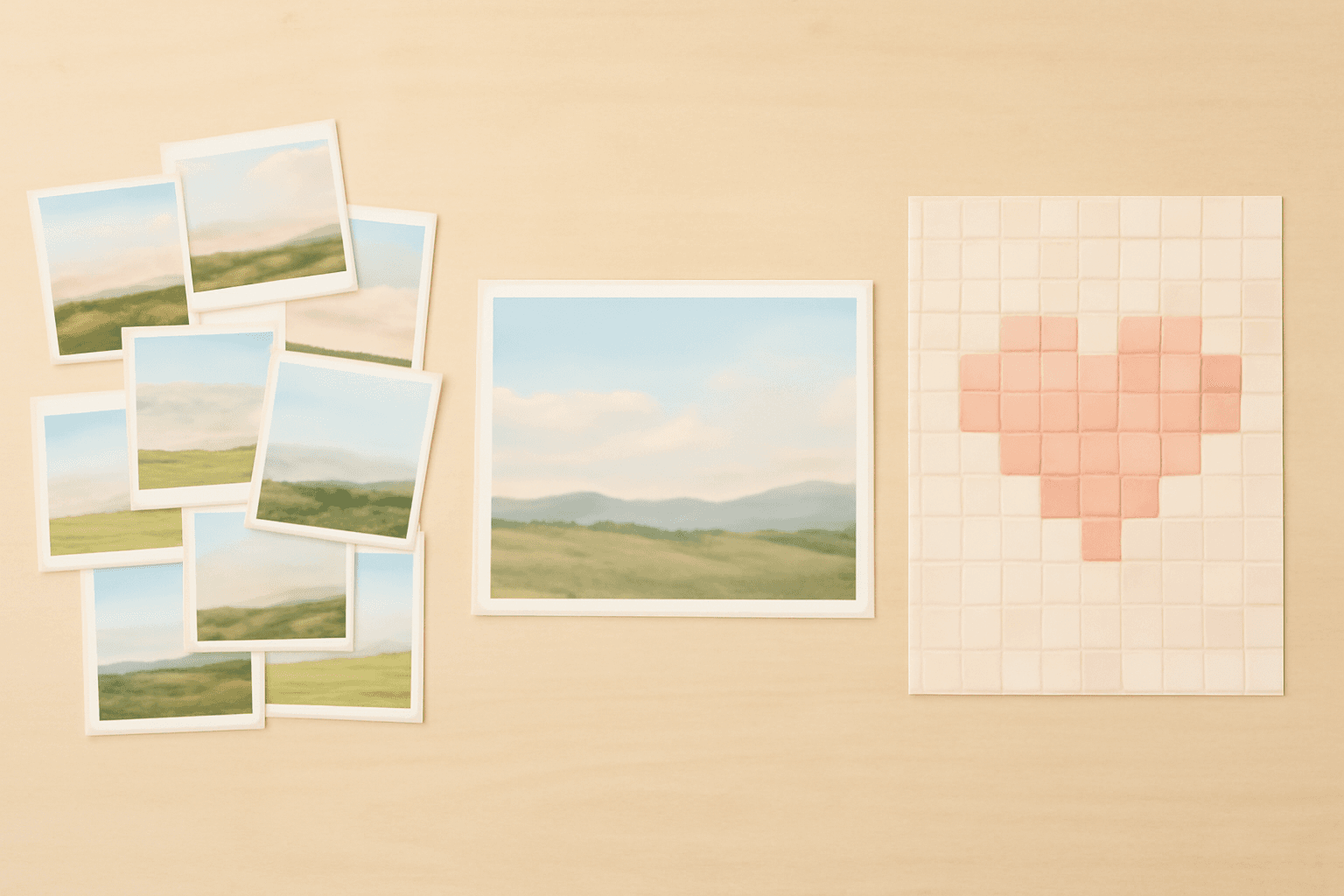
Photo Collage vs Photo Montage vs Photo Mosaic: What's the Difference?
Collage, montage and mosaic get used as if they mean the same thing. They don't. Here is how each one works, a side-by-side table, and which to build in Canva for your photos.
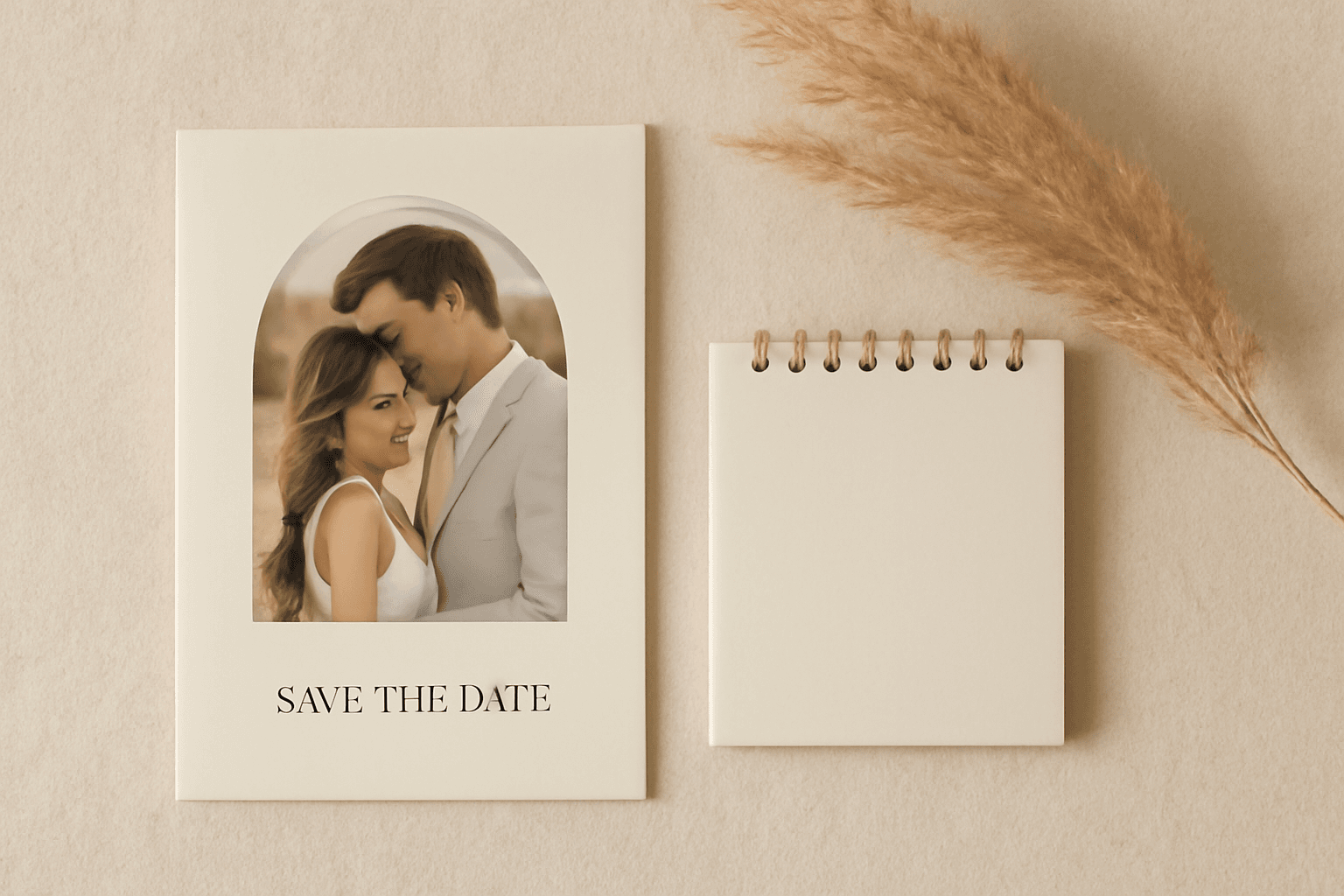
The Best Canva Apps for Save the Dates (2026): Photo Cards, Calendars & QR
Making a save the date in Canva? Here are five Canva apps that add what templates lack: arch and heart photo frames, a monogram, a mini calendar with the date circled, and a QR code.
What Is a Mockup? Meaning, Types, and How Print-on-Demand Sellers Use Them
A mockup is a realistic preview of your design on a real product. Learn the two meanings of "mockup", the main product mockup types, what makes one look fake, and three ways print-on-demand sellers make them.