
What Is a Perpetual Calendar? Meaning, Types, and How to Make One in Canva
A perpetual calendar works in any year because it never prints one. Learn what it is, the main types, how it works, and how to build a reusable birthday version in Canva.
What Is a Perpetual Calendar?
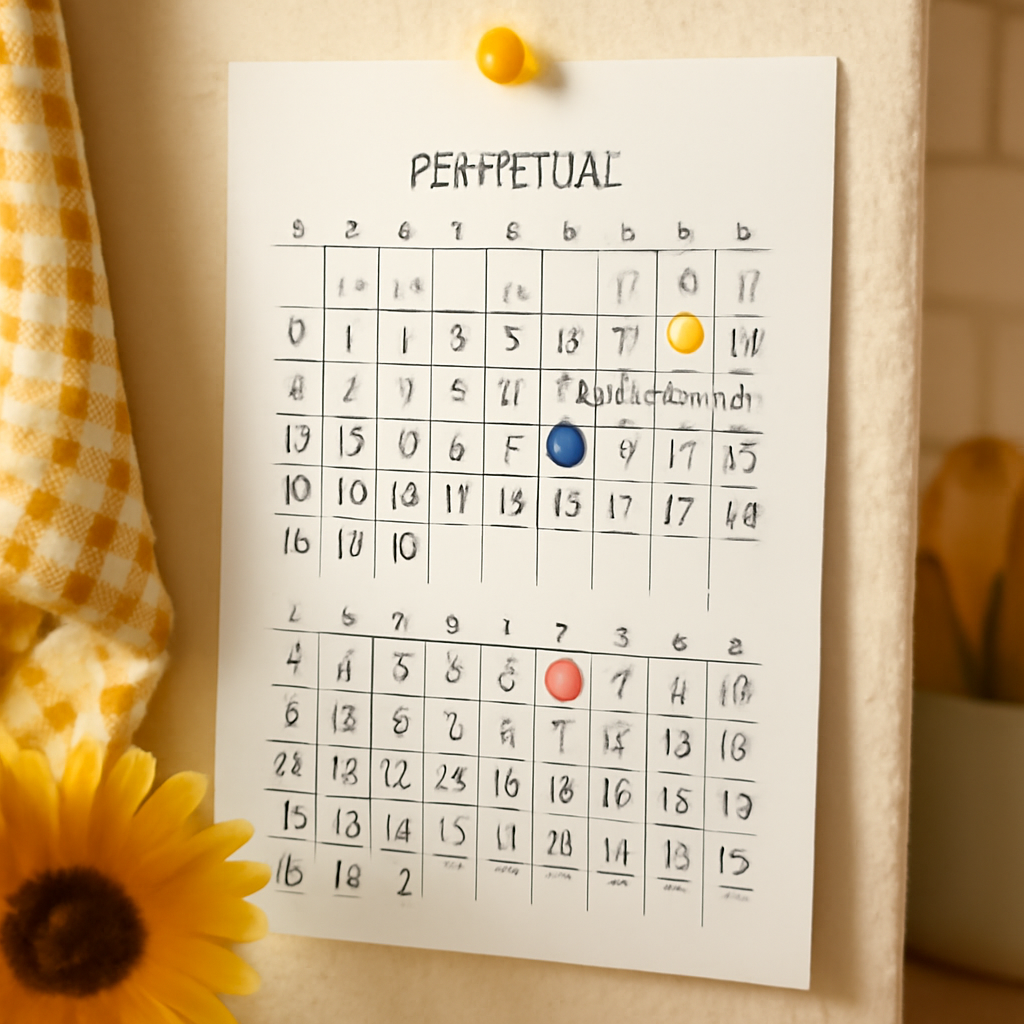
A perpetual calendar is a calendar that works in any year. Instead of printing one specific year (say, 2027) it shows the months and the dates only, so you can reuse it forever. Most people use one for things that repeat on the same date every year: birthdays, anniversaries, and holidays.
Perpetual calendar vs. a normal yearly calendar #
| Yearly calendar | Perpetual calendar | |
|---|---|---|
| Shows the year | Yes, one year only | No year printed |
| Weekday under each date | Correct for that year | Usually omitted, or changeable |
| Reusable next year | No, you print a new one | Yes, indefinitely |
| Best for | Scheduling, appointments, deadlines | Birthdays, anniversaries, repeating dates |
The key idea: a date like "March 14" falls on the same day every year, but the weekday it lands on changes. A yearly calendar has to get the weekday right, so it expires. A perpetual calendar sidesteps the problem by focusing on the date.
The main types of perpetual calendar #
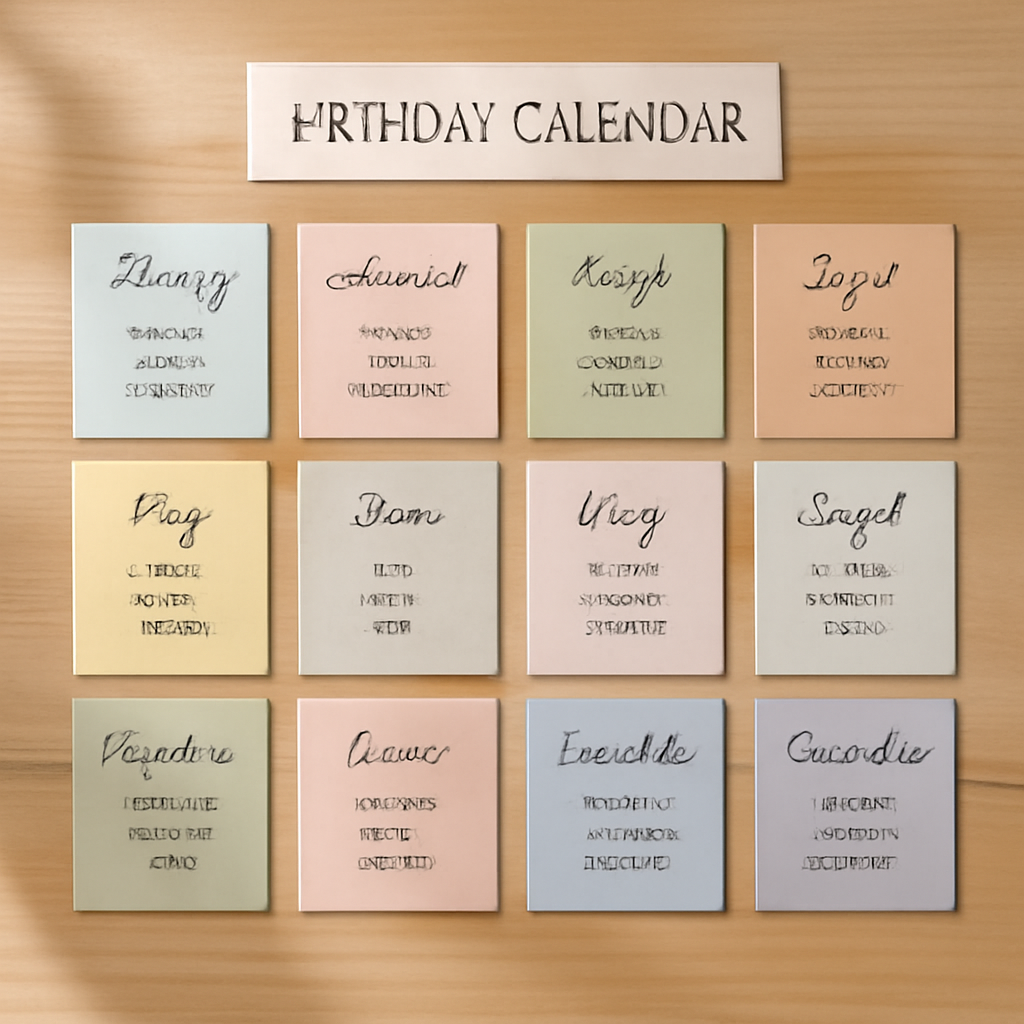
- Birthday and anniversary calendar. Twelve months, a list or grid of dates, and room to write names. This is the version most people want, and the easiest to make yourself.
- Flip or block calendar. A desk object with movable month, date, and sometimes weekday blocks. You turn them each day. (See our guide to the desk calendar format.)
- Wall perpetual calendar. A poster-style wall piece with date-only grids, often used as a family birthday board. Compare with a wall calendar.
- Date-and-weekday lookup chart. The mathematical kind: a table that lets you find the weekday for any date in any year. Rare in daily life, popular in puzzles and history.
How a perpetual calendar works #
There are two common designs:
- Date-only grid. Each month shows 1 to 31 with no weekday header, so nothing ever goes out of date. You write recurring events into the date cells.
- Changeable grid. The calendar has movable parts (blocks, sliders, or a lookup table) so you can set the correct weekday for the current year.
For a family birthday board, the date-only grid is simpler and doesn't require any adjusting.
How to make a perpetual birthday calendar in Canva #
Canva has no one-click "perpetual calendar" button, so here is an honest workflow using the Calendar Maker app as the starting point. Calendar Maker generates real dated month grids, so you will do a small amount of cleanup to make it year-less.
- Open Calendar Maker from the Apps panel in your Canva design.
- Use the Month tab and turn on Add all months and Each month on its own page, so you get 12 pages named by month.
- Pick a style. Choose one of the example color palettes or a page template, and set fonts, sizes, and header and cell colors so the set looks consistent.
- Click Add to design. Calendar Maker adds the 12 months to your design.
- Remove the year. Edit the page headings in Canva so they show only the month name. Because the grids are generated for a specific year, the weekday labels apply to that year only. Treat them as decoration, or delete them if you want a pure date grid.
- Add the dates people care about. Type names into the relevant cells: "Mum 14" in March, for example. Color-code by group (family, friends, work).
- Print or save as PDF. Print on heavier paper and hang it, or keep the PDF as a digital reference.
Tips #
- Save your setup. Turn on "Save settings after adding successfully" in Calendar Maker so you can restore the same style later.
- Use the Custom tab for a 150-day-or-shorter window if you only need a seasonal birthday strip.
- Decorate the edges with a frame or border made with Frames Lab or Border Art Maker to make it a gift-worthy piece.
- Leave weekday decisions to the reader. If you keep weekday labels, note the reference year in a small footer.
- Canva built-in alternative: Canva's own calendar templates work fine if you just want to edit text by hand. Calendar Maker saves time when you want 12 consistent styled pages in one go.
When a perpetual calendar is the right choice #
Pick one if you want to track dates that repeat yearly and don't want to redo the work every January. Pick a regular yearly calendar if you schedule appointments, because weekdays matter for those.
FAQ #
What is a perpetual calendar used for? #
Mostly for recurring dates such as birthdays, anniversaries, and annual reminders. It also refers to flip-style desk calendars and weekday lookup tables.
Does a perpetual calendar include the year? #
Usually not. That is the point: with no year printed, it never expires.
Can I make a perpetual calendar in Canva? #
Yes. Generate 12 month pages with Calendar Maker, remove or ignore the year and weekday details, and fill in your recurring dates by hand.
Frequently asked questions
Mostly recurring dates such as birthdays, anniversaries and annual reminders, plus flip-style desk calendars and weekday lookup tables.
Usually not. With no year printed it never expires, so you can reuse it every year.
Yes. Generate 12 month pages with Calendar Maker, remove or ignore the year and weekday details, then add your recurring dates.
Related products


More from QRdy Blog
10 Family Planner and Calendar Ideas You Can Make in Canva
Ten printable family planner ideas you can build in Canva with Calendar Maker: a fridge calendar, chore chart, birthday calendar, meal plan, carpool grid and more. Honest notes on where Canva's built-ins are enough.

Image to Frame vs Trace to Frame: Which Canva App Makes Your Custom Frame?
Need a custom-shaped frame in Canva? Image to Frame converts a PNG, SVG or JPG; Trace to Frame lets you click points to draw a polygon. Here is when each one wins, with a side-by-side table.

Ứng dụng Canva tốt nhất để làm thiệp Valentine (2026)
Chọn app Canva nào để làm thiệp Valentine có ảnh? So sánh Image to Frame, Text to Frames và Frames Lab: ảnh trong khung trái tim, tên người thương bằng chữ ảnh, lưới kỷ niệm.