
AI Video Background
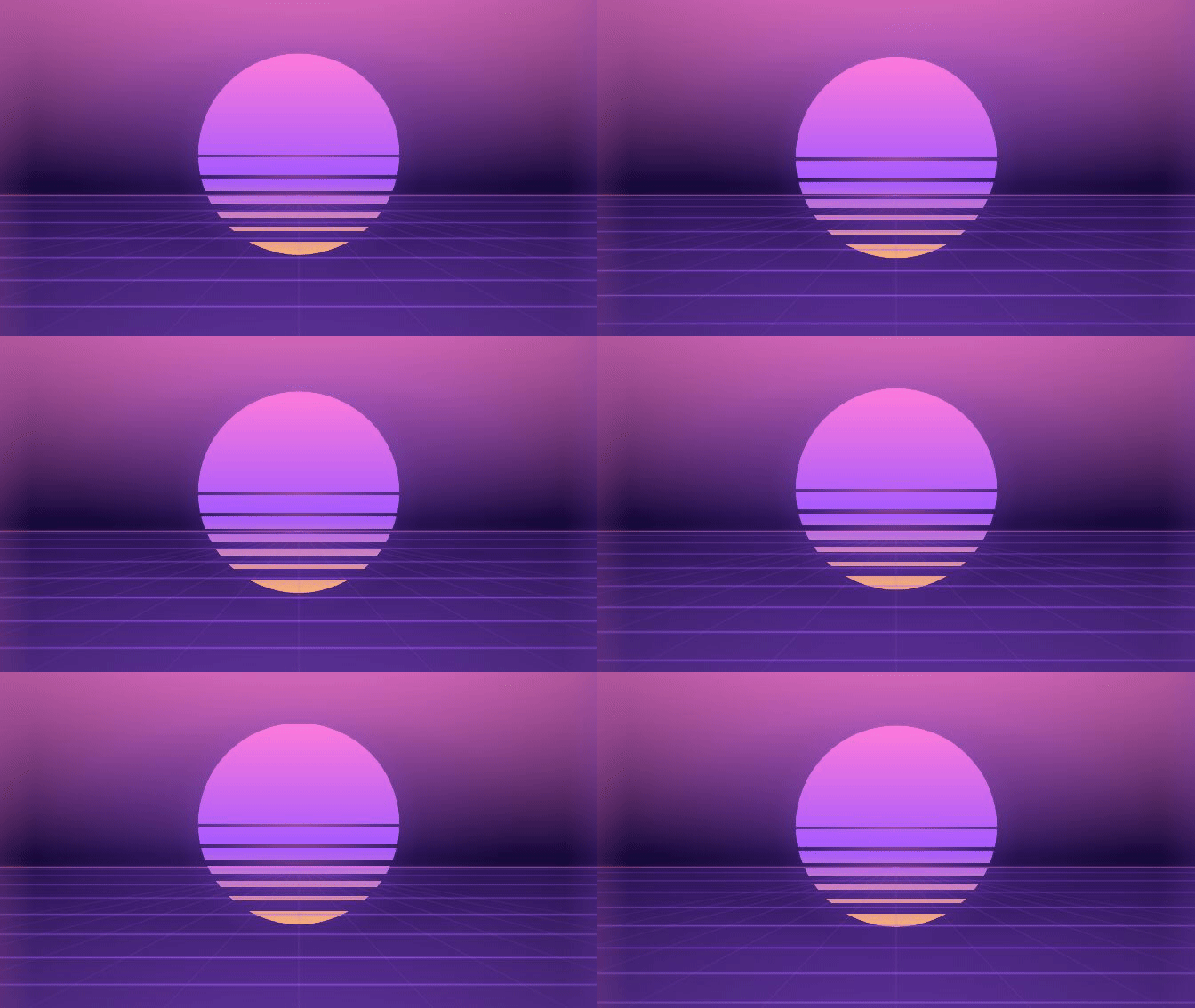
AI video backgrounds from a single prompt
Describe the background you want and AI renders a seamless looping video — ready to download or drop straight into Canva. This page's background? Made with one prompt.
1 sentence = 1 video

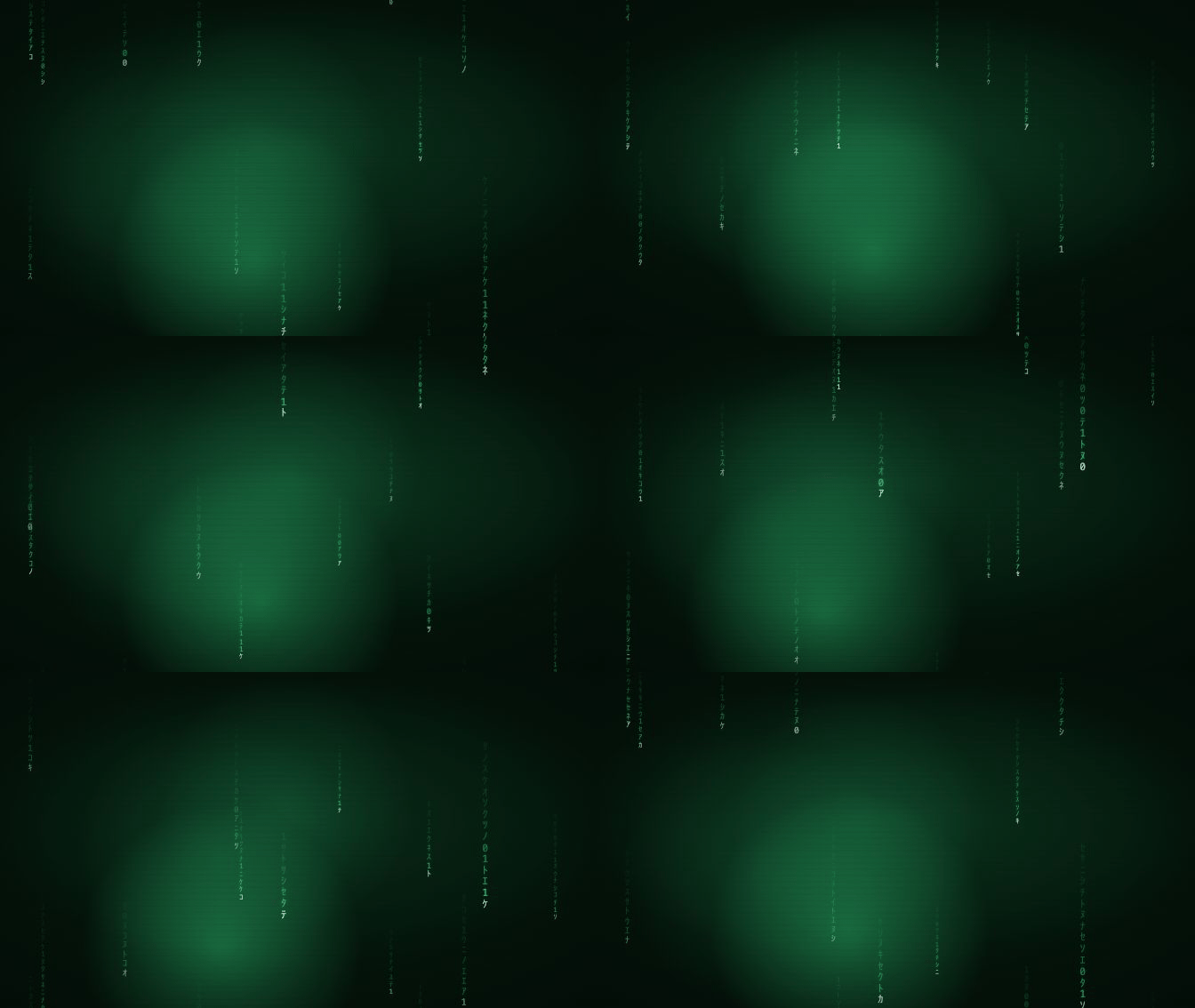


EVERY STYLE OF BACKGROUND, ONE PROMPT
You type it. The studio builds it.
One prompt box, three choices: layout, length, style. AI turns your sentence into colours, motion and mood — and renders an mp4 that loops without a visible cut.
Square 1:1, portrait 9:16, landscape 16:9
5s, 10s or 15s — built to loop
Download the mp4, or generate right inside Canva
qrdyai.com
Dark tech scene, slow cyan particles drifting upward
How it works
Three steps, one credit.
Describe it
“Warm bokeh for a café reel.” No motion-graphics skills, no timeline.
AI builds the scene
It reads your prompt and sets the colours, motion and mood for you — no settings to learn.
Use it anywhere
Download the mp4, or add it to your design without leaving Canva.

AI Video Background
Right inside Canva
Open our Canva app, type your prompt in the panel, and the finished background lands on your design. Same credits, same library, no downloads in between.
Simple, credit-based pricing
Every render costs 1 credit. No subscription — pay as you go.
50 credits
$12.00
~24¢ per video · valid for 90 days
Seamless loop mp4
Square, portrait & landscape
5s, 10s and 15s renders
Canva app included
100 credits
$19.00
~19¢ per video · valid for 90 days
Seamless loop mp4
Square, portrait & landscape
5s, 10s and 15s renders
Canva app included
Frequently asked questions
Do the videos really loop?
Yes. Every video is generated so the last frame meets the first — no cut, no flash, whatever length you pick.
How do credits work?
One credit per render. Buy a credit pack whenever you need more — no subscription, pay as you go. Credits are valid for 90 days, and downloading your finished videos is free.
Where can I use the videos?
Anywhere you design: landing pages, Canva projects, social posts, slides and video edits. Download the mp4 or generate straight inside Canva with our app.
How long does a render take?
Usually a minute or two. You can keep working while it renders — the finished video shows up in your history.
Your next background is one sentence away
Describe it, render it, use it — that's the whole workflow.