
What Is a Monogram? Meaning, Styles, and How to Make a Photo Monogram in Canva
A monogram is a design built from one or more initials. Learn the definition, the classic three-letter order rule, the main styles, and how to make a photo-filled monogram in Canva with Text to Frames.
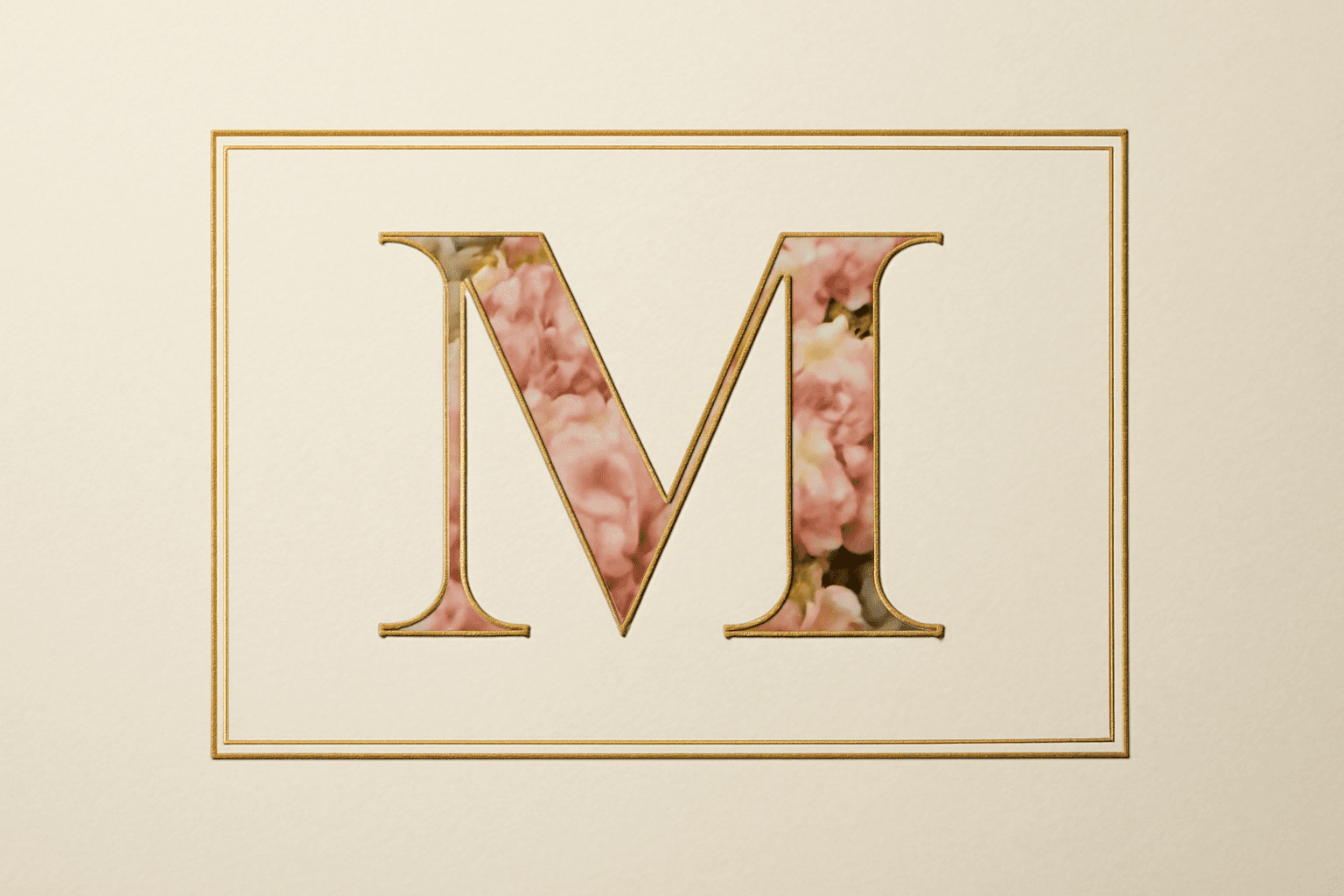
What Is a Monogram? Meaning, Styles, and How to Make a Photo Monogram in Canva
A monogram is a design made by combining or arranging one or more letters, most often a person's or couple's initials, so that they read as a single mark. You have seen them stitched on towels, stamped on wedding invitations, engraved on jewelry, and printed on tote bags.
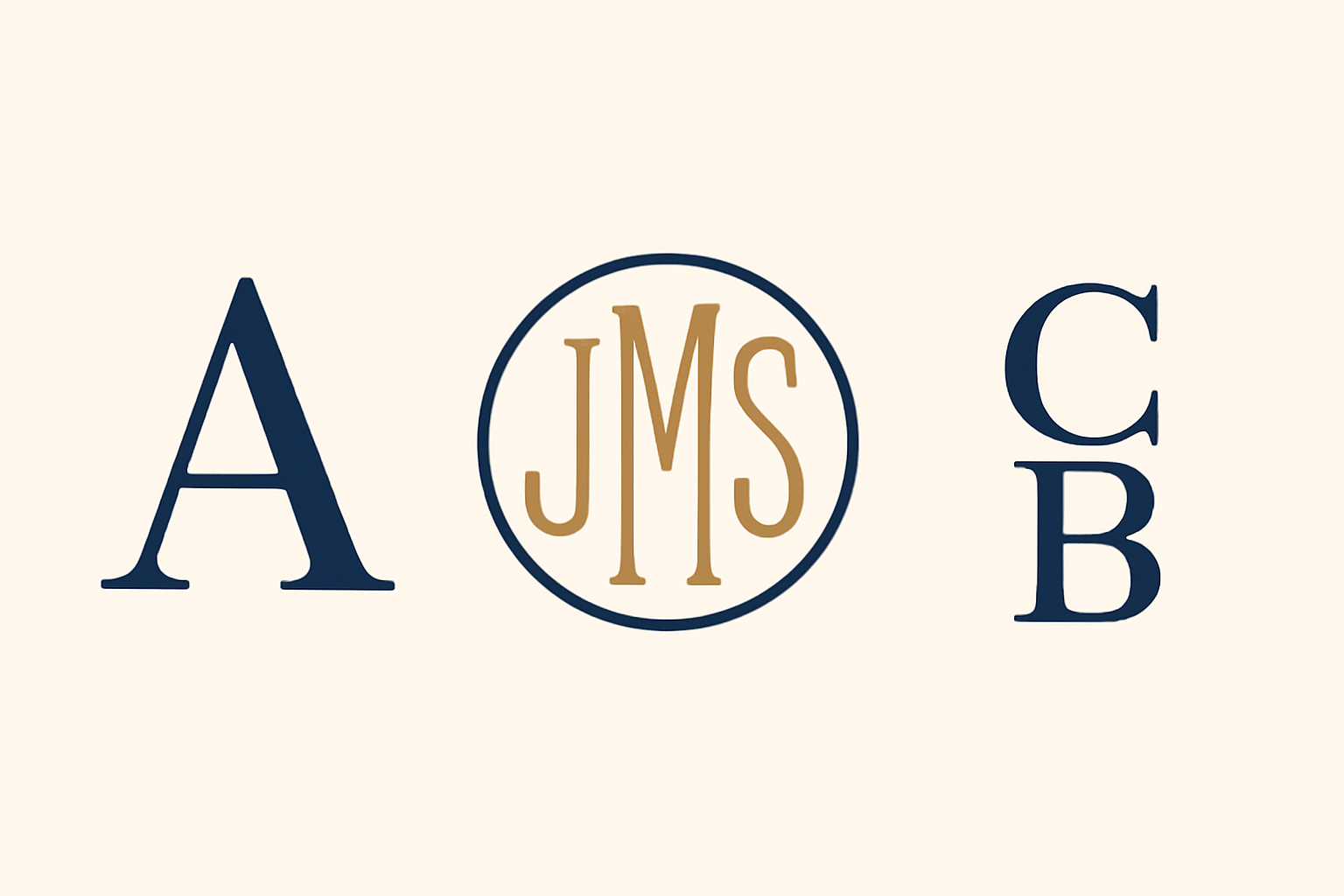
Monogram definition (and the single-letter question) #
Strictly speaking, a monogram joins two or more letters into one design. A lone, decorated letter is technically an initial or letter mark. In everyday use, though, people say "monogram" for both, and that is how most people search for it, so this guide treats both as monograms.
The classic three-letter order rule #
The traditional personal monogram uses three initials, and the order is not first-middle-last:
- First name initial on the left
- Last name initial in the center, larger
- Middle name initial on the right
Example: Jane Marie Smith becomes J S M, with the S bigger in the middle. A married couple's monogram often puts the shared last initial in the center, with each first initial on either side. If you have no middle name, a two-letter or single-letter version is perfectly fine.
Main monogram styles #
| Style | What it looks like | Best for |
|---|---|---|
| Single initial | One large decorated letter | Totes, cards, wall art, phone wallpapers |
| Three-letter (center-large) | Classic personal monogram | Towels, stationery, gifts |
| Stacked / side-by-side | Two letters arranged together | Couples, wedding signs, favor tags |
| Circle or frame monogram | Letters inside a ring or badge | Seals, stickers, logos |
| Interlocking | Letters overlap and share strokes | Formal stationery, engraving |
| Photo monogram | Photos fill the letter shapes | Gifts, albums, posters, invitations |
Where monograms are used #
- Wedding invitations, signs, and favor tags
- Towels, robes, tote bags, and blankets
- Brand logos and social media avatars
- Gift wrap, cards, and baby-room wall letters
- Photo gifts, such as a letter filled with memories
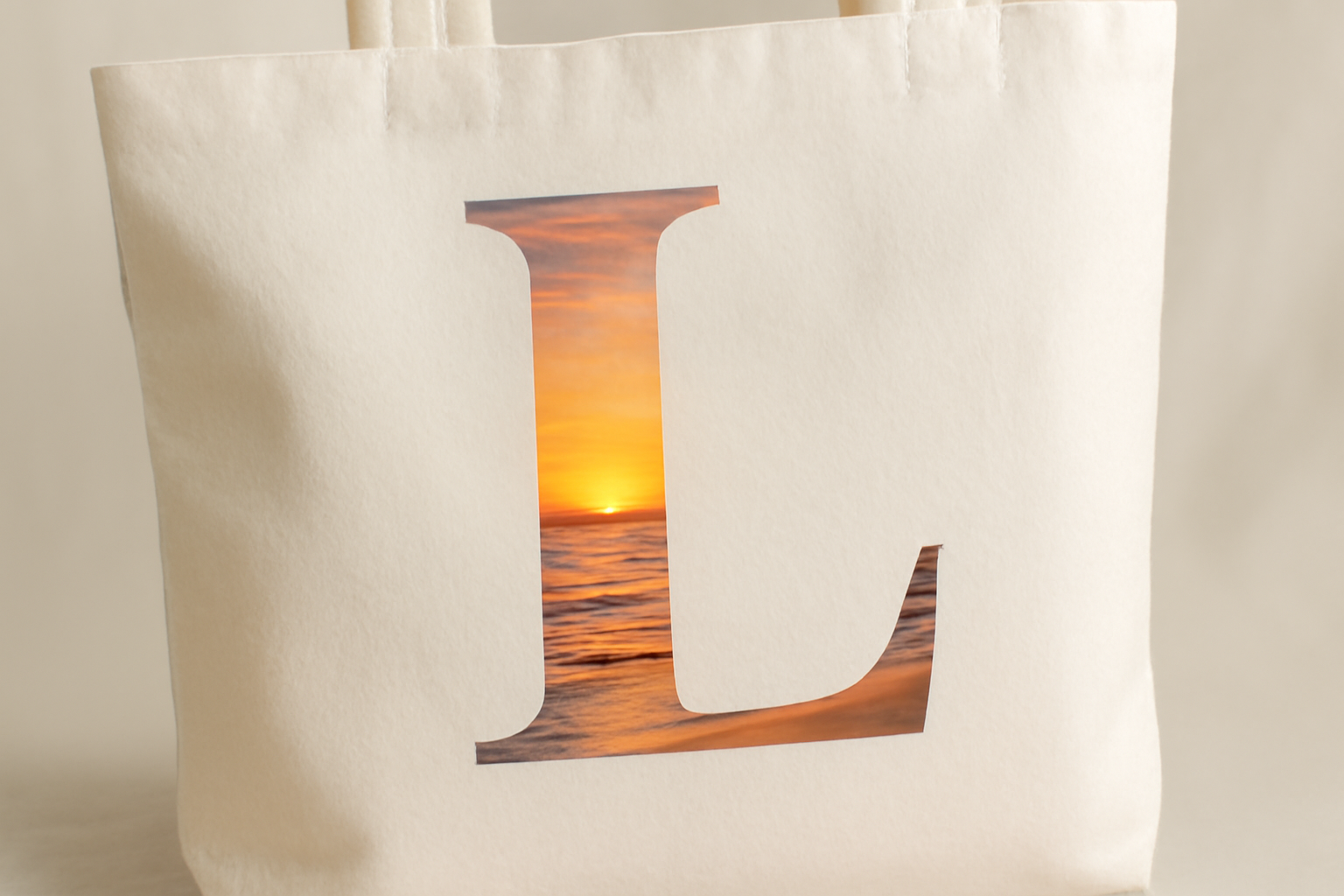
How to make a photo monogram in Canva #
Canva's built-in text tools are great for plain lettering. For a letter that holds a photo, a frame-based approach is more flexible. Here is how to do it with the Text to Frames app, which turns typed characters into real Canva frames.
- Open a design (a square post, card, or poster) and go to Apps, then open Text to Frames.
- Type your initials in the Text box. For a single-initial monogram, type one letter; for a pair, type two.
- Pick a font. Serif fonts such as Playfair Display read as classic and formal; a script font like Pacifico feels playful. The free version includes 5 fonts; Pro unlocks 100+.
- Turn on "Split into letters" if you want each letter to hold a different photo.
- Tune the spacing with Letter spacing, and check the live Preview. What you see in Preview is what gets added.
- Click "Add to design." The letters land on your page as frames.
- Drag a photo into each letter. Drag inside the letter to reposition and zoom until the crop looks right.
- Optional (Pro): add a Border so the letters stand out from the photo, or an Inner shadow for depth.
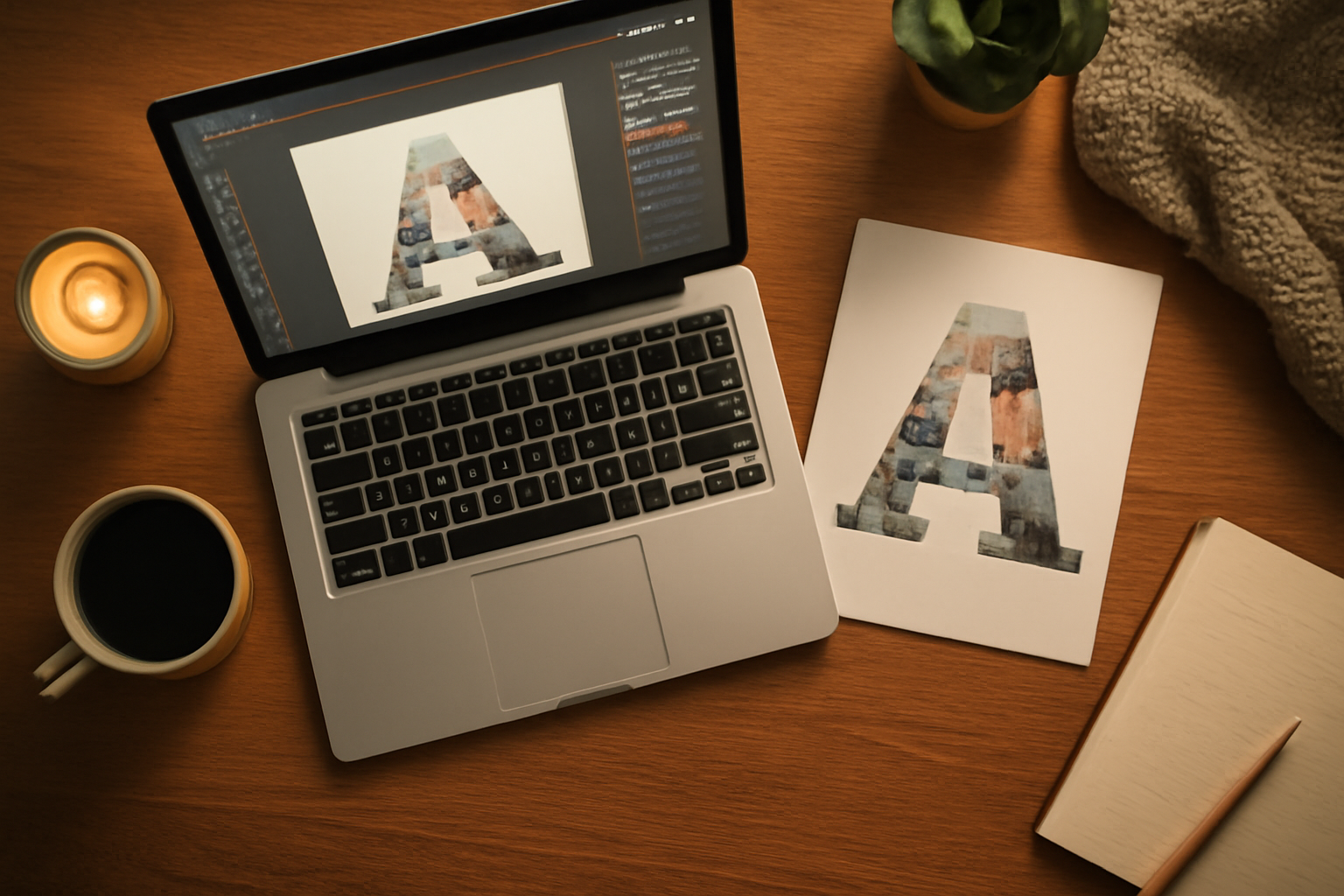
Tips for a monogram that looks good #
- Choose thick fonts. Thin, delicate letters leave little room for a photo. Bold serifs and wide sans fonts show the picture best.
- Use photos with a clear subject (a face, a sunset horizon) and low clutter.
- Keep it to one to three letters. More than that stops reading as a monogram.
- Match photo colors to your palette so the letters feel like one design.
Honest limits #
Text to Frames makes each letter its own frame, so it does not overlap or interlock letters the way an engraved interlocking monogram does. For overlapping initials, design the lettering separately and use the photo-filled version for stacked, side-by-side, or single-initial layouts. If you want a single photo running across all the letters instead of one per letter, a clipping-mask approach is the simpler option, and Canva's own text and shape tools remain a fine choice for plain, non-photo monograms.
Related guides #
If you want to understand the shapes you are filling, see our guide on what a silhouette is, and for turning any shape into a photo container see what is a frame in Canva.
Quick recap #
A monogram is a design built from initials. The classic order is first, last (larger), middle. Pick a style, choose a sturdy font, and fill the letters with photos for a personal touch that works on cards, gifts, and posters.
Frequently asked questions
A monogram is a single design made by combining or arranging one or more letters, usually a person's or couple's initials, so they read as one mark. It appears on stationery, towels, bags, wedding signs, and logos.
Strictly, a monogram combines two or more letters. A single large initial is more accurately called an initial or letter mark, though many people (and search engines) use 'monogram' for both. This guide covers both.
Yes. Text to Frames turns typed letters into real Canva frames, so you can drop a photo into each letter. It does not interlock or overlap letters, so it suits stacked, side-by-side, and single-initial monograms best.
Related products


More from QRdy Blog

10 Ý tưởng quà Giáng sinh cho ông bà tự làm trong Canva (lịch ảnh, khung ảnh, thiệp)
10 ý tưởng quà Giáng sinh cho ông bà tự thiết kế trong Canva: lịch ảnh gia đình, khung ảnh hình trái tim, thiệp tên bằng ảnh các cháu, lịch đếm ngược. Rẻ, cá nhân hoá và in được ở nhà.

Word Calendar Template vs Canva Calendar Maker: Which Should You Use?
Microsoft Word calendar templates are fast and familiar; Canva's Calendar Maker app is built for good-looking, printable calendars. Here is an honest side-by-side, with a clear verdict for each use case.
The Best Canva Apps for Invitations (2026): Birthday, Baby Shower & Party
Canva's invitation templates get you 80% of the way. These Canva apps cover the rest: custom photo shapes, monogram letters, borders, palettes and RSVP QR codes.