

How to Make Stickers in Canva: Print-at-Home, Die-Cut, and Digital
A step-by-step guide to designing stickers in Canva — the white die-cut border, the right canvas size, the export settings that actually print sharp, and where Canva's free tier stops.
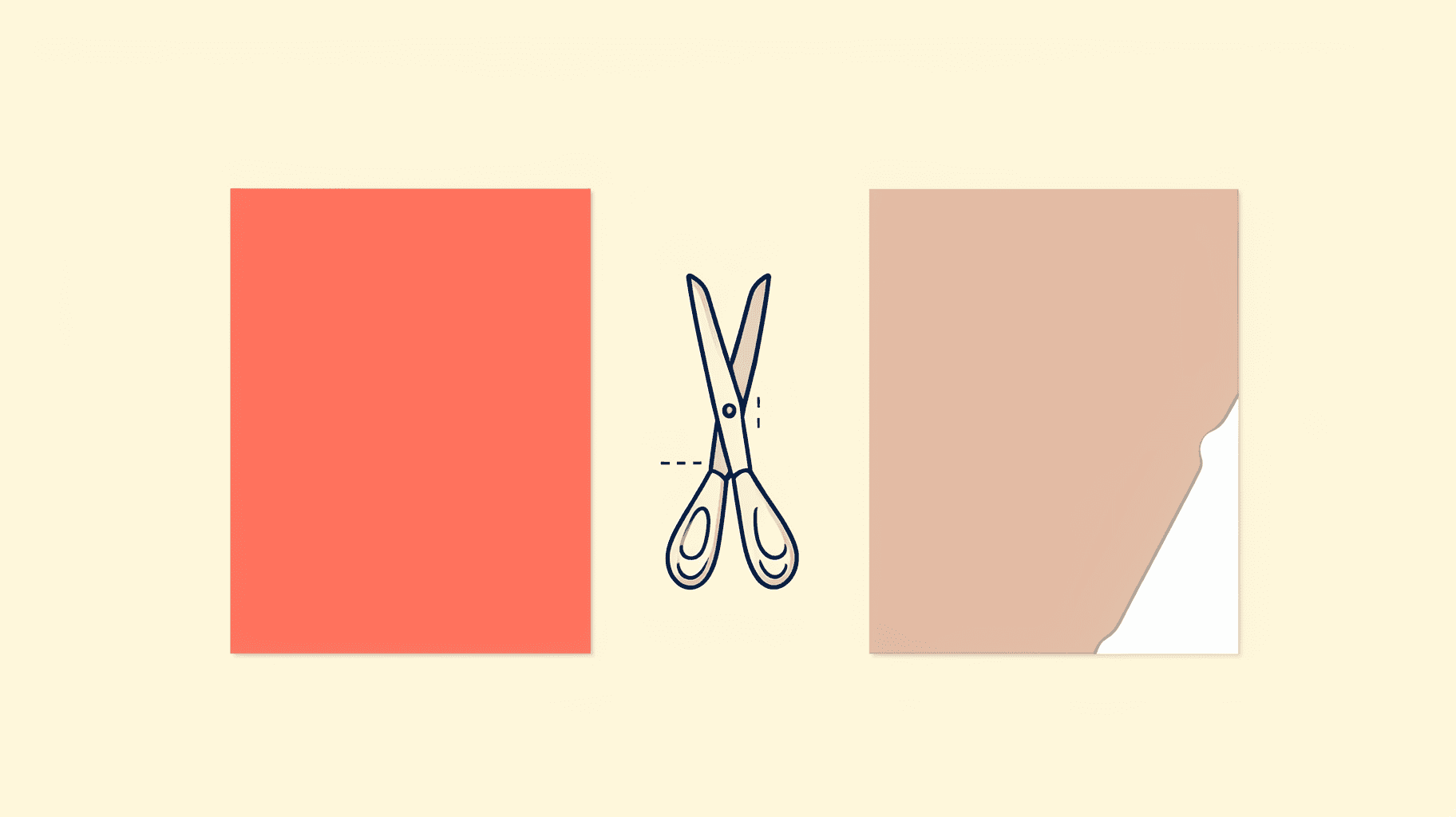
What Is Bleed in Printing? Bleed vs Trim vs Safe Area (and How to Set It in Canva)
Bleed is the extra artwork you print past the cut line so a trimming blade never leaves a white sliver on the edge. Here is what bleed, trim and safe area actually mean, how much bleed to use, and exactly where to turn it on in Canva.

How to Make a Photo Strip in Canva (Photo Booth Style, Print or Digital)
A photo strip is just four photos stacked in a 2×6 inch column — but getting the cells even and the print size right is where most people get stuck. Here's the step-by-step in Canva, plus a faster way using Frames Lab.
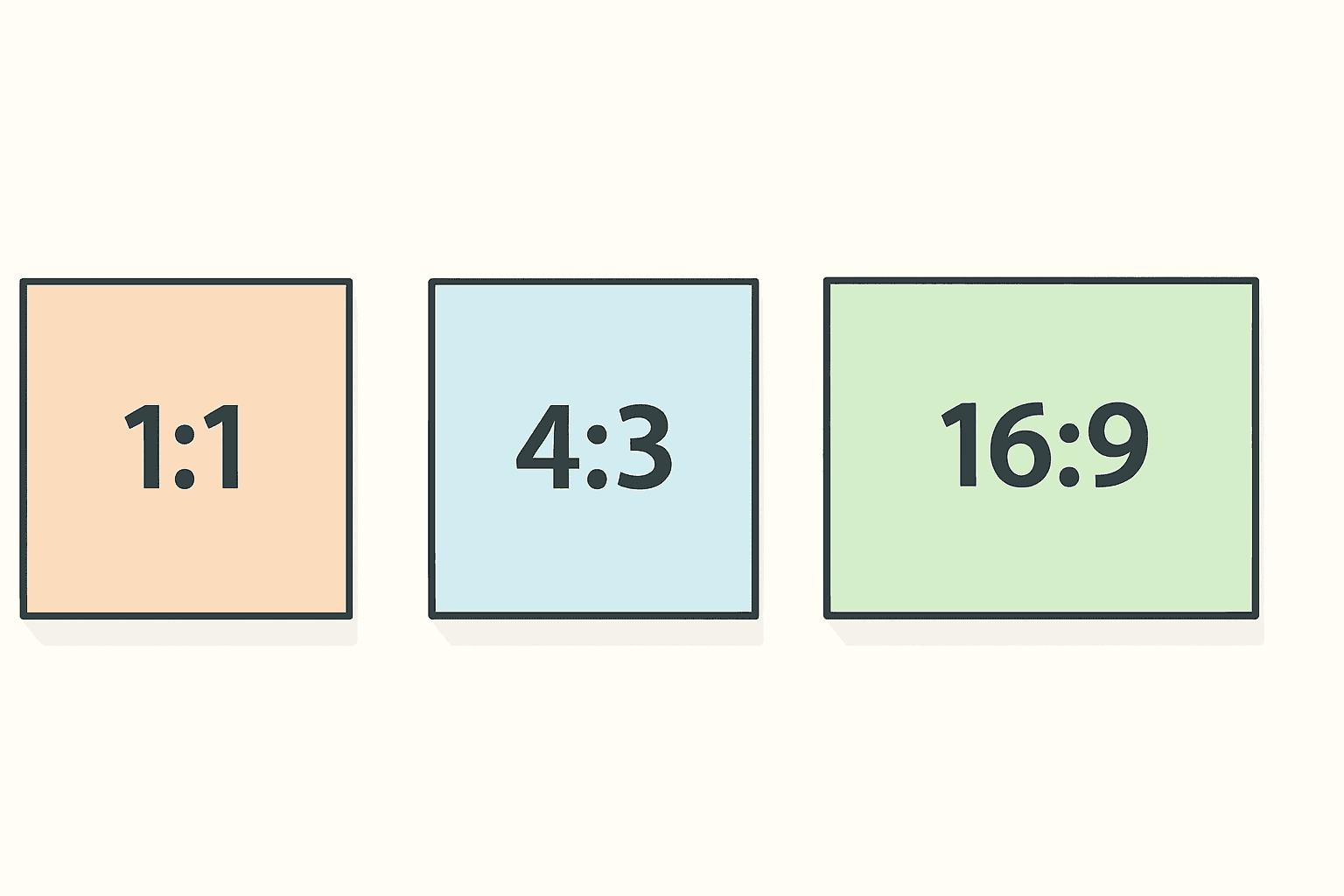
What Is Aspect Ratio? A Plain-English Guide (with Canva Examples)
Aspect ratio is the shape of your image, not its size. Here is what 1:1, 4:3 and 16:9 actually mean, why photos get cropped or squashed when you change them, and how to handle ratios in Canva without wrecking your design.
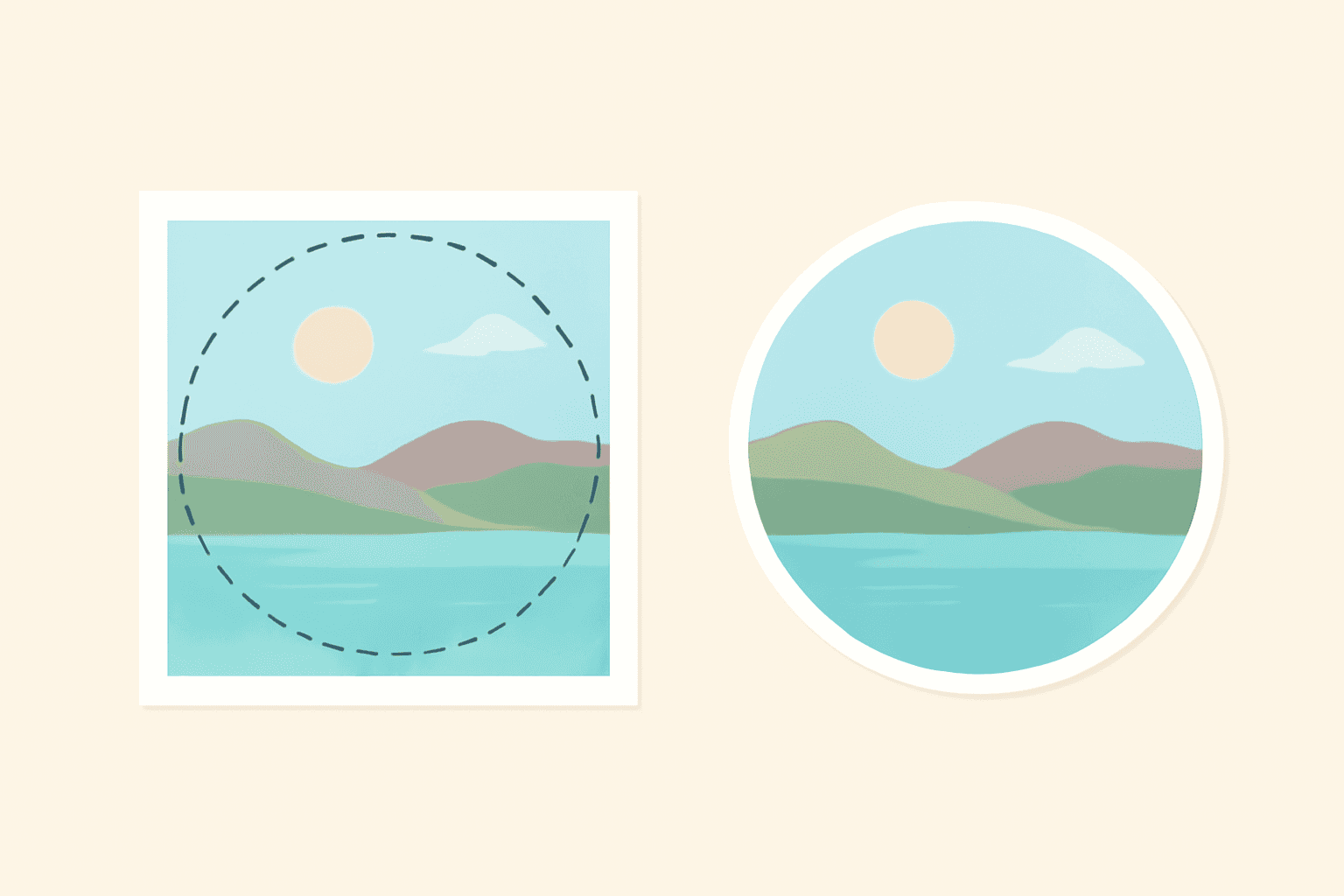
How to Crop a Picture into a Circle in Canva (Step by Step)
Canva has no "crop to circle" button — you use a circle frame instead. Here are three ways to do it: the free built-in frame, a circle with a custom ring border, and a whole grid of circles at once.

How to Make a YouTube Thumbnail in Canva (That Still Reads at Phone Size)
A step-by-step Canva workflow for YouTube thumbnails: the right canvas size, a headline with the video's own footage inside the letters, a cut-out subject, and the phone-size test almost nobody runs before uploading.
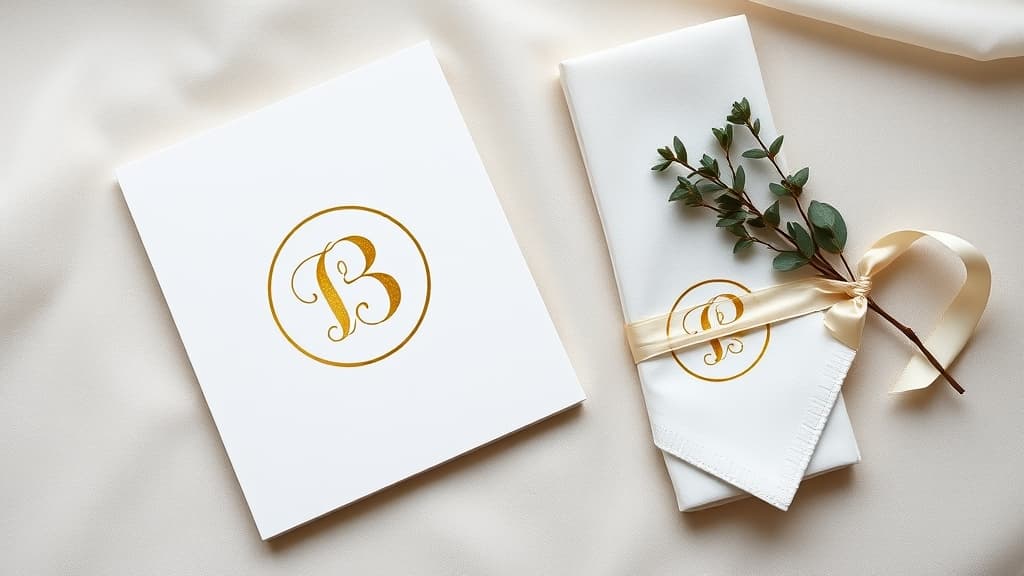
How to Make a Monogram in Canva (No Monogram Maker Required)
Canva has monogram templates but no single "monogram maker" button. Here is how to build a two- or three-initial monogram from scratch in about five minutes, how to fill the letters with photos, and how to turn the finished mark into a reusable frame.

Canva Frame Not Working? 9 Fixes for Every Common Frame Problem
Photo won't drop into your frame? Custom frame came out rectangular? Here are the nine things that actually go wrong with Canva frames — and the exact fix for each one, including the errors you'll hit inside frame apps.

How to Make a QR Code in Canva (2026 Update): What Changed, and Every Workaround
Canva replaced its QR code app in 2026. Codes now carry a Canva logo, route through a Canva domain, accept URLs only, and old codes can no longer be edited. Here is the current step-by-step flow, plus a workaround for each new limit.

How to Fill a Shape with a Photo in Canva (Step by Step)
Canva shapes can't hold photos on their own — frames can. Here's how to turn any shape into a photo-filled frame in Canva using Frames Lab, plus the built-in options and when to use each.

How to Fill Each Letter with a Different Photo in Canva (Step by Step)
Learn how to fill text with images in Canva so each letter holds its own photo — a name where every letter is a different memory, or a word like BEACH with a scene in each character. A step-by-step Text to Frames tutorial.

How to Put a Photo in a Frame in Canva on Mobile (iPhone & Android)
A step-by-step guide to putting a photo inside a frame in the Canva mobile app on iPhone and Android — using built-in frames, adjusting the crop, and reusing custom shaped frames you made with Image to Frame.