
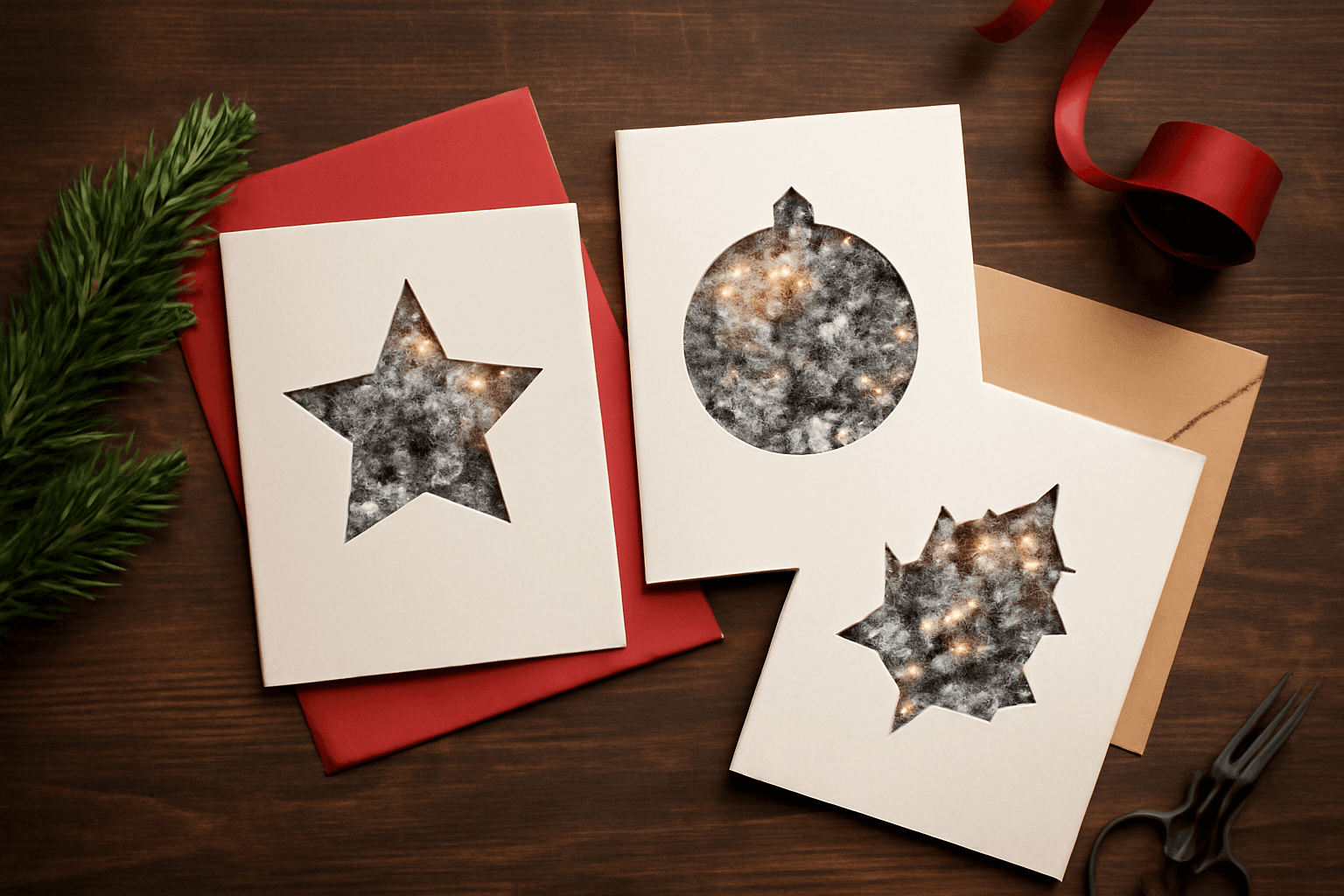
How to Make Photo Christmas Cards in Canva (Step by Step)
A step-by-step guide to designing photo Christmas cards in Canva: shaped photo windows, multi-photo grids, and lettered greetings, plus the card sizes, bleed, and DPI you need for a clean print.
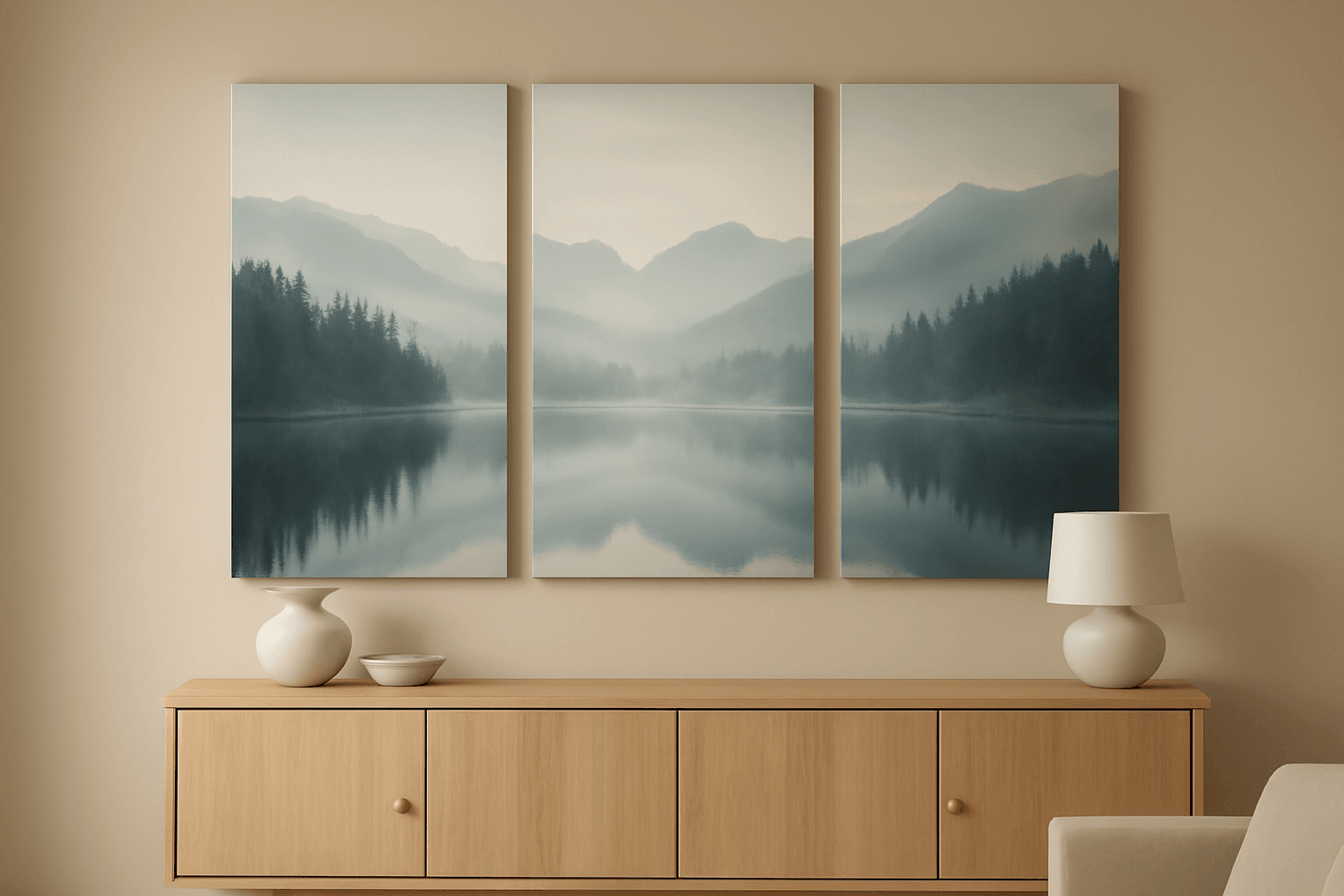
What Is a Triptych? Meaning, Types, and How to Make One in Canva
A triptych is art or a photo split across three panels meant to be seen as one piece. Here's where it came from, how it differs from a diptych, the sizing and spacing rules, and how to lay one out in Canva.
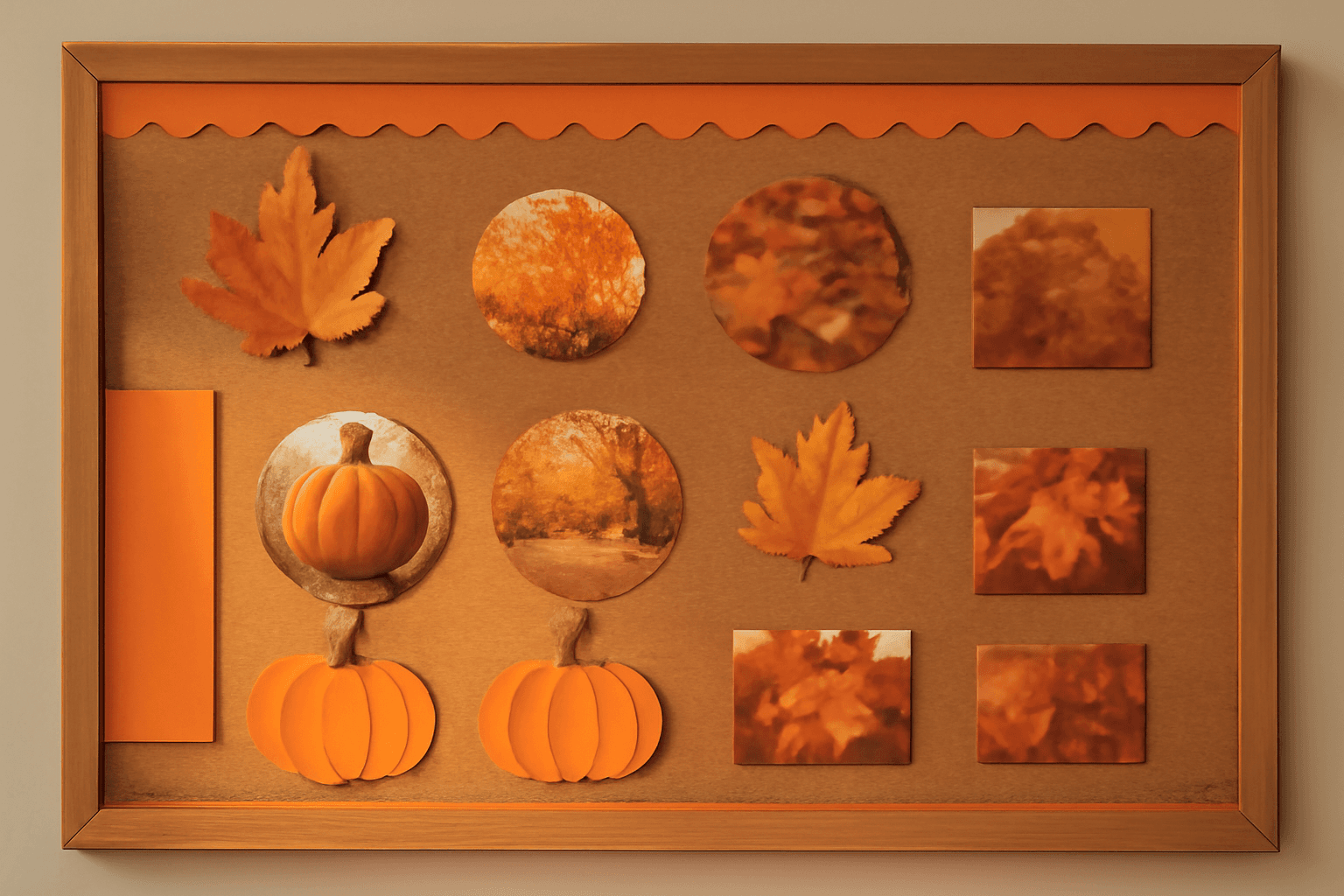
10 Bulletin Board Ideas You Can Make in Canva (Fall, Classroom and Calendar Boards)
10 printable bulletin board ideas for fall and the classroom: monthly calendar boards, photo-filled headline letters, Meet the Class grids, leaf photos, countdowns and more, all designed in Canva.
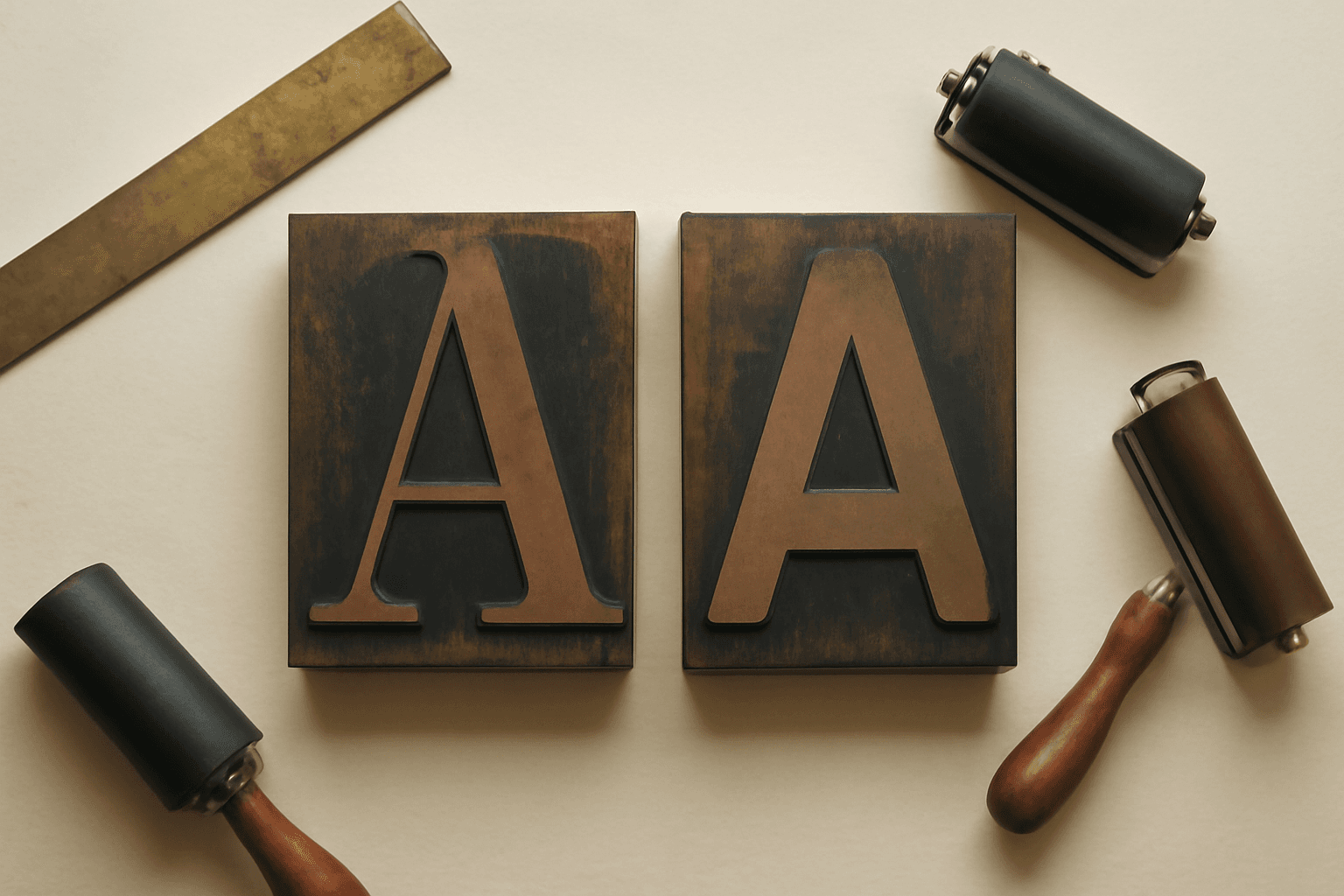
Serif vs Sans Serif: What's the Difference, and Which Font Should You Use?
Serif fonts have small strokes at the ends of their letters; sans serif fonts don't. Here's what that changes for readability, print, screens and pairing — and why heavy sans serifs win when you put photos inside letters.
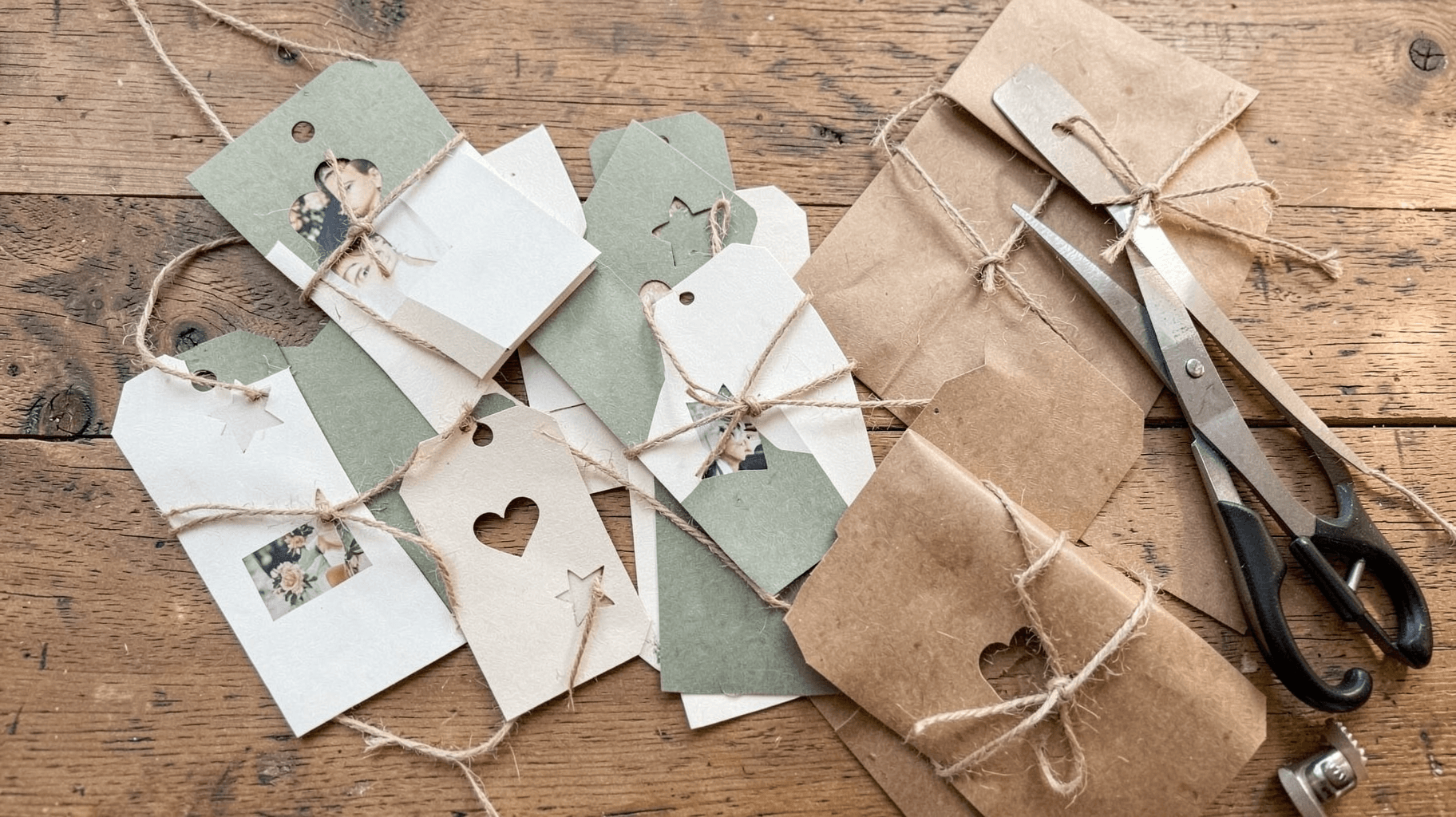
The Best Canva Apps for Gift Tags (2026)
Gift tag season starts earlier than you think. Here are five Canva apps that make custom photo tags, decorative borders, name tags and QR tags faster than building each one by hand — plus what Canva already does well on its own.
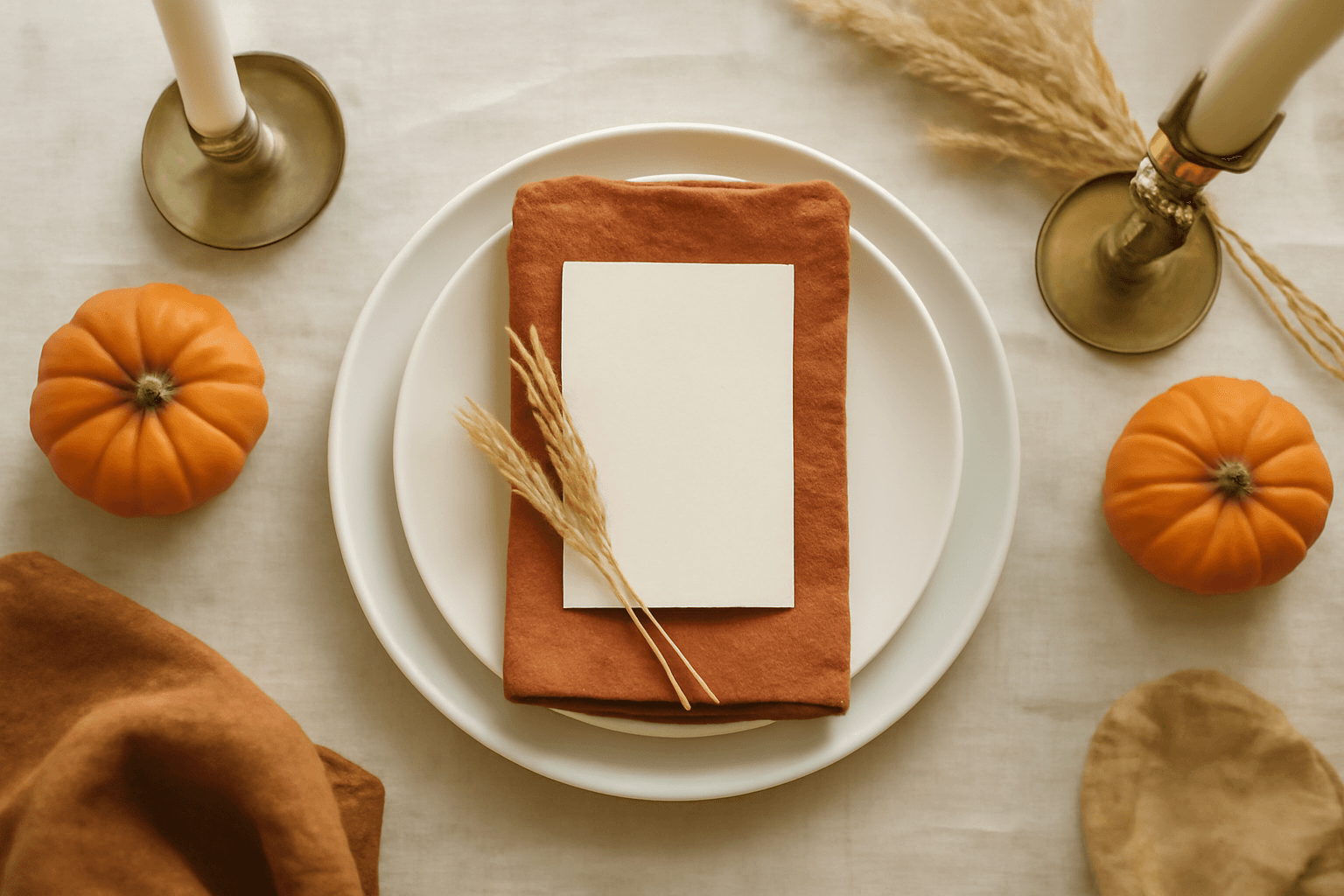
10 Thanksgiving Design Ideas You Can Make in Canva (Printable Decor, Menus & More)
Ten Thanksgiving projects you can actually design and print at home this year — turkey-shaped photo frames, a "GRATEFUL" photo banner, menu cards, a Friendsgiving invite, a November countdown and more. Each one names the Canva app that does the hard part.
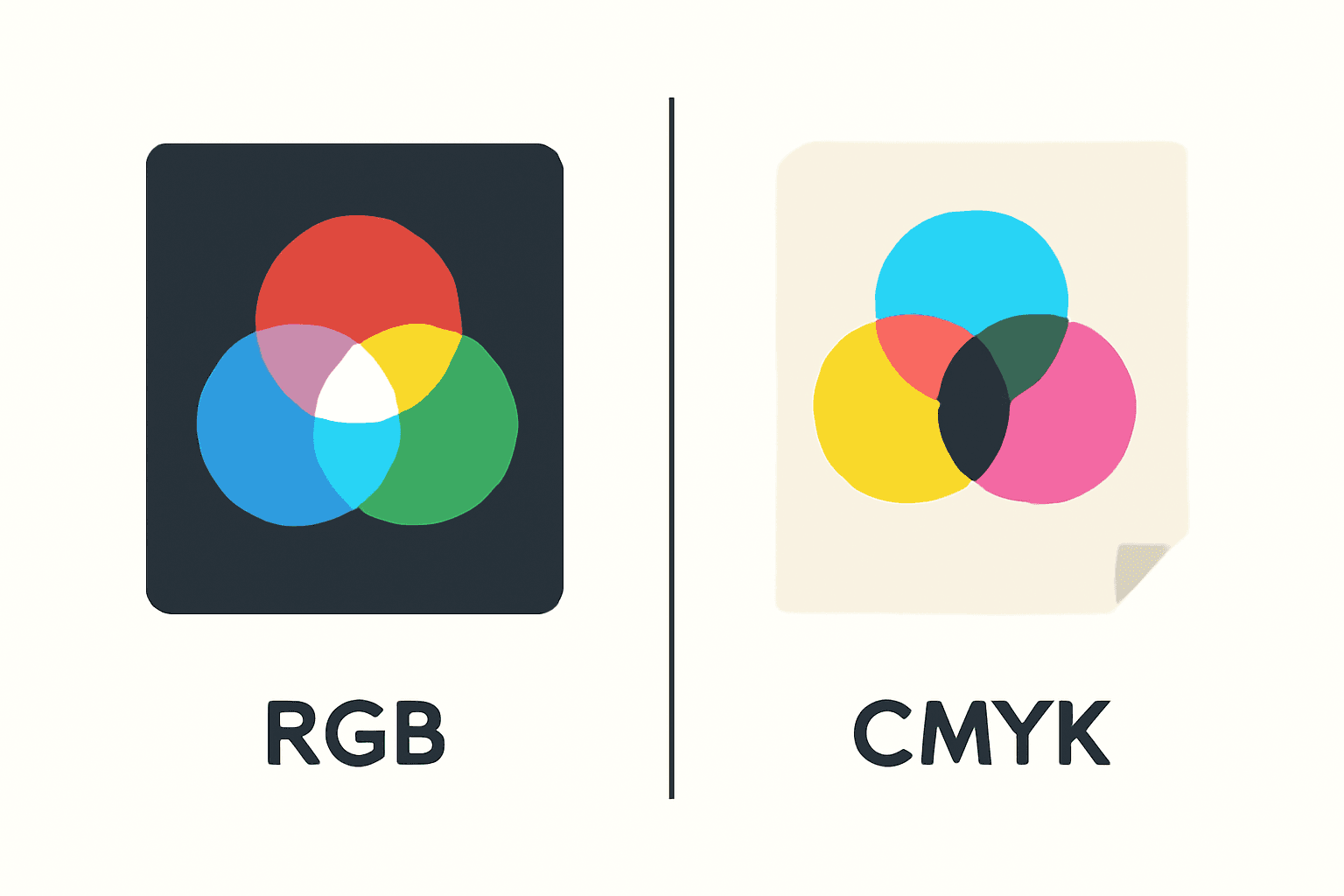
CMYK vs RGB: Which Color Mode Should You Use (and What Canva Actually Does)
RGB is light, CMYK is ink — and that one difference is why your print came back duller than the screen. Here's the plain-English comparison, plus exactly what to do about it inside Canva.
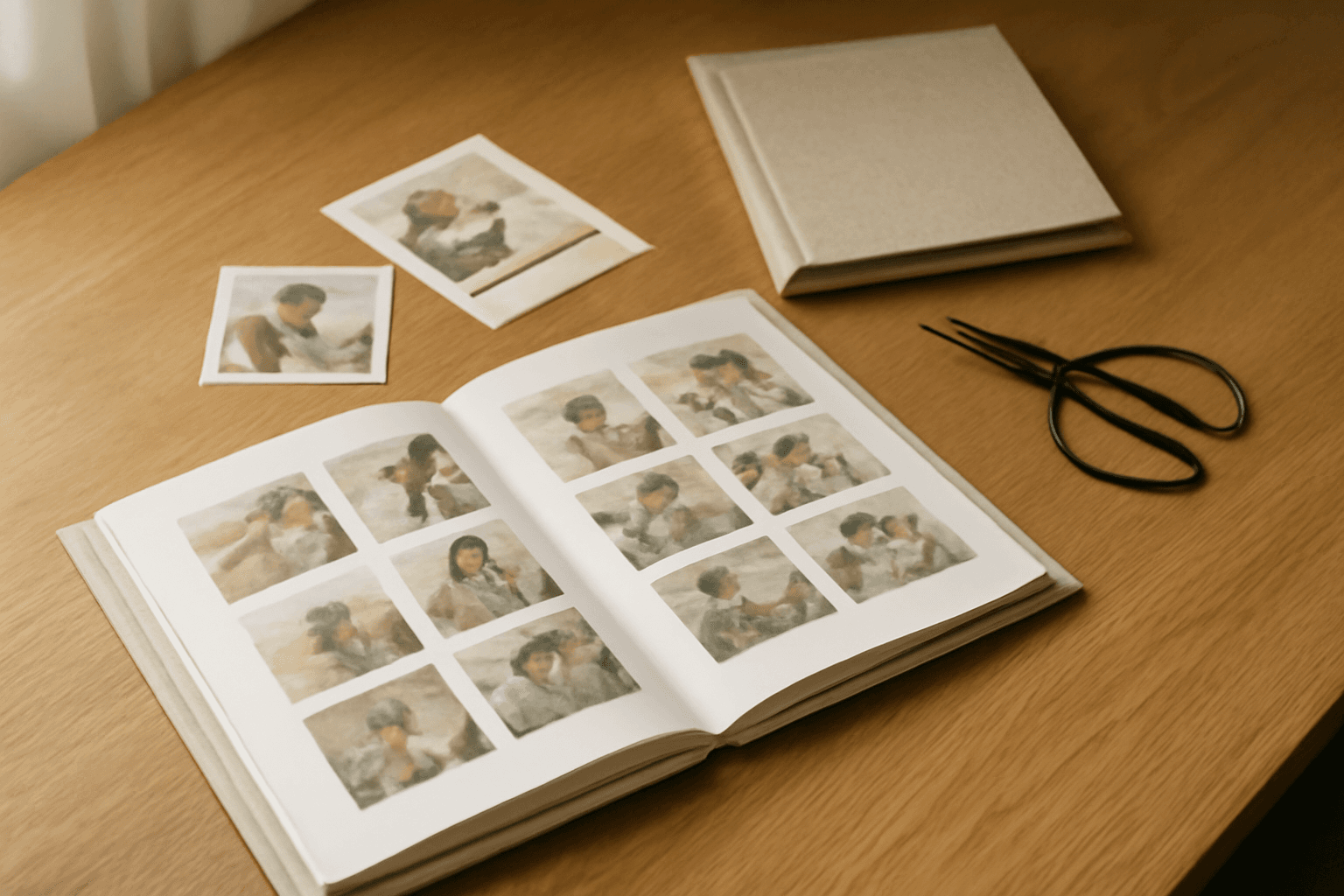
The Best Canva Apps for Photo Books & Photo Albums (2026)
A photo book is 40 pages of the same three layouts unless you give yourself better tools. These are the Canva apps that actually speed up building a photo book or album — grid spreads, custom-shape pages, a photo-filled cover — plus what Canva already does well on its own.
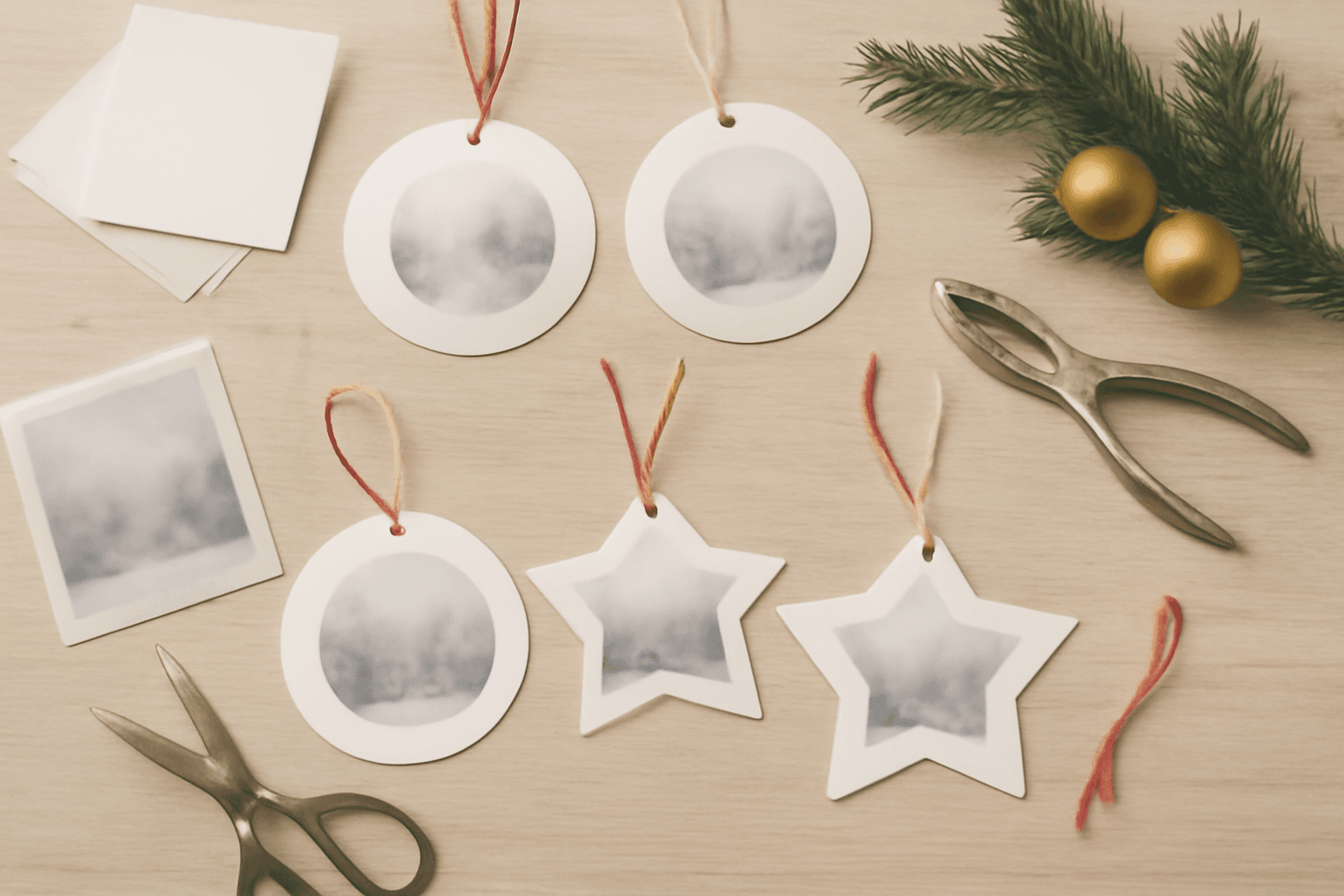
How to Make Photo Ornaments in Canva (Print at Home, Any Shape)
A print-at-home photo ornament is one shape, one photo and one punched hole. Here is the full Canva workflow — page size first, custom shapes into real frames, a full sheet laid out at once, and the print settings that stop you reprinting.
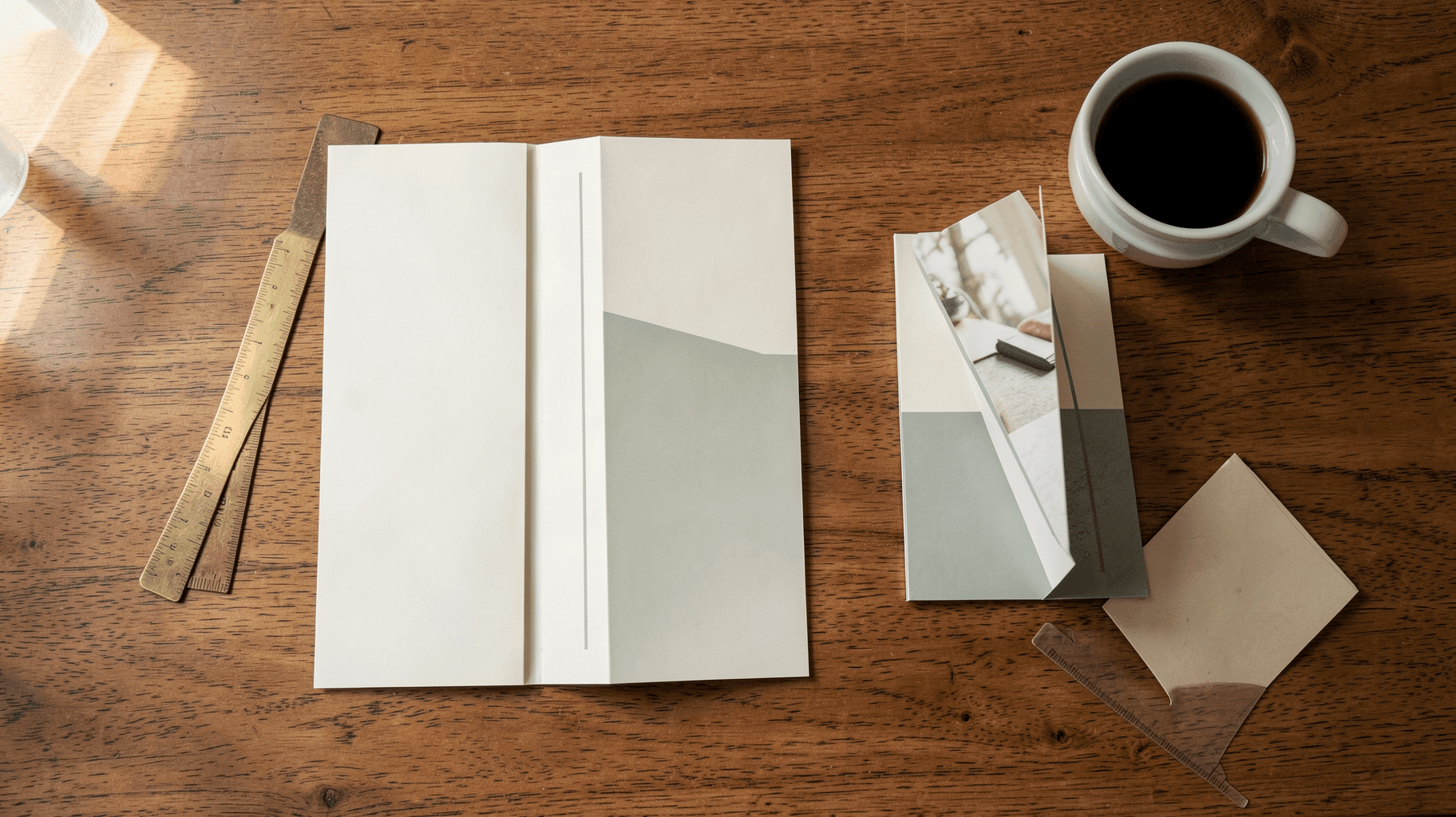
What Is a Tri-Fold Brochure? Panels, Sizes, and How to Make One in Canva
A tri-fold brochure is one sheet folded twice into six panels — and the order those panels sit in on the flat sheet is not the order anyone reads them. Here is what a tri-fold actually is, the standard sizes, and how to lay one out in Canva without printing it backwards.
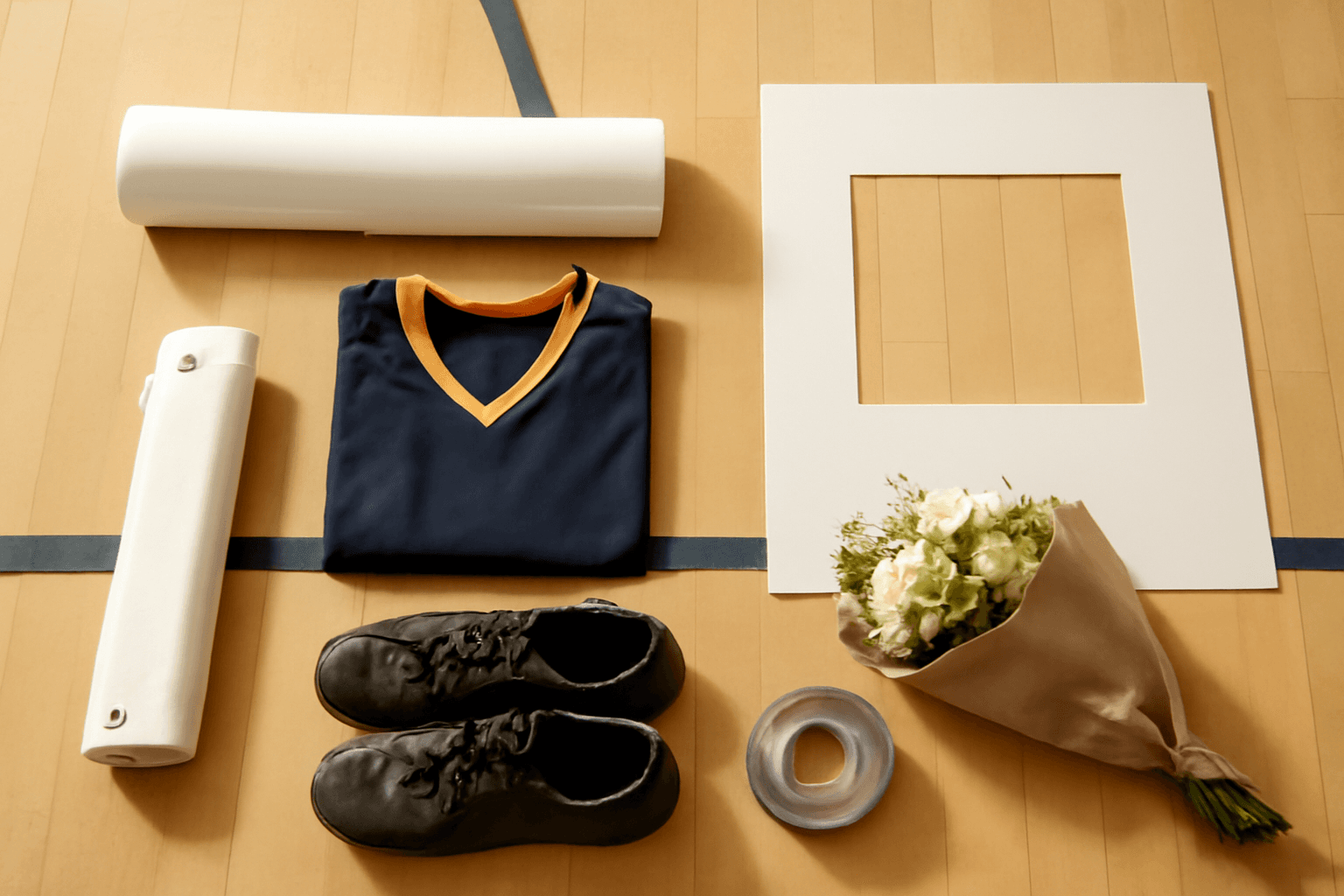
10 Senior Night Poster Ideas You Can Make in Canva (Any Sport)
Senior night gets you about ninety seconds on the floor and a poster that stays on a bedroom wall for a decade. Ten layouts that actually read from the bleachers, what each one takes to build in Canva, and the print sizes to get right before you design.
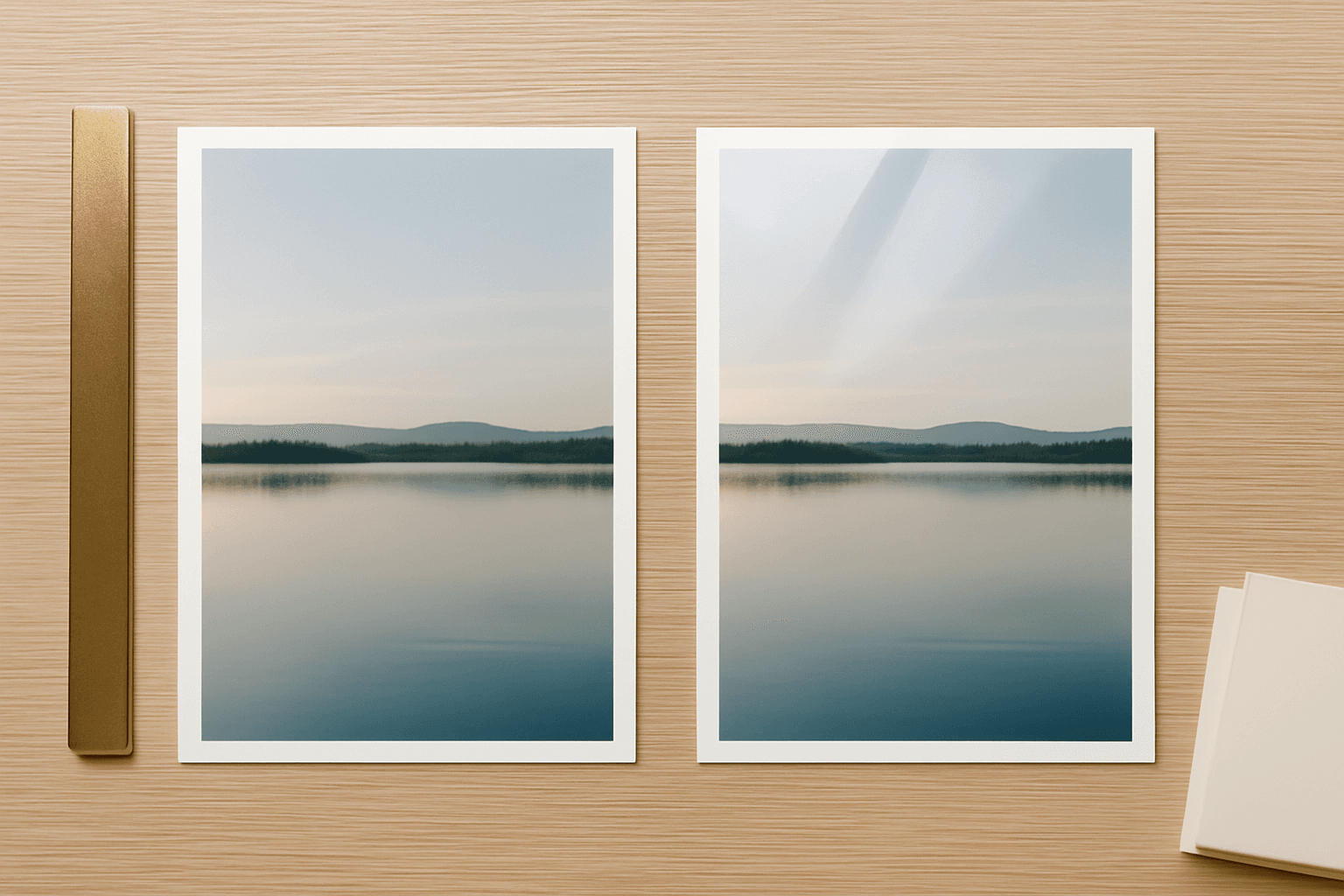
Matte vs Glossy Photo Prints: Which Finish Should You Actually Choose?
Glossy looks better in your hand. Matte looks better on your wall. Here is the honest breakdown of matte, glossy, satin and lustre finishes — what each one does to colour, glare and fingerprints, and which one to pick for framed prints, albums, cards and photo booth strips.