
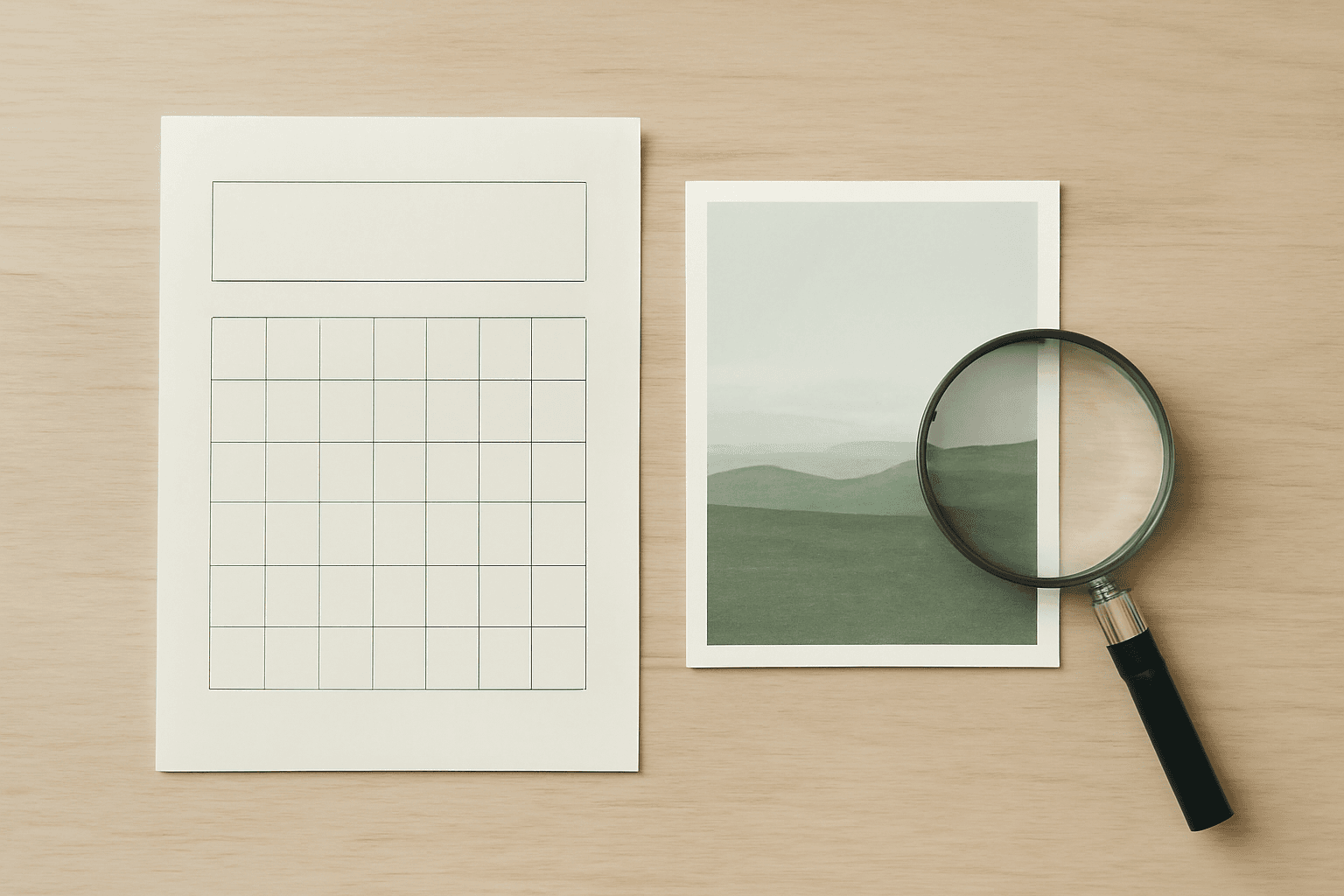
What Is DPI? 300 vs 72 DPI, and What It Actually Means in Canva
DPI decides whether your printed calendar, photo card or sticker looks crisp or fuzzy. Here's what DPI really means, why 300 DPI is the print standard, the pixel math you need — and exactly where DPI lives in Canva (spoiler: there's no DPI box).
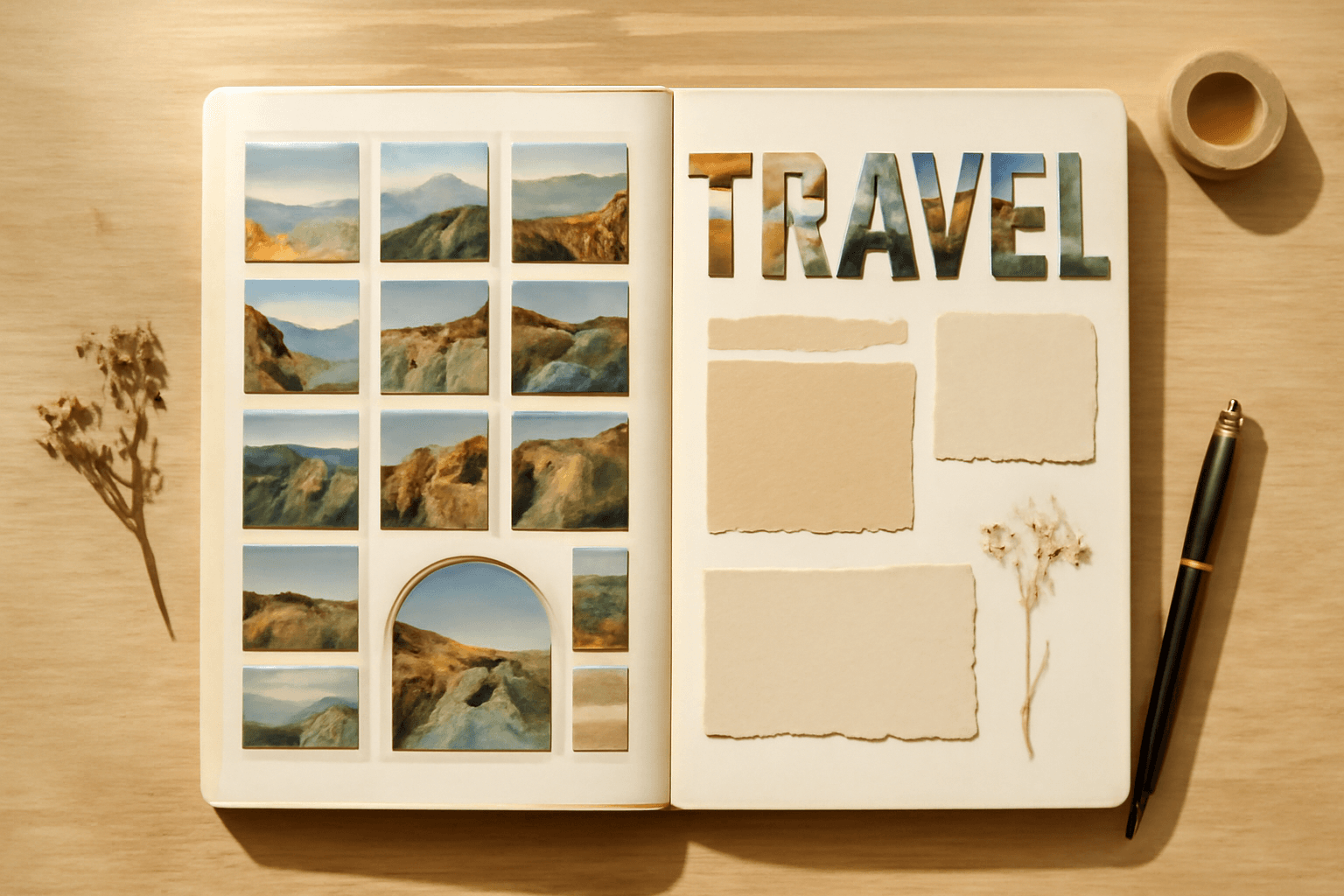
10 Scrapbook Page Ideas You Can Make in Canva (Digital or Printable)
Ten scrapbook page layouts you can build in Canva — photo-filled title words, shaped photo cut-outs, arched panels, grid spreads and journaling cards — with the exact app and setting for each one.
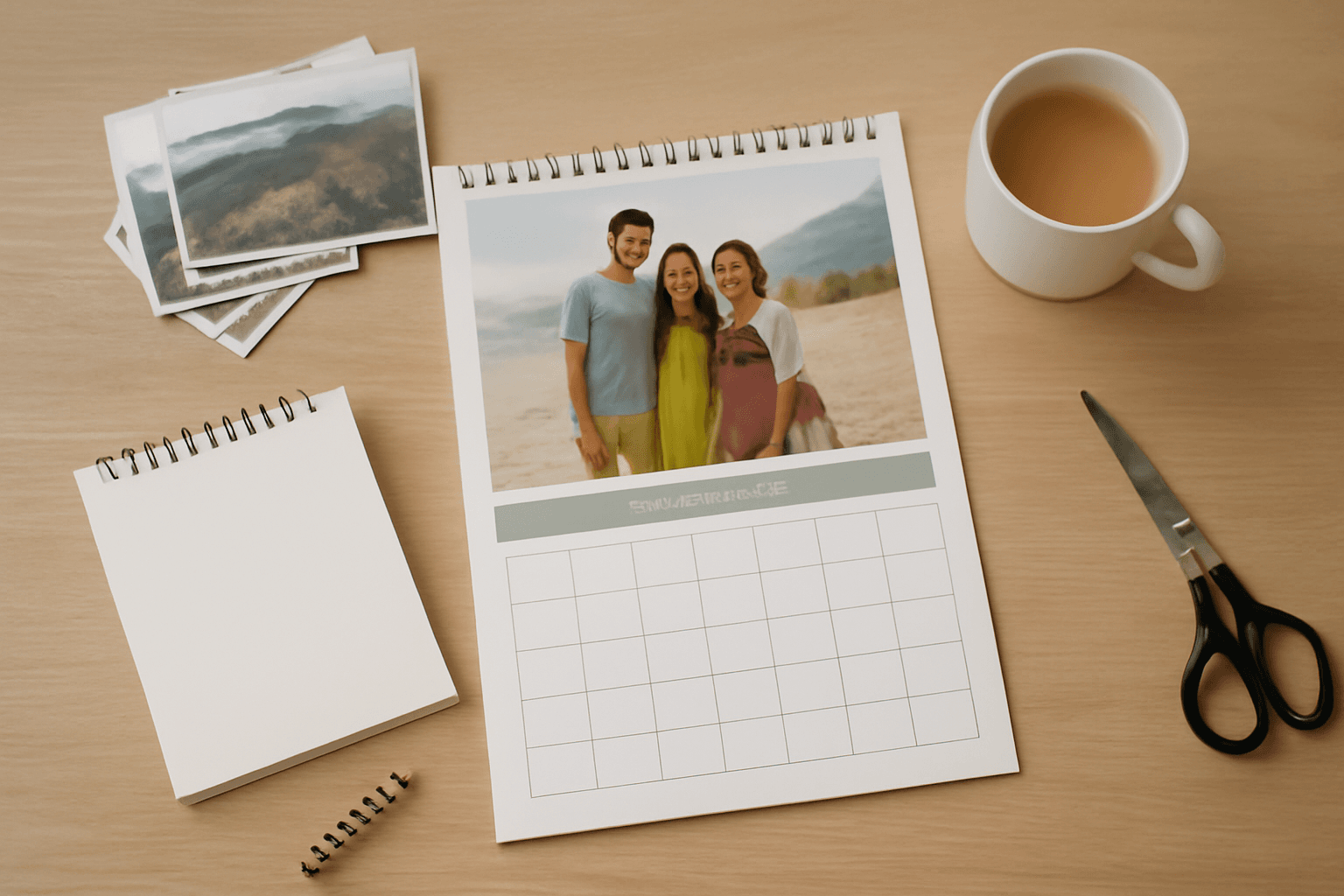
Custom Photo Calendar: Print Service vs Making Your Own in Canva
Order a personalised photo calendar from a print service, or build one yourself in Canva and print it? An honest comparison of control, cost, effort and finish — plus exactly how to make the whole 12-month set in Canva with Calendar Maker.
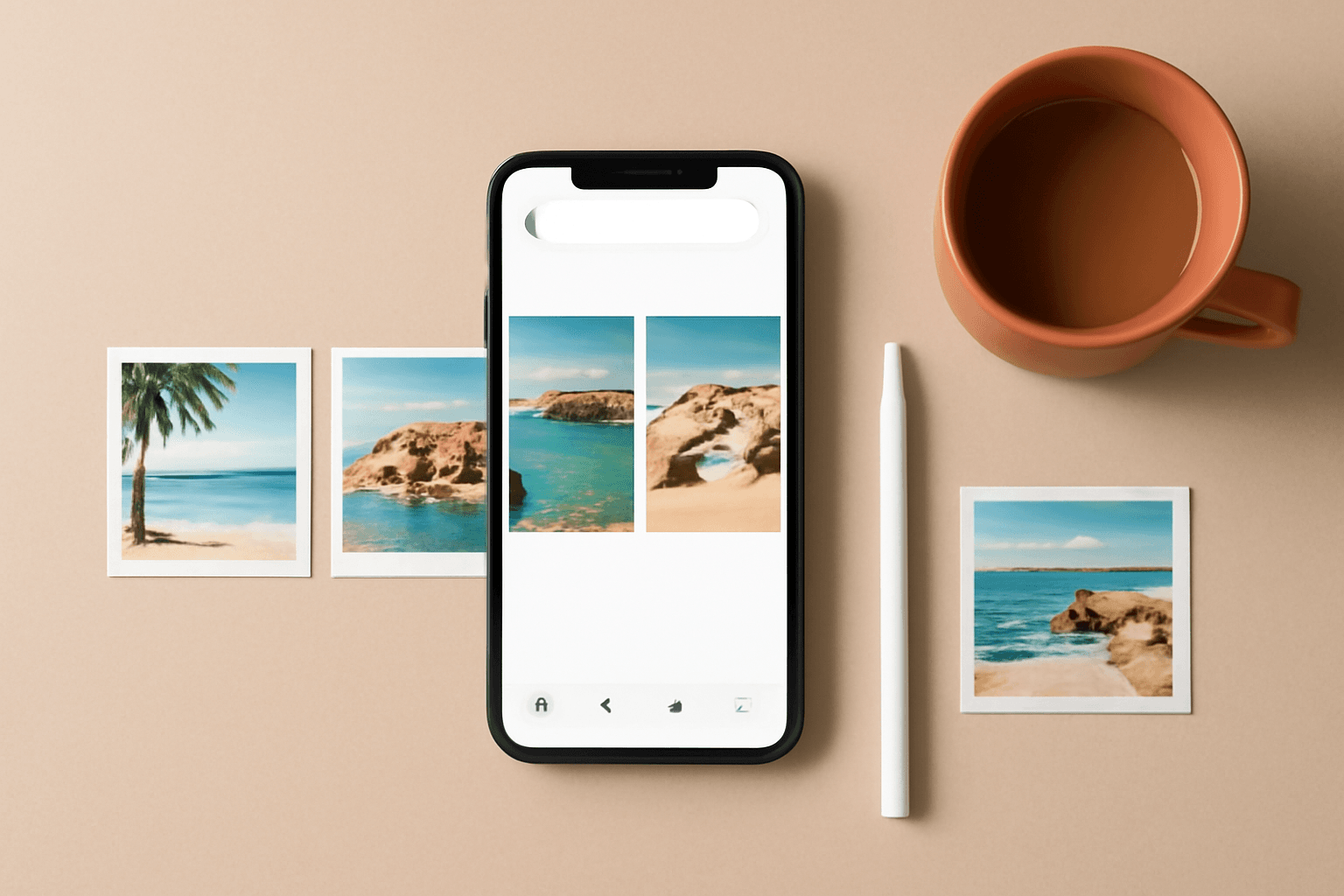
The Best Canva Apps for Instagram Carousels & Grid Posts (2026)
Carousels and grid puzzles are the two Instagram formats Canva makes you build by hand. These six Canva apps do the fiddly parts — splitting one image across slides, building even grids, filling letters with photos — so a ten-slide post takes minutes.

How to Make a YouTube Thumbnail in Canva (That Still Reads at Phone Size)
A step-by-step Canva workflow for YouTube thumbnails: the right canvas size, a headline with the video's own footage inside the letters, a cut-out subject, and the phone-size test almost nobody runs before uploading.
PNG vs SVG vs JPG: What the Difference Actually Means in Canva
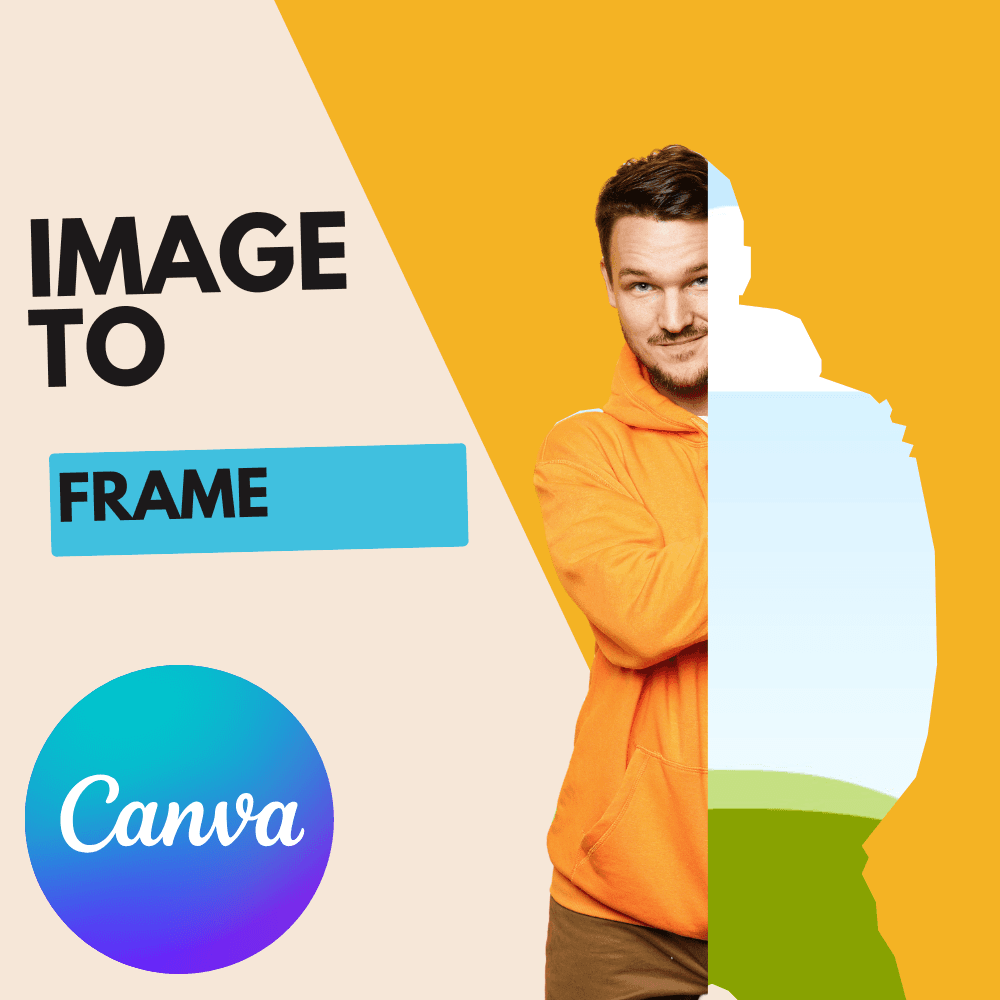
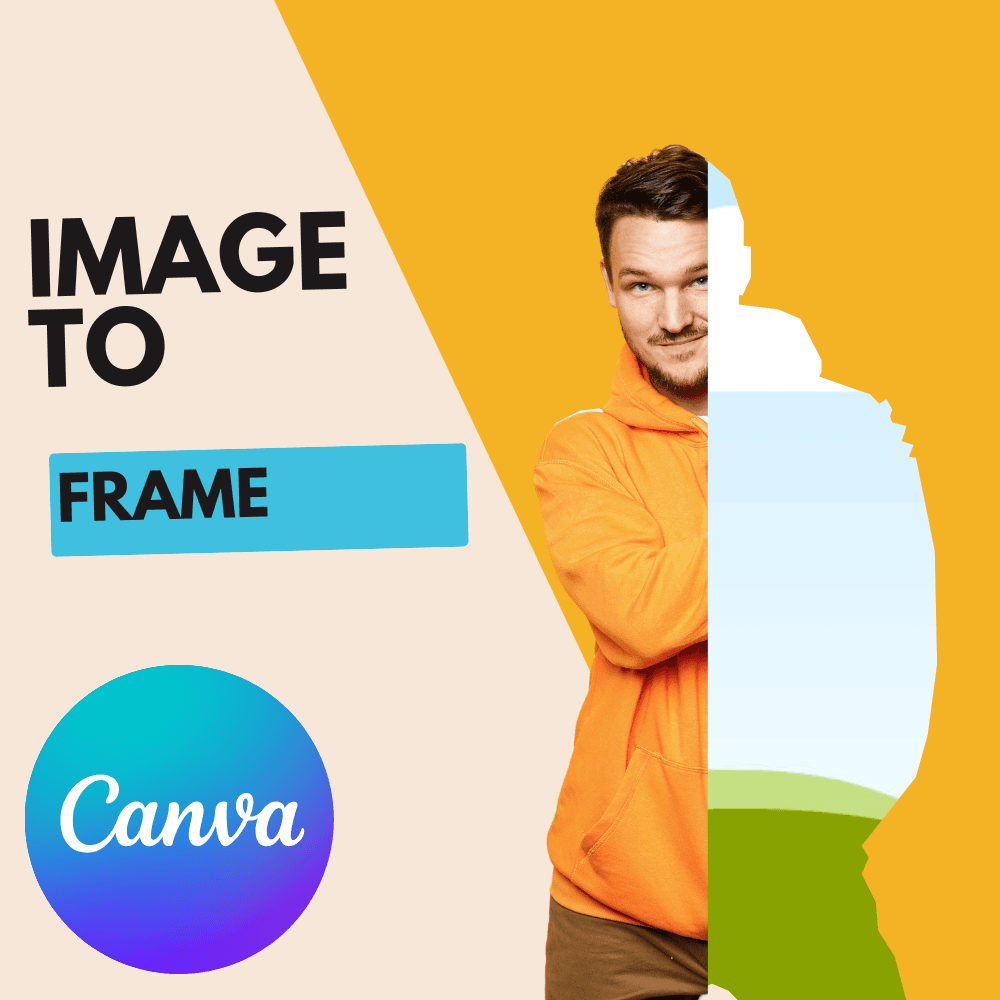
PNG, SVG and JPG explained in plain language — raster vs vector, what transparency really is, and why picking the wrong one is the reason your custom frame came out as a rectangle instead of a star.

10 Gallery Wall & Photo Display Ideas You Can Design in Canva
A gallery wall is a physical thing, but the two hardest parts — deciding the layout and designing the prints — happen on screen. Here are 10 photo wall and photo display ideas you can actually build in Canva, plus which app to reach for each time.
Google Sheets & Excel vs Canva Calendar Maker: Which Should You Use?
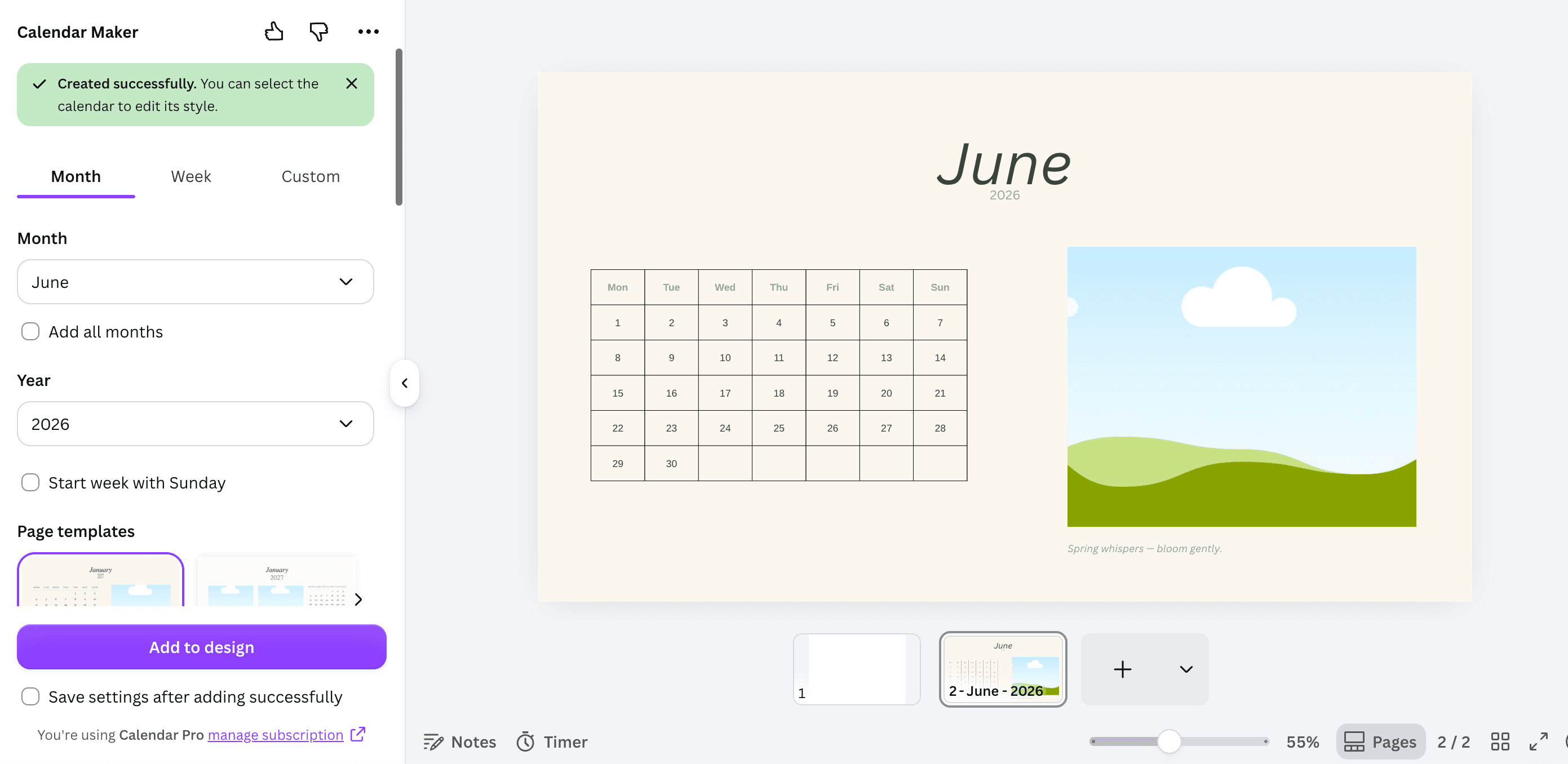
A spreadsheet calendar is free, editable and calculates its own dates. A Canva calendar looks like something you would hang on a wall. Here is exactly when each one wins — and the workflow that uses both.
The Best Canva Apps for Real Estate Agents (2026)
Listing flyers, just-listed posts, open house signage and a yard sign QR that still works after the property goes under contract. Six Canva apps that cover the parts a template cannot, and an honest note on what Canva already handles by itself.
How to Make a Monogram in Canva (No Monogram Maker Required)
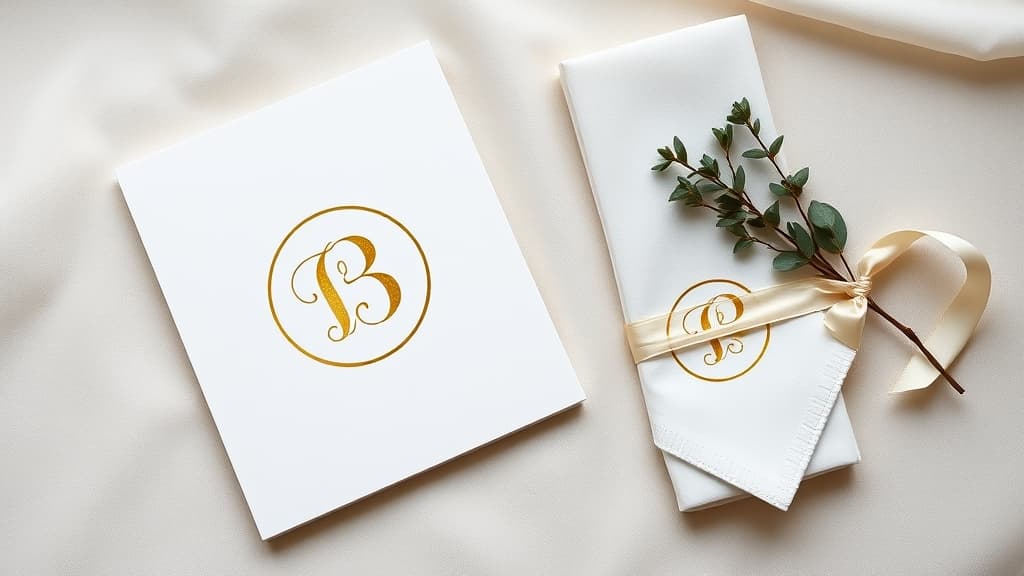
Canva has monogram templates but no single "monogram maker" button. Here is how to build a two- or three-initial monogram from scratch in about five minutes, how to fill the letters with photos, and how to turn the finished mark into a reusable frame.
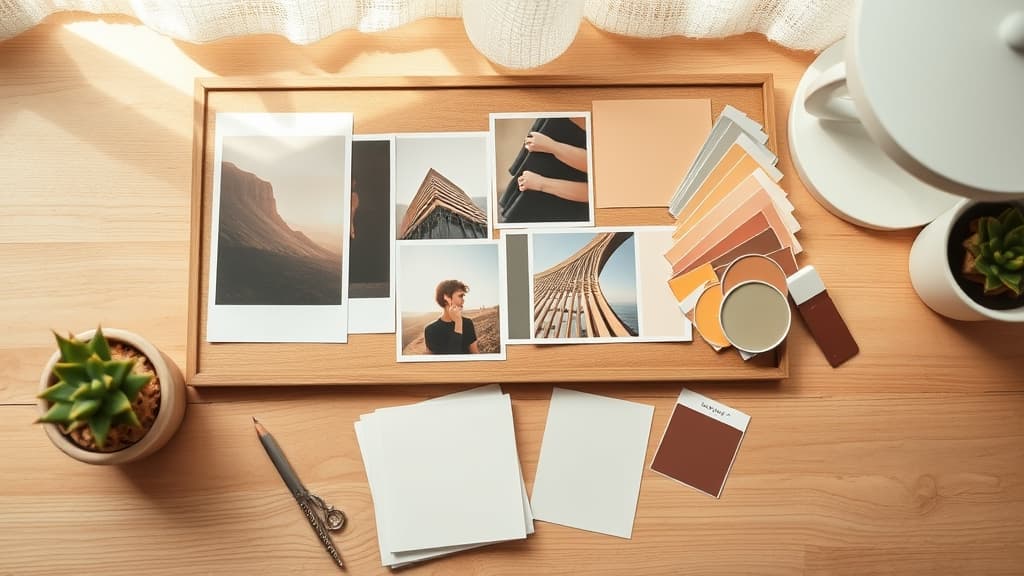
What Is a Mood Board? Definition, Types, and How to Make One in Canva
A mood board is a visual reference that pins down how a project should look and feel before you start making it. Here is what goes on one, how it differs from a vision board or a photo collage, and how to build one in Canva.

10 Instagram Post Ideas You Can Actually Make in Canva
Ten Instagram post ideas that go beyond dropping a photo on a template — photo-filled headlines, grid puzzles, arc frames, burst badges and monthly calendar posts, each with the exact Canva app and settings to build it.