
What Is a Triptych? Meaning, Types, and How to Make One in Canva
A triptych is art or a photo split across three panels meant to be seen as one piece. Here's where it came from, how it differs from a diptych, the sizing and spacing rules, and how to lay one out in Canva.
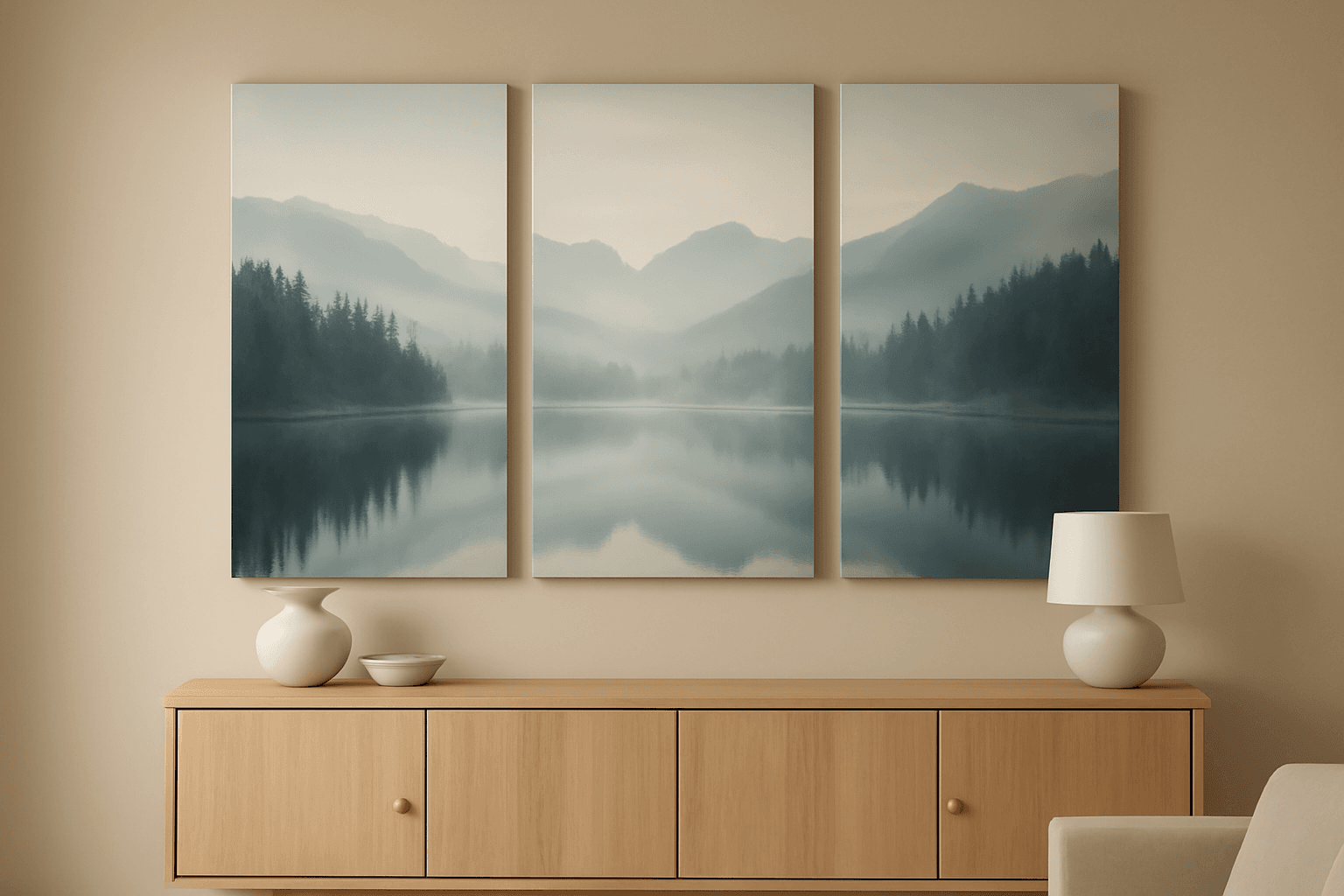
A triptych is a piece of art or a photo split across three panels that are made to be seen together as one work. It might be one image cut into three sections, three related images hung as a set, or three hinged frames that fold shut. The word shows up in art history, on home-decor shops and in wall-art listings, and the idea is simple: three panels, one piece.
This guide covers where the triptych came from, how it differs from a diptych or polyptych, the main types you'll see today, and the sizing and spacing numbers that make one look right on a wall. At the end, we show how to lay one out in Canva, both with Canva's built-in grids and with our Frames Lab app.
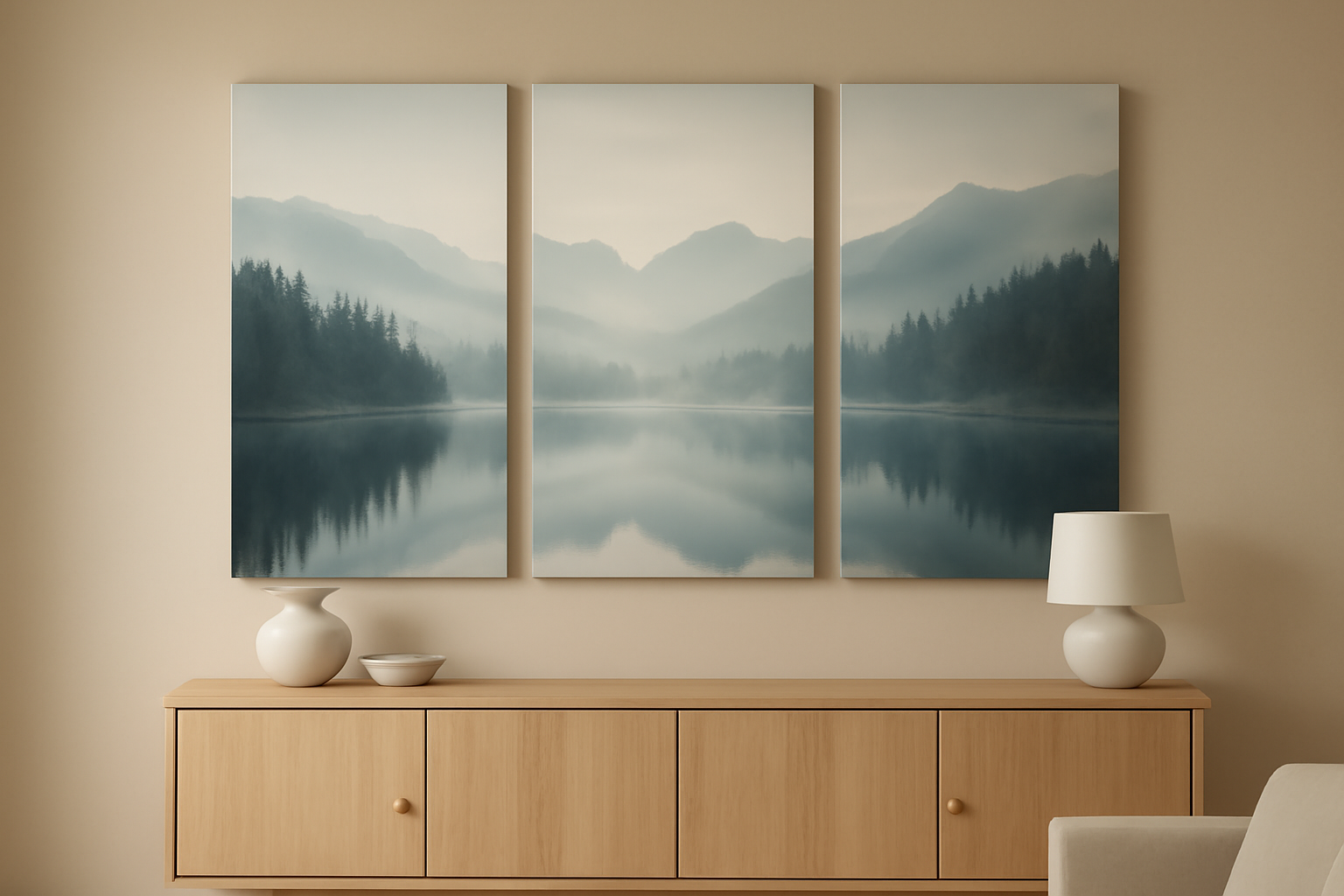
Triptych definition #
Triptych (pronounced TRIP-tick) comes from the Greek triptychos, "folded in three." The first triptychs were hinged panels: a large central painting with two narrower side panels (called wings) that could fold over it like doors. Many medieval and Renaissance altarpieces were built this way. The wings stayed closed most of the time and were opened for special occasions.
Today the word covers any three-part artwork meant to be read as a unit. The panels don't have to be hinged, and they don't have to be paintings. A landscape photo printed on three canvases is a triptych. So are three portraits of the same person at different ages, hung in a row.
What makes it a triptych rather than "three pictures" is intent: the panels share a subject, a color palette, a size system or a continuous image, and they're arranged so the eye moves across them as one piece.
Diptych vs triptych vs polyptych #
| Term | Panels | Typical use |
|---|---|---|
| Diptych | 2 | Before/after, pairs, two-page spreads, facing portraits |
| Triptych | 3 | Split landscapes, a story in three beats, altarpieces, wall sets above sofas and beds |
| Polyptych | 4 or more | Large altarpieces, multi-panel wall sets, gallery-style grids |
Three is the most popular number for a reason. With three panels there's a natural center, so the middle panel becomes the focal point and the two sides frame it. A diptych has a seam right where your eye lands. Four or more panels start to read as a grid rather than a single work.
The four types of triptych you'll see today #
1. Split-image triptych. One photo or painting divided into three sections, usually with small gaps between the panels. This is the most common type on canvas-print sites. Landscapes, seascapes and skylines work best because the horizon line carries across the gaps.
2. Series (themed) triptych. Three separate images linked by subject, color or composition: three seasons of the same tree, three close-ups of a wedding, a morning/noon/night set. Each panel works alone; together they tell a short story.
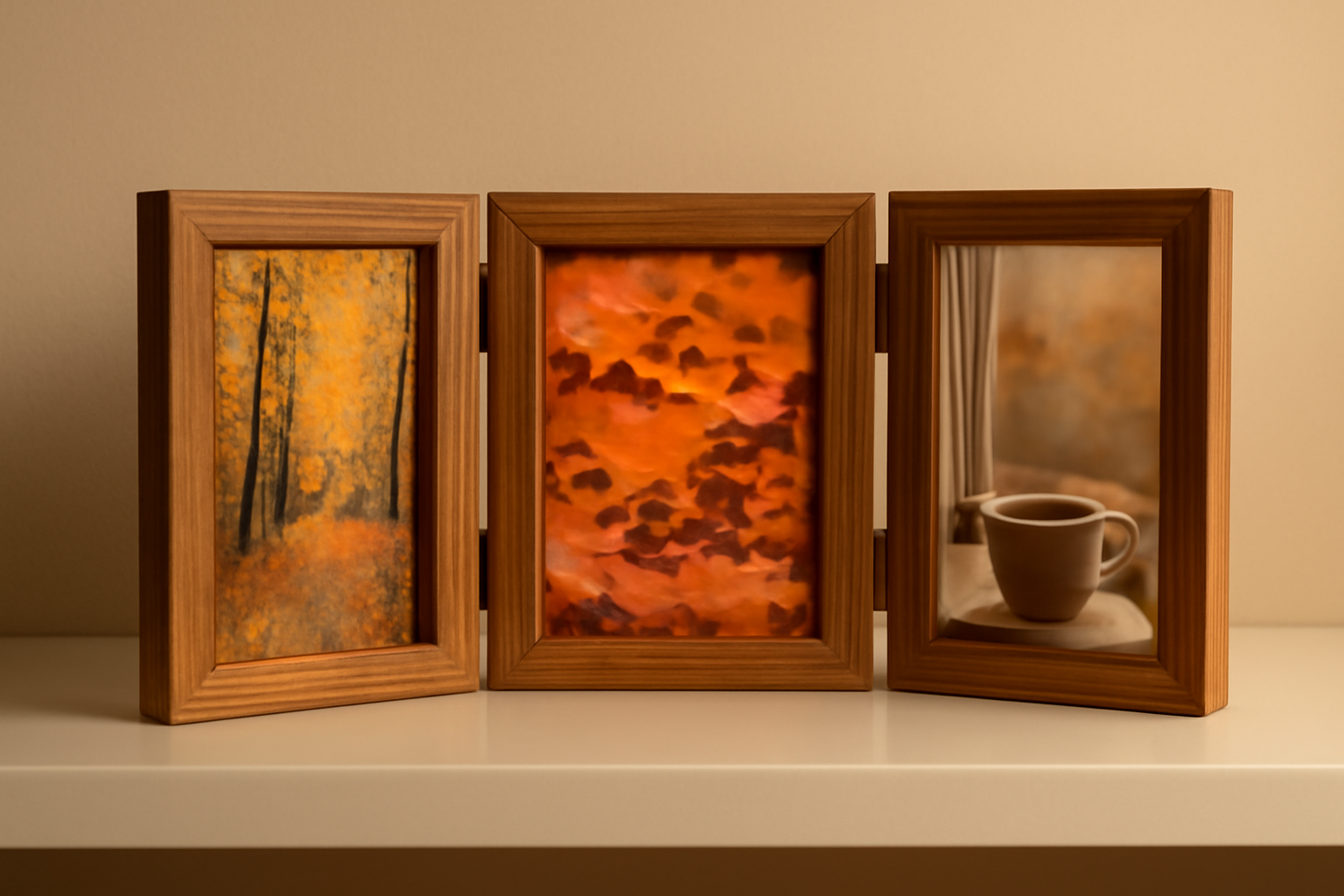
3. Hinged or folding triptych. The original form: three frames joined with hinges. Now you'll find them as tabletop photo frames and travel icons, often with a larger center panel.
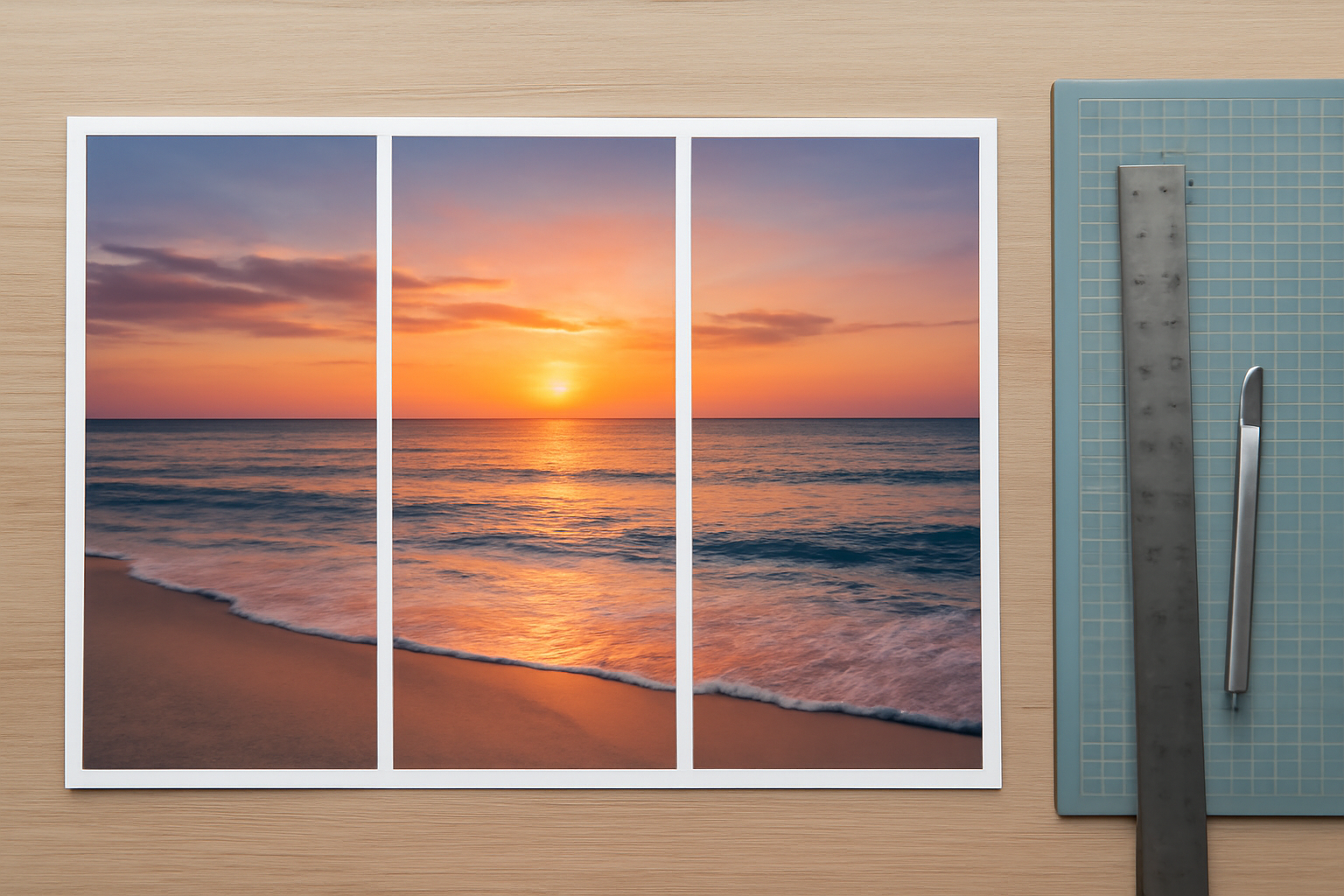
4. Single-print triptych. A single sheet or canvas with three frames laid out on it. It gives the triptych look without hanging three pieces, and it's the easiest to make in Canva.
How a triptych works: layout, sizing and spacing #
A triptych looks "off" for a few predictable reasons: panels too small for the wall, gaps too wide, or the image cut in the wrong place. These are the numbers we use.
Panel shape. Splitting a photo into three equal vertical panels makes each panel much taller than the original. A 3:2 landscape photo becomes three 1:2 panels (twice as tall as wide). If you want squarer panels, start with a wide panorama. Our guide to aspect ratio explains the math.
Resolution. Each panel only gets a third of the photo's width in pixels. A 6000-pixel-wide photo gives 2000 pixels per panel, which prints at about 6.7 inches wide at 300 DPI. That's fine for small panels but soft for big canvases. Check before you print: see what DPI means for printing.
Where to cut. Don't put a gap through a face, a horizon focal point or text. Move the image inside the frames so the important thing sits in the middle panel or clearly inside a side panel.
Gaps. On a wall, 2 to 3 inches (5 to 8 cm) between panels is a common range. Tighter gaps keep a split image reading as one picture; wider gaps make each panel feel separate. In a single-print layout, keep gaps small, around 1 to 3% of the total width.
Total width. A widely used rule of thumb is that wall art above furniture should span about two-thirds of the furniture's width. For a 90-inch sofa, that's a triptych about 60 inches wide including gaps.
Height. Hang so the center of the middle panel sits around eye level, roughly 57 to 60 inches from the floor, or 8 to 10 inches above the back of a sofa or headboard.
| Wall or furniture width | Total triptych width | Example panel size (portrait) |
|---|---|---|
| 36 in (small desk, hallway) | about 24 in | 3 × 8 x 10 in |
| 60 in (bed, console) | about 40 in | 3 × 12 x 16 in |
| 90 in (sofa) | about 60 in | 3 × 18 x 24 in |
Triptych vs gallery wall vs photo collage #
A gallery wall mixes frames of different sizes and styles, usually five or more, arranged loosely. A photo collage puts many photos on one surface. A triptych is tighter: exactly three panels, usually the same size (or a larger center), in a strict row. If you want a looser look, see our gallery wall ideas or what a photo collage is.
How to make a triptych in Canva #
Option A: Canva's built-in grids (good enough for a plain triptych) #
Canva's Elements → Grids includes three-column layouts. Drop one onto your page, drag a photo into each cell (or one photo across all three if you're making a split image), and adjust the spacing slider. For a simple, straight, equal-panel triptych on one print, this is all you need, and it's free.
Option B: Frames Lab (when you need exact control) #
Frames Lab is our Canva app for building frames by parameter. For triptychs it helps when Canva's grids stop short:
- Grid mode: set Layout to 3 columns and 1 row, then set the gap exactly. Under Advanced you can round the corners or keep straight edges, and Border adds a colored outline (a white border reads like a mat). The Wave option bends the dividing lines for a softer, organic split. Click Add to design, and the frame scales to fit your page automatically.
- Diagonal mode: set the angle, spacing and gap to cut the image into slanted strips, a modern take on the split-image triptych.
- Style tab: re-add the frame you just made with Blur, Border or Inner Shadow to make the panels feel more like physical prints.
Then drag your photo in. In a split grid, you can drop the same photo into each cell and slide it inside each frame so the image lines up across the gaps. Free users get a limited number of frame adds; Pro removes the limit. Try Frames Lab in Canva.
For a direct comparison of the two approaches, see Canva Grids vs Frames Lab.
Printing three separate panels from Canva #
For three physical canvases or prints, make a design at the size of one panel with three pages. On each page, place the full photo scaled to three panels' width. Then use Position → Advanced to set its X position so page 1 shows the left third, page 2 the middle and page 3 the right. Add bleed if a print shop asks for it (see what bleed is) and download as PDF Print.
Quick triptych checklist #
- Pick an image that survives two cuts: a wide landscape, a panorama, or three related shots.
- Make sure each panel has enough pixels for its print size.
- Keep the important subject out of the gaps.
- Keep all three panels the same size, or make the center clearly larger.
- Aim for about two-thirds of the furniture width, with 2 to 3 inch gaps.
Frequently asked questions
A diptych has two panels and a triptych has three. With three panels there is a natural center, so the middle panel becomes the focal point and the two side panels frame it. A diptych puts a seam right where the eye lands, which suits before/after or paired images.
A common range is 2 to 3 inches (5 to 8 cm) between panels. Tighter gaps keep a split image reading as one picture; wider gaps make each panel feel separate. Aim for a total width of about two-thirds of the furniture below it.
Yes. Canva's Elements > Grids includes three-column layouts that work for a plain, equal-panel triptych. Frames Lab adds exact gap control, borders, rounded corners, wavy or diagonal splits and a Style tab with blur and inner shadow; free users get a limited number of frame adds.
Related products


More from QRdy Blog
10 Bulletin Board Ideas You Can Make in Canva (Fall, Classroom and Calendar Boards)
10 printable bulletin board ideas for fall and the classroom: monthly calendar boards, photo-filled headline letters, Meet the Class grids, leaf photos, countdowns and more, all designed in Canva.

Serif vs Sans Serif: What's the Difference, and Which Font Should You Use?
Serif fonts have small strokes at the ends of their letters; sans serif fonts don't. Here's what that changes for readability, print, screens and pairing — and why heavy sans serifs win when you put photos inside letters.

The Best Canva Apps for Gift Tags (2026)
Gift tag season starts earlier than you think. Here are five Canva apps that make custom photo tags, decorative borders, name tags and QR tags faster than building each one by hand — plus what Canva already does well on its own.