
The Best Canva Apps for Invitations (2026): Birthday, Baby Shower & Party
Canva's invitation templates get you 80% of the way. These Canva apps cover the rest: custom photo shapes, monogram letters, borders, palettes and RSVP QR codes.
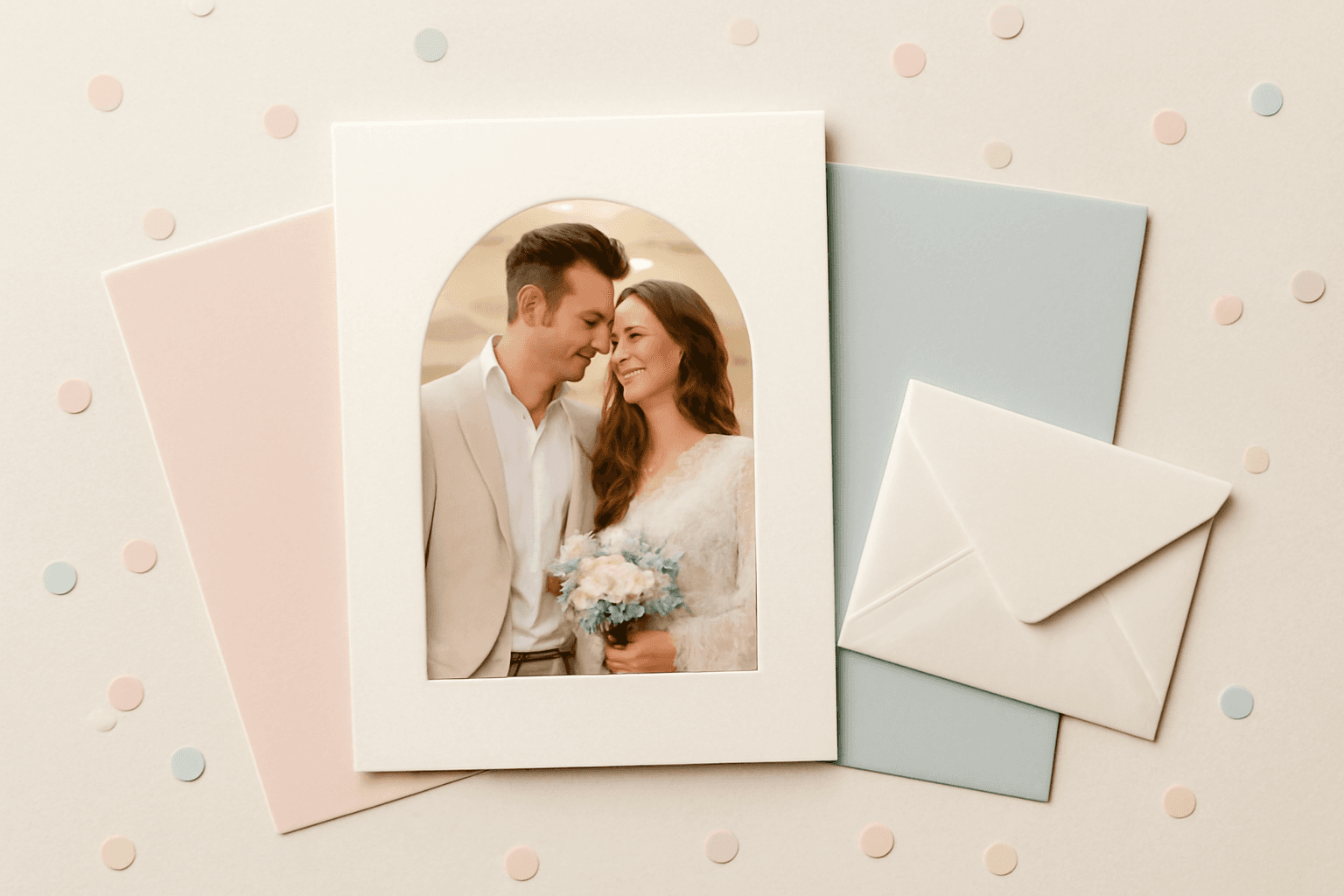
Canva's invitation templates are good. You can search "birthday invitation" or "baby shower invitation", swap the text, and be done in ten minutes. The problem is that thousands of other people picked the same template. If you want an invitation that looks like yours — your photo in a shape that fits the theme, a name spelled out in photos, a clean border, a QR code for RSVPs — you need a few extra tools.
This roundup covers the Canva apps that fill those gaps. We build several of them, so we say plainly where each one fits and where Canva's built-in tools are enough.
Quick picks #
| Need | Best app | Why |
|---|---|---|
| Photo in a custom shape (heart, arch, balloon) | Image to Frame | Turns any PNG/SVG/JPG shape into a real Canva frame |
| Name or age spelled out in photos | Text to Frames | Each letter becomes its own photo frame |
| Arcs, grids, polygons, AI shapes | Frames Lab | Generates several frame types in one app |
| Decorative edges (dots, icons, repeating motifs) | Border Art Maker | Evenly spaced border patterns |
| RSVP / registry / map link | Qrdy Dynamic QR | Editable QR code after printing |
| Matching colors | Color Harmony | Builds a palette and applies it to the whole design |
1. Image to Frame — custom photo shapes #

Canva's built-in frames cover circles, squares, and a handful of decorative shapes. For an invitation you often want something specific: a balloon for a first birthday, an arch for a wedding shower, a heart, a cake, a star. Image to Frame converts a PNG, SVG, or JPG silhouette into a valid Canva frame, so you can drop a photo or video into it like any other frame.
Best for: birthday and baby shower invitations where the photo shape carries the theme.
How to use it:
- Find or draw a simple silhouette of the shape you want (a solid shape on a plain background works best).
- Open Image to Frame in Canva and upload it.
- Add the generated frame to your 5x7 invitation page.
- Drag your photo into the frame and adjust the crop.
Honest note: if a circle or rounded square is all you need, Canva's own frames are faster. Use this when the shape is part of the design.
2. Text to Frames — names and ages in photos #
A "Emma is 3!" invitation looks far better when the letters themselves are filled with photos. Text to Frames turns each character into its own frame, so you can place a different photo or video in each letter.
Best for: first-birthday photo timelines, milestone birthdays, "Baby ___" announcements, and photo-letter headers.
Tips:
- Use a bold, thick font so each letter has room for a photo.
- Keep the text short: a name or a number reads better than a sentence.
- Pick photos with similar lighting so the letters feel like one set.
3. Frames Lab — arcs, grids, and AI shapes #
Frames Lab is a toolbox for generating several frame types: arch/arc frames, grids, polygons, an AI shape generator, and SVG-to-frame conversion. It is the one to open when you want an arch window or a tidy 2x2 photo grid on the invitation without hunting for a silhouette first.
Best for: wedding and baby shower invitations with arch photo windows, and "save the date" cards with a small photo grid.
4. Border Art Maker — edges that look designed #
Plain white margins can make a printed invitation feel unfinished. Border Art Maker builds borders from dots, icons, or repeated images and spaces them evenly around the page, with spacing and rotation you can adjust.
Best for: polka-dot party borders, a ring of tiny stars for a space-themed birthday, or a row of small leaves for a garden party.
Tip: keep borders inside your safe area so a trimming error does not cut them off.
5. Qrdy Dynamic QR — RSVP codes you can change #
Printed invitations are permanent, but plans are not. A dynamic QR code points to a short link you can re-point later, so if you move the RSVP form, change the venue page, or add a registry, you do not reprint anything. Qrdy Dynamic QR installs directly in Canva, is priced at $5/month, and includes scan tracking, which is handy for seeing how many guests actually opened the link.
Best for: RSVP forms, gift registries, map links, and event pages.
If your invitation is digital-only and the link will never change, Canva's built-in QR code is enough. If you are mass-producing codes (for example, one per guest table), Bulk QR can generate many at once from a list.
6. Color Harmony — a palette that matches #
A common invitation problem: a lovely photo, and text colors that fight it. Color Harmony generates harmonious palettes (complementary, triadic and similar) and can apply them across a design in one click. Start from a color in your photo, then let the app propose the rest.

What Canva already does well #
Be fair to the built-in tools. Canva's native features handle these without any app:
- Text, fonts, and layout for a standard invitation
- Round and rounded-square photo frames
- A basic QR code for a link that will not change
- Export as PDF Print for home or professional printing
Reach for an app when you want a custom shape, letters filled with photos, a patterned border, or an editable QR code.
A simple workflow for a 5x7 invitation #
- Start from a Canva template that has the right size and tone.
- Replace the photo area with a custom frame (Image to Frame or Frames Lab).
- Add the name in Text to Frames if photo letters suit the theme.
- Add a border with Border Art Maker, inside the safe area.
- Re-color with Color Harmony.
- Add a dynamic QR code for RSVPs, then export as PDF Print.
Which one should you start with? #
If you only add one app, make it Image to Frame: a custom photo shape changes the look of an invitation more than anything else on this list. Add Qrdy Dynamic QR if you are printing and want the RSVP link to stay flexible.
Frequently asked questions
Yes. Canva's invitation templates, text tools and built-in frames are available on the free plan, and you can export a PNG or PDF to print or send. Apps add custom shapes, borders and QR codes on top, and some apps have their own free tiers or paid plans.
5x7 inches is the most common size for birthday, baby shower and party invitations, and it fits a standard A7 envelope. For print, export as PDF Print and add bleed if your printer asks for it.
Add a QR code that points to your RSVP form or event page. A dynamic QR code such as Qrdy Dynamic QR lets you change the destination after the invitations are printed, which helps if the venue or form changes.
Related products


More from QRdy Blog
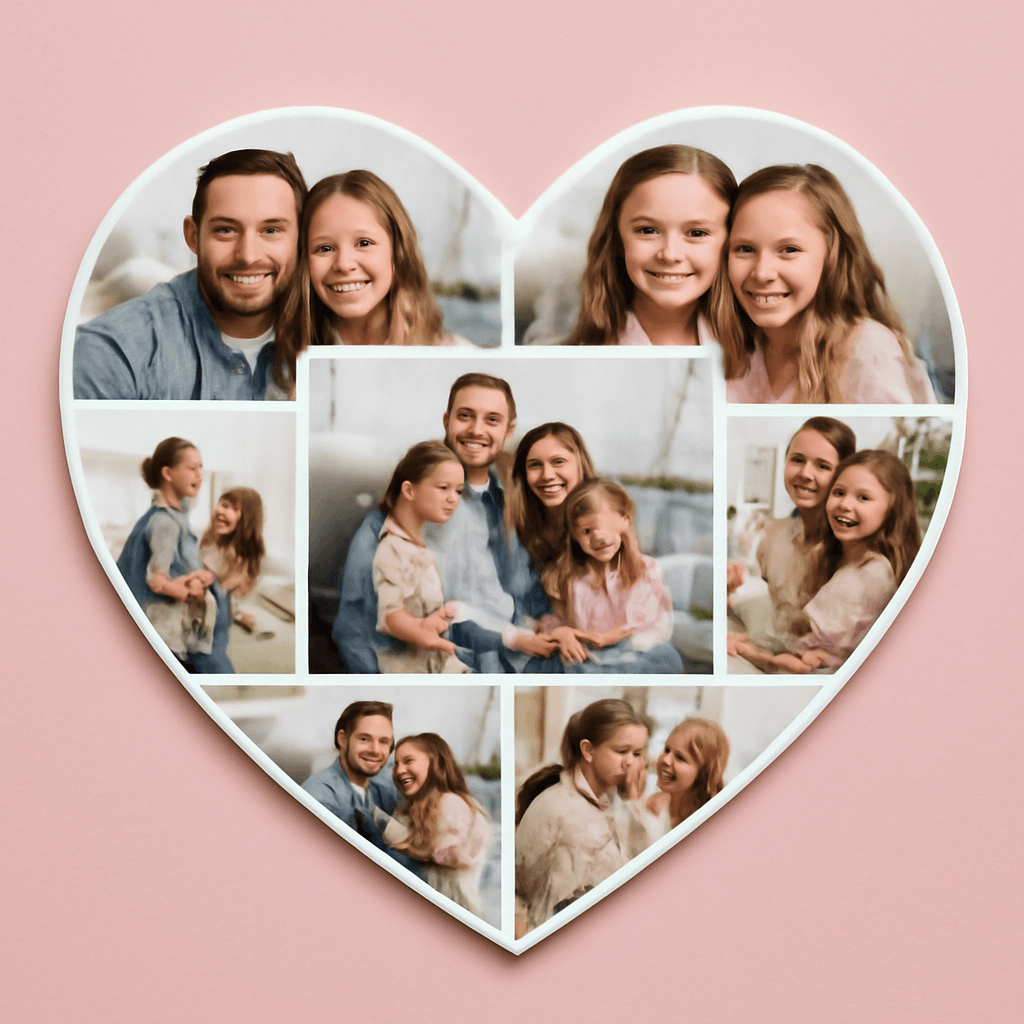
How to Put a Photo in a Heart Shape in Canva (3 Easy Ways)
Want a heart-shaped photo in Canva? Use the built-in heart frame, turn any heart graphic into a custom frame with Image to Frame or Frames Lab, or build a heart collage. Step-by-step for each.
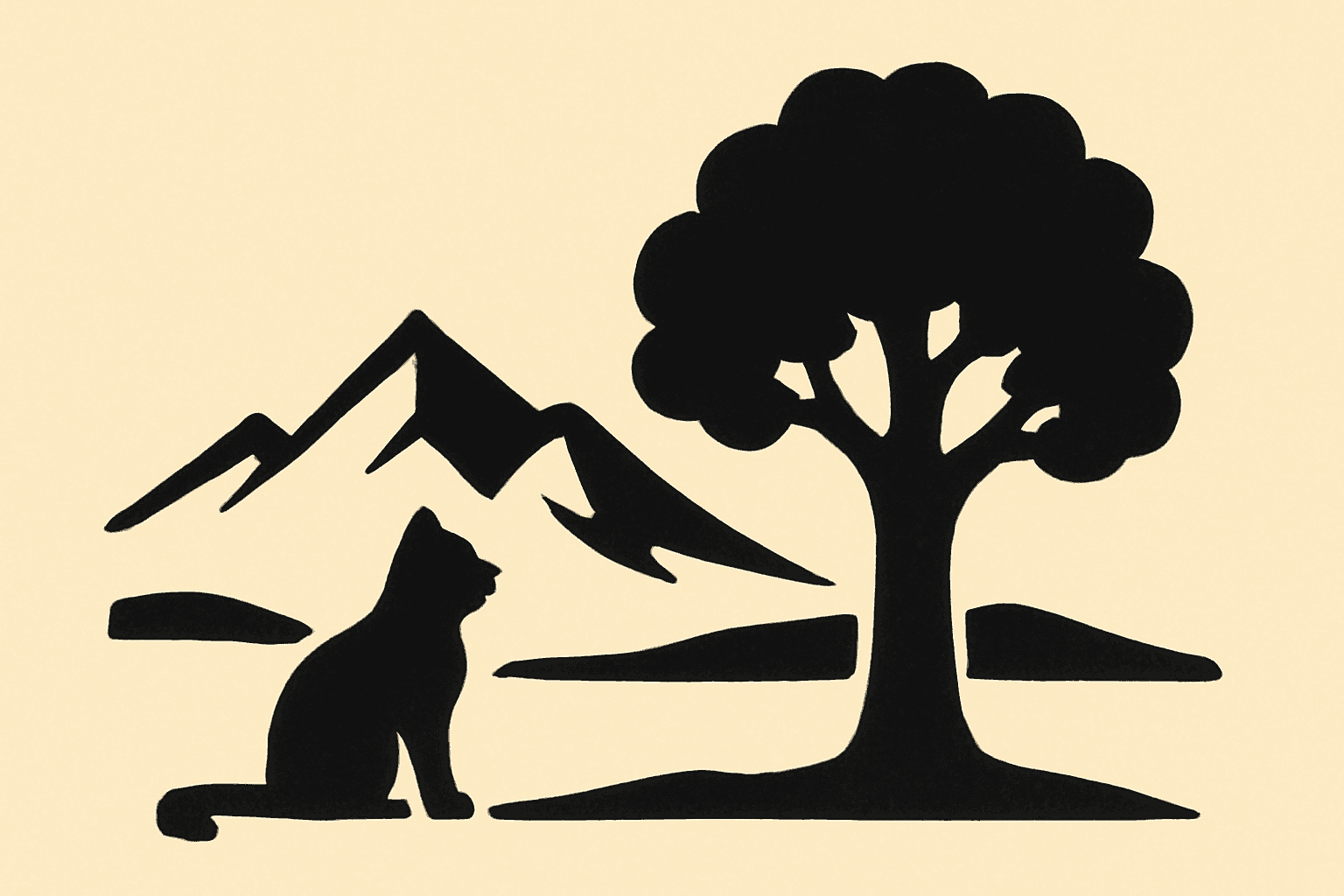
What Is a Silhouette? Meaning, Examples, and How to Use One in Canva
A silhouette is a solid, single-color outline of a shape with no inner detail. Here is what it means, how it works, the main types, and how to turn one into a photo frame in Canva.
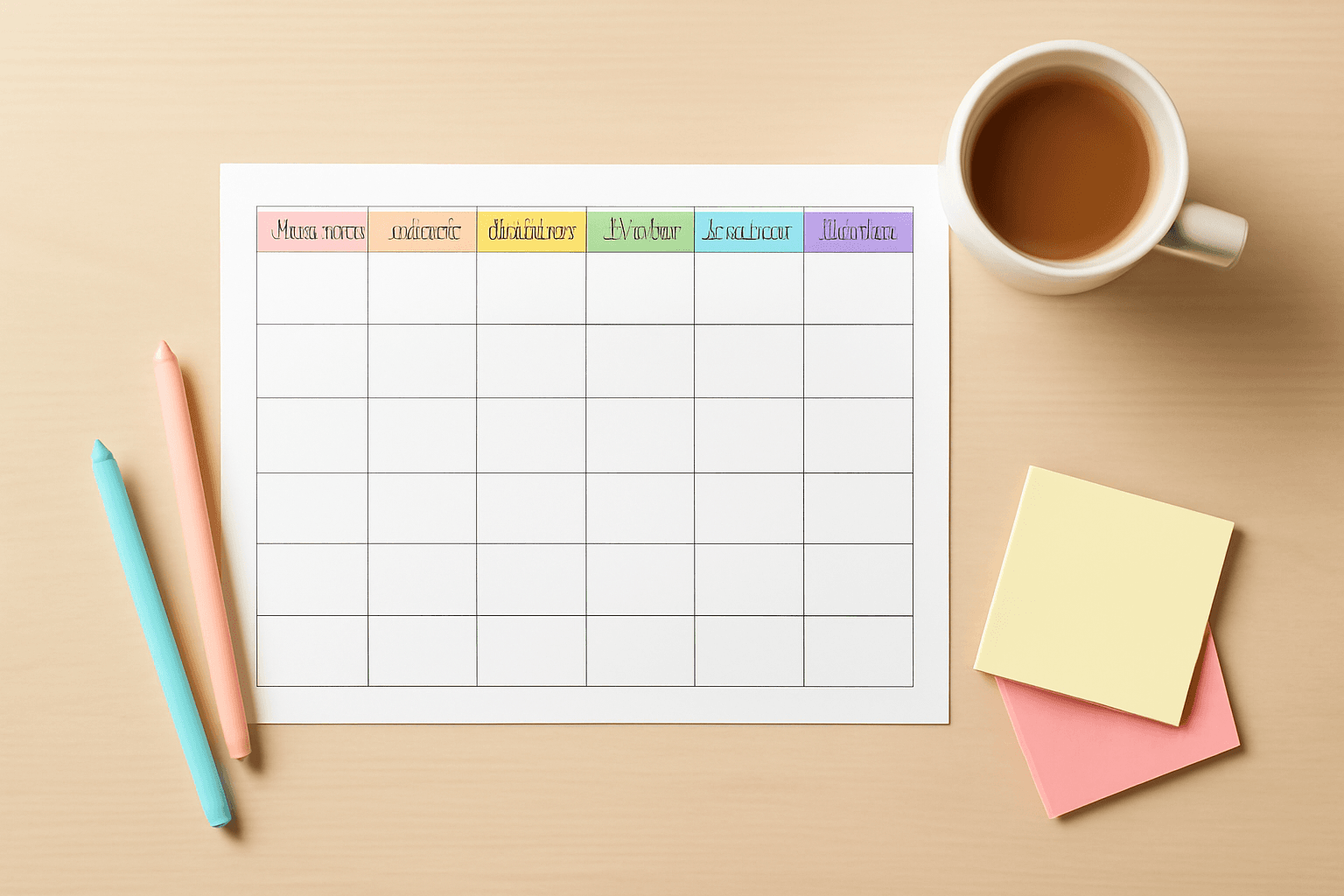
10 Weekly Schedule & Countdown Calendar Ideas You Can Make in Canva
Ten practical ideas for weekly schedules and countdown calendars in Canva: class timetables, chore charts, 30-day challenges, wedding and holiday countdowns, all built with Calendar Maker's Week and Custom tabs.