
The Best Canva Apps for Posters and Flyers (2026)
A poster fails from across the room, not up close. Six Canva apps that fix the parts posters and flyers actually get wrong — the headline, the hero image, the layout grid, the edge, the palette — plus the print sizes and settings nobody tells you about.
How to Make Stickers in Canva: Print-at-Home, Die-Cut, and Digital
A step-by-step guide to designing stickers in Canva — the white die-cut border, the right canvas size, the export settings that actually print sharp, and where Canva's free tier stops.
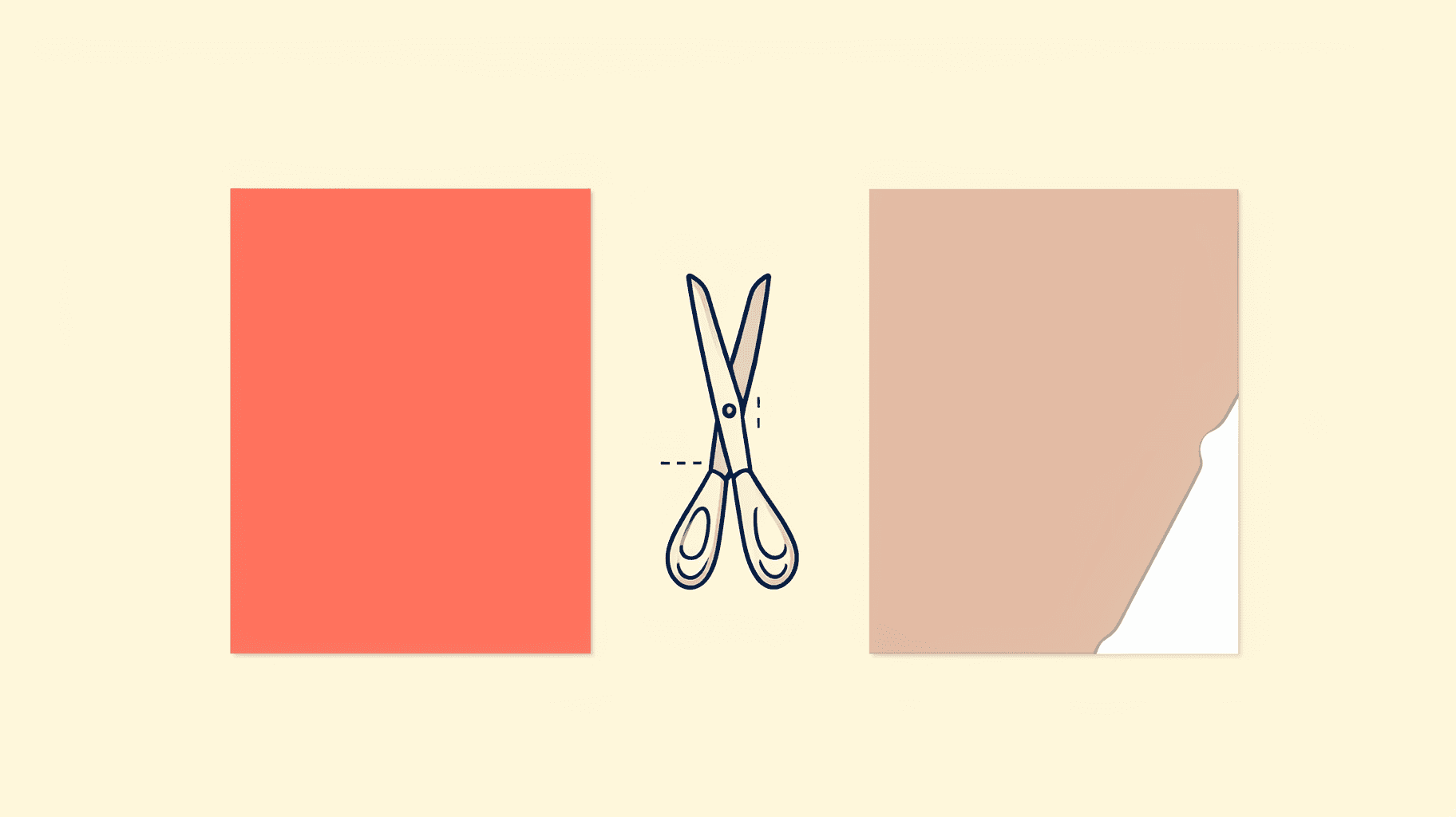
What Is Bleed in Printing? Bleed vs Trim vs Safe Area (and How to Set It in Canva)
Bleed is the extra artwork you print past the cut line so a trimming blade never leaves a white sliver on the edge. Here is what bleed, trim and safe area actually mean, how much bleed to use, and exactly where to turn it on in Canva.
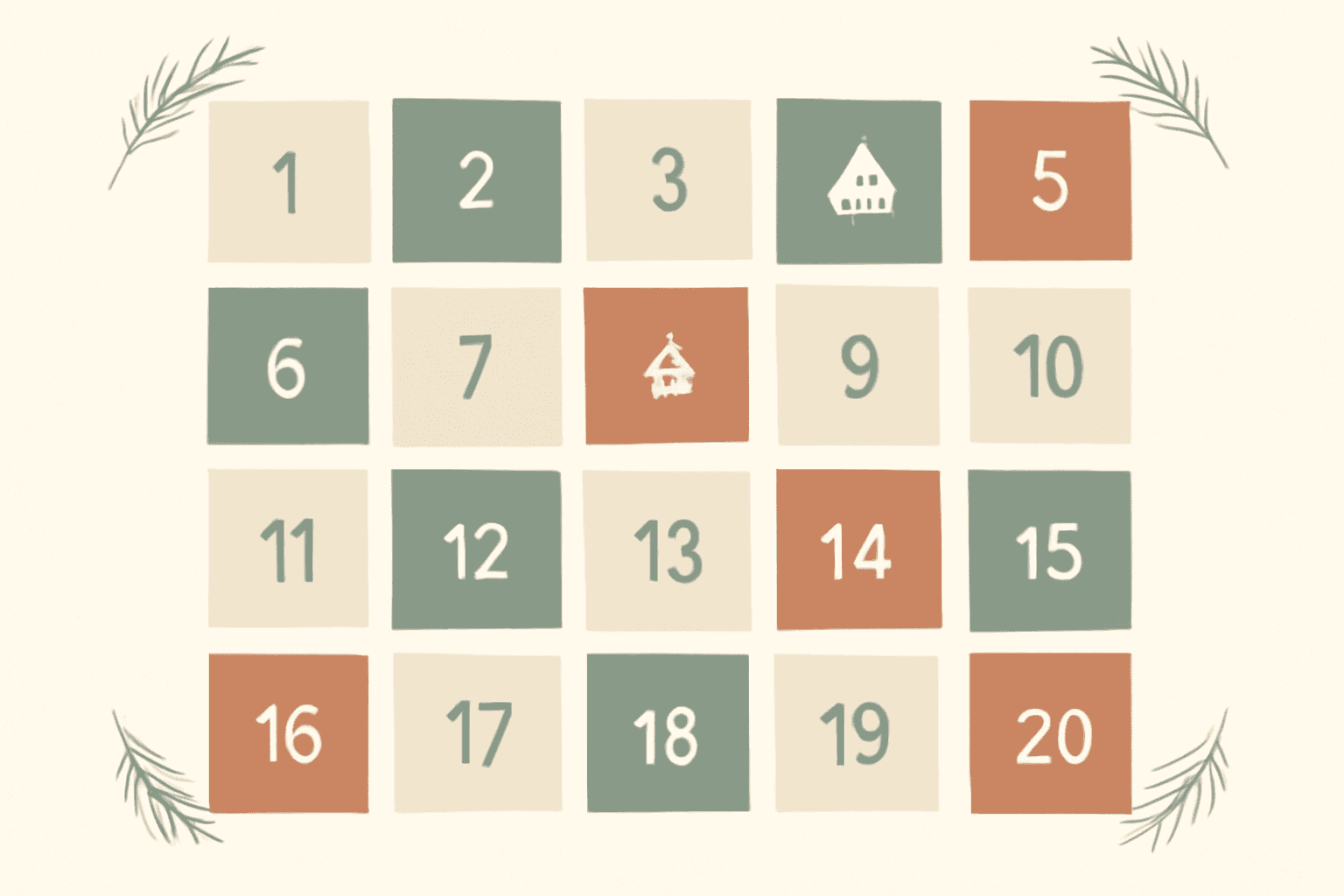
10 DIY Advent Calendar Ideas You Can Make in Canva (Printable & Digital)
Ten advent calendar ideas you can actually design in Canva — printable wall posters, photo countdowns, envelope garlands, kids' activity calendars and digital versions. Includes the fastest way to generate a numbered 1–24 grid without drawing a single box.
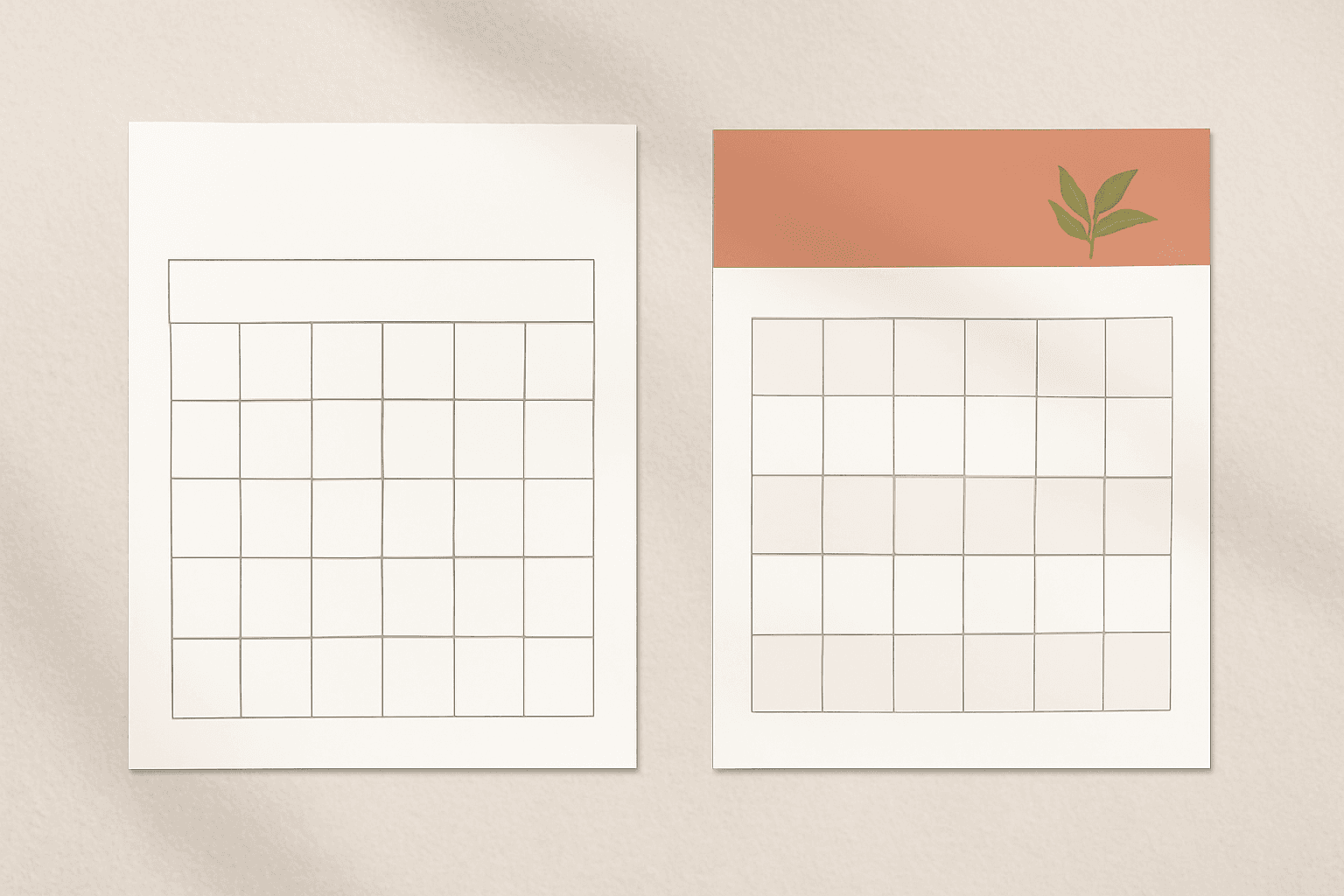
Free Printable 2027 Calendar: Download One, or Make Your Own in Canva?
Free printable 2027 calendars are everywhere, and most of them are fine. Here is an honest comparison of downloading a ready-made PDF versus building your own in Canva — what each one actually costs you, and which to pick.
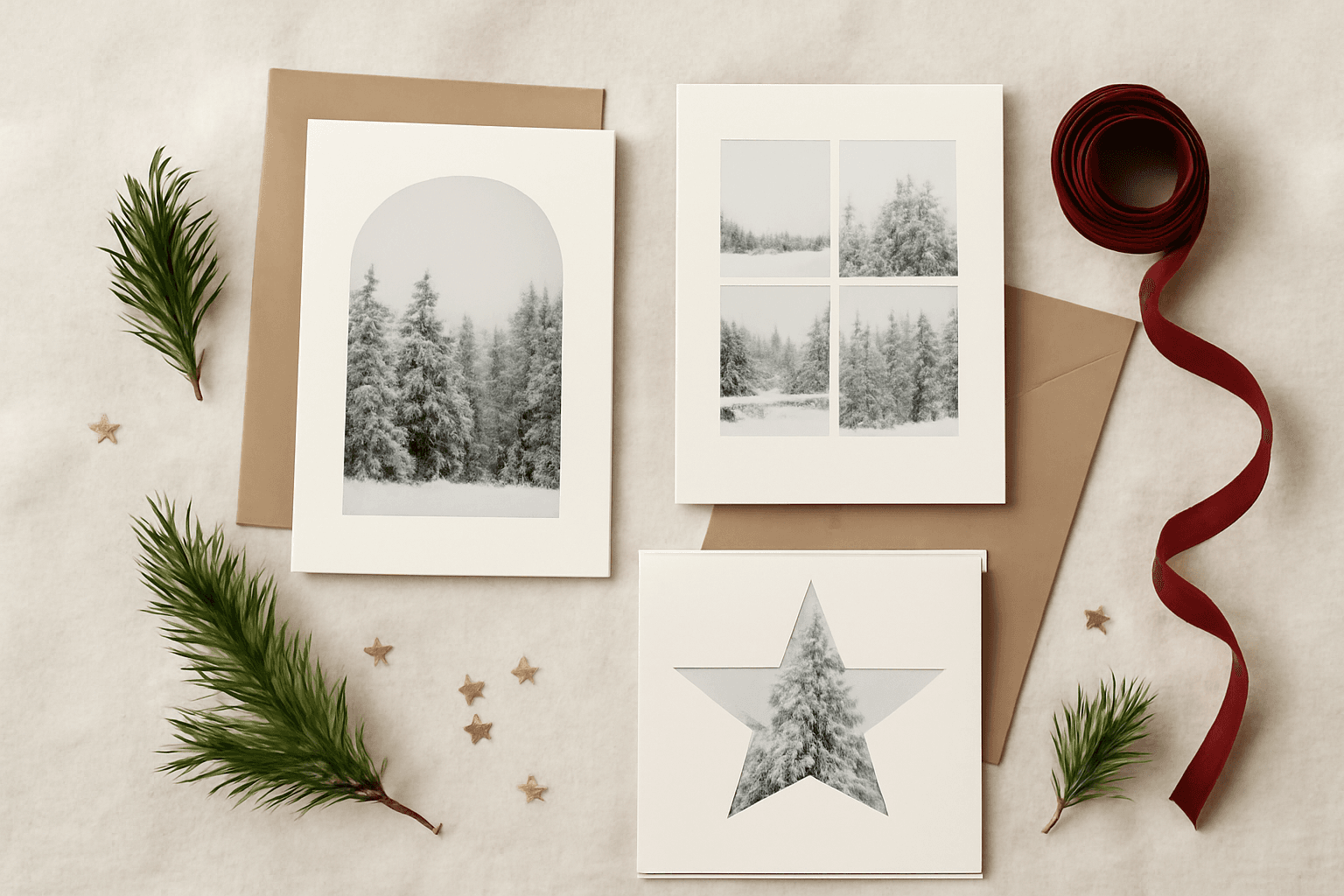
The Best Canva Apps for Christmas & Holiday Photo Cards (2026)
Six Canva apps that make a personalised holiday photo card look designed instead of dropped into a template — plus the card sizes, print settings and honest limits nobody mentions until December.
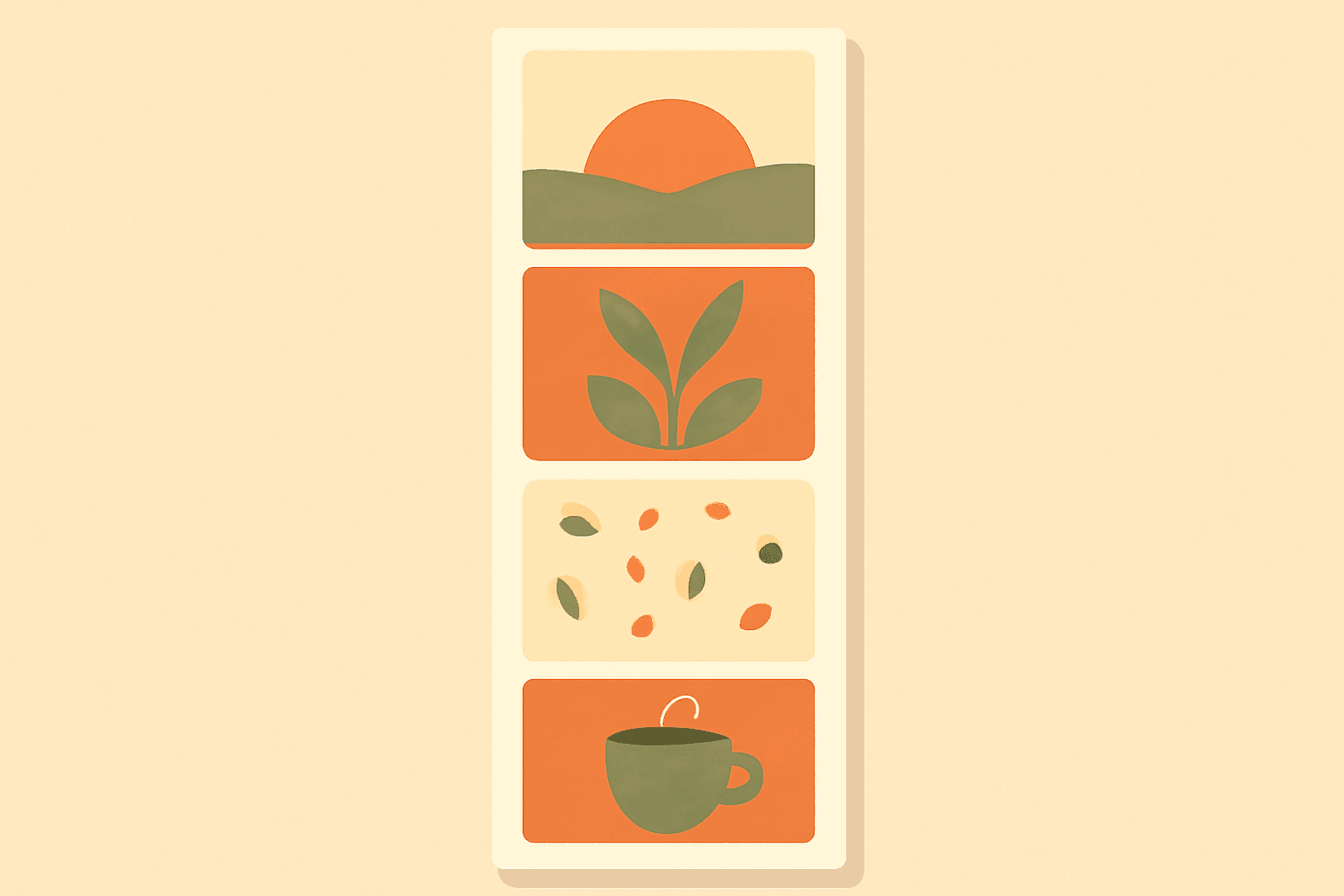
How to Make a Photo Strip in Canva (Photo Booth Style, Print or Digital)
A photo strip is just four photos stacked in a 2×6 inch column — but getting the cells even and the print size right is where most people get stuck. Here's the step-by-step in Canva, plus a faster way using Frames Lab.
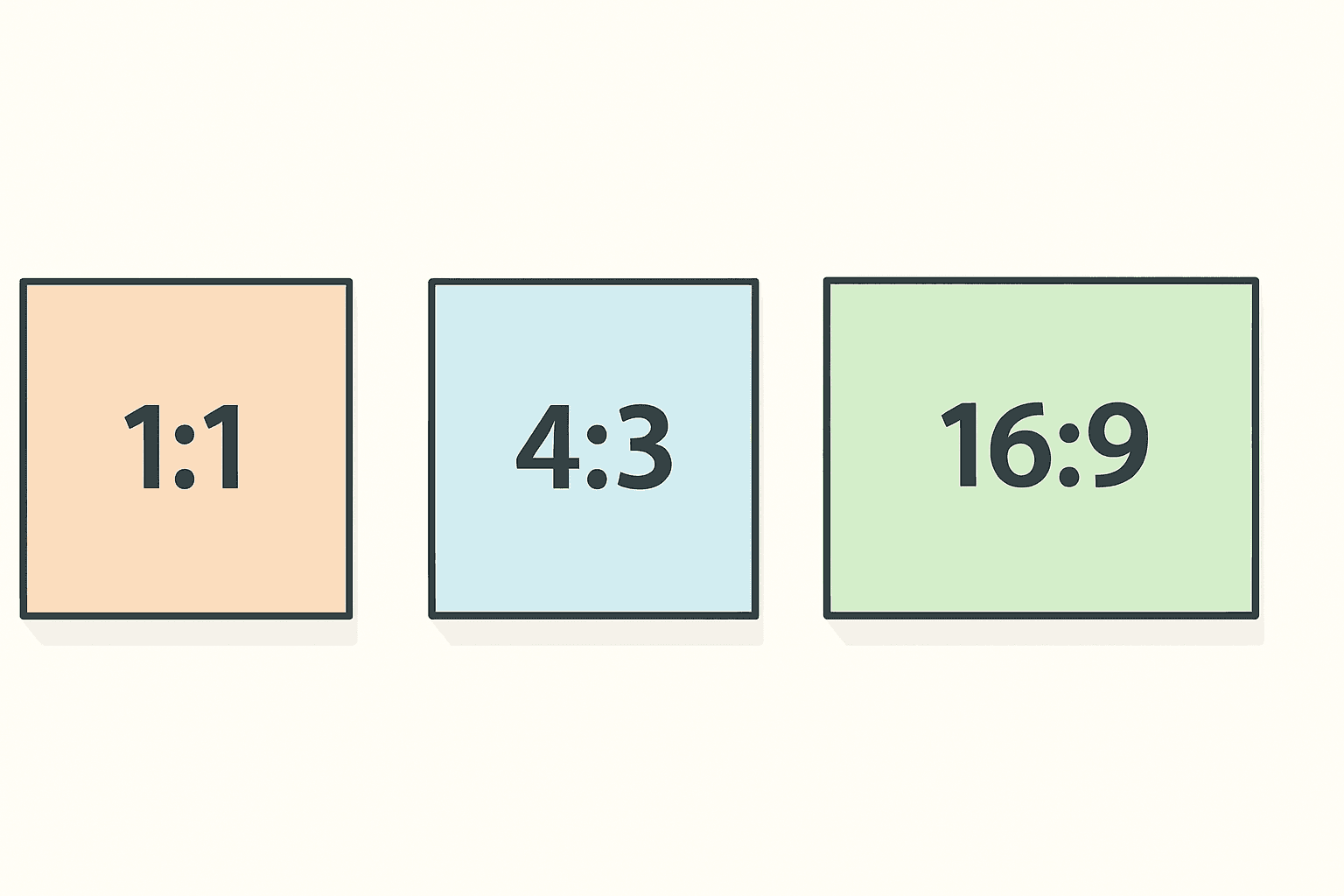
What Is Aspect Ratio? A Plain-English Guide (with Canva Examples)
Aspect ratio is the shape of your image, not its size. Here is what 1:1, 4:3 and 16:9 actually mean, why photos get cropped or squashed when you change them, and how to handle ratios in Canva without wrecking your design.
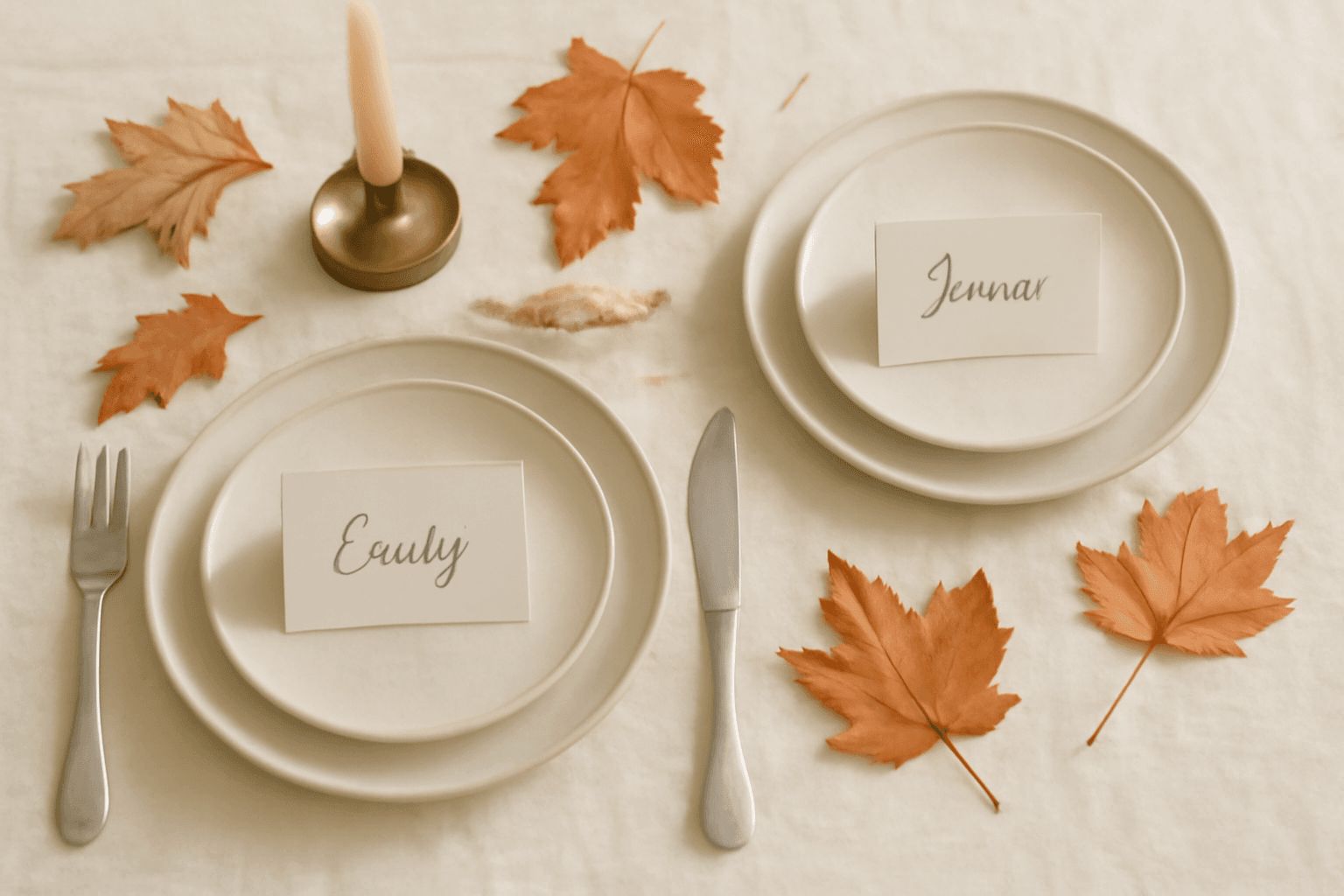
10 Place Card Ideas You Can Make in Canva (Thanksgiving, Weddings & Dinner Parties)
Place cards are the cheapest way to make a table look considered. Here are 10 ideas you can design in Canva — photo-filled names, leaf-shaped photo cards, escort displays, QR cards — plus the print sizes that actually work.
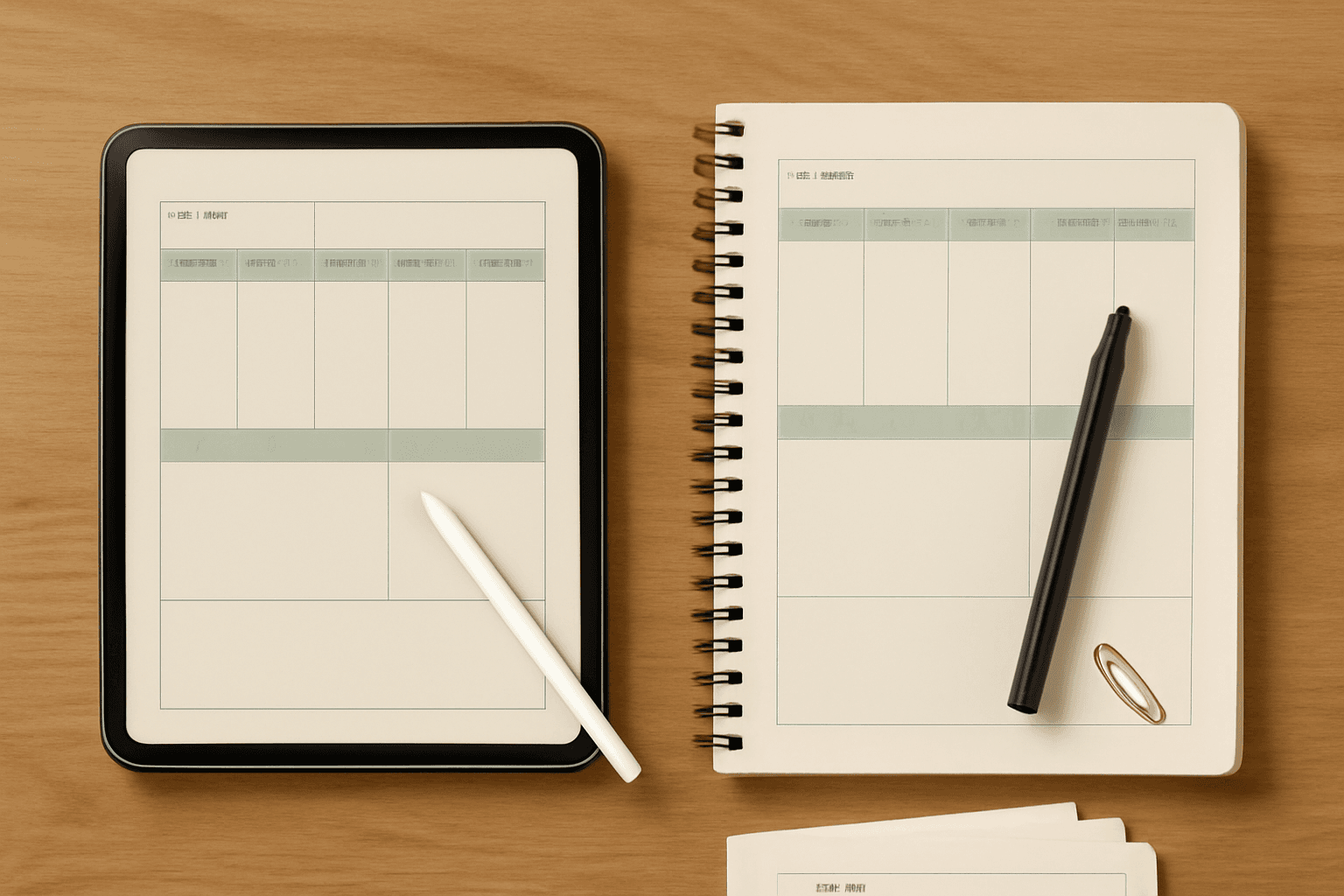
Digital Planner vs Printable Planner: Which Should You Make in Canva?
A digital planner and a printable planner start from the same Canva pages but split on five decisions: page size, navigation, colour, export, and how you fix a mistake. Here is which one to build, and how to build it without redoing the work twice.
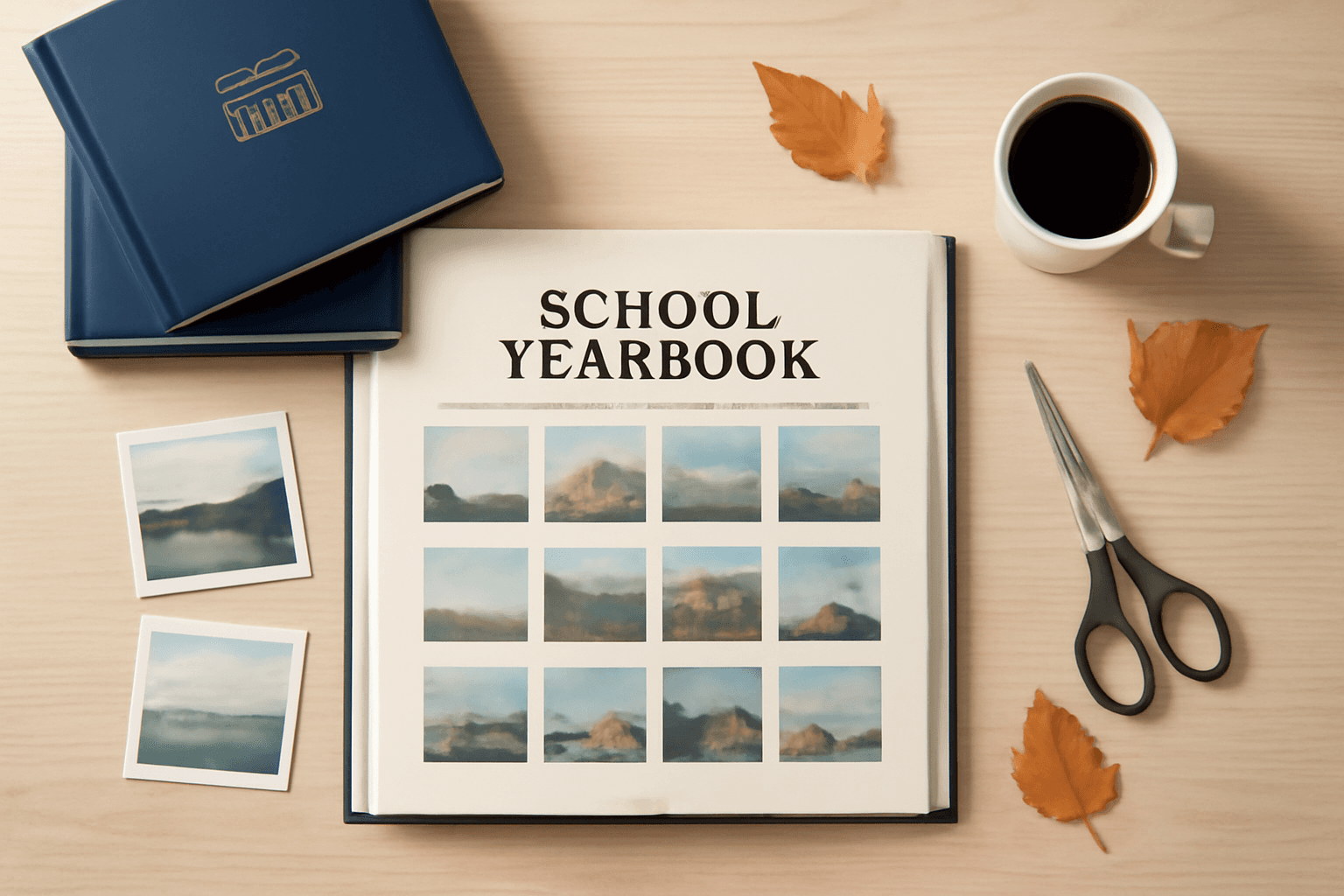
The Best Canva Apps for Making a Yearbook (2026)
Yearbook season starts in August, and the hard part is not the writing — it is laying out hundreds of photos on a page that still prints cleanly. Here are six Canva apps that do the parts Canva does not, plus an honest look at what Canva already handles free.
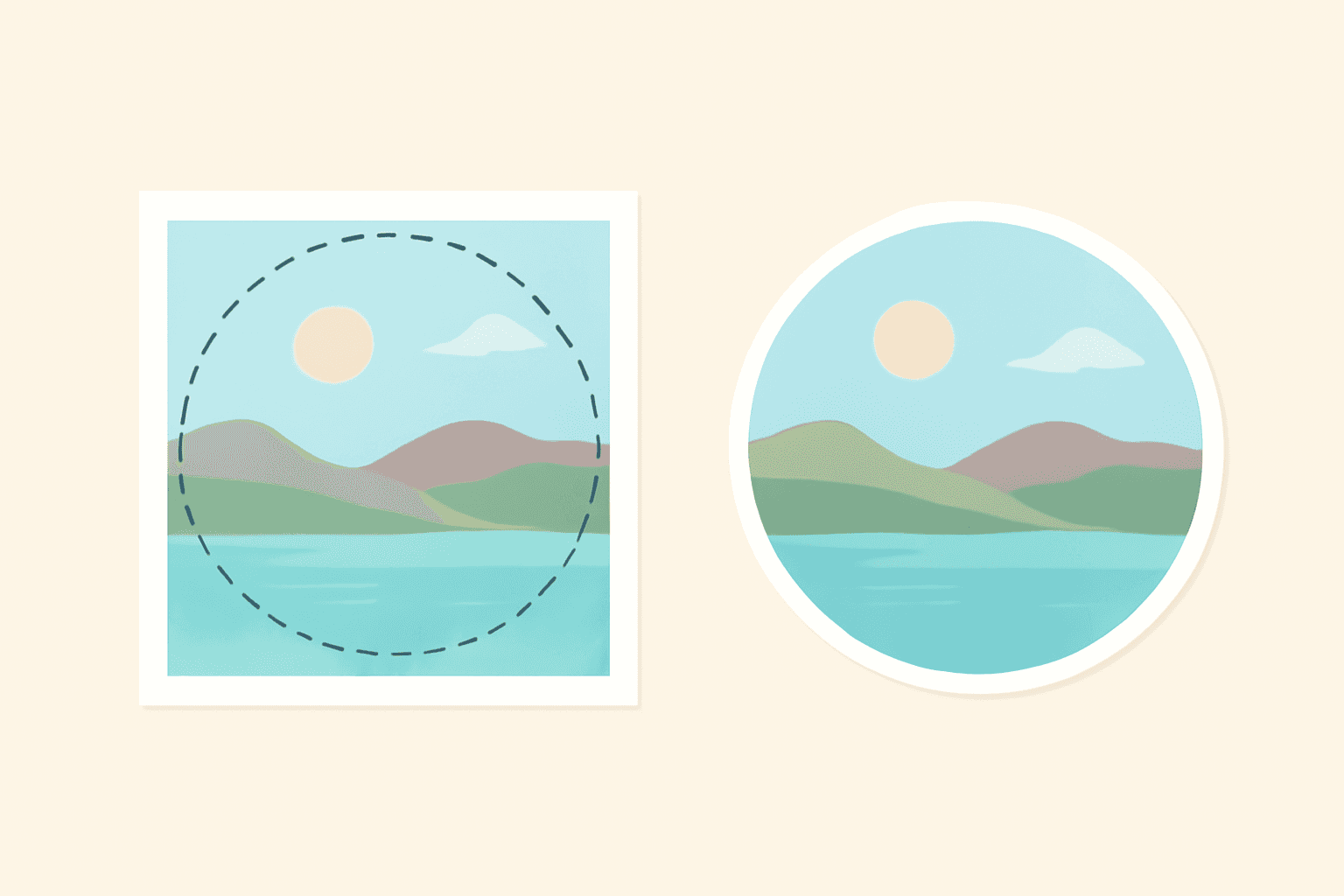
How to Crop a Picture into a Circle in Canva (Step by Step)
Canva has no "crop to circle" button — you use a circle frame instead. Here are three ways to do it: the free built-in frame, a circle with a custom ring border, and a whole grid of circles at once.