
10 Photo Name Art Ideas You Can Make in Canva (Words Filled with Photos)
Ten photo name art ideas for Canva: names, words and dates where every letter is filled with a different photo. Gifts, banners, posters and more, built with Text to Frames.
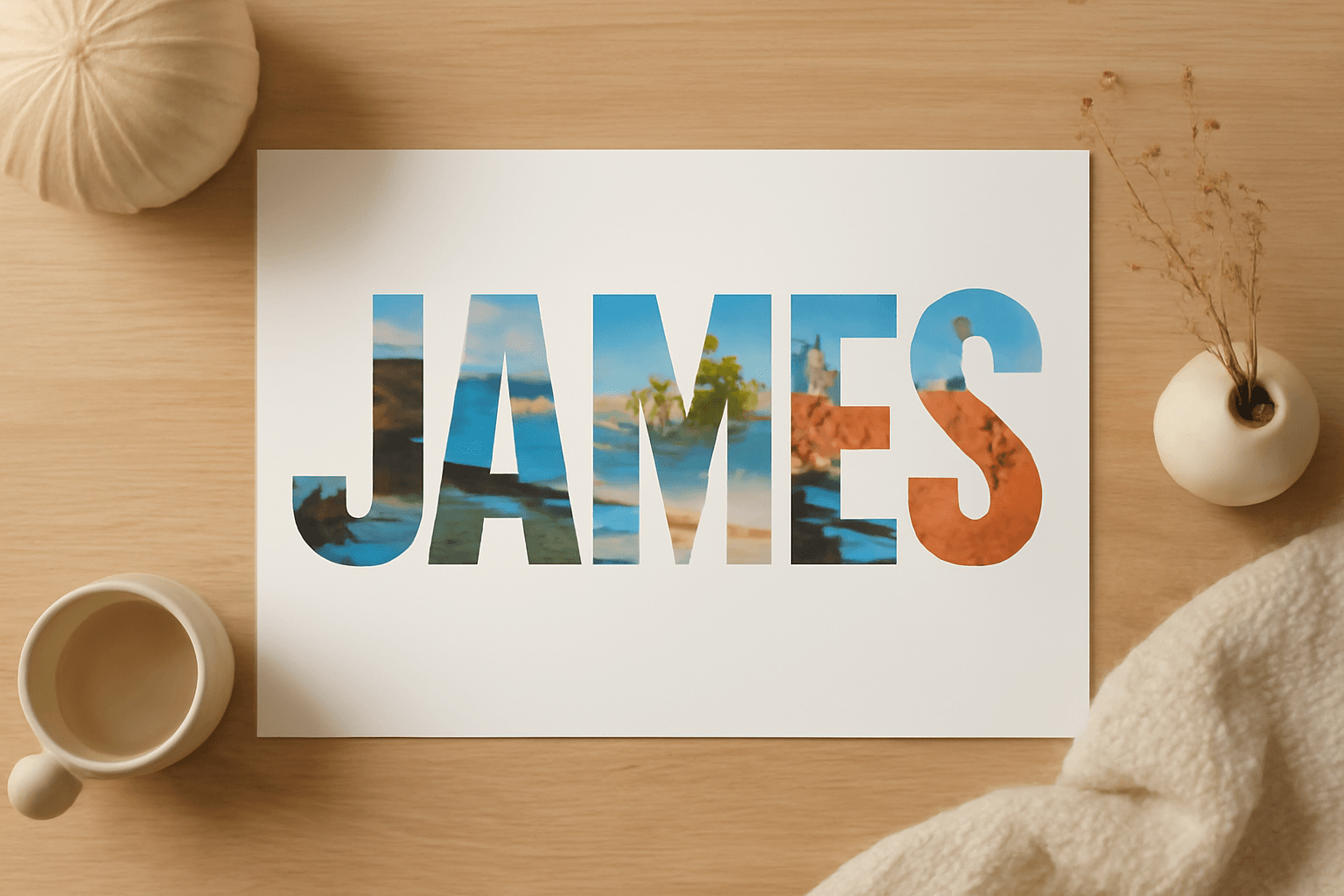
Photo name art is simple: take a name, a word or a date, and let every letter become a window onto a photo. Done well, it turns lettering into a tiny story. Below are ten ideas you can build in Canva, plus the quick method behind all of them.
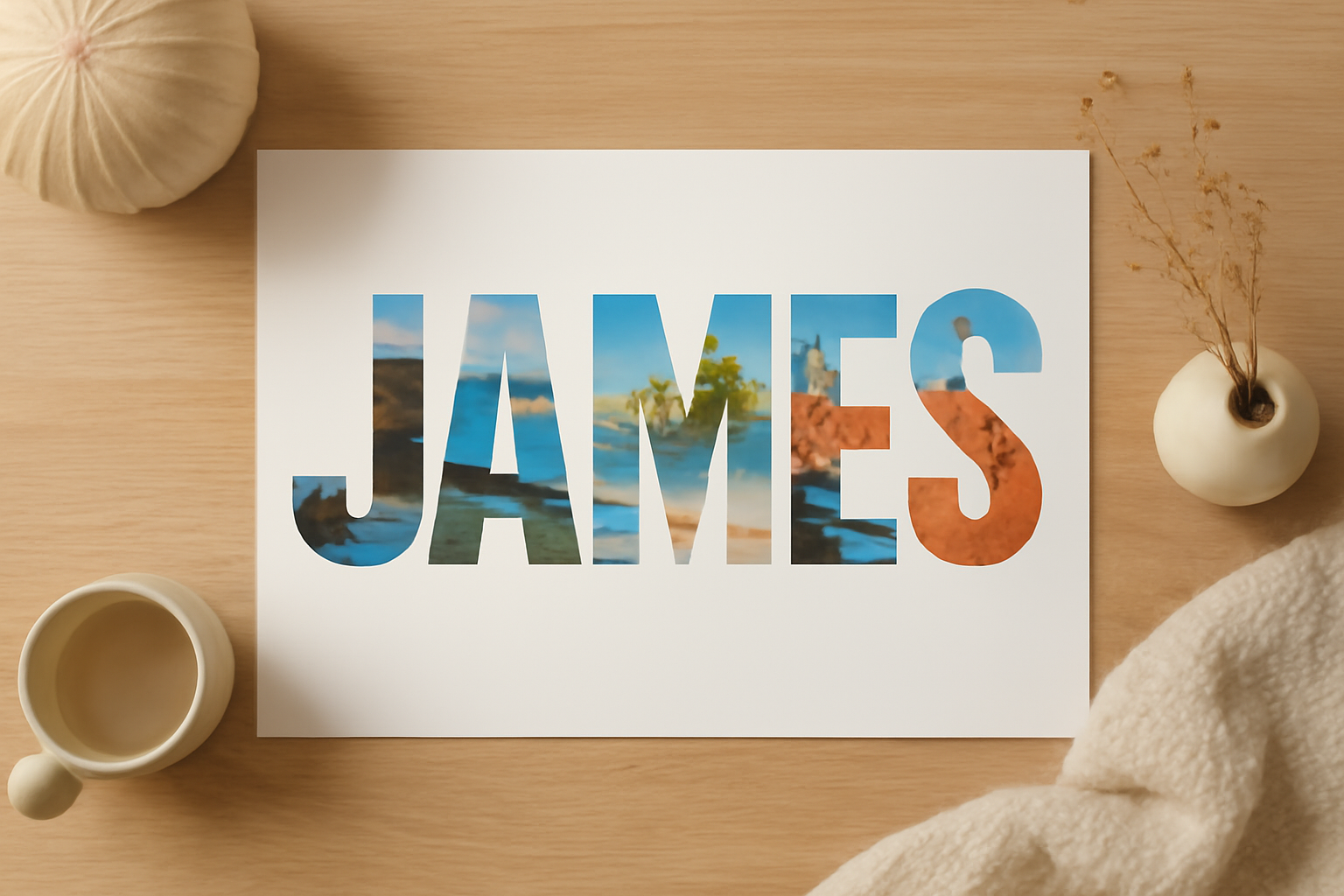
How every idea below is built (60 seconds) #
- Open any design in Canva, then go to Apps and open Text to Frames.
- Type your name or word and pick a bold, rounded font. Chunky fonts hold photos best.
- Switch on Split into letters if you want a different photo in each letter.
- Optionally add a Border so the letters stay crisp over busy photos.
- Click Add to design, then drag a photo into each letter frame. Drag inside the frame to reposition the image.
Canva's built-in approach can fill a whole word with one image, and that is perfectly fine for a single-photo look. Text to Frames earns its place when you want a different image per letter, or video inside letters.
10 photo name art ideas #
1. A baby's name above the crib #
Fill each letter with a milestone: first bath, first smile, first outing. Print it at 8x10 or larger and frame it.
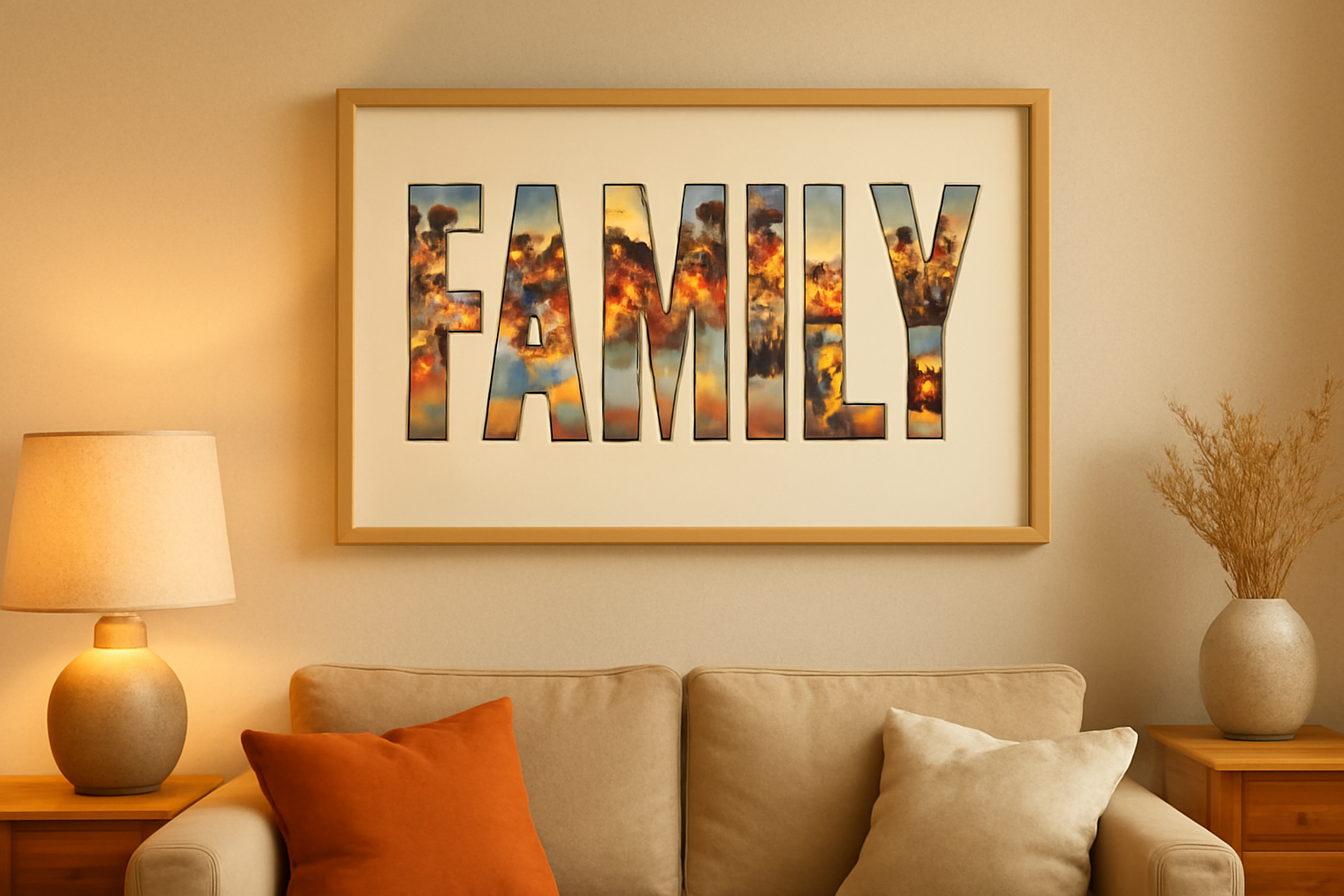
2. "FAMILY" as living-room wall art #
One word, one photo per letter, all taken from the same trip or season so the colors match. Pick warm, similar tones and it reads as one piece.
3. A birthday banner #
Spell the birthday person's name, or "HAPPY BIRTHDAY", with photos from each year. Add a Border in a bright color so letters stand out against balloons and confetti.

4. Travel poster with the destination #
"ROME", "BALI", "PARIS": each letter shows a different moment from the trip. Great as a souvenir print.
5. A date or anniversary #
Use the year or a short date such as 2026. Numbers work as frames too, so each digit can carry one photo from that year.
6. Couple's initials or surname #
Two or three letters means large, readable photos. This is the easiest idea for a first try and a popular wedding or anniversary gift.
7. Class or team name for a yearbook spread #
Fill the team name with action shots. Letters in the school colors as borders keep it on-brand.
8. YouTube or reel title cards #
Frames accept video, so a short word can play footage inside the letters. Keep the word to one or two short words so it stays legible on a phone.
9. Shop or brand name on social covers #
Fill your brand name with product photos for a header that shows what you sell without extra copy.
10. Monthly photo-word calendar page #
Make the month name with photo letters and place it above a monthly grid. Pair it with Calendar Maker for the dates, and you have a custom photo calendar page.
Tips so it looks good #
- Short words win. Three to seven letters give each photo enough room.
- Pick high-contrast, simple photos. Busy backgrounds disappear inside thin letters.
- Match tones. Photos from the same trip or season look intentional.
- Use a heavy font weight. Thin strokes leave almost no room for the image.
- Add a border when letters sit on a similar-colored background.
Which app for which idea? #
| Goal | Best fit |
|---|---|
| Different photo in every letter | Text to Frames |
| One photo across a whole word | Canva's native image-in-text, or Clipping Mask |
| Photo in a custom shape (heart, star, logo) | Image to Frame |
| Arcs, grids and polygon frames | Frames Lab |
Wrapping up #
Photo name art is a low-effort way to make personal gifts and standout graphics: pick a short word, choose a heavy font, and fill it with photos that mean something. Start with idea 6 (initials) if you want a quick win, then move on to full names and banners.
Frequently asked questions
Photo name art is a name or word where the letters act as windows onto photos. Each letter can show the same image or a different one, so the lettering itself tells a story.
Yes. With Text to Frames you turn on Split into letters, so every character becomes its own Canva frame and you can drop a different photo or video into each one.
Not quite. Canva's native method masks one image across the whole word. Text to Frames makes one real frame per letter, which is what lets you vary the photo letter by letter.
Related products


More from QRdy Blog
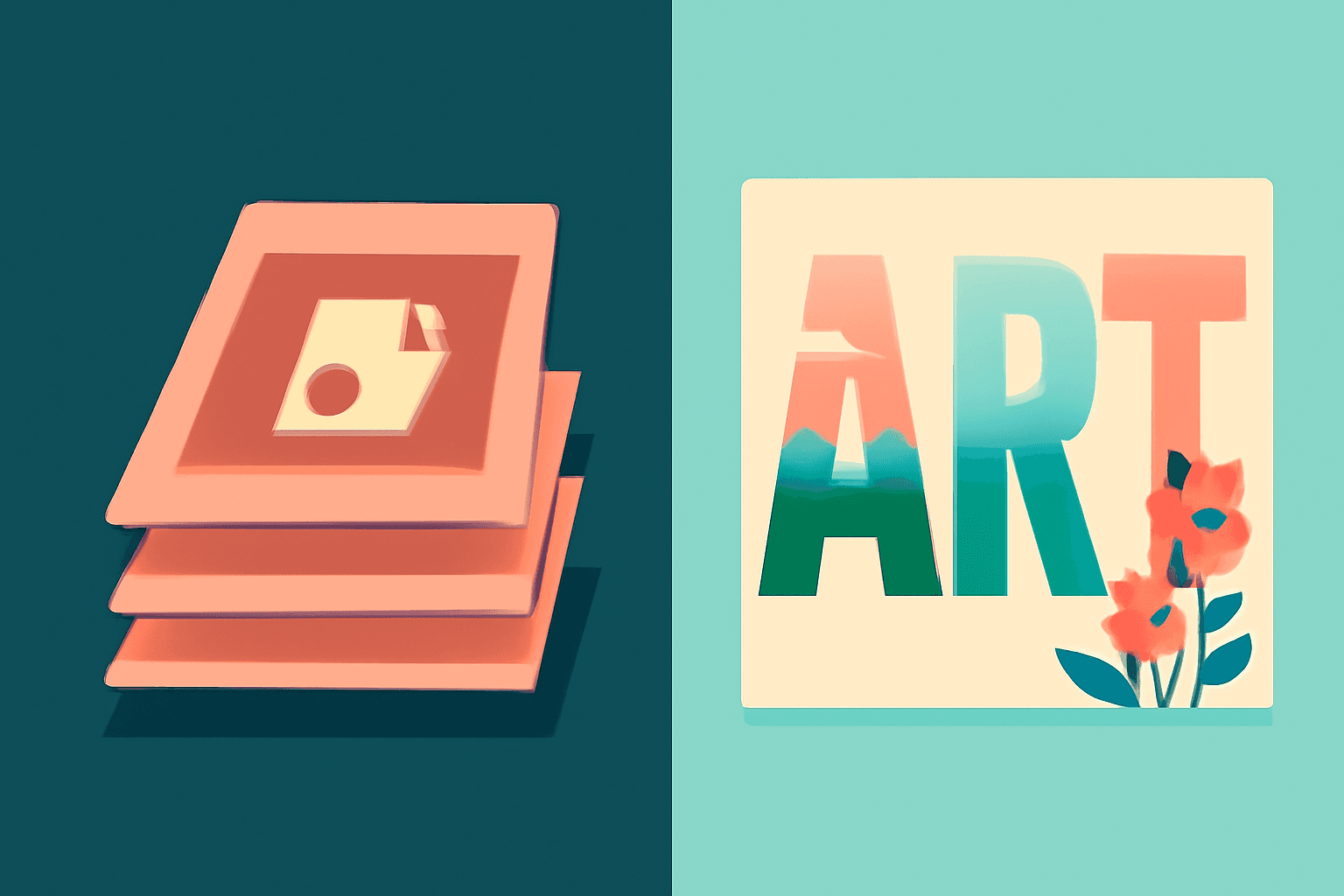
Photoshop Clipping Mask vs Text to Frames: Photo-in-Text in Canva
Filling text with a photo is a classic Photoshop trick. Here is how the Photoshop clipping mask compares with Text to Frames in Canva, and which one fits a quick title or banner.
The Best Canva Apps for Birth Announcements (2026)
Making a birth announcement in Canva? Here are the best Canva apps for it in 2026: custom photo shapes, name lettering, photo grids, borders, and a first-year calendar. Honest picks, with Canva's built-in tools included.
How to Make a Christmas Tree Photo Collage in Canva (Step by Step)
Turn your favorite family photos into a Christmas tree-shaped collage in Canva: two methods (a tree-shaped frame or a stacked grid), exact steps, print sizes, and tips so faces stay visible.