
What Is Die Cut? Meaning, Die Cut vs Kiss Cut, and How to Design One in Canva
Die cut means cutting paper, vinyl or card into a custom shape instead of a rectangle. Here is what it means, how it differs from kiss cut, and how to prepare a die cut file in Canva.
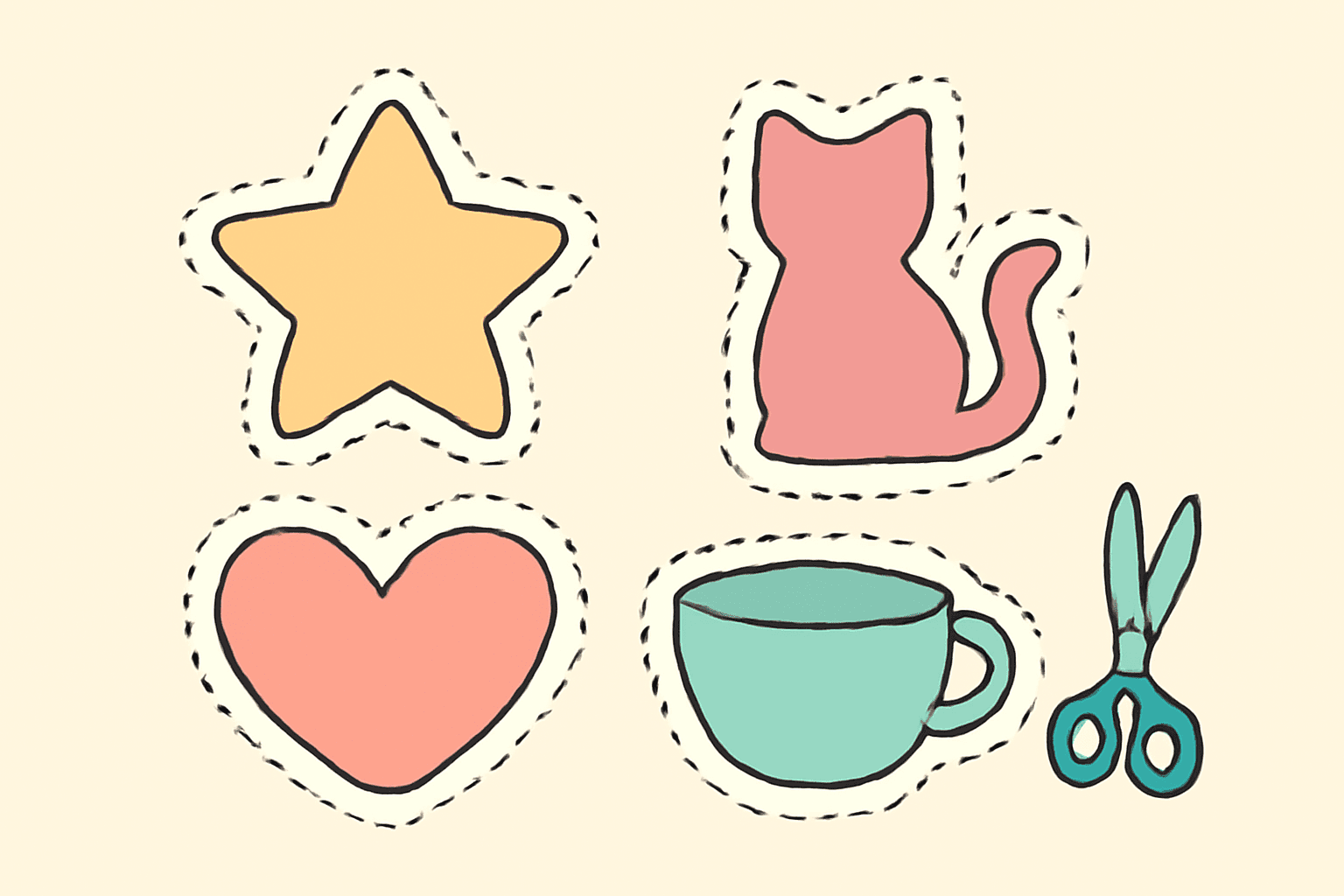
If you have ever ordered stickers and picked "die cut" from a dropdown without being quite sure what you were choosing, you are in good company. The term sounds technical, but the idea is simple.
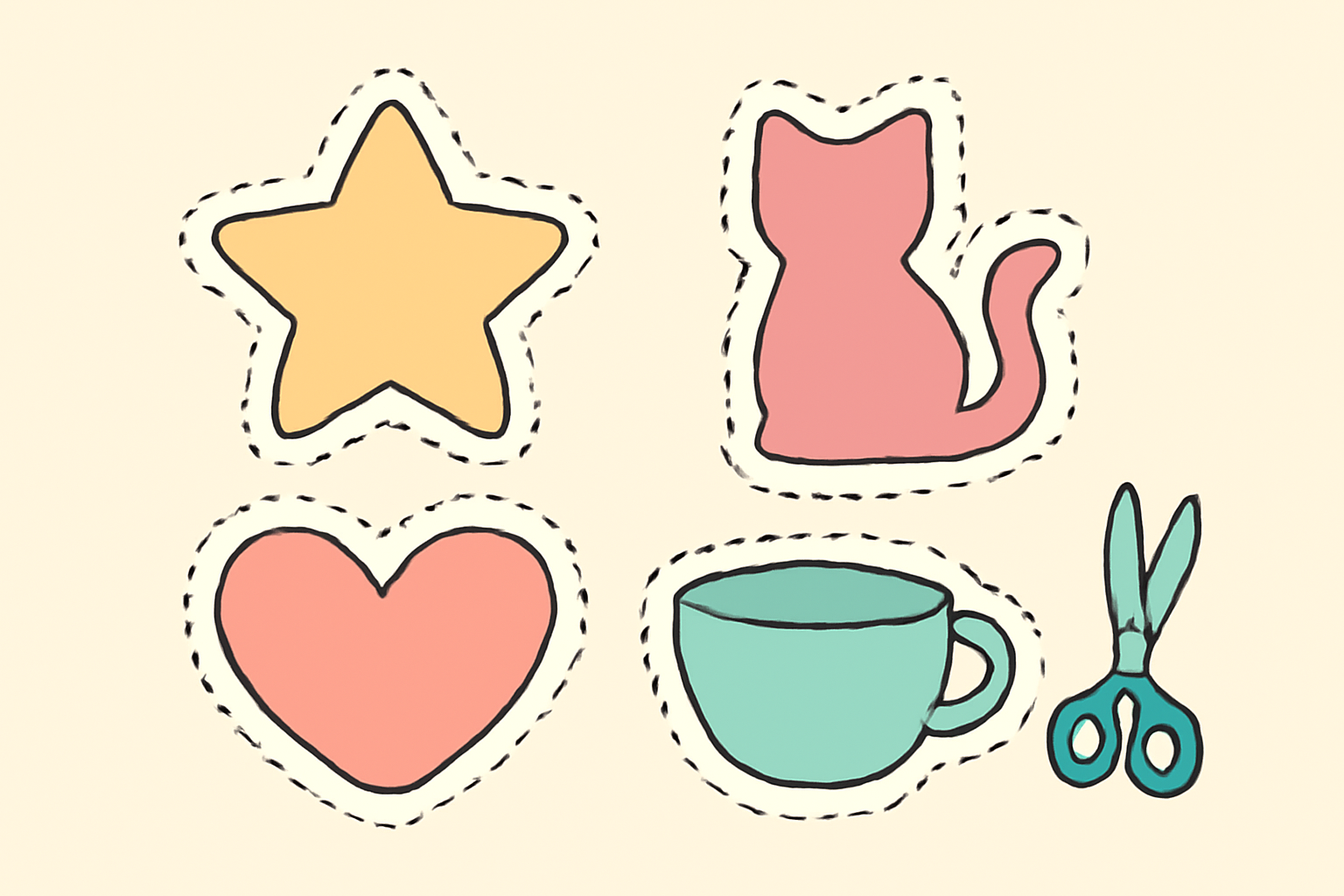
Die cut means cutting a material into a custom shape, instead of leaving it as a rectangle. A die-cut sticker follows the outline of its artwork: a star-shaped sticker is cut like a star, a cat sticker is cut around the cat. The name comes from the die, a shaped metal blade (or, in modern digital cutting, a programmed blade path) that does the cutting.
How die cutting works #
Every die cut job has two parts that people tend to blur together:
- The artwork. What gets printed: the star, the logo, the photo.
- The cut line. A separate path, usually a thin outline sitting just outside the artwork, that tells the machine where to cut.
The printer prints the artwork, then the cutter follows the cut line. Because the cut line is its own thing, it does not have to match the artwork exactly. In practice it is placed a few millimetres outside it, which is why most die-cut stickers have a white border around the picture. That border is not decoration alone. It is a safety margin so a small cutting shift does not slice into the design.
Die cut vs kiss cut vs straight cut #
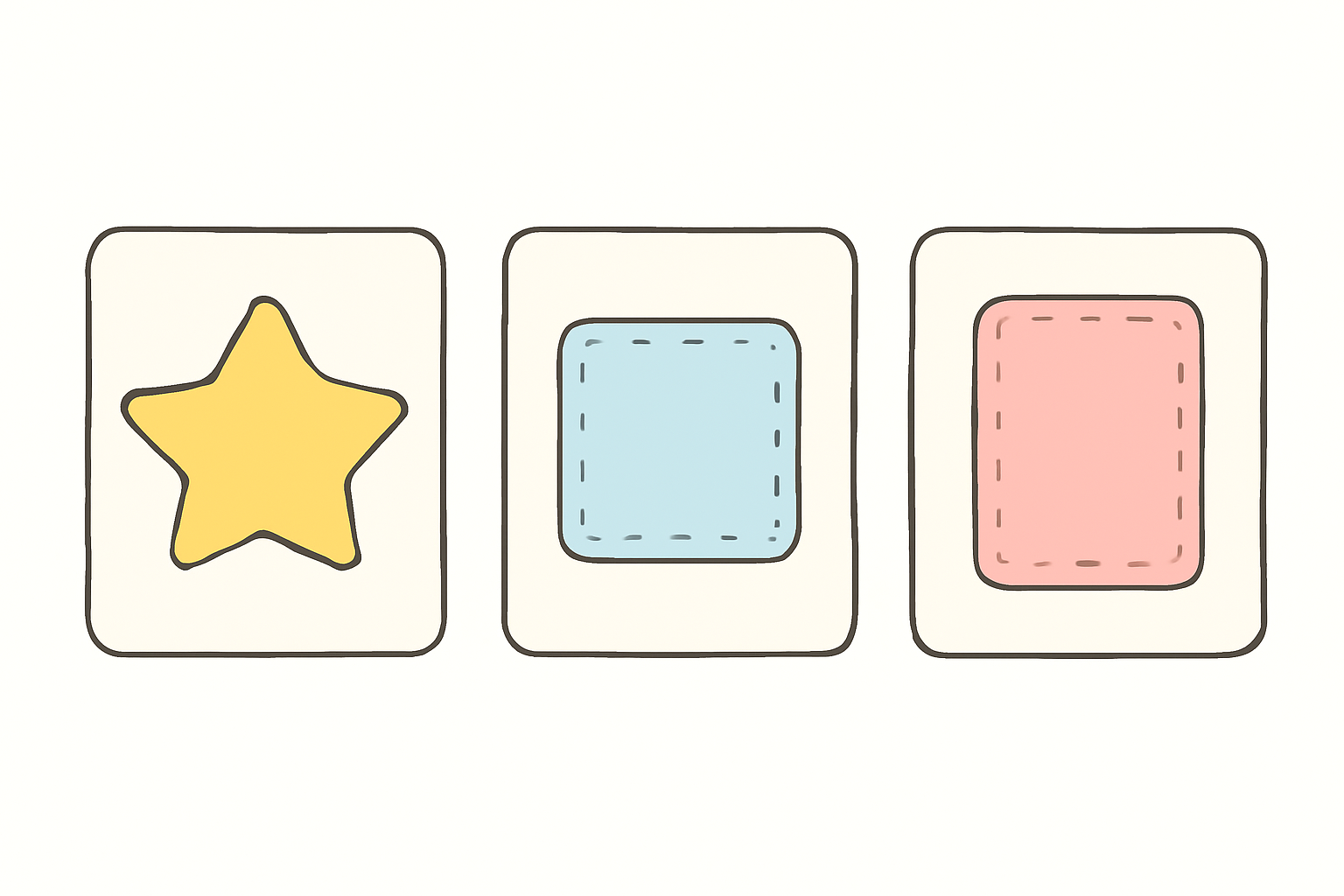
| Cut type | What gets cut | What you get | Typical use |
|---|---|---|---|
| Die cut | Everything, including the backing | A loose piece in the exact shape | Laptop and bottle stickers, shaped cards, packaging |
| Kiss cut | Only the top layer (vinyl or paper), not the backing | Stickers that stay on a backing sheet | Sticker sheets, planner stickers, easy peeling |
| Straight cut | Rectangle edges only | Plain rectangle or square | Business cards, flyers, postcards |
A quick way to remember it: a die cut goes all the way through, a kiss cut only "kisses" the surface.
Where die cutting is used #
- Stickers and labels, by far the most common use and the reason most people search the term.
- Greeting cards and invitations with a shaped front, such as a heart-shaped photo card.
- Packaging such as boxes and inserts with windows or custom outlines.
- Craft projects where a cutting machine follows a shape file.
How to design a die cut file in Canva #
Canva cannot cut anything, and it has no built-in cut-line tool. What it can do is let you design the artwork and the shape cleanly, so a printer or your own cutting machine can do the cutting. This is the workflow that holds up:
- Set the canvas in inches for the real size of the finished piece, so the export prints at a sharp resolution. (Our guide to DPI explains why.)
- Start with artwork that has a transparent background. A die-cut shape is the outline of your artwork. If the background is white or coloured, the "shape" is a rectangle. Remove Background and transparent PNG export are Canva Pro features, so on a free plan start from a graphic that is already transparent, or draw the shape yourself.
- Add a white offset border. Duplicate the artwork, colour the copy white, scale it up a little and put it behind the original, or use a zero-blur white glow. The full method is in how to make stickers in Canva.
- Check the vector or raster question if you will send the file to a printer. SVG and PDF keep the cut path sharp; see vector vs raster.
- Export the right file. For a print shop, ask what they want. Many accept a PDF with a separate cut line; some want a transparent PNG and will trace the outline for you. For a home cutting machine, export a transparent PNG and import it into the machine's own software, which adds registration marks and the cut path.
Making a photo into a die-cut shape #
Often the thing you want die cut is a photo, in a star, an arch, a letter or a custom outline. This is where a Canva frame helps, because the photo is cropped to the shape and you can still move and resize it.
Image to Frame turns a PNG, SVG or JPG (up to 5 MB) into a real Canva frame that you fill by dragging a photo onto it. It has a border control, with adjustable weight and colour, which gives you the offset outline of a die-cut sticker. Two honest limits: the source image must already have a transparent background or the frame comes out as a rectangle, and very tangled outlines sometimes fail to convert. The full app is a Pro feature.
If you only need a one-off crop, Canva's built-in frames or a clipping mask are lighter. For arcs, grids and polygons, Frames Lab is the better fit.
Common mistakes #
- No transparent background, so the cut shape is a rectangle.
- No margin around the artwork, so the blade clips the design.
- Designing in pixels instead of inches, which makes the print soft.
- Thin, spindly details that tear or peel away when cut. Chunky shapes cut cleaner.
- Forgetting the unprintable edge on a home printer. Keep artwork inside the page margins.
The short version #
Die cut means a custom-shaped cut that follows your artwork. Design the artwork on a transparent background, add a white border as a cut buffer, and hand the right file to a printer or cutting machine. Canva handles the design half well. The cutting half is always done somewhere else.
Frequently asked questions
Die cut means a material such as paper, card or vinyl is cut into a custom shape, usually following the outline of the artwork, rather than being trimmed to a plain rectangle. It is used for stickers, cards, packaging, labels and more.
A die cut goes all the way through the material and the backing, so you get a separate piece in the exact shape. A kiss cut only cuts the top layer, such as the vinyl, and leaves the backing sheet intact, so the sticker stays on the sheet until you peel it off.
Canva cannot cut anything and has no built-in cut-line tool, but you can design the artwork and the shape of the cut. Put the artwork on a transparent background, add a white offset border, and export it for a printer or a cutting machine, which makes the actual cut.
Related products


More from QRdy Blog
10 Photo Collage Ideas You Can Make in Canva (Grids, Arcs, Diagonals and More)
Ten photo collage ideas you can build in Canva, from classic grids and rainbow arcs to diagonal strips and sunburst layouts, with honest notes on when Canva's built-in grids are enough.
Canva Monthly Calendar: Template vs Table vs Calendar Maker (Which Is Fastest?)
Three ways to make a monthly calendar in Canva: a ready-made template, a hand-built table, or the Calendar Maker app. We compare setup time, flexibility and 12-month projects, with a clear verdict.
How to Make a Hat Mockup From a Photo (So the Design Curves With the Cap)
Turn one photo of a blank cap into realistic hat mockups: drag a box around the front panel, let the design wrap the curve with the photo's real shading, then render all your designs at once in your browser.