
10 Photo Collage Ideas You Can Make in Canva (Grids, Arcs, Diagonals and More)
Ten photo collage ideas you can build in Canva, from classic grids and rainbow arcs to diagonal strips and sunburst layouts, with honest notes on when Canva's built-in grids are enough.
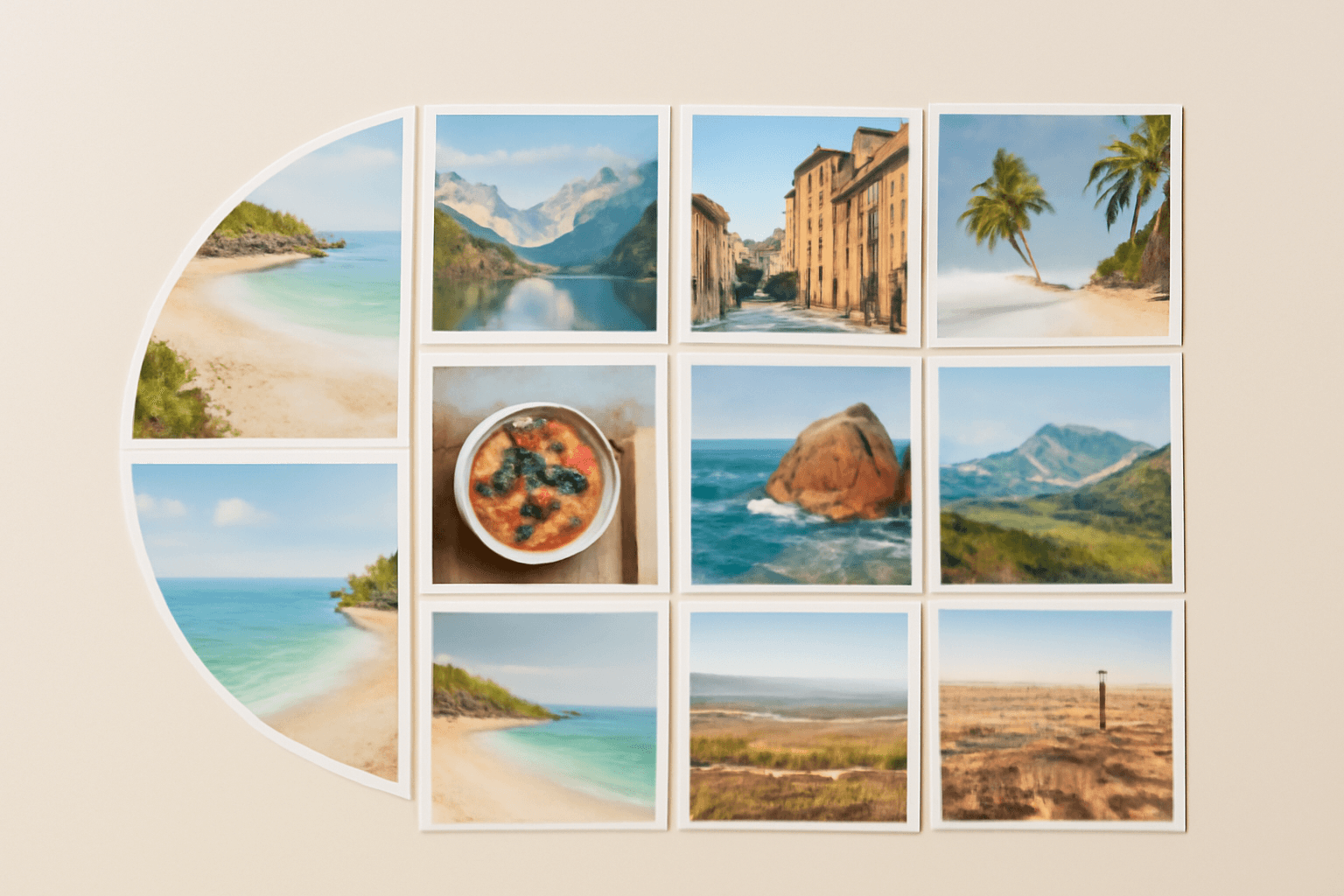
A photo collage is the quickest way to turn a pile of camera-roll photos into one thing people actually look at. The hard part is rarely the photos. It is picking a layout that suits them. Here are ten collage ideas you can build in Canva, with the layout, the best use for each, and where Qrdy's Frames Lab helps (and where Canva's own tools are already enough).
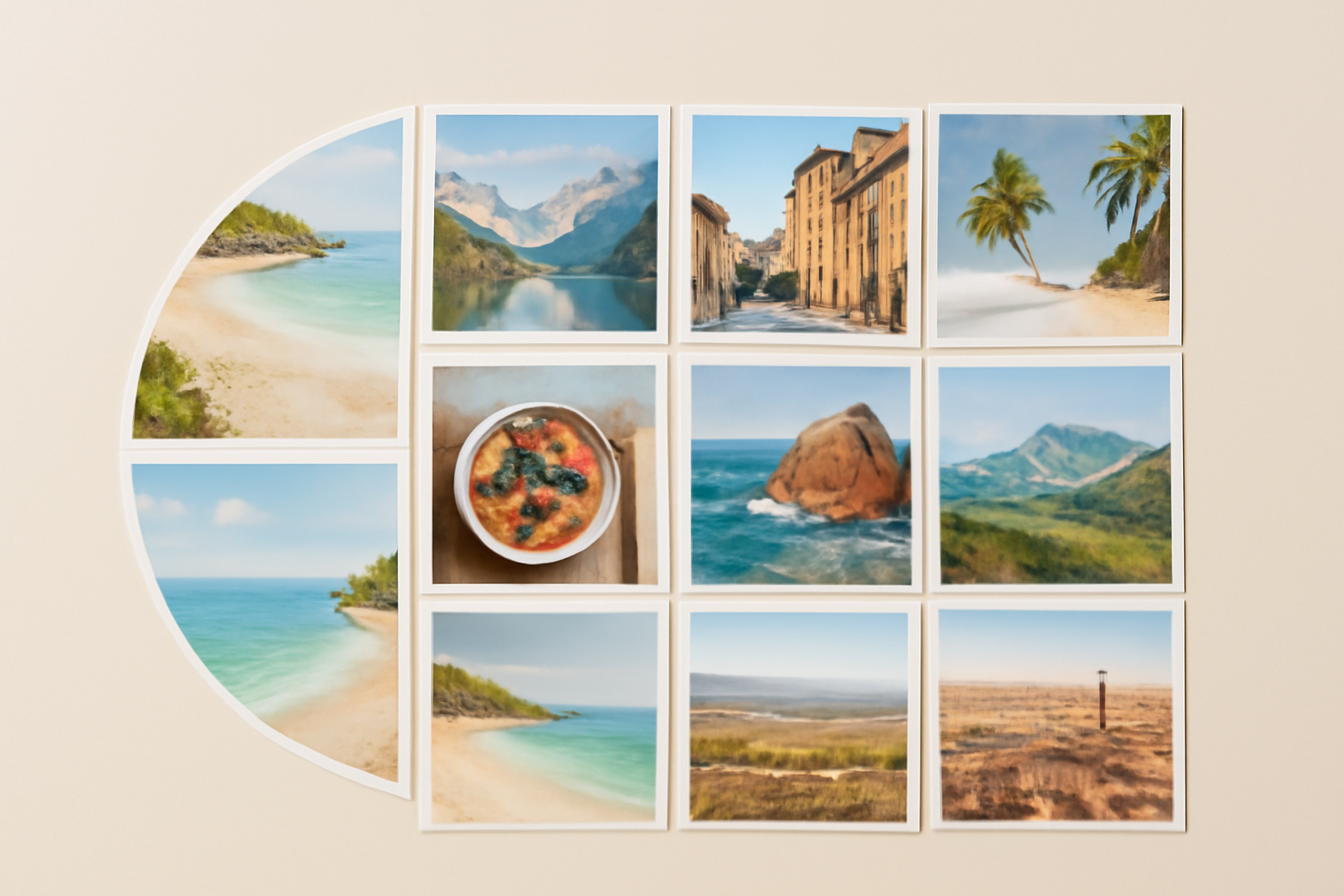
Before you start: Canva is often enough #
Canva already ships free Grids and Frames, plus thousands of collage templates. For a plain rectangular grid of photos, use those. They are fast and you do not need another app.
Frames Lab becomes useful when you want a layout Canva does not offer as a preset: a curved arc, diagonal strips, a wavy grid, or a sunray burst, with exact control over columns, rows and gap. Frames Lab is a Canva app that creates frames (shapes you drop photos into), and the frames resize to fit the design you have open.
1. The classic grid #
Three columns by three rows, even gaps, similar-colour photos. It is the safest layout and works for travel recaps, year-in-review posts and phone wallpapers. In Frames Lab, use Create, then Grid, set columns, rows and gap, and press Add to design.
2. The rainbow arc #
Arc mode makes a curved band of photos, useful for baby milestone sets, graduation tributes or anything that benefits from a gentle curve. Set the arc size in degrees and the start angle, add a border if you like, then add it to the design.
3. Diagonal strips #
Diagonal mode runs photo strips at an angle you choose. It gives a dynamic, magazine-style feel and works well for landscapes, sports shots and event highlights. Adjust the angle and spacing until the strips follow the direction of the photos.
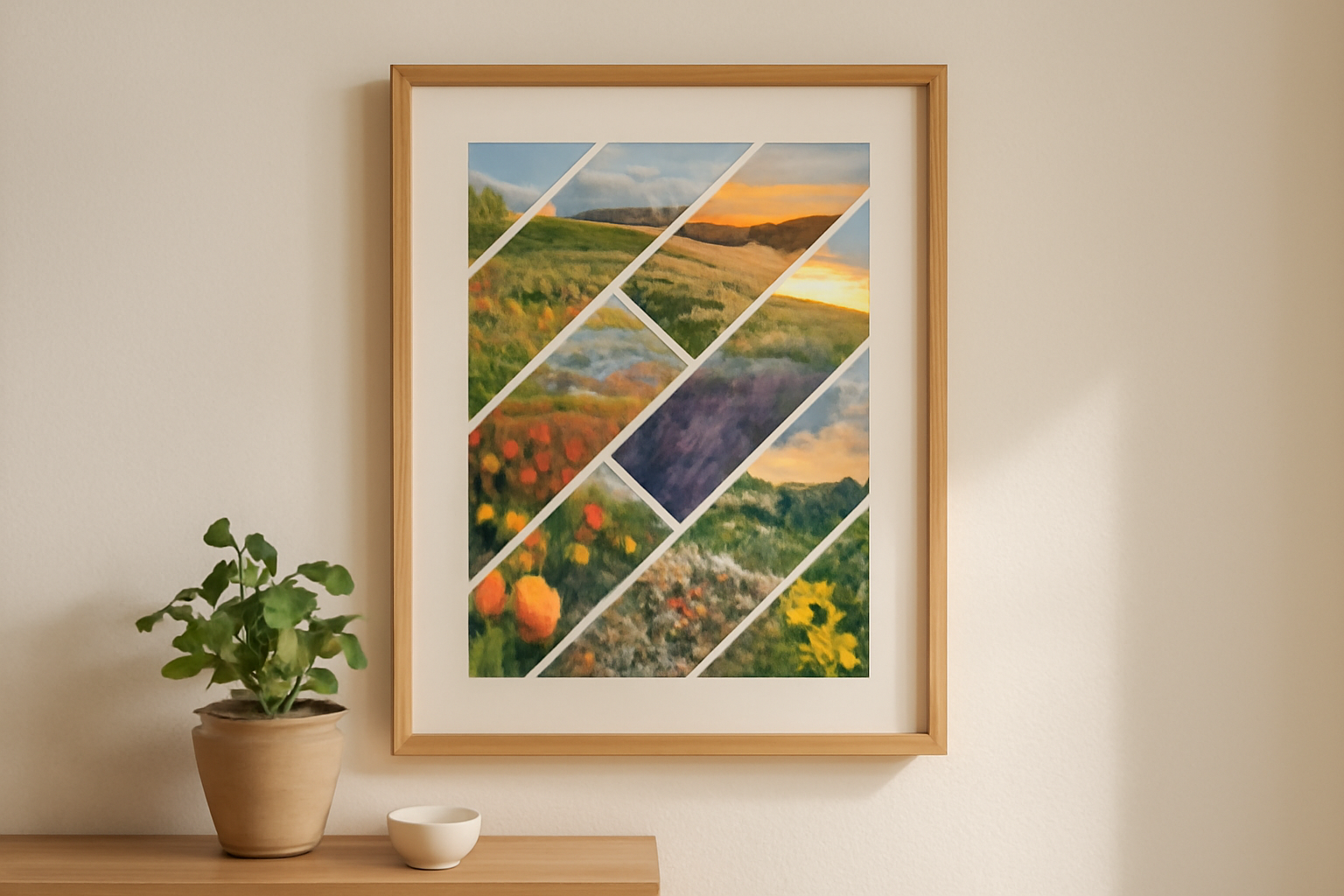
4. The wavy grid #
Add a wave to the grid lines and the layout stops feeling like a spreadsheet. Frames Lab lets you set wave strength and frequency. Keep the wave gentle, since very strong waves can make the layout too complex to add.
5. The sunburst #
Burst mode generates sunray-style frames at random. It is good for celebration posts, birthdays and announcements where you want energy. The results are random, so when you see one you like, click it right away, because changing any option generates new samples.
6. Hero photo plus small tiles #
One large photo, six small ones. You can build this by hand in Canva, or sketch a Grid and resize cells. It is the best layout when one photo is clearly the best and the others are supporting detail.
7. A collage shaped like something #
Use Image to Frame to turn a PNG, SVG or JPG silhouette (a heart, a state, a pet outline) into a frame, then fill it with photos. Use a source with a transparent background, otherwise you will just get a rectangle.
8. Letter or name collage #
For a name or word made of photos, Text to Frames turns each letter into its own frame so every letter can hold a different photo. It suits gift signs, birthday banners and family name art. Use a heavy font so the photos show.
9. Calendar-style collage #
A twelve-photo grid doubles as a year-in-review. If you want actual dates under each photo, pair it with Calendar Maker for the month grids and use the collage as the cover page.
10. Mood-board style mix #
Mix cell sizes, add a border, and apply a consistent colour tone to every photo. Frames Lab's Style tab can add blur, border and inner shadow to frames you have already used, which helps tie a mixed set together.
Quick pick table #
| Idea | Best for | Tool |
|---|---|---|
| Classic grid | Recaps, wallpapers | Canva Grids or Frames Lab Grid |
| Rainbow arc | Milestones, tributes | Frames Lab Arc |
| Diagonal strips | Landscapes, events | Frames Lab Diagonal |
| Wavy grid | Playful posts | Frames Lab Grid with wave |
| Sunburst | Celebrations | Frames Lab Burst |
| Shaped collage | Gifts | Image to Frame |
| Name collage | Signs, banners | Text to Frames |
Tips that apply to every layout #
- Keep the gap even. Uneven gaps are the most common thing that makes a collage look amateur.
- Match tone. Use photos with a similar warmth, or apply one filter across all of them.
- Do not overfill. Past roughly 30 cells Frames Lab will refuse the layout, and photos get too small to enjoy.
- Export at print size. For prints, download as PDF Print or high-resolution PNG and test one copy first.
- Free accounts have a limit on how many frames Frames Lab can add. Pro removes it.
Try Frames Lab #
Install Frames Lab in Canva from https://qrdynamic.xyz/frameslab-in-canva and start with the Explore tab for ready-made frames, or Create to build your own. If Canva's built-in grid already does what you need, use that and save the effort.
Frequently asked questions
A classic grid. Pick a 3 by 3 or 2 by 3 layout, keep the gaps even, and drop your photos in. Canva's built-in Grids can do this in a minute, and Frames Lab's Grid mode gives you control over columns, rows and gap.
For a printed 8x10 or A4 page, 6 to 12 photos stay readable. Beyond about 30 cells Frames Lab will block the layout as too complex, and photos become too small to enjoy anyway.
Yes. Frames Lab has Arc and Burst create modes that produce curved and sunray-style frames you can drop photos into. Image to Frame can turn your own shape file (PNG, SVG or JPG) into a frame.
Related products


More from QRdy Blog
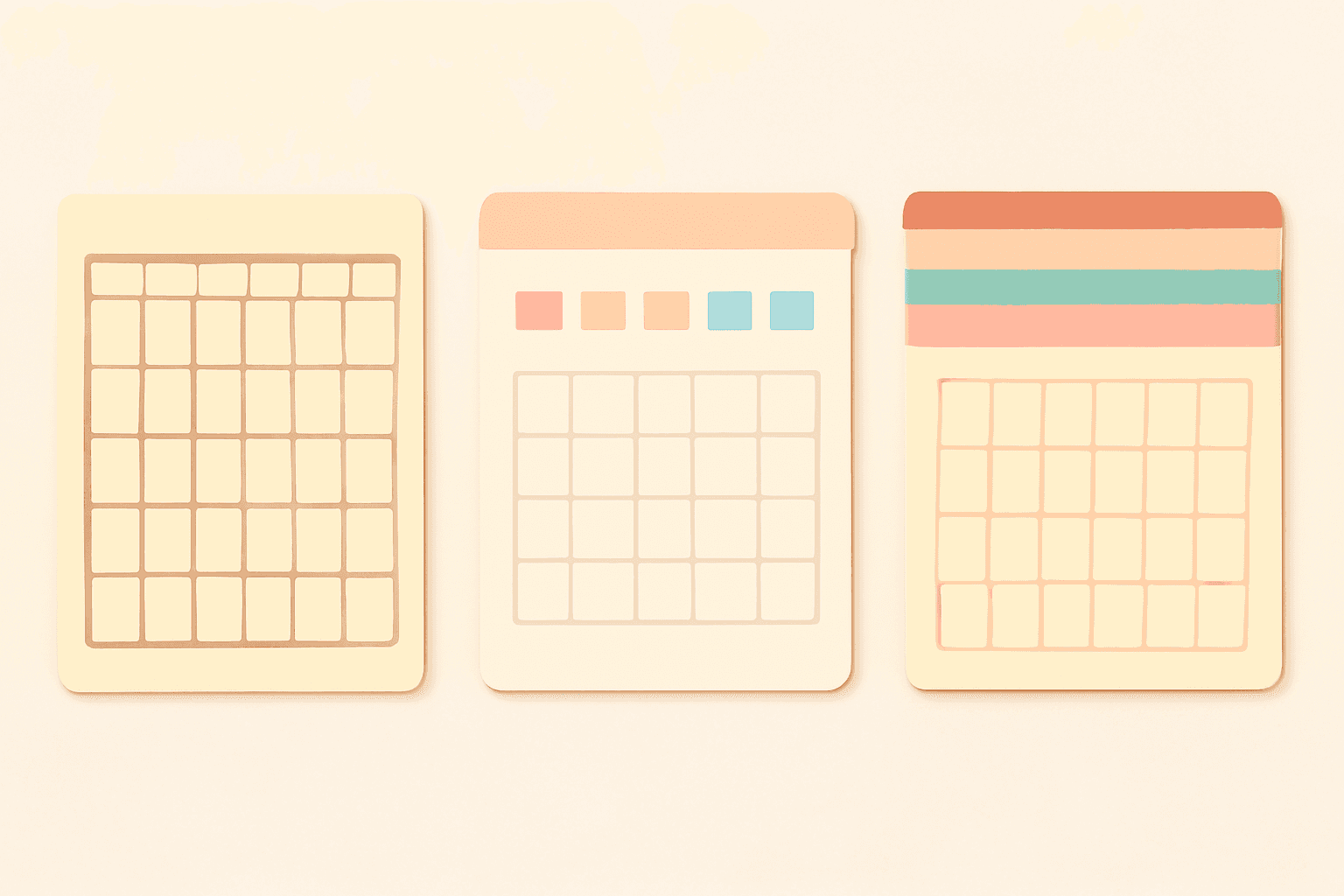
Canva Monthly Calendar: Template vs Table vs Calendar Maker (Which Is Fastest?)
Three ways to make a monthly calendar in Canva: a ready-made template, a hand-built table, or the Calendar Maker app. We compare setup time, flexibility and 12-month projects, with a clear verdict.
How to Make a Hat Mockup From a Photo (So the Design Curves With the Cap)
Turn one photo of a blank cap into realistic hat mockups: drag a box around the front panel, let the design wrap the curve with the photo's real shading, then render all your designs at once in your browser.
The Best Canva Apps for Family Reunions (2026): Invites, Banners, Photo Walls and Calendars
Planning a family reunion in Canva? Here are the five Qrdy apps that actually help: shaped photo invitations, photo-letter banners, photo-wall grids, a countdown calendar and a QR link that can change after printing.