
The Best Canva Apps for Save the Dates (2026): Photo Cards, Calendars & QR
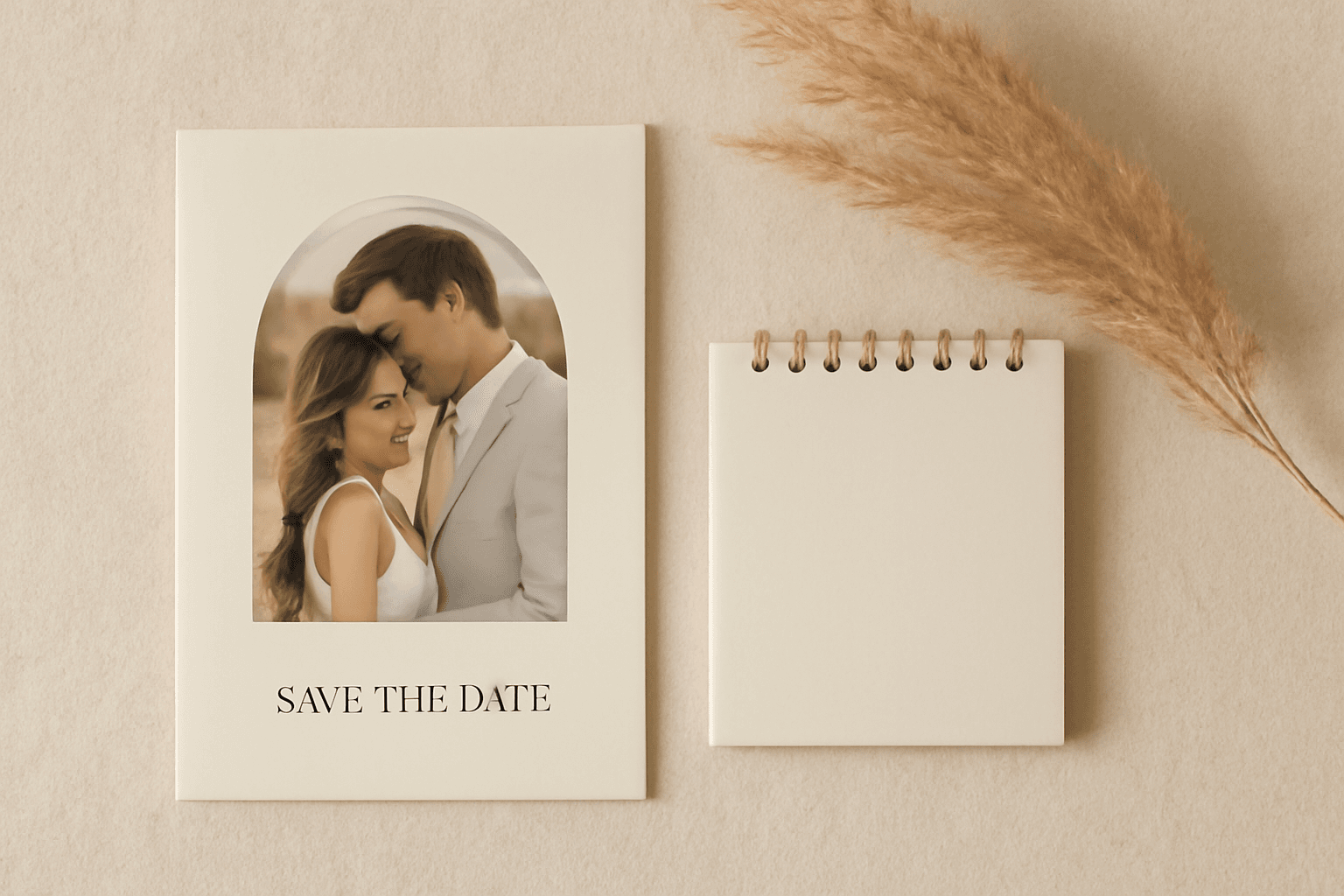
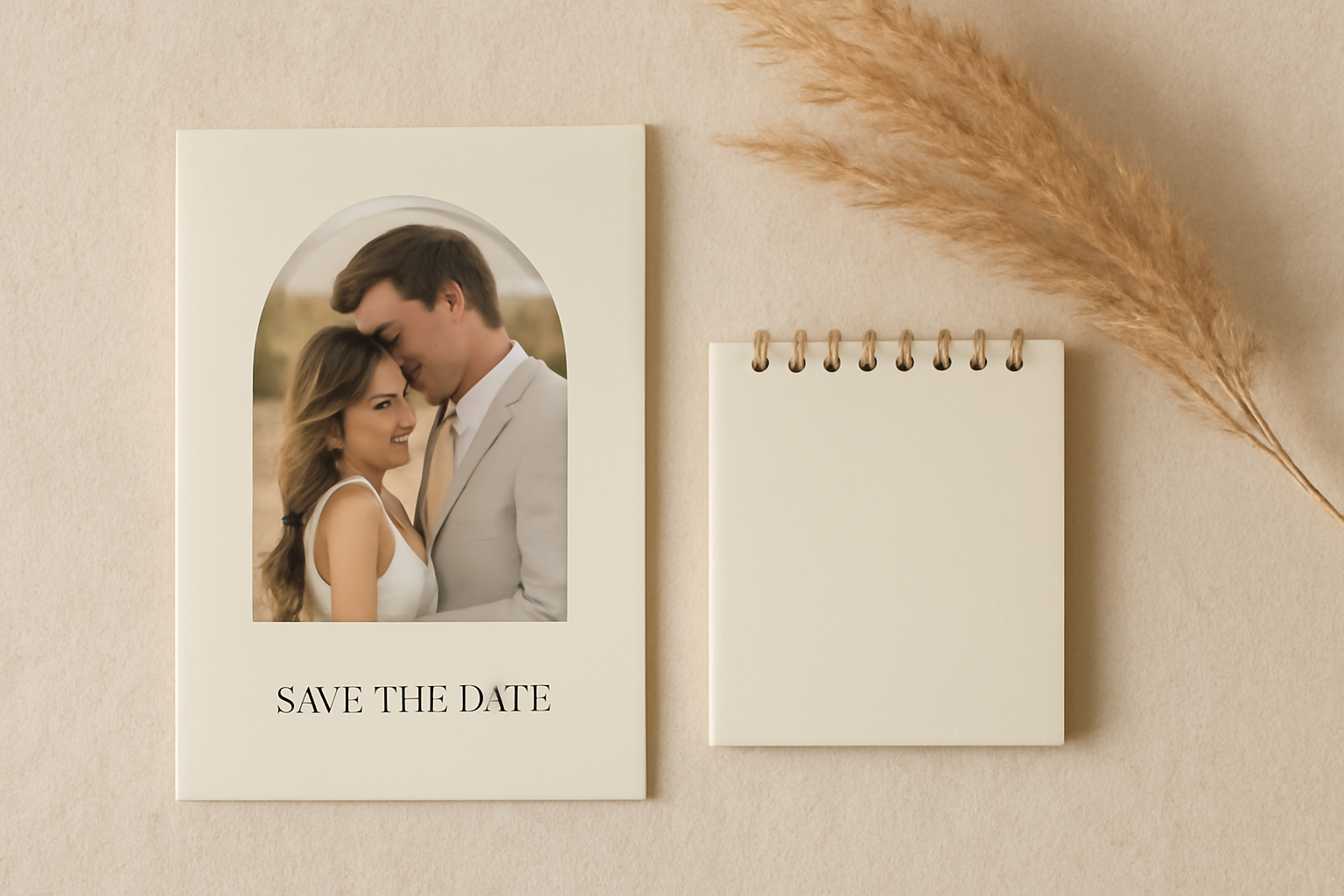
Making a save the date in Canva? Here are five Canva apps that add what templates lack: arch and heart photo frames, a monogram, a mini calendar with the date circled, and a QR code.
The Best Canva Apps for Save the Dates (2026)
A save the date has one job: get a date into people's heads (and onto their calendars) before the invitation arrives. Canva's templates already do the basics well. But most templates stop at "photo in a rectangle, text underneath". If you want your card to feel like yours, a handful of Canva apps close the gap.
This is a practical roundup, not a hype list. For each app you get what it does for a save the date, where it falls short, and when plain Canva is enough.
Quick-pick table #
| If you want... | Use | Why |
|---|---|---|
| Your engagement photo in a custom shape (heart, arch, monogram outline) | Image to Frame | Turns a PNG, SVG or JPG into a real Canva frame |
| An arch, grid or burst photo layout without drawing it | Frames Lab | Parametric Arc, Grid, Diagonal and Burst frames |
| Initials or a name where every letter holds a photo | Text to Frames | Split into letters, one photo per letter |
| A mini calendar with the big day circled | Calendar Maker | Month, week or custom date range, 30+ colour palettes |
| A scannable link to your wedding site that you can edit after printing | Qrdy: Dynamic QR | Change the destination without reprinting |
1. Image to Frame: for a photo shape that is not a rectangle #
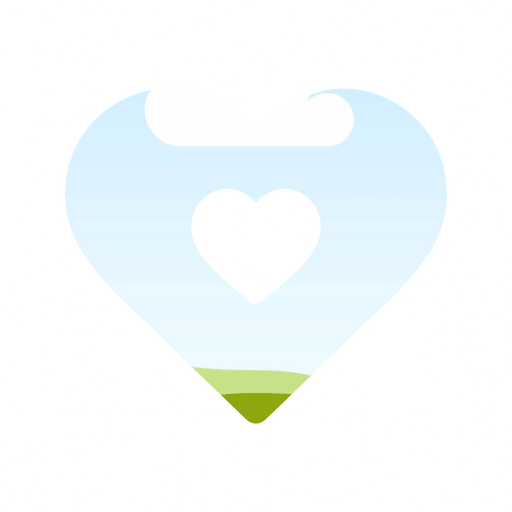
Best for: a heart, a rounded arch, a monogram silhouette or your venue's outline as the photo shape.
Image to Frame converts a PNG, SVG or JPG (up to 5MB) into a valid Canva frame, then you drop a photo or video inside. Because it is a real frame, you can drag the photo around to position your faces just right.
How to use it for a save the date:
- Find or draw a simple shape (a heart, an arch, a wedding-arbour outline). Use a transparent-background PNG for the cleanest result.
- Open Image to Frame, upload it, and click Add frame to design.
- Drag your engagement photo into the frame.
- Add a border thickness and colour if you want an outline.
Tip: remove the background first. If the image still has a white or coloured background, the frame will come out as a rectangle instead of your shape.
Honest limit: very complicated shapes with messy curves may not convert. Keep it simple.
2. Frames Lab: for arches, grids and bursts #
Best for: the trendy arch photo, a mini collage of engagement shots, or a sunburst behind the date.
Frames Lab is a frame toolbox with Create, Explore and Style tabs. Create gives you Shape, Burst, Grid, Arc and Diagonal modes, and frames auto-fit the design you have open. Explore has ready-made collections if you would rather click than tweak.
How to use it:
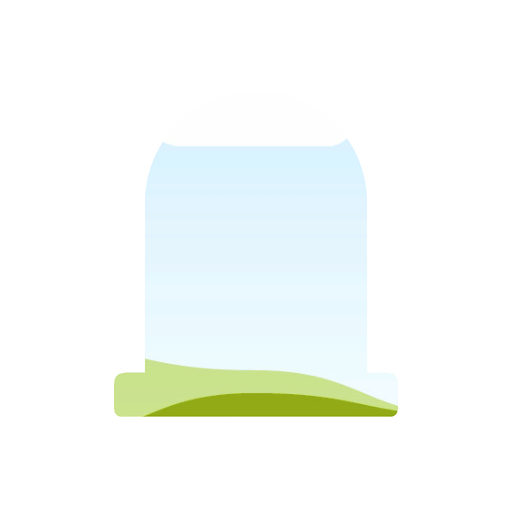
- Open Create → Arc and set the arc size and start angle for an arch top.
- Click Add to design and drop your photo in.
- Want a collage card? Switch to Grid, choose columns, rows and gap, then add three or four photos.
- Use the Style tab to add a border or soft inner shadow.
Honest limit: the free version limits how many frames you can add, and very dense grids (over roughly 30 cells) get blocked.
3. Text to Frames: for a photo monogram #
Best for: a "J & M" or a name across the top where every letter is filled with a different photo.
Type your text, pick a font, switch on Split into letters, and click Add to design. Each letter becomes its own Canva frame. There are 100+ fonts (the free version includes five, such as Playfair Display and Pacifico), and Pro adds Blur, Border and Inner shadow effects.
Tip: pick a heavy, wide font. Thin script letters leave too little room for a photo to read.
Honest limit: this is a statement piece, not a body-text tool. Keep it to initials or one short word, and keep the rest of the card calm.
4. Calendar Maker: for the date, circled #
Best for: a mini calendar graphic on the card or in a digital version, so guests can literally see the weekday.
Calendar Maker generates a month grid (or week, or a custom range up to 150 days) and inserts it into your design. You can recolour it from 30+ example palettes to match your wedding colours, and the Month tab has decorative page templates.
How to use it:
- Open Month, choose the wedding month and year.
- Pick a palette that matches your card.
- Click Add to design, then draw a circle or heart around the big day with a Canva shape.
Honest limit: you will still add the "circle the date" detail by hand. And if you only need one date, a simple text line may be cleaner than a full grid.
5. Qrdy: Dynamic QR: for a link that survives printing #
Best for: pointing guests to your wedding website, RSVP page or registry.
A regular QR code is frozen once printed. A dynamic QR code can be edited later, so if your website address changes you do not reprint the cards. Qrdy: Dynamic QR installs inside Canva and is $5 per month, which is worth it for a few months only if you are printing.
Honest limit: many save the dates do not need a QR at all. A short URL in text works for most guests, and the QR is a nice-to-have.
What Canva does well on its own #
Be fair to the free tools. Canva already offers save the date templates, Frames for rectangles, circles and a handful of shapes, Grids for collages, and text and shape tools. If you want a simple photo-on-top, text-below card, you do not need any app. Reach for apps when you want a custom shape, a letter-by-letter photo effect, or a date graphic.
A simple recipe #
- Start from a Canva save the date template in the size you need (5x7 inches is common for print).
- Swap the photo rectangle for an arch (Frames Lab) or heart (Image to Frame).
- Add the names and date as text. Use Text to Frames only if you want the photo-letters look.
- Optional: add a Calendar Maker mini month and a QR code.
- Export as PDF Print for printing or PNG for sending digitally.
Which should you pick first? #
If you only add one app, make it Frames Lab for the arch, or Image to Frame if you have a specific shape in mind. The calendar and QR are finishing touches, and Text to Frames is the show-off option.
Frequently asked questions
Yes. Canva's templates, built-in Frames and text tools are enough for a clean save the date. Apps help when you want a custom photo shape, a letter-by-letter photo monogram, a calendar graphic or a QR code that Canva does not generate as a frame or calendar by default.
A common guideline is 6 to 8 months before the wedding, or 8 to 12 months for a destination wedding. Check with your own circle and venue, since timing varies by event.
Many couples use 5x7 inches, or a 4x6 postcard for cheaper postage. For a digital save the date, a 1080x1080 or 1080x1920 design works well for messaging and stories.
Related products


More from QRdy Blog
What Is a Mockup? Meaning, Types, and How Print-on-Demand Sellers Use Them
A mockup is a realistic preview of your design on a real product. Learn the two meanings of "mockup", the main product mockup types, what makes one look fake, and three ways print-on-demand sellers make them.
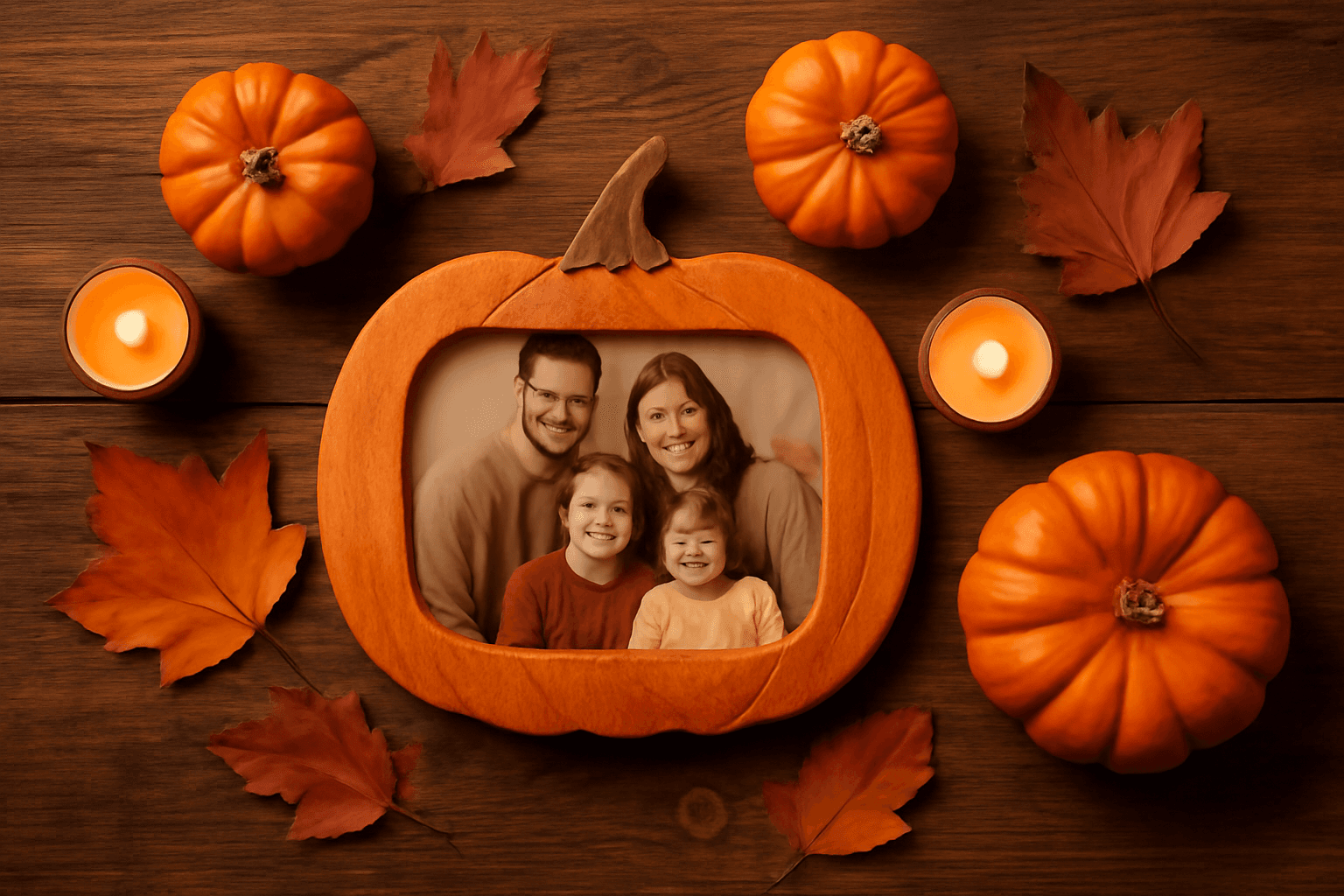
How to Make a Pumpkin Photo Frame in Canva (Halloween, Step by Step)
Put your family, pet or costume photo inside a pumpkin shape in Canva. Three ways to do it, a step-by-step with Image to Frame, plus tips for jack-o-lantern and ghost frames.
What Is a Perpetual Calendar? Meaning, Types, and How to Make One in Canva
A perpetual calendar works in any year because it never prints one. Learn what it is, the main types, how it works, and how to build a reusable birthday version in Canva.