
The Best Canva Apps for Family Reunions (2026): Invites, Banners, Photo Walls and Calendars
Planning a family reunion in Canva? Here are the five Qrdy apps that actually help: shaped photo invitations, photo-letter banners, photo-wall grids, a countdown calendar and a QR link that can change after printing.
A family reunion is a design project in disguise: an invitation, a banner, a wall of old photos, a schedule, name tags, maybe a T-shirt. Canva can handle all of it, and for plain layouts its built-in templates are often enough. This roundup covers the five Qrdy apps that help with the parts Canva does not do on its own, and says where they are and are not worth it.
Start with what Canva already does well #
Before adding any app, use what is free. Canva has thousands of invitation and poster templates, free Frames and Grids for photo walls, and name tag layouts you can duplicate in bulk. If your reunion is a simple picnic and a single flyer, you may not need anything else.
The apps below earn their place when you want a custom shape, a different photo in every letter, or a link that can change after you print.
Quick-pick table #
| Reunion job | Best app | Why |
|---|---|---|
| Invitation with a tree, house or map-shaped photo window | Image to Frame | Turns a PNG, SVG or JPG into a real Canva frame |
| "FAMILY" banner with a photo in every letter | Text to Frames | Each letter is its own frame |
| Old-photo wall or memory poster | Frames Lab | Grid, arc and burst frames with a gap control |
| Countdown or weekend schedule | Calendar Maker | Month, week or custom date range |
| Printed RSVP or album link that can change | Qrdy Dynamic QR | Dynamic QR, $5 per month |
1. Image to Frame: the shaped photo invitation #
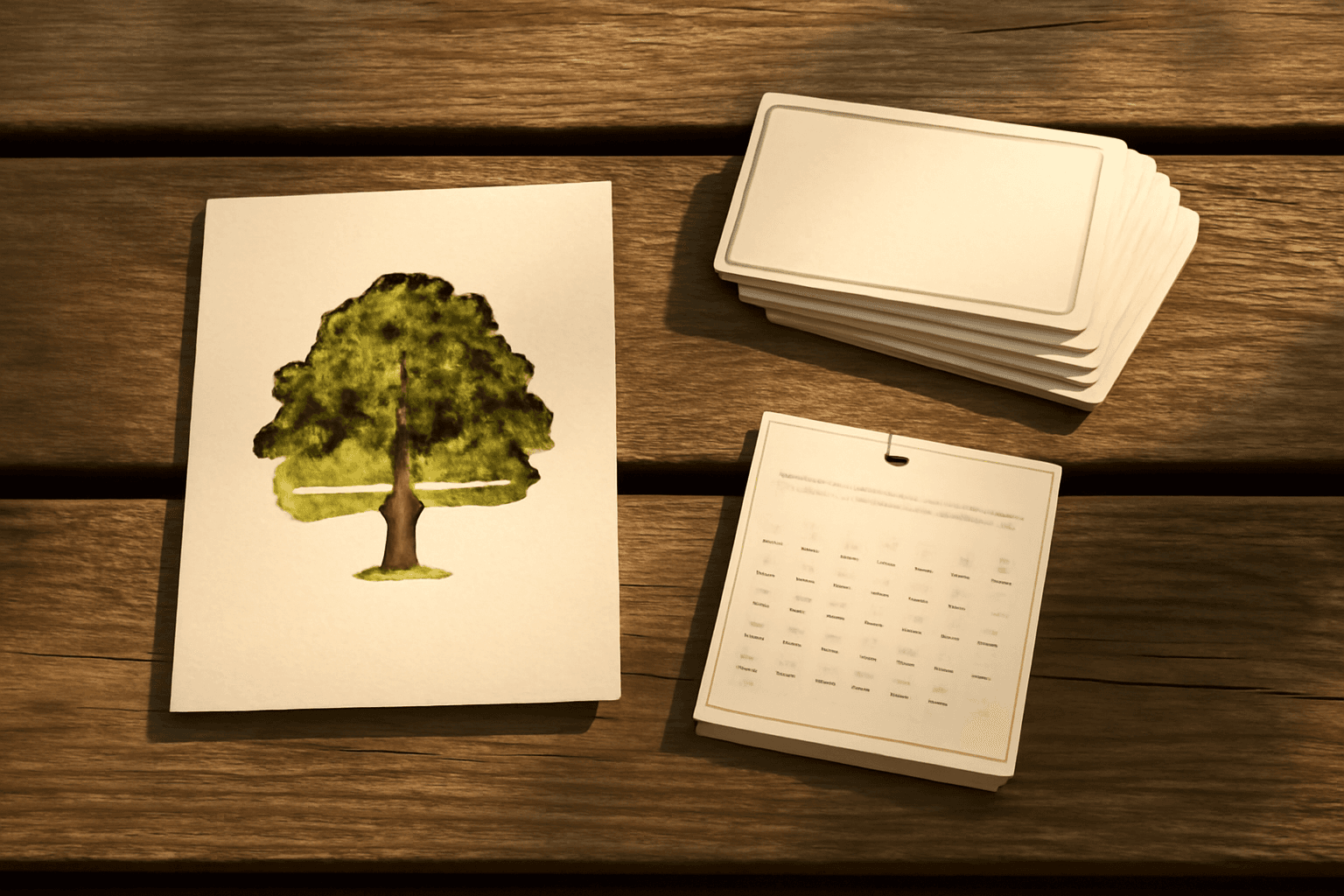
Image to Frame converts a PNG, SVG or JPG (up to 5MB) into a valid Canva frame, then you drop a photo into it. For a reunion, think an oak tree or a house for the family homestead, or a state outline for the place everyone is traveling to.
The key tip: use a source image with a transparent background. If the file still has a white or colored background, the frame comes out as a plain rectangle. Remove the background first, then convert. You can upload a file, pick a photo already in the design, or export the page as a one-page transparent PNG. The border is adjustable (0 to 50) but only shows after you add the frame to the design. Very intricate outlines can fail to convert, and the app suggests a simpler file or its Frame Store. It is free for students and teachers; other users may hit a Pro prompt.
2. Text to Frames: a banner with everyone in it #
Type FAMILY or your surname, turn on Split into letters, and each letter becomes a separate Canva frame. Drop a different relative, a different decade or a different location into each one. The text field takes up to 200 characters, and you can drag each photo to reposition it inside its letter.
Choose a heavy sans font, since thin fonts hide the photos. Free users get five fonts (Roboto, Open Sans, Lato, Playfair Display and Pacifico); the rest, plus the Blur, Border and Inner shadow effects, are Pro. Some Canva design types do not allow frames, in which case the app warns you; open it in a poster or presentation instead.
3. Frames Lab: the memory wall #
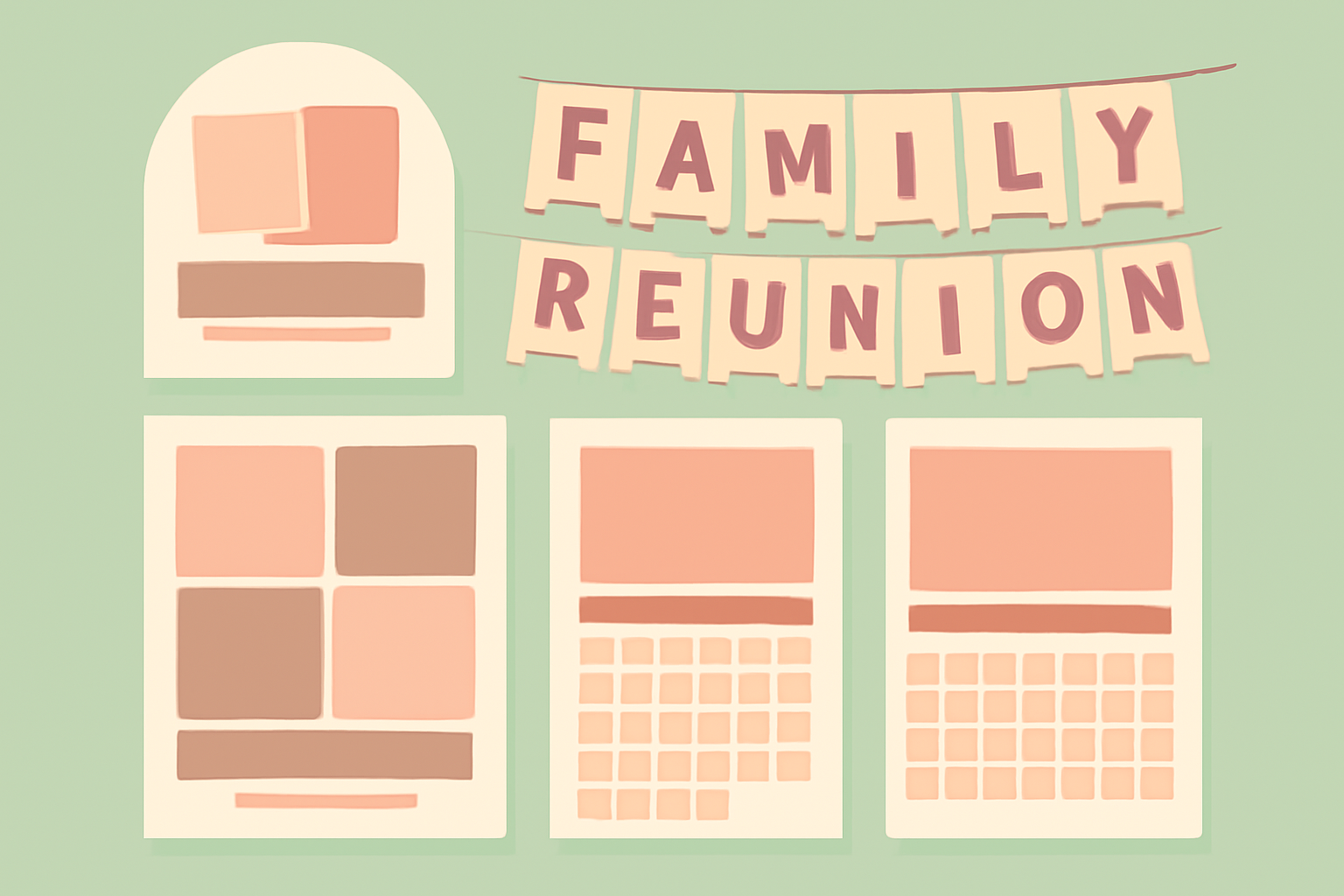
Frames Lab builds Grid, Arc, Burst, Diagonal and Shape frames. For a reunion poster, use Grid with a small gap to make a wall of photos from every generation, or Arc for a rainbow of family branches. Set columns, rows and gap, then click Add to design; the frame scales to your page.
Limits to know: grids above roughly 30 cells get blocked, so reduce rows and columns if you see a complexity warning. The free version limits how many frames you can add. If you only need a plain collage, Canva's own Grids are a fair alternative.
4. Calendar Maker: countdown and weekend schedule #
Calendar Maker creates a month, a week table (up to 27 rows) or a custom range of up to 150 days. For a reunion that is mostly optional: a Custom range counting down to the date is a nice touch on a fridge-magnet card, and a Week table works for a Saturday-to-Sunday itinerary. If you only need one date on one page, a Canva text box is faster. The app needs a Pro unlock to add calendars to a design.
5. Qrdy Dynamic QR: a link you can change after printing #
Details change: the venue, the potluck sign-up, the photo album. A dynamic QR printed on the invitation can point to a page you edit later, instead of reprinting everything. It costs $5 per month. To be honest about the tradeoff, any dynamic QR routes through the provider's domain, ours included, so if your link will never change, a free static QR is simpler.
A 20-minute reunion kit workflow #
- Make the invitation: a shaped photo window with Image to Frame, plus the date and place in Canva text.
- Make the banner: Text to Frames with the family name, one photo per letter.
- Make the memory wall: Frames Lab Grid at poster size.
- Add a QR to the invite pointing to your shared album or RSVP page.
- Export as PDF Print, test one page on your home printer, then batch the rest.
Print checks before you commit #
- Export at 300 DPI for anything a guest will hold.
- Keep text away from the edges so trimming does not clip it.
- Print one test sheet first, since photos usually look darker on paper.
- For T-shirt art, check the print shop's file requirements before designing.
Frequently asked questions
Yes. Canva has free invitation templates and free Frames and Grids. The Qrdy apps in this list add things the built-ins do not, like turning any shape into a photo frame, but several have free limits and Pro unlocks, so check each app before you plan around it.
Use Text to Frames with Split into letters switched on. Each letter becomes its own Canva frame, so you can drop a different photo into each one. Pick a heavy font such as Roboto so the photos stay visible inside the letters.
Print a QR code that points to a page you can edit later, like a shared album or schedule. A dynamic QR such as Qrdy Dynamic QR lets you change the destination after printing. It costs $5 per month, and the code routes through the provider's domain, so only use it if you need the flexibility.
Related products


More from QRdy Blog
How to Make a Birthday Calendar in Canva (Family Birthday Tracker, Step by Step)
Build a printable family birthday calendar in Canva: 12 months, one page each, with names added in minutes. A step-by-step tutorial using Calendar Maker, plus honest notes on what Canva does on its own.
How to Make Mockups for Etsy Without AI (Using Your Own Product Photos)
Make Etsy mockups from real photos of your own blanks instead of AI-generated scenes: photograph or source a blank, drag one box around the print area, save a template and render every design in one batch, all in your browser.
What Is Kerning? Meaning, Examples, and How to Space Photo Letters in Canva
Kerning is the adjustment of space between one pair of letters so gaps look even. Learn how it differs from tracking, which pairs need it, and how to space photo-filled letters in Canva.