
10 Family Planner and Calendar Ideas You Can Make in Canva
Ten printable family planner ideas you can build in Canva with Calendar Maker: a fridge calendar, chore chart, birthday calendar, meal plan, carpool grid and more. Honest notes on where Canva's built-ins are enough.
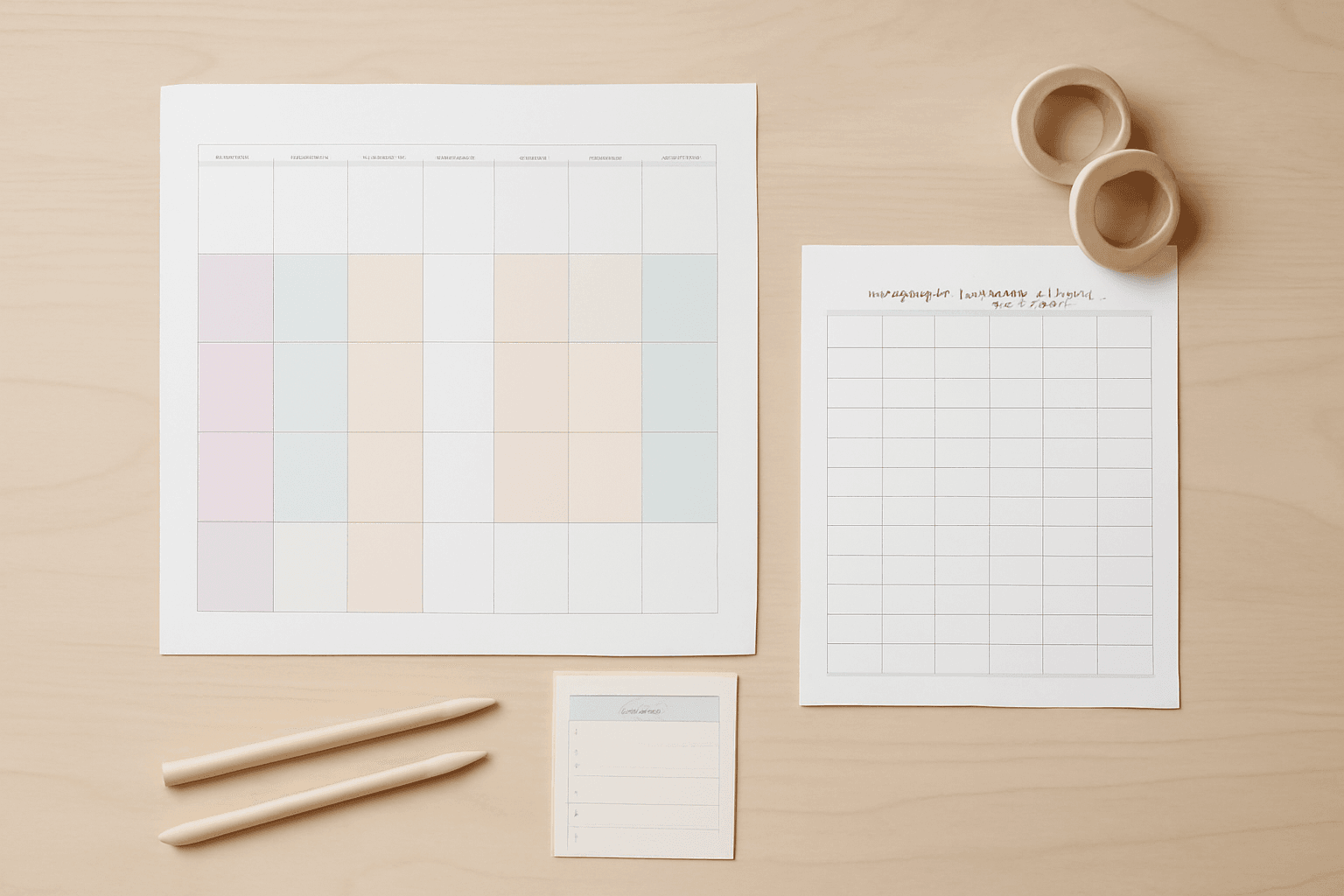
A family planner is one of the few printables that actually gets used every day, because it sits where everyone walks past it: the fridge, the hallway, the kitchen wall. The trick is not a prettier template. It is picking a format your household will read at a glance and rebuilding it every month without a fight.
This post collects ten family planner ideas you can build in Canva. Most of them rest on one tool: Calendar Maker, a Canva app that generates a month, a week table or a custom date range and drops it into your open design. A few use Qrdy's frame apps for the photo touches.
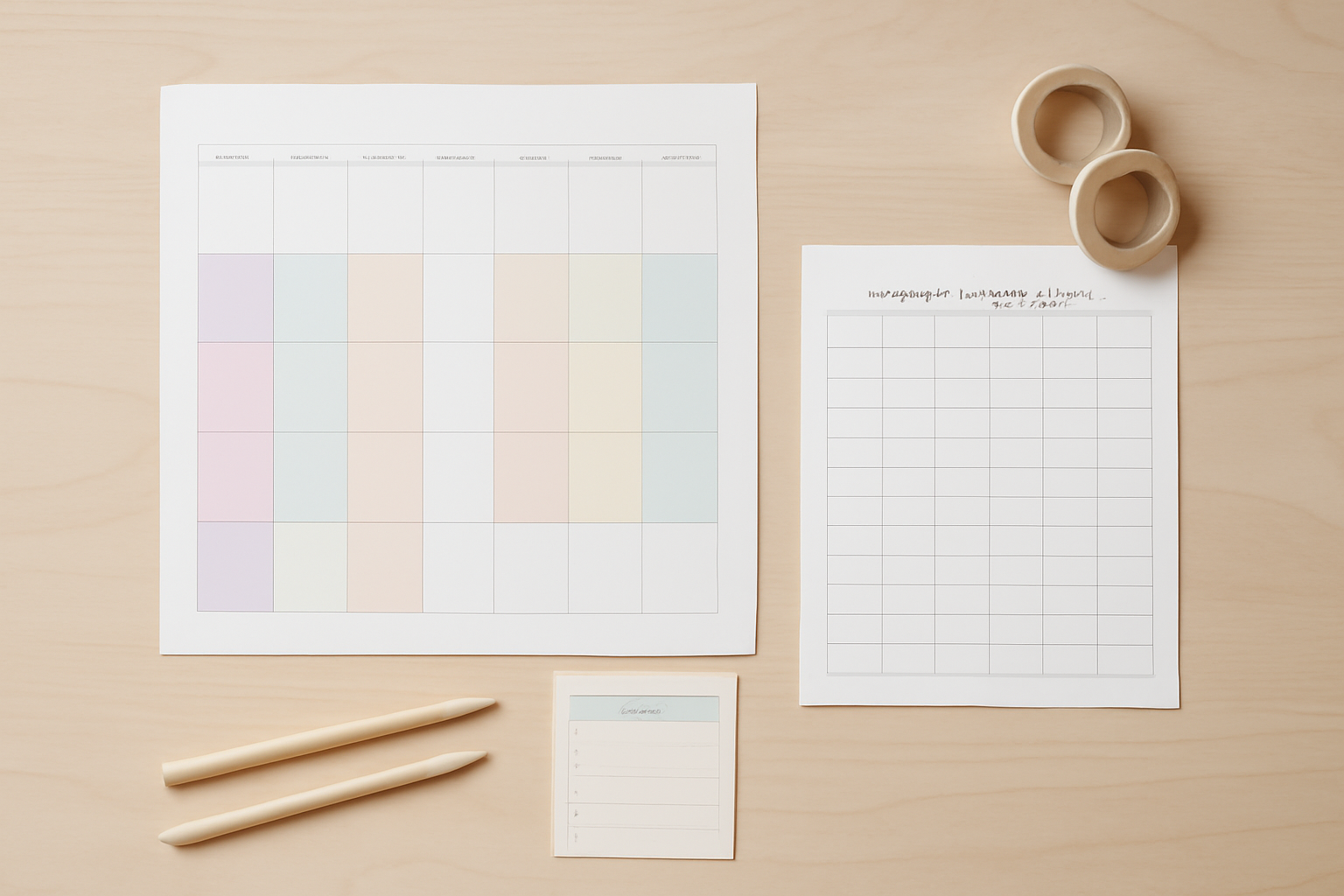
Before you start: when Canva alone is enough #
Canva already has free calendar templates, free tables, and a bleed and margin guide. If you need one plain monthly grid for this month only, open a template and go. Calendar Maker earns its place when you want the same look repeated: all 12 months at once, a week table with many rows, or a date range that is not a calendar month. It is a Pro app, so free users will see an Unlock to use button rather than Add to design.
Quick picks #
| Idea | Calendar Maker tab | Best for |
|---|---|---|
| Fridge month calendar | Month | Everyone |
| Chore chart | Week | Kids 5 to 12 |
| Birthday calendar | Month (all months) | Extended family |
| Weekly meal plan | Week | Busy dinners |
| Carpool and activity grid | Week | Sports seasons |
| School term countdown | Custom | Exams, breaks |
| Vacation countdown | Custom | Trips |
| Per-person color calendars | Month | Teens |
| Year-at-a-glance wall sheet | Month (all months) | Planning ahead |
| Photo cover and gift version | Month plus frames | Grandparents |
1. The fridge month calendar #
Open Calendar Maker, stay on the Month tab, pick the month and year, and choose one of the 30-plus example color styles. Choose Start week with Sunday if your household thinks that way. Press Add to design, then enlarge the grid to fill an A4 or Letter page. Keep the date numbers big: people read this from across the kitchen. The reading-distance logic is the same as in our wall calendar guide.
2. The weekly chore chart #
Switch to the Week tab. Tick the seven weekdays, raise the Number of rows to one row per person, and turn on Shorten labels so the headers fit. Print it, laminate it, and let kids tick off chores with a dry-erase marker. Tip: color the header bar with one bold color and use the alternating row colors, so each child's row is easy to track.
3. The perpetual birthday calendar #
Birthdays do not change with the year, so make it once. Use Add all months with Each month on its own page, then type names into the date cells. Twelve pages is a lot to print, so shrink them onto one sheet as a 4 by 3 grid. Your saved setup can be restored next year with one click, since Calendar Maker keeps recent setups per tab.
4. The weekly meal plan #
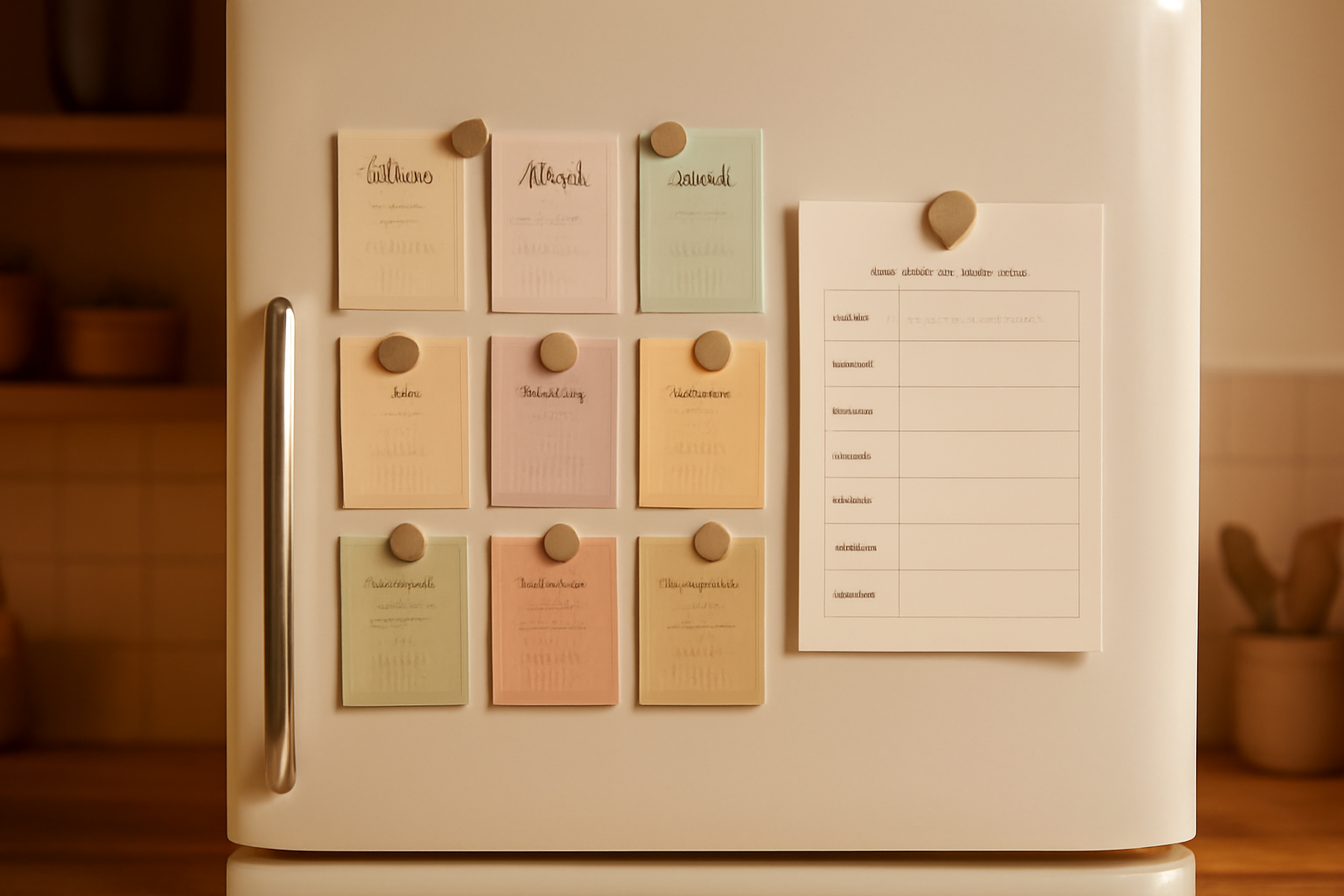
Another Week table: seven days, three or four rows (breakfast, lunch, dinner, snack). Leave a blank strip at the bottom for the shopping list. Pair it with a recipe card if you cook from the same set every week.
5. The carpool and activity grid #
Sports seasons turn weeknights into logistics. Use a Week table with rows for each child and one extra row for who is driving. Color each child's row with a different alternating color so the table reads without labels. Print one per season, not one per week.
6. The school term countdown #
The Custom tab builds a calendar for any range up to 150 days, which covers most school terms. Set the start date on the first day of term and the end date on the last. Mark exams and breaks with a highlighter after printing. For more ways to use countdowns, see our weekly schedule and countdown ideas.
7. The vacation countdown #
Same Custom tab, shorter range. Build a calendar from today to the departure date and let kids cross off a day each morning. Add a photo of the destination above the grid using a shaped frame from Image to Frame if you want a keepsake touch.
8. Per-person color calendars #
Teens do not want the family calendar, they want theirs. Generate one month per person, pick a different example style for each, and put them side by side. Because Calendar Maker saves your setup, you only design the look once.
9. The year-at-a-glance wall sheet #
Add all months, then arrange the twelve small grids on one large page (A3 or A2) with the month names in a heavy font. It works as a planning poster for holidays, school breaks and birthdays. Check your print shop's guidance on bleed before sending a large format file.
10. The photo cover and gift version #
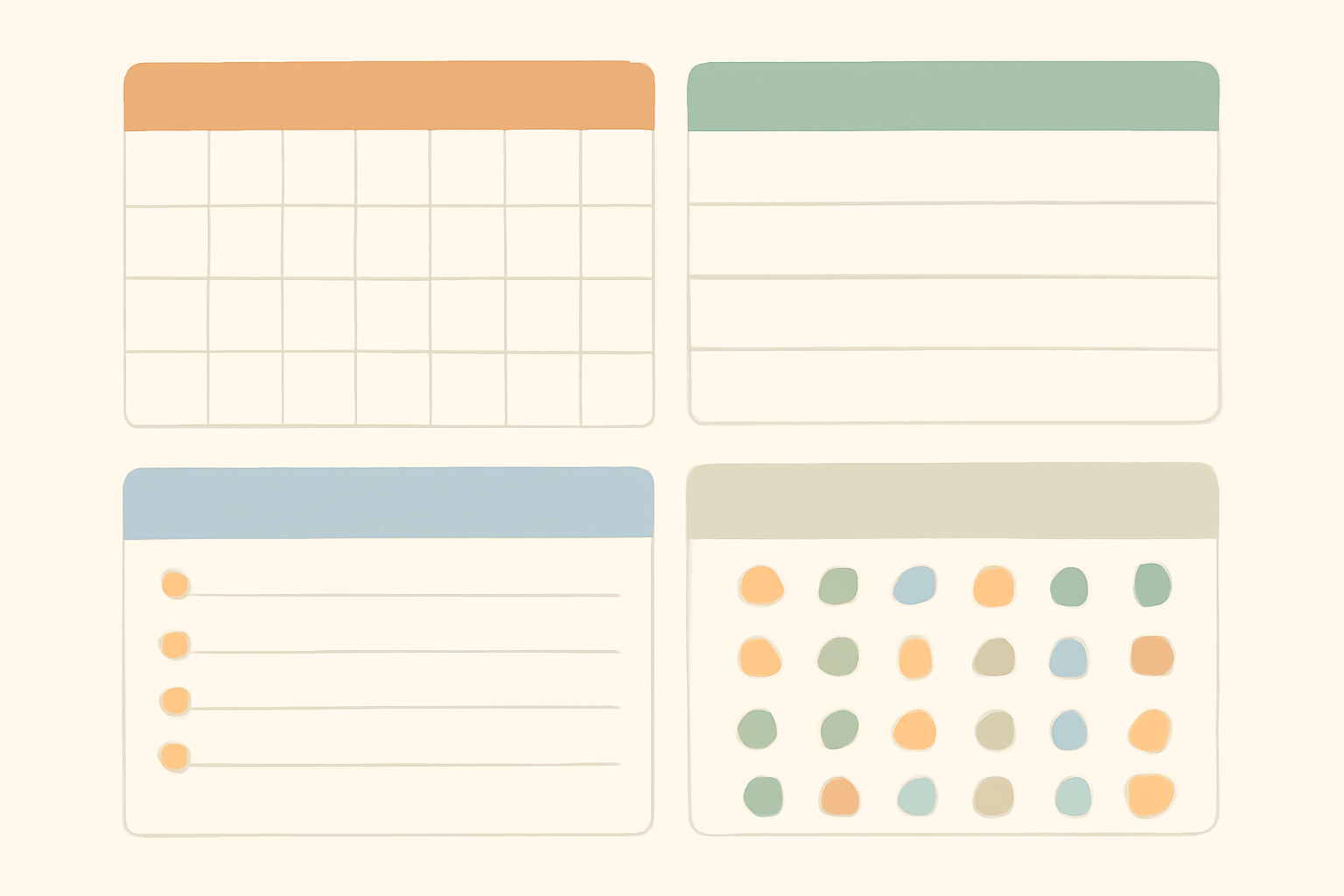
For grandparents, make a 12-month version with a family photo on each page. Use Frames Lab to create a grid or arc, or Text to Frames to fill the word FAMILY with photos on the cover. The result is a planner and a gift in one. If you want other gift angles, see the Christmas gift ideas for grandparents.
Printing tips that save a re-do #
- Design at the finished size, for example A4 or Letter, and turn on Canva's bleed and margin guides.
- Keep text at least 3 to 5 mm inside the trim.
- Use Canva's PDF Print download for the sharpest result.
- Print one test page before duplicating a stack.
- Laminate chore charts; they last longer and work with dry-erase markers.
Where Calendar Maker stops #
It builds the grid, the dates and the styling. It does not sync with Google Calendar, send reminders or let family members edit the same file. If you need shared, live scheduling, use a digital calendar for the logistics and keep the printed one for the visual overview. For the content side of calendars, see what a content calendar is, and for more uses of the app, 9 creative ways to use Calendar Maker.
Frequently asked questions
A single monthly calendar. In Calendar Maker's Month tab pick the month and year, choose a color style, and press Add to design. Print it and put it on the fridge; add chores or meals later once the habit sticks.
Yes. The Week tab builds a table of weekdays with 1 to 27 rows, so you get empty cells under each day. Put each family member's name in the rows and tick off chores with a dry-erase marker on a laminated copy.
Calendar Maker is a Pro app: free users see an Unlock to use button instead of Add to design. If you only need one plain monthly grid, Canva's built-in calendar templates and tables are a perfectly good free option.
Related products


More from QRdy Blog

Image to Frame vs Trace to Frame: Which Canva App Makes Your Custom Frame?
Need a custom-shaped frame in Canva? Image to Frame converts a PNG, SVG or JPG; Trace to Frame lets you click points to draw a polygon. Here is when each one wins, with a side-by-side table.

Ứng dụng Canva tốt nhất để làm thiệp Valentine (2026)
Chọn app Canva nào để làm thiệp Valentine có ảnh? So sánh Image to Frame, Text to Frames và Frames Lab: ảnh trong khung trái tim, tên người thương bằng chữ ảnh, lưới kỷ niệm.
How to Make an Arch Photo Frame in Canva (Arch and Rainbow Curved Frames)
Arch and rainbow photo frames are everywhere in nursery art and boho posters. Here is how to make one in Canva step by step, using an arch shape or Frames Lab's Arc mode, with tips for sizing and spacing.