
Tutorials, deep-dives,
creator tips.
Honest write-ups from the team behind 28 tools used by 50k+ creators. Canva apps, AI for makers, dynamic QR codes — what works, what doesn't.
~ shipped with love ✦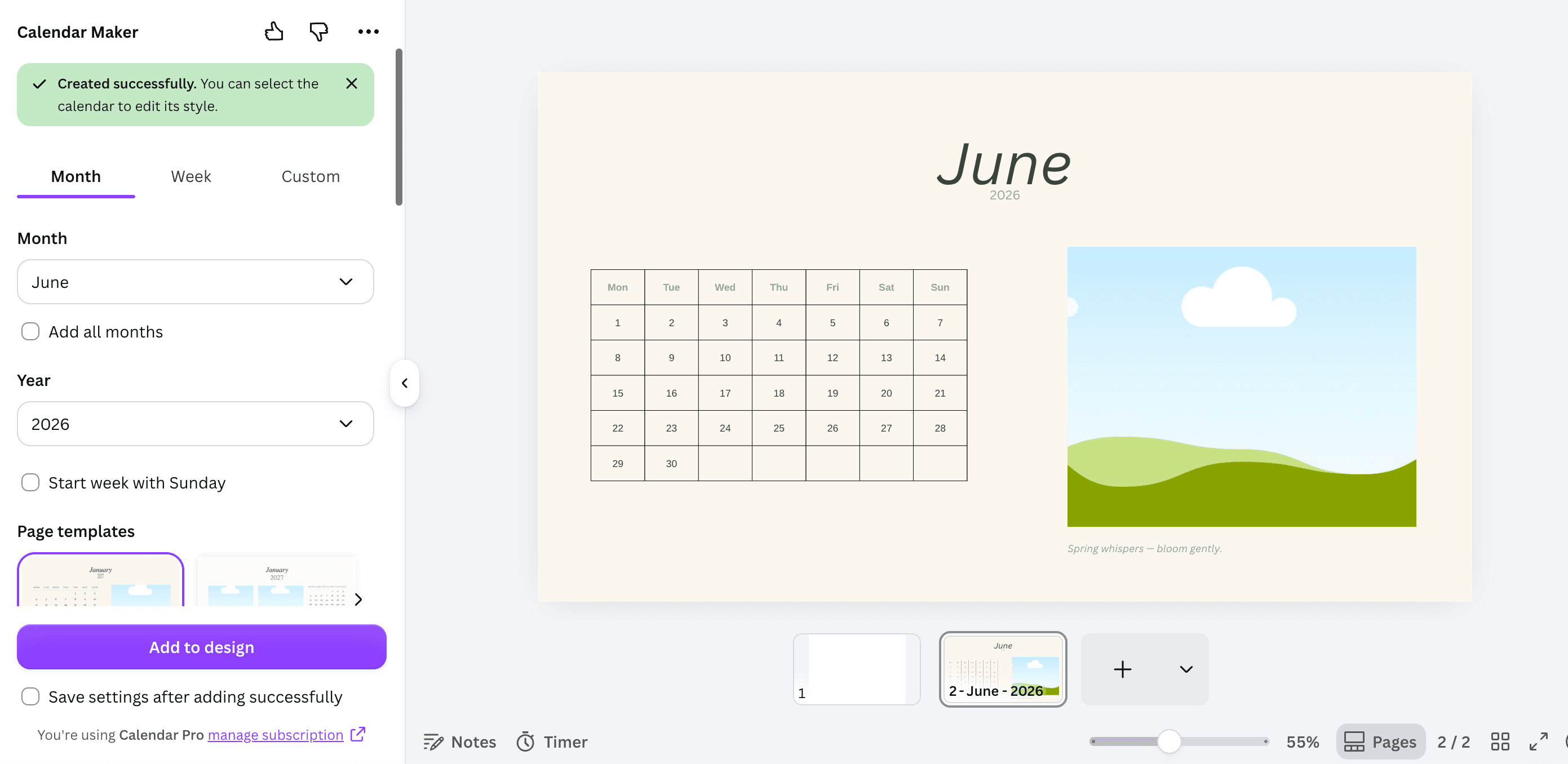
Google Sheets & Excel vs Canva Calendar Maker: Which Should You Use?
A spreadsheet calendar is free, editable and calculates its own dates. A Canva calendar looks like something you would hang on a wall. Here is exactly when each one wins — and the workflow that uses both.
The Best Canva Apps for Real Estate Agents (2026)
Listing flyers, just-listed posts, open house signage and a yard sign QR that still works after the property goes under contract. Six Canva apps that cover the parts a template cannot, and an honest note on what Canva already handles by itself.
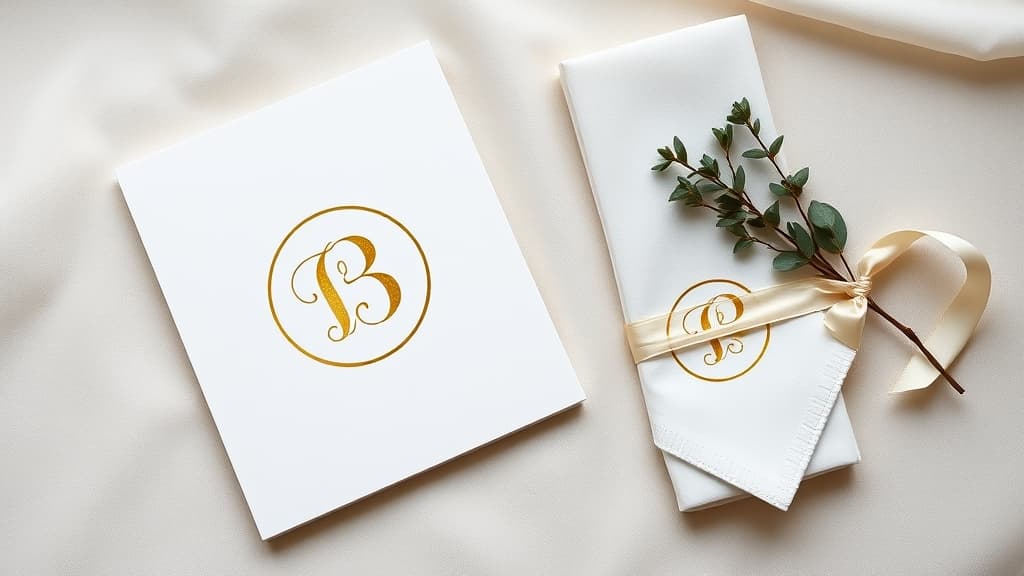
How to Make a Monogram in Canva (No Monogram Maker Required)
Canva has monogram templates but no single "monogram maker" button. Here is how to build a two- or three-initial monogram from scratch in about five minutes, how to fill the letters with photos, and how to turn the finished mark into a reusable frame.

What Is a Mood Board? Definition, Types, and How to Make One in Canva
A mood board is a visual reference that pins down how a project should look and feel before you start making it. Here is what goes on one, how it differs from a vision board or a photo collage, and how to build one in Canva.

10 Instagram Post Ideas You Can Actually Make in Canva
Ten Instagram post ideas that go beyond dropping a photo on a template — photo-filled headlines, grid puzzles, arc frames, burst badges and monthly calendar posts, each with the exact Canva app and settings to build it.
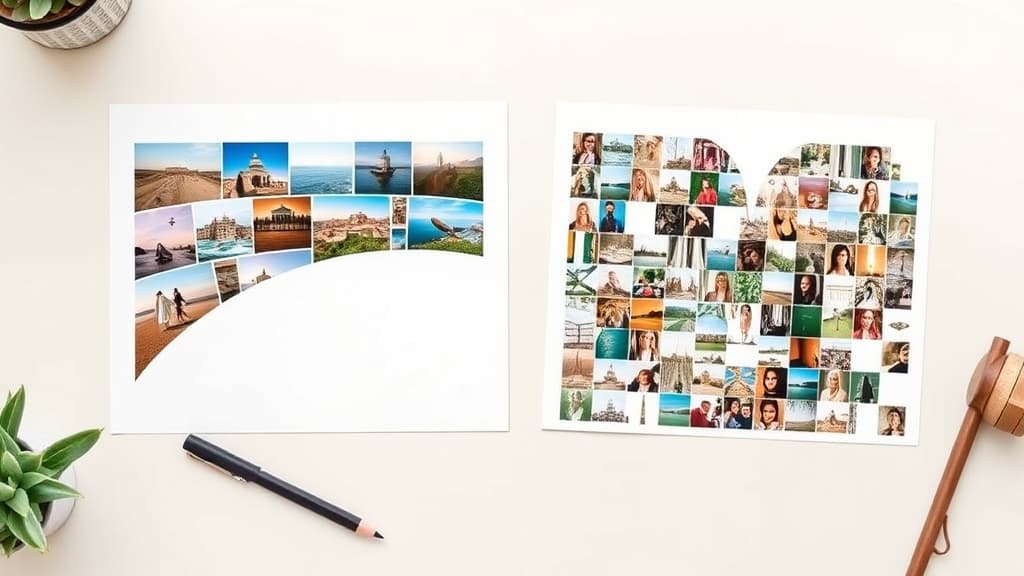
Frames Lab vs Frame Collage: Which Canva Collage App Should You Use?
Both apps build photo collages in Canva, but they get there in opposite ways: Frames Lab generates a grid from numbers you set, while Frame Collage lets you toggle cells on a matrix like pixel art. Here is which one fits your layout.

The Best Canva Apps for Students (2026)
Class schedules, revision posters, group project boards and society flyers — six Canva apps that save students real time, plus an honest look at what Canva already does for free.

Canva Frame Not Working? 9 Fixes for Every Common Frame Problem
Photo won't drop into your frame? Custom frame came out rectangular? Here are the nine things that actually go wrong with Canva frames — and the exact fix for each one, including the errors you'll hit inside frame apps.

What Is a Habit Tracker? Definition, Types, and How to Make One in Canva
A habit tracker is a simple grid where you tick off a habit each day so you can see your streak at a glance. Here is what one actually is, the five common types, and how to build a printable habit tracker in Canva without drawing a single box by hand.

10 Personalized Photo Gift Ideas You Can Make in Canva
Ten personalised photo gifts you can design in Canva and print at home — name wall art with a photo in every letter, keepsake photo calendars, custom-shape prints, gift tags and more, with the exact apps that make each one fast.

How to Make a QR Code in Canva (2026 Update): What Changed, and Every Workaround
Canva replaced its QR code app in 2026. Codes now carry a Canva logo, route through a Canva domain, accept URLs only, and old codes can no longer be edited. Here is the current step-by-step flow, plus a workaround for each new limit.
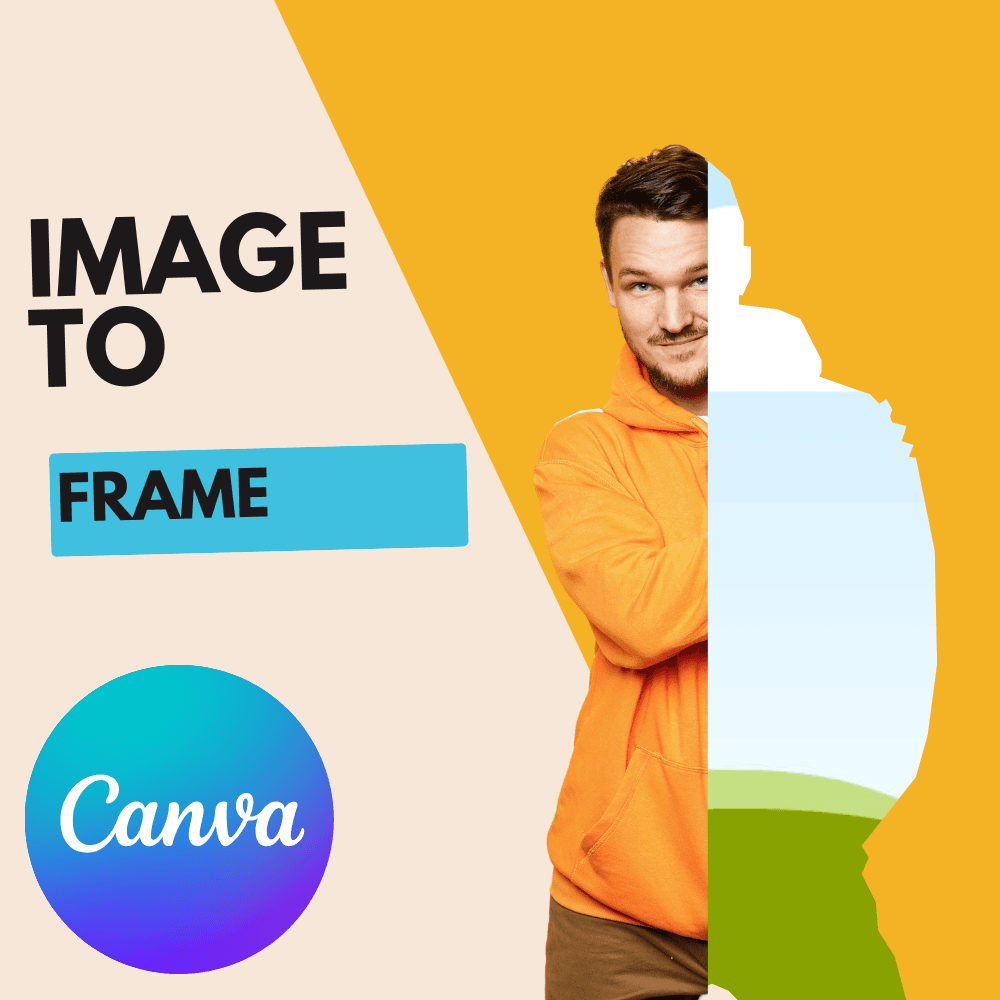
Image to Frame vs AI Frames: Upload a Shape or Describe One?
Both are QRdy Canva apps that make custom frames — but one turns a picture you already have into a frame, and the other draws a frame from a sentence. Here is the honest side-by-side, plus which one to install first.