
10 Personalized Photo Gift Ideas You Can Make in Canva
Ten personalised photo gifts you can design in Canva and print at home — name wall art with a photo in every letter, keepsake photo calendars, custom-shape prints, gift tags and more, with the exact apps that make each one fast.

The best gifts are the ones that could only have been made for one person. A photo of the two of you, their name, their year — the kind of thing you can't buy off a shelf.
The good news is that almost all of it can be designed in Canva and printed at home or at a local print shop. The awkward news is that Canva's built-in tools stop short on a few specific jobs: it has no calendar-grid generator, and its text tools can only show one image across a whole word, not a different photo in each letter. Those are exactly the gaps the QRdy apps fill.
Here are ten photo gifts worth making, with the fastest route to each.
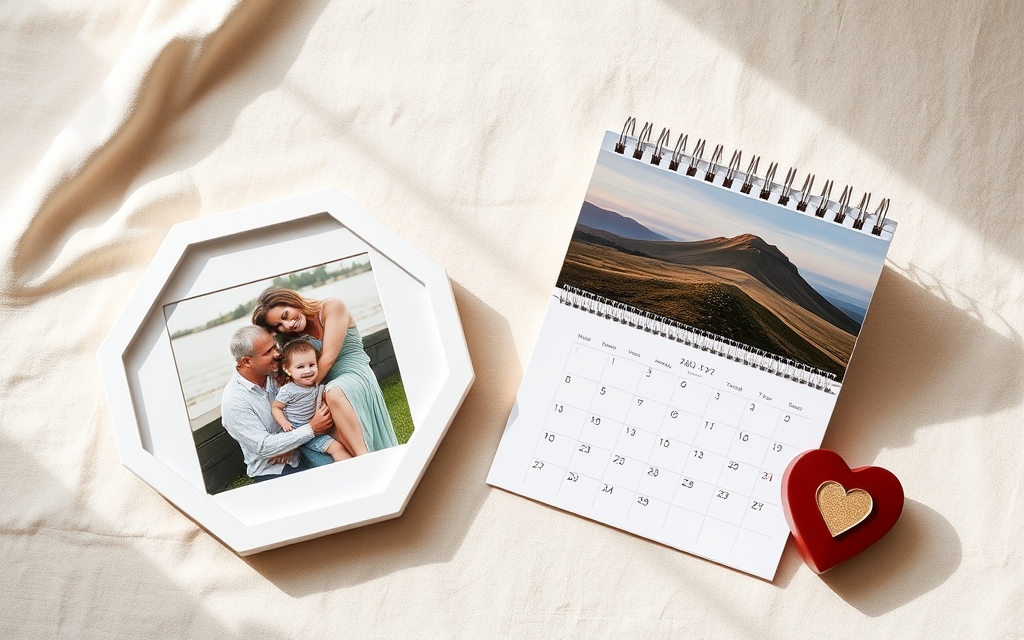
1. Name wall art with a photo in every letter #
Spell a child's name, a couple's surname or a single word like HOME, and fill each letter with a different photo. It reads as a name from across the room and as a photo album up close.
Tool: Text to Frames. Type the name (up to 200 characters), turn on Split into letters, and every character becomes its own real Canva frame. Drag a different photo into each one, then drag and zoom the photo inside the letter until it's framed the way you want — the same handling as any Canva frame.
Tip: letters with big open counters (O, D, B) show the most photo. Bump Letter spacing up a little so adjacent images don't visually run together.
2. A keepsake photo calendar for next year #
The classic. Twelve months, twelve photos, one gift that stays on the wall all year.
Tool: Calendar Maker. In the Month tab, pick the year, tick Add all months and Each month on its own page, and you get a twelve-page set with accurate date grids — no typing dates into a table. There are 30+ ready-made colour palettes and around 14 decorative page templates (Botanical, Watercolor, Scandi Minimal, Coastal, Vintage Postcard and friends) if you'd rather not style it from scratch.
Tip: build it at print size from the start, then export as PDF Print. Tick Save settings after adding successfully and your layout is stored as a reusable setup — handy when you're making the same calendar for four different relatives with four different photo sets.
3. A photo print cut to a meaningful shape #
A hexagon, an arch, a paw print, the outline of a state, the silhouette of their dog. A photo cut to a shape that means something beats a rectangle.
Tool: Image to Frame turns a PNG, SVG or JPG (up to 5 MB) into a genuine Canva frame you can drop photos into. Run the shape through a background remover first if it isn't already transparent — the app reads the silhouette, so a white background becomes a white rectangle. It also has a border control (0–50, with a colour picker) if you want a printed edge.
4. A photo collage of a whole year — or a whole friendship #
Twenty small moments arranged into one piece, rather than one big photo.
Tool: Frames Lab for anything beyond a plain rectangle grid — arc layouts, bursts, diagonals, precise control over rows, columns, gap and border. Canva's native Grids are genuinely good and completely free if a straight rectangular grid is all you need; reach for Frames Lab when you want the shape of the collage to do some work too.
5. Custom photo gift tags #
Small, cheap, and they make an ordinary wrapped box look considered. Print a sheet of them, cut, punch, thread.
Tool: Border Art Maker for a repeating dot, icon or mini-photo border around the edge, plus a small frame in the middle for a face. Lay out eight to twelve tags per A4 page so one print run covers the whole gift pile.

6. A monogram print #
One letter, one photo, a lot of white space. The most forgiving gift on this list because it's nearly impossible to make ugly.
Tool: Text to Frames again, but with Split into letters off and a single character typed in. A serif like Playfair Display (free tier) suits a wedding or housewarming gift; Pacifico (also free) reads softer for a nursery. If you have Pro, a thin Border in the frame colour stops the letter from disappearing into a busy photo.
7. A "the day you were born" or anniversary date print #
Take one specific month, print the grid, circle the date. Pair it with a photo from that day.
Tool: Calendar Maker's Month tab for the grid — set it to the actual month and year, restyle the header and numbers, then add a photo above it. The Custom tab handles a date range instead of a whole month (up to 150 days), which works nicely for "the fortnight we spent in Italy."
8. A recipe card set in someone's handwriting #
Scan a handwritten family recipe card, photograph the finished dish, and lay both onto a printable card. A genuinely lovely gift for anyone who inherited a recipe box.
Tool: Clipping Mask to cut the dish photo into a circle or a plate shape, and Border Art Maker for a repeating edge that ties a whole set together. Print on card stock at 4×6 in.
9. Photo bookmarks #
The stocking-filler that costs almost nothing. A tall, thin photo, a name down the side, a hole punch and a ribbon.
Tool: Image to Frame or Frames Lab for a shaped top (arch, scallop, tag), with the name set in a matching font. Six fit on one A4 sheet.
10. A photo-letter video card for someone far away #
Not everything has to be printed. Canva frames accept video as well as stills — so photo letters can play clips instead.
Tool: Text to Frames, split into letters, then drop a short clip into each letter and export as MP4. Spell a name or a short message and send it as a birthday message. It takes about ten minutes and lands far better than a text.
Which tool for which gift #
| Gift | Reach for | Why |
|---|---|---|
| Name art, monograms, word keepsakes | Text to Frames | Each letter becomes its own frame — a different photo per letter |
| Photo calendars, date prints | Calendar Maker | Accurate date grids, all 12 months in one click, print templates |
| Shaped photo prints, bookmarks | Image to Frame | Turns your PNG/SVG/JPG outline into a real Canva frame |
| Collages, photo walls | Frames Lab | Arc, grid, burst and diagonal layouts with precise controls |
| Tags, card sets, printable edges | Border Art Maker | Repeating dot, icon or image borders with spacing control |
| One-off cut-outs | Clipping Mask | Fast single-use mask, nothing to reuse afterwards |
What Canva already does well #
Worth saying plainly, because you don't need an app for everything. Canva's built-in Frames (Elements → Frames) cover circles, hearts, stars and dozens of standard shapes for free. Grids handle rectangular collages. Background Remover cleans up product and pet photos. The template library will get you 80% of the way to a gift tag.
The apps above earn their place on the specific jobs Canva doesn't cover: a different photo inside each letter, a real date grid, and turning an arbitrary shape you already have into a frame.
Before you print #
Three things that separate a gift that looks handmade from one that looks homemade:
- Set the physical size first. Start the design at 8×10 in or A4, don't scale a social post up afterwards.
- Export as PDF Print, not PNG, for anything going on paper.
- Check the photos at 100%. A phone photo that looks fine on screen can be soft at A3. Crop tighter rather than enlarging.
Give yourself a week of lead time if a print shop is involved, and start with idea 1 or 2 — they're the two that most reliably get a reaction.
Frequently asked questions
Not for most of these. Canva's free plan covers frames, grids, text and PDF export. What you may hit are the paid tiers inside individual apps: Calendar Maker gates its "Add to design" button behind an unlock, and Text to Frames gives you 5 fonts plus "Split into letters" free while the other 100+ fonts and the Blur / Border / Inner shadow effects are Pro. You can build and preview everything before deciding.
PDF Print. It keeps the resolution high and embeds fonts, which matters for calendars and wall art. Set your design to the physical size you want (A4, 8x10 in, and so on) before you start rather than scaling a small design up at the end — upscaling a 1080px social-post design to poster size is where most home-printed gifts go soft.
Yes, but not with Canva's built-in text tools — those show one image across the whole word. You need each letter to be its own frame. Text to Frames does this with the "Split into letters" toggle: type the name, turn the toggle on, add it to your design, then drag a different photo into each letter and reposition it inside the letter like any Canva frame.
It depends on what's in the design. Your own photos and text are yours. Canva stock elements, fonts and template content are governed by Canva's content licence, which allows many commercial uses but restricts reselling an element largely unchanged — check the licence terms for the specific assets you use before listing anything.
Related products


More from QRdy Blog

How to Take Product Photos for Etsy With Your Phone (That Also Work as Mockup Templates)
Window light, rear camera at 1x, a clean print area and one untouched shot: an 8-step phone photo routine for Etsy sellers, plus how to shoot blank products so the same photos become reusable mockup templates.

How to Outline Text in Canva (3 Ways, Including Outlined Photo Letters)
Learn how to outline text in Canva with the built-in Outline effect, a stacked-copy trick for thick borders, and Text to Frames for outlined letters filled with photos.

What Is an Alpha Channel? Meaning, File Formats, and Why It Matters for Canva Frames
An alpha channel stores how opaque each pixel is. Learn how it works, which formats support it (PNG, WebP, not JPG), and why it lets a Canva frame follow your real shape.