
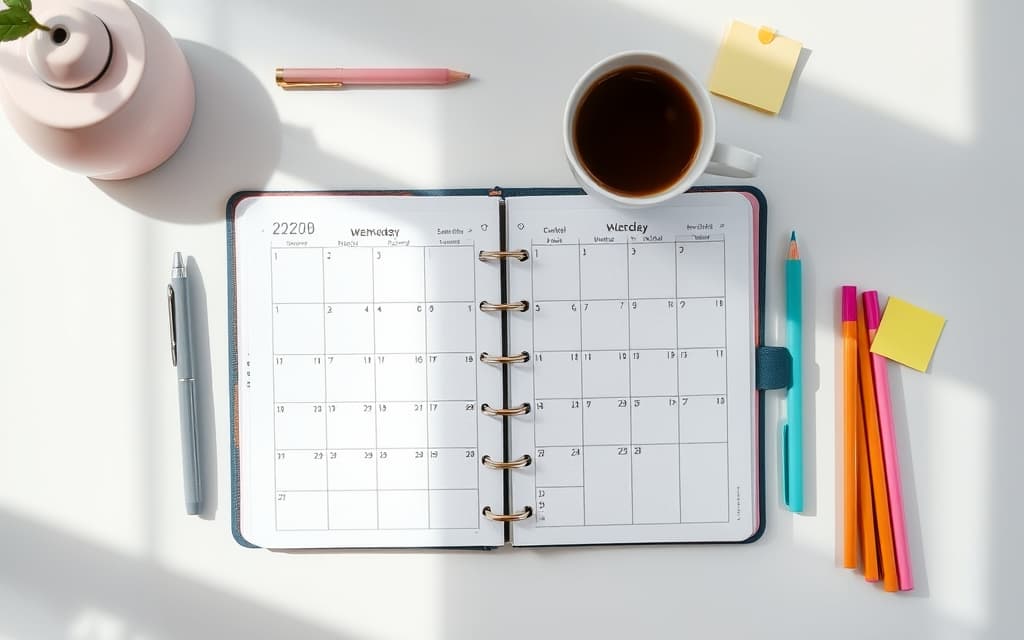
The Best Canva Apps for Planners (2026)
Building a planner in Canva? Here are the best Canva apps for calendars, weekly schedules, habit trackers, decorative borders, and photo covers — plus where Canva's built-in tools are enough.
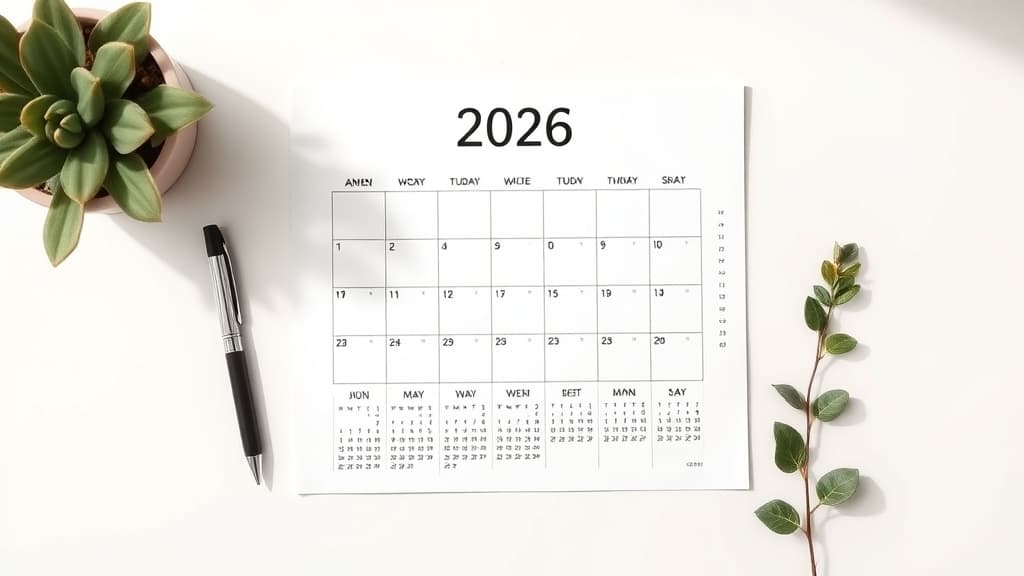
How to Make a Free Printable 2026 Calendar (with Holidays) in Canva
A step-by-step guide to making a free printable 2026 calendar in Canva, adding US holidays, and exporting a clean one-page or 12-month PDF ready to print.

What Is a Photo Border? Border vs Frame vs Clipping Mask (and How to Add One in Canva)
A photo border is the decorative edge around an image. Here's what it is, how it differs from a frame and a clipping mask, and how to add one in Canva.
Best Canva Apps for Photographers (2026)
A photographer's shortlist of Canva apps for custom frames, collages, borders, and photo calendars — with an honest note on what Canva already does for free.
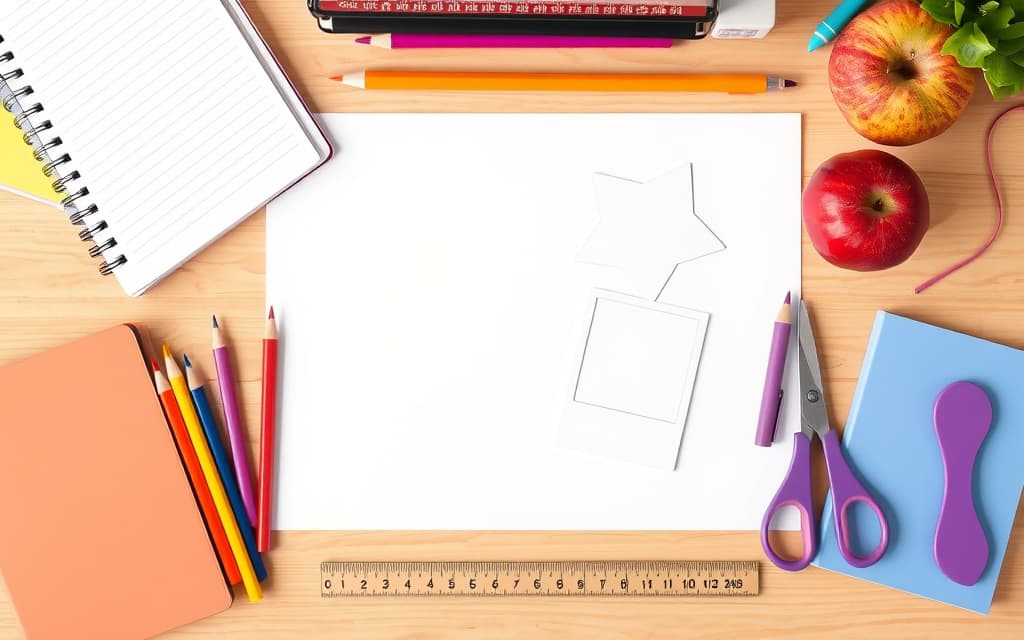
10 Back-to-School Design Ideas for Canva (Photo Frames, Planners & More)
Ten back-to-school design ideas you can make in Canva — first-day photo signs, locker tags, class schedules, name banners and more, using free-to-try QRdy Canva apps.

The Best Canva Apps for Photo Booth Frames (2026)
Making photo booth props and frames in Canva? Here are the best Canva apps for turning any shape into a fill-with-photo frame — ranked, with a quick-pick table and honest notes on what Canva already does for free.
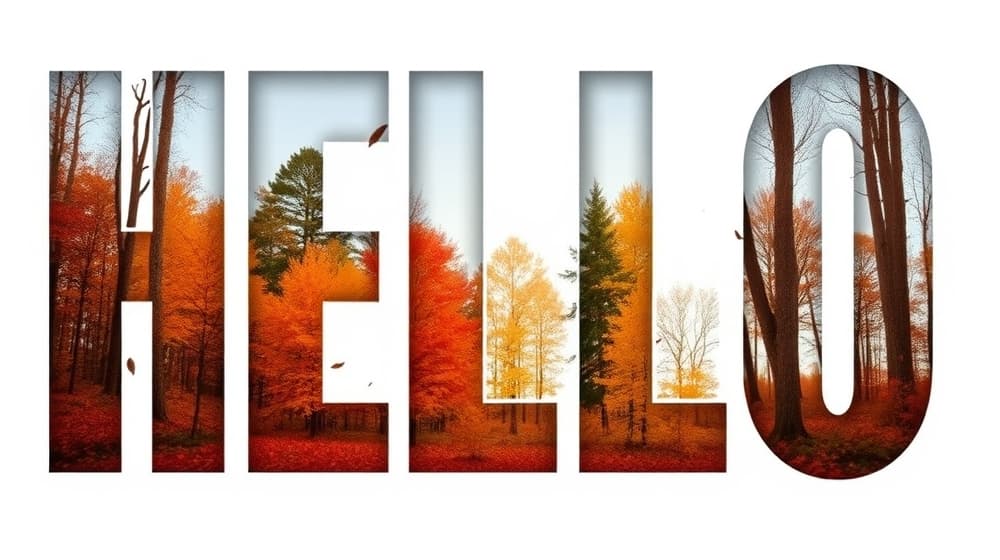
What Is Knockout Text? Definition, How It Works, and How to Make It in Canva
Knockout text is a design effect where a photo or pattern shows through the shape of your letters instead of a flat color. Here's what it means, how it actually works, and the fastest way to create it in Canva.
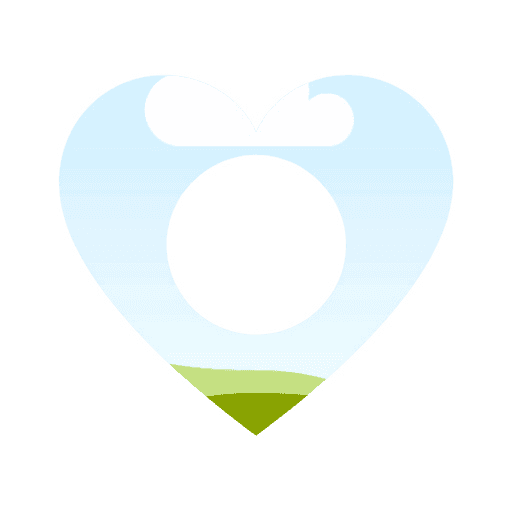
What Is a Frame in Canva? Definition, How Frames Work, and How to Add Custom Ones
A frame in Canva is a shaped container you drop photos or videos into, and the media clips neatly to that shape. Here is what frames are, how they work, and how to add custom ones.

10 Creative Photo Frame Ideas for Canva (Using Image to Frame)
Tired of plain rectangle photo borders in Canva? Here are 10 creative photo frame ideas — hearts, stars, monograms, holiday shapes and more — you can build in minutes with the Image to Frame Canva app.
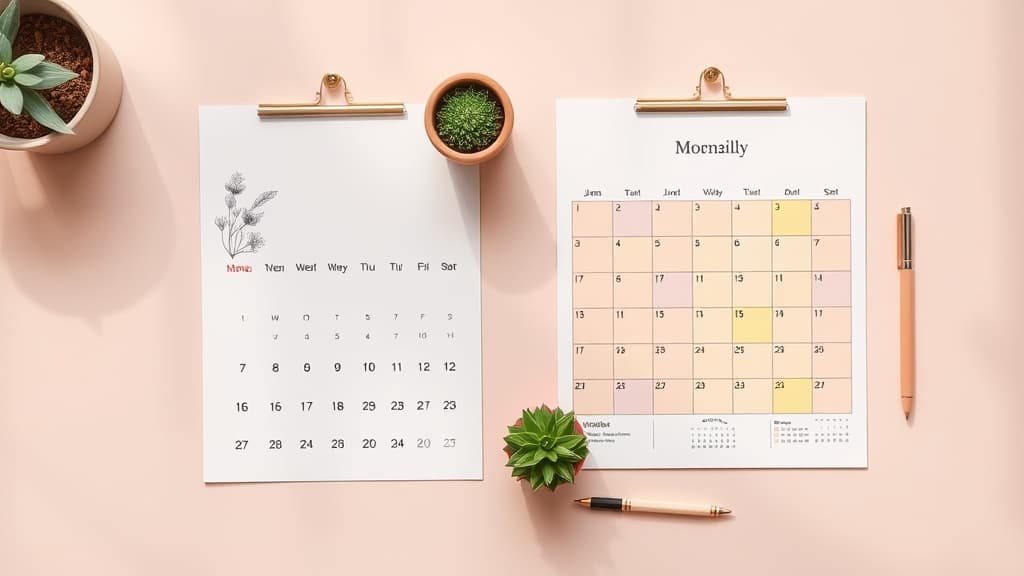
Canva Calendar Templates vs Calendar Maker: Which Should You Use in 2026?
Canva has thousands of built-in calendar templates, so do you really need a calendar app? Here's an honest comparison of Canva's native templates vs the Calendar Maker app — when each one wins, and which to reach for.
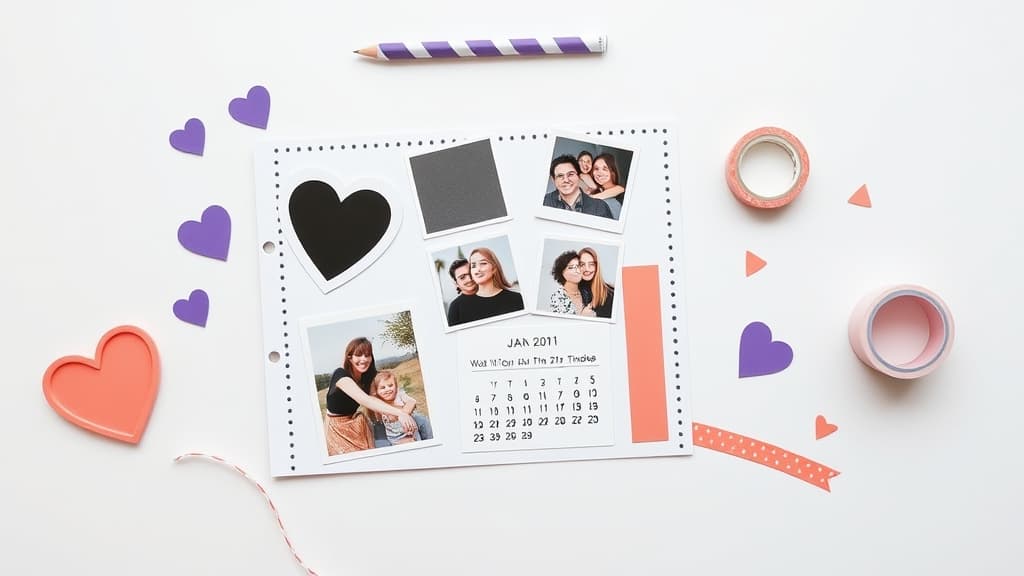
The Best Canva Apps for Scrapbooking (2026)
Building a digital scrapbook in Canva? These are the best Canva apps for shaped photo frames, grid collages, decorative borders, and dated memory pages — plus when Canva's built-in tools are already enough.

What Is a Clipping Mask? Definition, Examples, and How to Make One in Canva
A clipping mask lets a photo show through the shape of another object — a star, a heart, or a letter. Here is what a clipping mask is, how it works, and the fastest ways to make one right inside Canva.