
What Is Word Art? Meaning, Types, and How to Make Photo Word Art in Canva
Word art is text styled to work as a graphic: outlined, 3D, curved, glowing or photo-filled letters. Learn the main types, what Canva's Effects already do, and how to fill letters with photos.
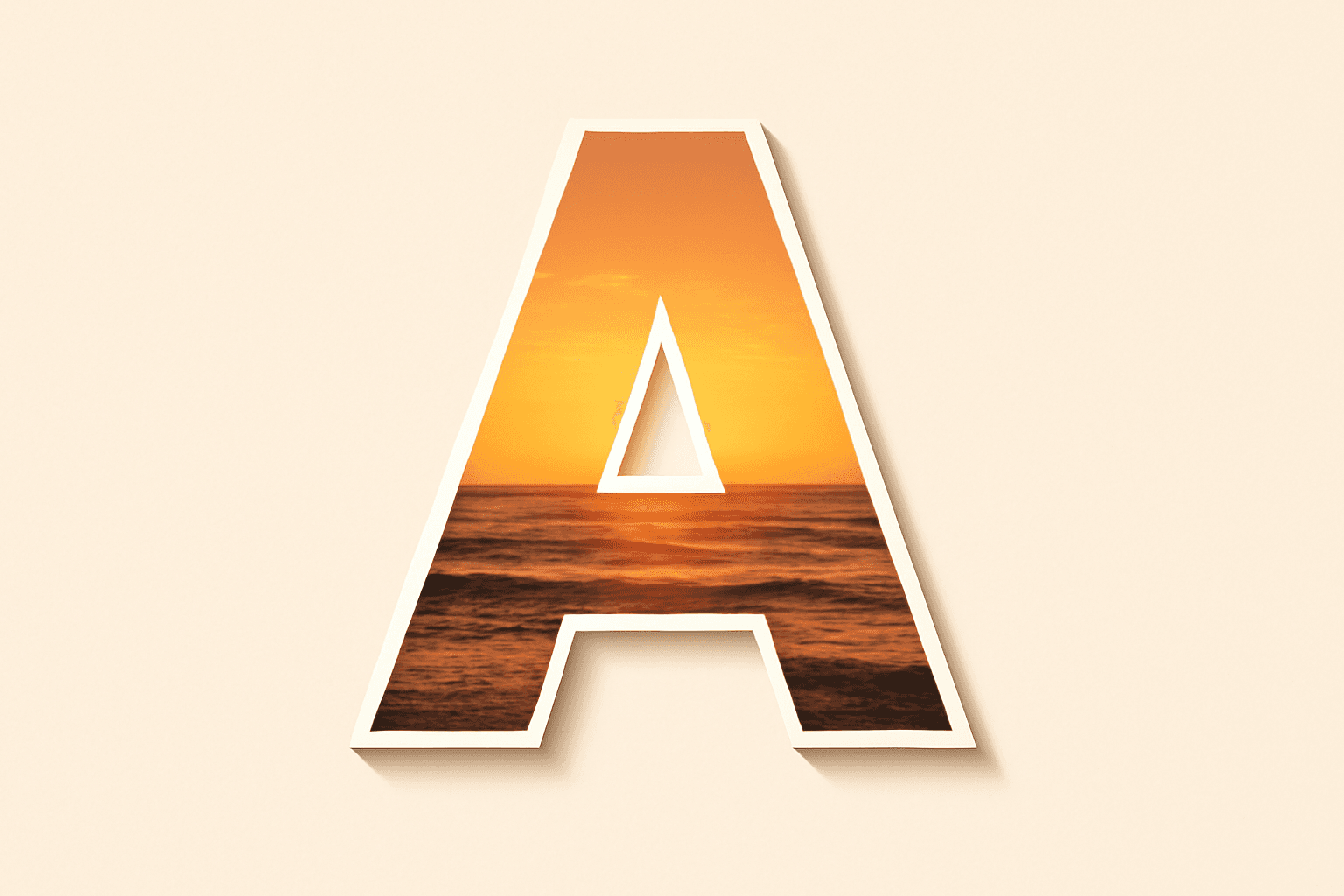
Word art is text that has been styled to work as a visual element, not just something to read: letters given outlines, shadows, curves, glows, textures or photos so the word itself becomes the design. The term covers everything from the bubbly rainbow headers of 1990s school newsletters to a brand name filled with product photos on a modern poster. If the shape and styling of the word carry as much weight as its meaning, it is word art.
Where the term comes from #
Most people first met the phrase as WordArt, the text-styling feature Microsoft shipped with Word and the rest of Office in the early 1990s. Pick a word, choose from a gallery of preset styles (arched, 3D, rainbow gradient, outlined) and the program turned your plain text into a stylised graphic. It was so widely used that "word art" slowly became the everyday name for any decorative text, whether or not it was made in Word.
Today the term is used more loosely. A designer might call a photo-filled headline word art; a teacher might mean a word cloud shaped like a heart; a crafter might mean a wooden sign with a painted quote. All of them share the same idea: the word is treated as an image.
Word art vs typography vs lettering vs word cloud #
These terms overlap, so here is the quick way to tell them apart:
| Term | What it means | Typical example |
|---|---|---|
| Word art | Existing text styled with effects so it becomes a graphic | A headline with a 3D shadow, or letters filled with photos |
| Typography | The craft of choosing and arranging type for reading and tone | Picking a serif for a wedding invite and setting the spacing |
| Lettering | Drawing letters by hand as one-off artwork | A hand-drawn chalkboard menu |
| Word cloud | Many words packed together, sized by importance or arranged in a shape | A class's favourite words arranged into a star |
Typography is about making text read well; word art is about making one word look like something. Lettering starts from a blank page; word art starts from a font. A word cloud is a specific kind of word art made from many words rather than one.
Common types of word art #
Almost every word art effect is a variation on a handful of moves. Knowing them helps you ask Canva (or any tool) for the right thing.
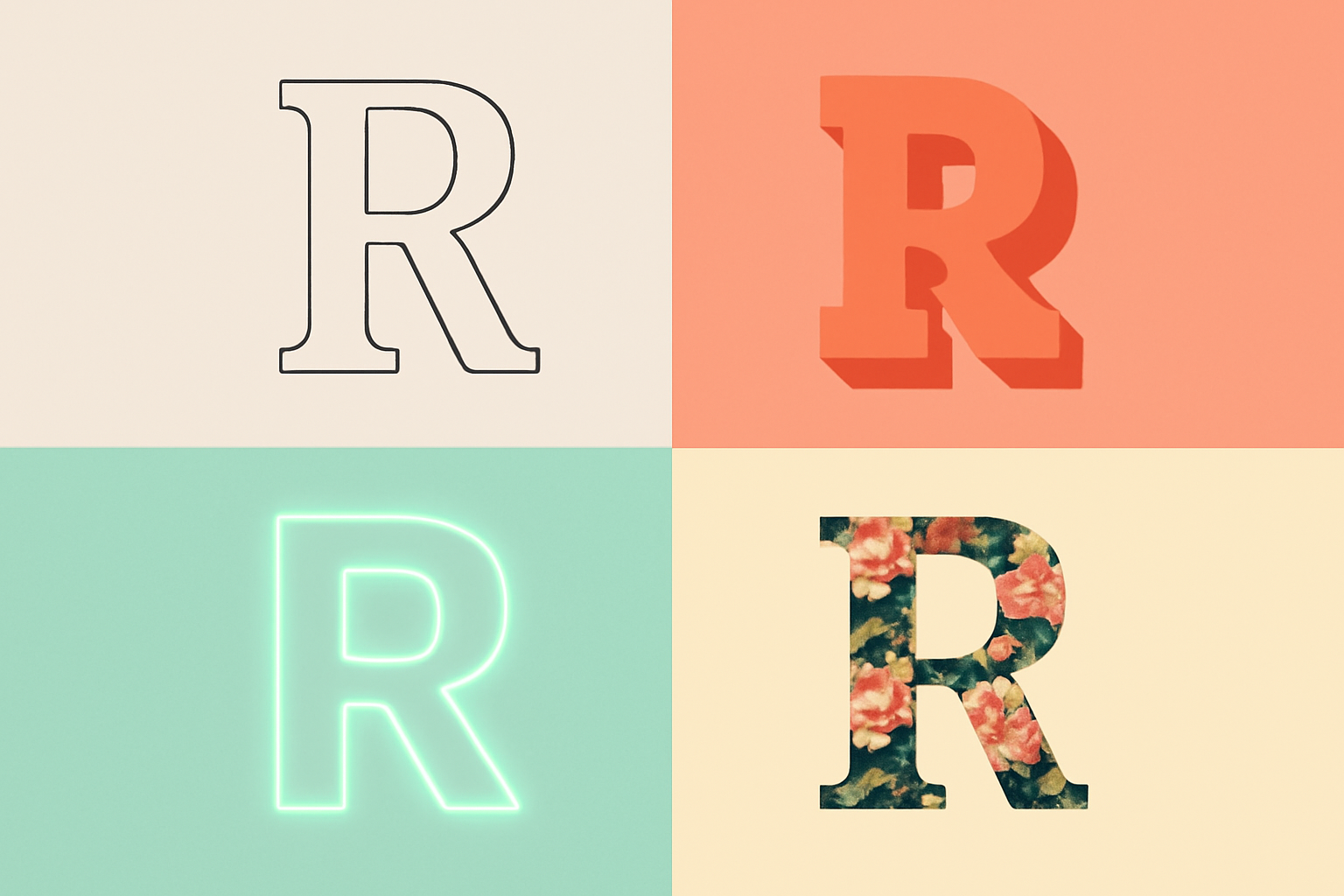
- Outlined (hollow) text. Only the edge of each letter is drawn, leaving the inside empty or showing the background. See how to outline text in Canva for three ways to do it.
- 3D or extruded text. A long, offset shadow or a stacked copy behind the letters gives them depth, the classic 1990s WordArt look.
- Curved or arched text. Letters bent along an arc, circle or wave, common on badges, logos and t-shirts.
- Glow and neon. A soft coloured halo around the letters so they look lit from within.
- Gradient and pattern fills. The letters are coloured with a blend or a repeating pattern instead of a flat colour.
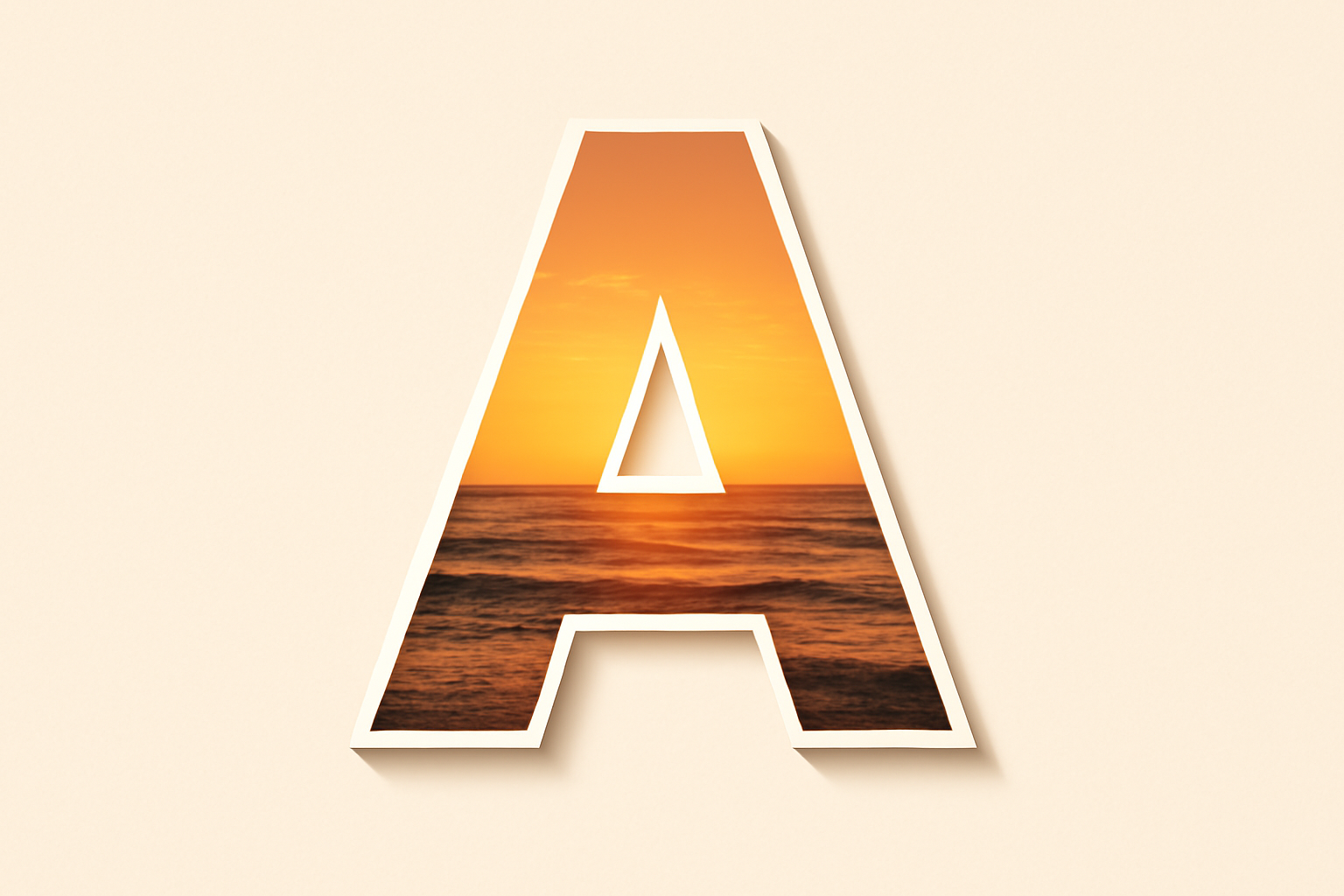
- Photo-filled (knockout) text. The word is cut out of a photo, so the image shows only through the letter shapes. Knockout text and photo letters are the two names you will see most.
- Shaped word clouds. Dozens of words arranged to fill a silhouette such as a heart, a map or an animal.
What Canva already does for word art #
You do not need an add-on for most of the list above. Select any text box in Canva and open Effects in the toolbar: Shadow, Lift, Hollow, Splice, Echo, Glitch, Neon and Background cover outlined, 3D, glowing and layered styles, and the Curve control arches a line of text in a few clicks. Letter spacing and line height live under the spacing control; if your spacing looks uneven, what kerning is explains why and how to judge it by eye.
The one style Canva's text tools do not do on their own is the photo fill. Text in Canva is text: you can colour it, but you cannot drop a photo inside it. For that you need the letters to become frames, which is where a Canva app comes in.
How to make photo-filled word art in Canva #
Text to Frames is a Canva app that turns typed text into real Canva frames, one per word or one per letter, so photos and even videos fill the letter shapes. Because they are genuine Canva frames, you can drag the photo around inside the letter, zoom it and swap it exactly as you would with any other frame.
- Open a design (a Poster, Presentation or Instagram Post works; a few design types do not accept frames and the app will tell you so), then go to Apps in the side panel and open Text to Frames.
- Type your word in the Text box (up to 200 characters). Short, bold words work best for word art.
- Choose a Font. The free version includes five fonts across different styles (Roboto, Open Sans, Lato, Playfair Display and Pacifico); fonts marked "Pro" are part of the paid tier, which unlocks more than 100 Google Fonts.
- Adjust Letter spacing and Font size, and switch on Split into letters if you want a different photo in every letter.
- Optionally turn on the three effects, Blur (a soft glow behind the letters), Border (an outline that hugs each stroke) and Inner shadow (depth inside the letter), and pick a colour for each. These effects are Pro features; if you enable one on the free plan the main button changes to "Try Text to Frames Pro".
- Check the Preview at the top. What you see there is exactly what gets added to the page.
- Click Add to design, then drag photos from Uploads or Elements into the letters. Move and zoom each photo until the part you care about sits inside the letter shape.
For project ideas, photo name art ideas and photo letter banners and name signs both start from this same technique. If you only need a single photo behind one word and never want to adjust the letters separately, Canva's own grids and the Clipping Mask approach may be enough.
Word art made from many words or along a path #
Two other Qrdy apps handle the word-cloud and curved styles when Canva's built-in options run out. Text Shape packs a list of words into any silhouette, either a preset shape or an image you upload, which is the fastest way to make a shaped word cloud for a classroom or a gift. Text Path Maker bends a line of text along a free path such as a wave, spiral or zig-zag, going beyond the single arc that Canva's Curve control gives you.
Tips for word art that still reads #
- Keep words short. One to six letters gives each letter enough room for an effect or a photo. Long phrases turn into noise.
- Use a heavy font. Thin strokes disappear under outlines and photo fills. Bold sans-serifs and chunky slab serifs hold up best; serif vs sans serif covers which to pick.
- Pick one hero effect. A photo fill plus a border is plenty. Stacking glow, 3D and gradient at once is how word art earns its dated reputation.
- Mind the contrast. If the photos inside the letters are busy, add a thin border or put the word on a calm background so the shapes stay legible.
- Check it small. Word art that looks great on a 27-inch monitor can collapse into a blob on a phone screen or a 4x6 card. Zoom out before you export.
Quick recap #
Word art is any text styled to work as a graphic. Canva's built-in Effects and Curve handle outlines, shadows, glows and arches without extra tools. For photo-filled letters, turn the text into frames with Text to Frames; for shaped word clouds or text along a custom path, Text Shape and Text Path Maker pick up where Canva's defaults stop.
Frequently asked questions
Typography is the craft of choosing and arranging type so text reads well and sets the right tone. Word art styles one word or phrase with effects such as outlines, shadows, curves or photo fills so it works as a graphic in its own right.
Canva does not have a feature called WordArt, but its text Effects (Shadow, Lift, Hollow, Splice, Echo, Glitch, Neon, Background) and the Curve control cover most classic word art styles. Photo-filled letters need the text to become frames, which the Text to Frames app does.
Open the Text to Frames app from the Apps panel, type the word, pick a font, optionally switch on Split into letters, and click Add to design. Each letter becomes a real Canva frame, so you can drag a photo into it and move or zoom the photo inside the letter.
Related products


More from QRdy Blog
How to Use a Displacement Map in Photoshop (So Your Design Follows Fabric Folds)
Make a grayscale displacement map from your product photo, apply Filter > Distort > Displace, and blend with Multiply so your design bends with real fabric folds. Includes fixes for maps that "do nothing."
How to Add a Border to a Frame in Canva (Even When the Border Option Is Missing)
Built-in Canva frames take a border in two clicks. Custom frames often don't show the option at all. Here is the native method, plus how to bake a border into custom shape, grid and letter frames.
Smartmockups Shut Down: Where to Make Product Mockups From Your Own Photos Now
Smartmockups.com closed on September 27, 2024 and its tools moved into Canva. Here are the 5 types of Smartmockups alternatives, who each one suits, and how to make mockups from your own product photos.