
Frames Lab vs Clipping Mask: Which Canva App Do You Need?
Frames Lab and Clipping Mask both put photos into shapes in Canva — but they solve different problems. Here's a side-by-side of reusable parametric frames vs one-off image masking, with a clear verdict.
Both Frames Lab and Clipping Mask put a photo inside a shape in Canva, so it's easy to assume they're interchangeable. They're not. One builds reusable frames you design by numbers and reuse across a project; the other cuts a single image to a shape or word, once. Pick the wrong one and you'll fight the tool. Here's how to tell them apart.
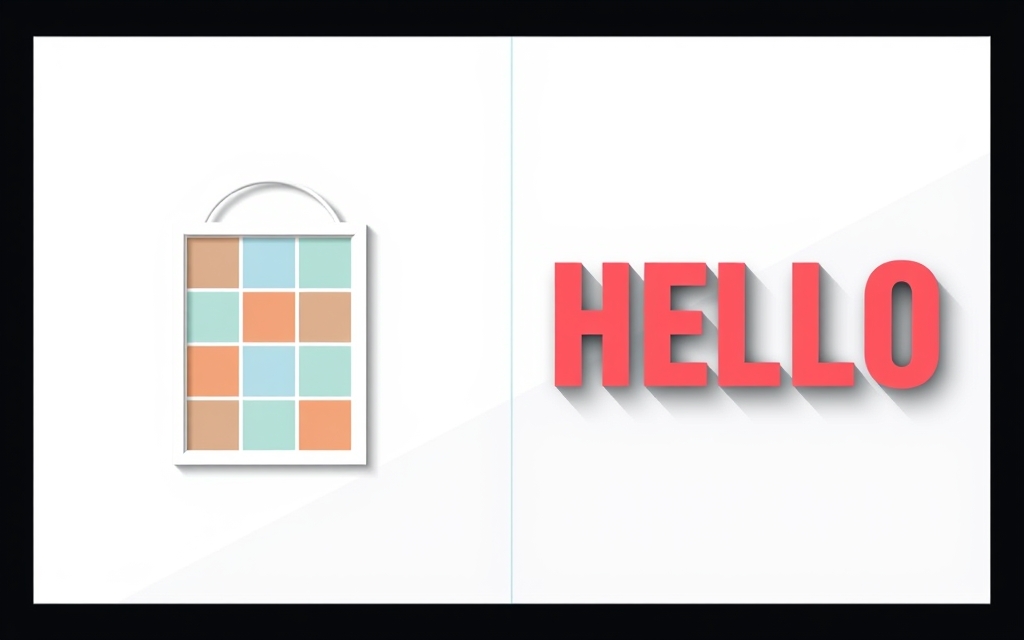
The one-line difference #
Frames Lab is a frame factory — it generates empty photo frames in precise shapes (grid, arc, burst, diagonal) that you drop photos into and swap freely. Clipping Mask is a one-shot cutter — you give it one image and one shape (or word), and it hands back that image cut to that outline.
Side-by-side #
| Frames Lab | Clipping Mask | |
|---|---|---|
| Core job | Build empty frames to fill with photos | Cut one image to a shape/text |
| Output | Reusable frame (drop & swap photos) | A single masked image |
| Shapes | Grid, Arc, Burst, Diagonal + convert your own shape | Text, shapes, or a custom uploaded design |
| Multiple photos | Yes — grids and collages of many cells | One image per mask |
| Text/typography | Not its focus | Yes — fill letters with an image |
| Parametric control | Rows, columns, angles, density, spread, waves | Position the image inside the mask |
| Reuse the layout | Yes — the frame stays, photos swap | No — re-mask for each new image |
| Best mental model | "Give me a layout to pour photos into" | "Cut this photo into this shape" |
When Frames Lab wins #
Reach for Frames Lab when the layout is the point and you want to keep filling or swapping photos:
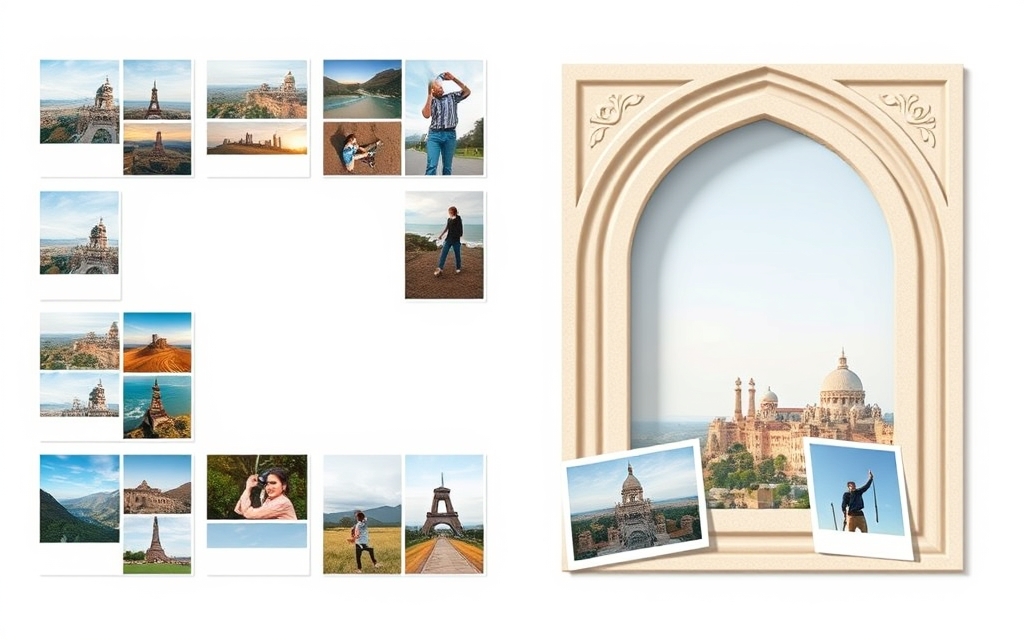
- Multi-photo collages — a Grid frame of many cells for a moodboard, product lineup or recap.
- Geometric or curved layouts — Arc banners, Diagonal strips, or a Burst focal frame that would be tedious to build by hand.
- Parametric precision — you need an exact 4×3 grid, a 270° arc, or a specific spacing. Frames Lab is driven by sliders and numbers, and every frame auto-fits your page.
- Reusable templates — build the frame once, then swap photos in and out (or hand the design to a teammate to fill).
When Clipping Mask wins #
Reach for Clipping Mask when you have one specific image and want it cut to one specific outline, especially text:
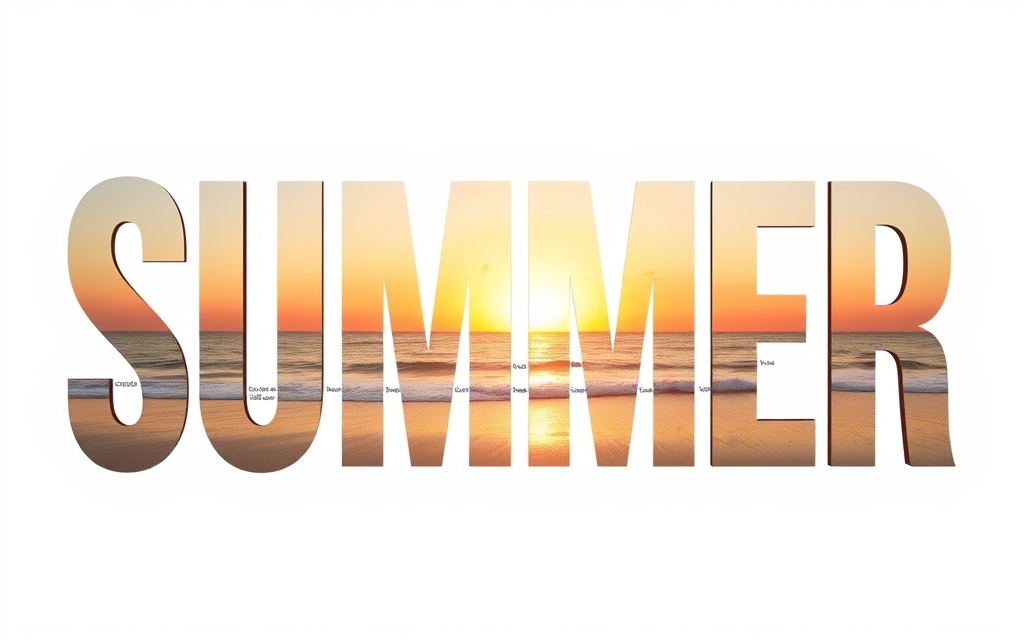
- Photo-inside-text — pour a landscape through the word "SUMMER" for a poster or thumbnail. This is the classic knockout-text look and Frames Lab doesn't do typography.
- A one-off composite — mask a single photo to a star, heart, hexagon or your own uploaded logo/icon.
- Quick typography art — social quotes and title cards where the image is the letters.
What about Canva's built-in tools? #
Fair question. Canva's native Frames (in Elements) and Grids cover the simplest cases — a heart frame, a basic two-photo grid — and they're free. The two apps step in when you outgrow the presets: Frames Lab for parametric multi-cell layouts and shapes Canva doesn't stock, Clipping Mask for masking to custom shapes and, most notably, to text — which Canva has no clean native path for. If the built-in frame does what you need, use it.
The verdict #
They're complementary, not competitors. If you're building a layout to fill with many photos — grids, arcs, collages you'll reuse — use Frames Lab. If you're cutting one image to a shape or a word, especially photo-filled text, use Clipping Mask. Many designs use both: a Frames Lab grid for the photo section, and a Clipping Mask headline filled with a photo on top. Both offer a free tier, so try each on the job in front of you and keep the one that fits.
Frequently asked questions
Frames Lab builds reusable, empty photo frames in precise shapes (grid, arc, burst, diagonal) that you drop photos into and can swap anytime. Clipping Mask cuts a single image to one shape or word, once. Frames Lab is a layout factory; Clipping Mask is a one-shot cutter.
Use Clipping Mask. It fills letters with an image for the knockout-text look. Frames Lab focuses on geometric photo frames and doesn't do typography. For per-letter frames you can fill individually, Text to Frames is another QRdy option.
Yes, and it's common. For example, use a Frames Lab grid for a multi-photo section, then add a Clipping Mask headline with a photo showing through the letters on top. They solve different problems and work well together.
Related products


More from QRdy Blog
How to Make a Hat Mockup From a Photo (So the Design Curves With the Cap)
Turn one photo of a blank cap into realistic hat mockups: drag a box around the front panel, let the design wrap the curve with the photo's real shading, then render all your designs at once in your browser.
The Best Canva Apps for Family Reunions (2026): Invites, Banners, Photo Walls and Calendars
Planning a family reunion in Canva? Here are the five Qrdy apps that actually help: shaped photo invitations, photo-letter banners, photo-wall grids, a countdown calendar and a QR link that can change after printing.
How to Make a Birthday Calendar in Canva (Family Birthday Tracker, Step by Step)
Build a printable family birthday calendar in Canva: 12 months, one page each, with names added in minutes. A step-by-step tutorial using Calendar Maker, plus honest notes on what Canva does on its own.