
Free Printable 2027 Calendar: Download One, or Make Your Own in Canva?
Free printable 2027 calendars are everywhere, and most of them are fine. Here is an honest comparison of downloading a ready-made PDF versus building your own in Canva — what each one actually costs you, and which to pick.
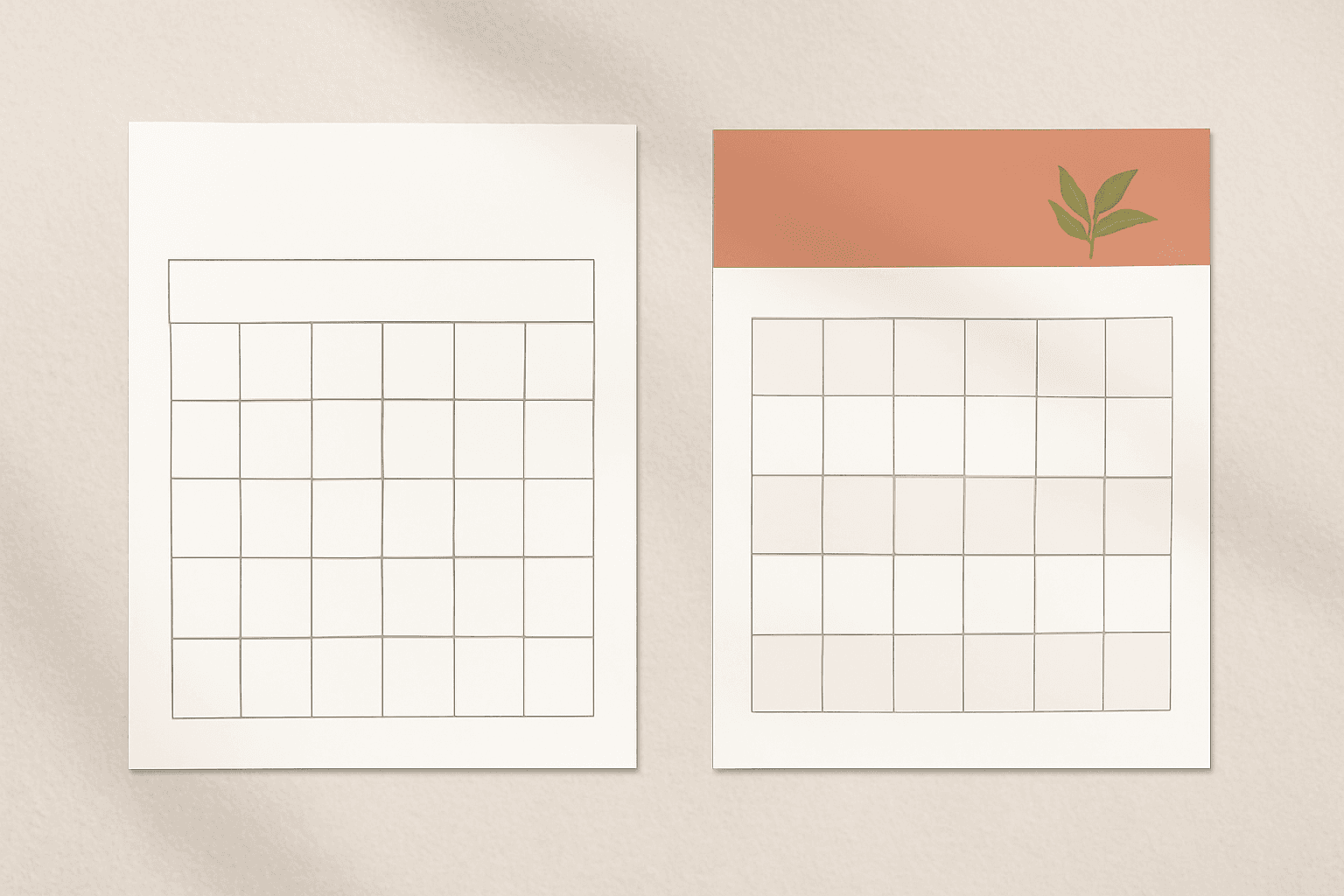
Search "free printable 2027 calendar" and you will get twenty sites offering exactly that, free, in one click. They are not scams and they are not bad — most of them are clean, correctly dated PDFs, and several already have the public holidays filled in.
So the honest question is not "how do I make a 2027 calendar" but "is it worth making one at all, or should I just download one?" This post answers that: what each route actually gives you, what each one actually costs, and where the line sits.
The short version #
| Download a free printable | Make your own in Canva | |
|---|---|---|
| Time to a printed page | 2 minutes | 15–40 minutes the first time |
| Cost | Free | Free plan works; the calendar app needs unlocking |
| Holidays included | Often yes, already marked | No — you type them in |
| Your colours / fonts | No | Yes, fully |
| Your own dates on it | Handwritten after printing | Printed in |
| Page size | Whatever they exported (usually Letter or A4) | Any size you set before you start |
| Photos on it | Rarely | Yes |
| Reusable next year | Download the 2028 one | Change the year, re-export |
| Best for | "I need a calendar on the wall today" | Gifts, client work, branded or themed calendars |
The verdict up front: if you want a calendar to write on, download one. If the calendar is a thing you are giving someone — a gift, a client deliverable, a branded desk piece, a family photo calendar — make it. Everything below is the detail behind that line.
What a free printable actually gives you #
Give the download route its due, because it is genuinely good at what it does:
- Correct dates, guaranteed. Sites that publish these do it every year and they proofread. You will not discover in March that your grid is off by a day.
- Holidays already marked, on a lot of them, for your country. This is real work you are not doing.
- Nothing to learn. No account, no editor, no app.
- Immediate. Download, print, done, before you have finished deciding what font you want.
What it does not give you: any control. You get their layout at their size in their colours, with their choice of week start. If the sheet has too little writing room, or the numbers are too small for the person on your fridge to read, there is nothing you can do about it.
What making your own actually costs you #
The DIY route has a real price and it is not money — it is setup time and two specific annoyances:
- Holidays are manual. Neither Canva's templates nor the Calendar Maker app fills in public holidays. You look up an official 2027 list and type them into the cells. For twelve months that is a genuine chunk of time.
- Getting the page size right first matters. Set your canvas to the final print size before you design. Canva's Resize feature is a Pro feature, so retrofitting a Letter design into A3 later is not a one-click fix on the free plan.
- The calendar app is gated. Calendar Maker shows an "Unlock to use" button instead of "Add to design" until you unlock it. Canva's own free calendar templates cost nothing — they are just less flexible. That trade-off is the honest one.
What you get back for that: a calendar at your size, in your colours, with your birthdays and term dates and paydays printed on it rather than scrawled in biro. And once it is built, next year is a year change and a re-export.
Pick your format before anything else #
Three layouts cover almost every use, and they are not interchangeable:
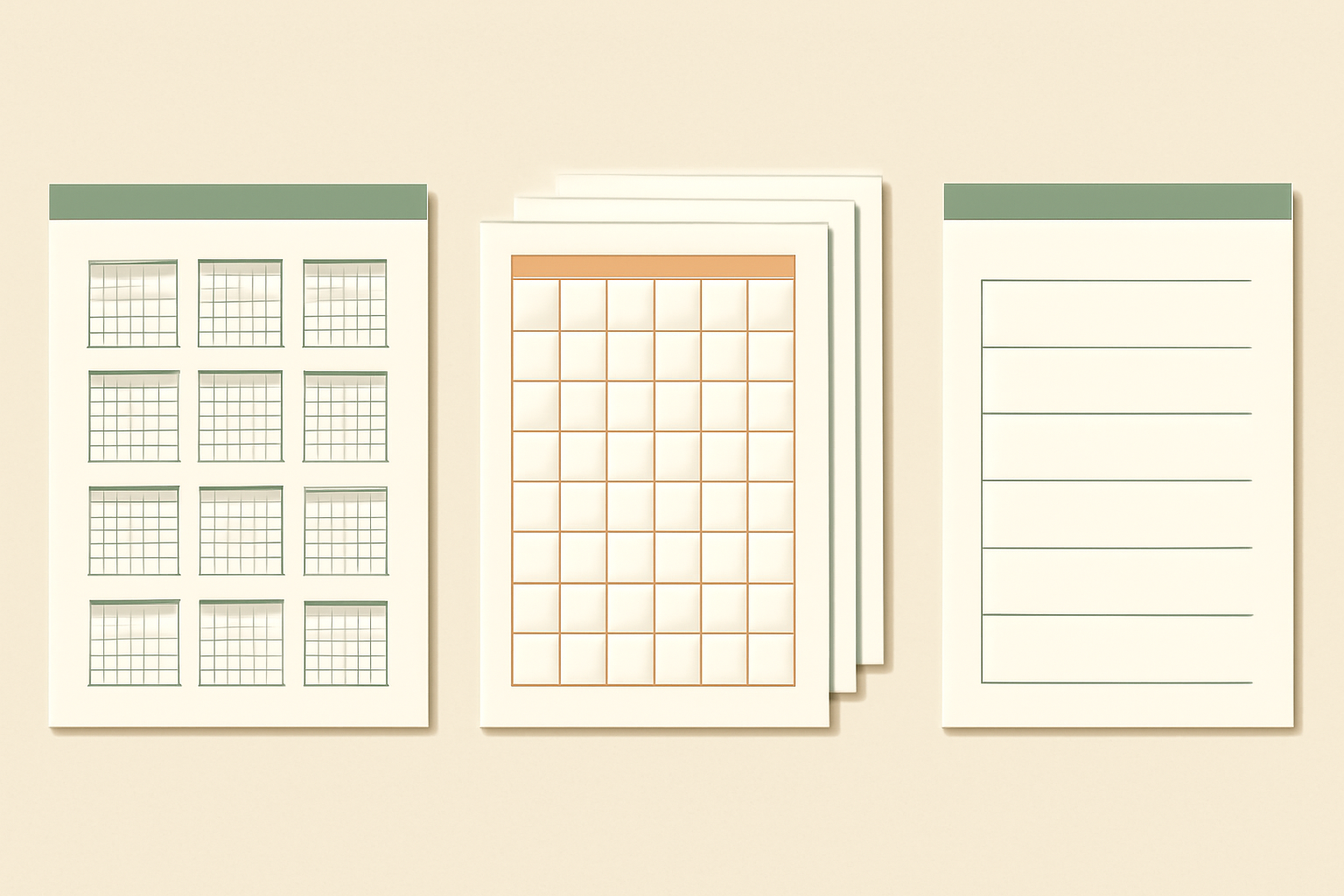
- Year-at-a-glance — all twelve months on one sheet. For glancing at, not writing on. Good above a desk. Downloaded printables do this well and there is little reason to build your own.
- Twelve monthly pages — one full month per page, big cells, room to write. This is the standard wall calendar, and it is where making your own starts to pay: in Calendar Maker's Month tab you turn on "Add all months" plus "Each month on its own page" and get twelve correctly dated, correctly named pages in one action.
- Weekly planner sheet — days as columns or rows with blank lines beneath. Calendar Maker's Week tab handles this: choose which days appear, set the number of rows from 1 to 27, and shorten the day labels if space is tight. Free printables of this kind are plentiful but rarely have the row count you want.
There is also a Custom tab for an arbitrary date range — a term, a project, a countdown — capped at 150 days. Nothing you download covers that case at all.
Sizes and print settings #
This is where most home-printed calendars go wrong, whichever route you took.
| Size | Good for | Watch out for |
|---|---|---|
| US Letter 8.5 × 11 in / A4 | The safe default; any home printer | Cells get small in a 12-month layout with lots of writing |
| Tabloid 11 × 17 in / A3 | A proper wall calendar | Check your printer takes it before designing |
| Half Letter 5.5 × 8.5 in / A5 | Desk pad, planner insert | Too small for holiday text plus your own notes |
| Square 6 × 6 in or 8 × 8 in | Desk flip calendar | Needs a stand or an easel binding |
A few settings that matter more than they sound:
- Export as PDF Print, not PNG. Grid lines and small date numbers stay sharp; a PNG at screen resolution will look soft. If the difference is not obvious to you, this explainer on DPI covers why.
- Only enable crop marks and bleed if a print shop asked for them. For home printing they just waste paper.
- In your printer dialog, choose Actual size rather than "Fit to page" if you designed at the exact paper size — "fit" will shrink everything by a few percent and add uneven margins.
- Print one month first as a test before committing twelve sheets of good paper.
If you decide to make it: the fast path #
You do not have to draw a grid by hand. Briefly:
- Create a Canva design at your chosen print size — this first, before anything else.
- Open Calendar Maker, go to the Month tab, and pick 2027 (the year selector covers roughly ten years either side of today, so 2027 is well in range).
- Set the week start — Monday or Sunday — with "Start week with Sunday". The app guesses from your region, so check it rather than assume.
- Turn on "Add all months" and "Each month on its own page" for a twelve-page calendar.
- Style it: fonts, size, alignment and colour for the header row and the date numbers, plus the alternating row shading that makes weeks easier to scan. There are 30-plus preset palettes if you would rather start from a scheme than build one.
- Or pick one of the roughly 14 page templates — botanical, watercolour, Scandi minimal, midcentury, coastal, vintage postcard — which drops a decorated page in and tunes the grid colours to match.
- Then do the manual bit: type your holidays and your own dates into the cells, in an accent colour so they read as different from the ordinary numbers.
For the full step-by-step version, the 2026 walkthrough applies unchanged — only the year selection differs.
Making it a gift rather than a utility #
This is the case where downloading is simply not an option, and it is the honest reason to build:
- Photo calendar. A photo above each month's grid. Drop each picture into a shape with Image to Frame, or build a small multi-photo header with Frames Lab. If you would rather order one printed and bound, print service versus DIY weighs that up.
- Branded client calendar. Your colours, your fonts, your logo, your key dates. No free printable will ever do this.
- Themed decoration. Border Art Maker frames each page; a seasonal illustration per month makes the whole set feel deliberate.
A short warning from experience: decoration eats writing space fast. If anyone is going to write on this calendar, protect the cells first and decorate around them.
So which one? #
Download a free printable 2027 calendar if you want something on the wall this week, you want the holidays already done, and you do not care what it looks like beyond "clean". That is most people most of the time, and there is nothing lazy about it.
Make your own if the calendar has a job beyond telling you the date — a gift, a client piece, a branded desk item, a photo calendar, a term planner at a size nobody publishes. Then the 30 minutes buys you something you genuinely cannot download.
And if you are somewhere in between — you want your own colours but not a project — start from a Canva template and change the palette. Canva's templates versus the Calendar Maker app covers where that middle path runs out.
One practical note on timing: if you are printing 2027 calendars as gifts, build them in autumn. Every year the same people discover in mid-December that good card stock and a working printer are harder to find than expected.
Frequently asked questions
Plenty of sites publish free 2027 calendar PDFs you can download and print immediately, and most of them are perfectly good — clean grids, correct dates, often with public holidays already filled in. If all you need is a working calendar on the wall this week, downloading one is the fastest and cheapest route. Making your own only pays off when you need a specific size, your own colours, or your own dates printed on it.
Yes. Canva has free calendar templates you can edit, and the Calendar Maker Canva app generates an accurate month grid for any year within roughly ten years of today — so 2027 is well inside range. You pick the month and year, optionally turn on "Add all months" and "Each month on its own page", and the app inserts the grids straight into your design. Note that adding to the design requires unlocking the app first.
No. Neither Canva's templates nor Calendar Maker fill in public holidays for you — you type them into the date cells yourself. This is the single biggest advantage a downloaded printable has over a DIY one, since many free 2027 PDFs already have the holidays marked. If holidays matter more to you than styling, download rather than build.
US Letter (8.5 x 11 in) or A4 is the safe default because every home printer handles it. Go to Tabloid (11 x 17 in) or A3 for a proper wall calendar, but check your printer supports that size before you design at it — otherwise you will be reprinting at a shop. Export as PDF Print rather than PNG so the grid lines and date numbers stay crisp.
Related products


More from QRdy Blog
The Best Canva Apps for Save the Dates (2026): Photo Cards, Calendars & QR
Making a save the date in Canva? Here are five Canva apps that add what templates lack: arch and heart photo frames, a monogram, a mini calendar with the date circled, and a QR code.
What Is a Mockup? Meaning, Types, and How Print-on-Demand Sellers Use Them
A mockup is a realistic preview of your design on a real product. Learn the two meanings of "mockup", the main product mockup types, what makes one look fake, and three ways print-on-demand sellers make them.
How to Make a Pumpkin Photo Frame in Canva (Halloween, Step by Step)
Put your family, pet or costume photo inside a pumpkin shape in Canva. Three ways to do it, a step-by-step with Image to Frame, plus tips for jack-o-lantern and ghost frames.