
The Best Canva Apps for Funeral Programs and Memorial Photo Boards (2026)
Making a funeral program or memorial photo board in Canva? Here is what Canva already does well, plus the apps that add shaped photo windows, photo grids and a quiet lettered title.
A funeral program or memorial photo board is usually made in a hurry, by someone grieving, with a small pile of photos and very little time. Search interest reflects it: "funeral program template" is searched about 14,800 times a month, and "memorial photo board" a few hundred more. People want something that looks calm and put together without a design degree.
Canva already covers most of this, so this guide is honest about when you do not need anything extra. Then it covers three Qrdy apps that add specific things Canva does not: a shaped photo window, a flexible photo grid, and a photo showing through a short title. Every app runs inside Canva. None replaces it.
What Canva already does well #
Search "funeral program" in Canva templates and you will find many free layouts with a cover photo, order of service, obituary text and a back page. Custom sizes, fonts, free frames and grids are all built in. If you have one portrait photo and a list of readings and hymns, a template and ten quiet minutes are enough. You do not need an app.
Apps start to earn their place when you want something the template does not offer: a photo set in a meaningful shape, a board with many photos in a clean layout, or a title that feels personal.
Quick-pick table #
| If you want... | Use | Cost note |
|---|---|---|
| A tidy photo grid or arc for a memorial board | Frames Lab | Free adds are limited, Pro removes the limit |
| A portrait set in a dove, leaf, heart or other shape | Image to Frame | Free for students and teachers, Pro otherwise |
| A short name or word with a photo showing through the letters | Text to Frames | 5 free fonts, Pro for 100+ fonts and effects |
| A QR code to a livestream or online tribute that may change | Qrdy Dynamic QR | $5 per month |
1. Frames Lab: grids and arcs for memorial boards #
A memorial board often needs many photos that still feel calm. Frames Lab builds Grid frames from the number of columns and rows plus a gap size, and the grid scales to fit your page automatically. It also makes Arc frames, a curved window that suits a single portrait as a centerpiece with smaller photos around it.
How to do it:
- Open Apps in Canva and launch Frames Lab.
- In the Create tab, pick Grid and set columns, rows and gap. A 3 by 4 grid on a poster-size board is a good start.
- Press Add to design, then drag your photos into the cells.
- Add an Arc frame for the centerpiece portrait if you want one larger photo.
Honest limits: grids above roughly 30 cells get blocked, and free accounts have a limit on how many frames you can add. If you need many more photos, split them across two boards or a slideshow.
2. Image to Frame: a portrait in a meaningful shape #
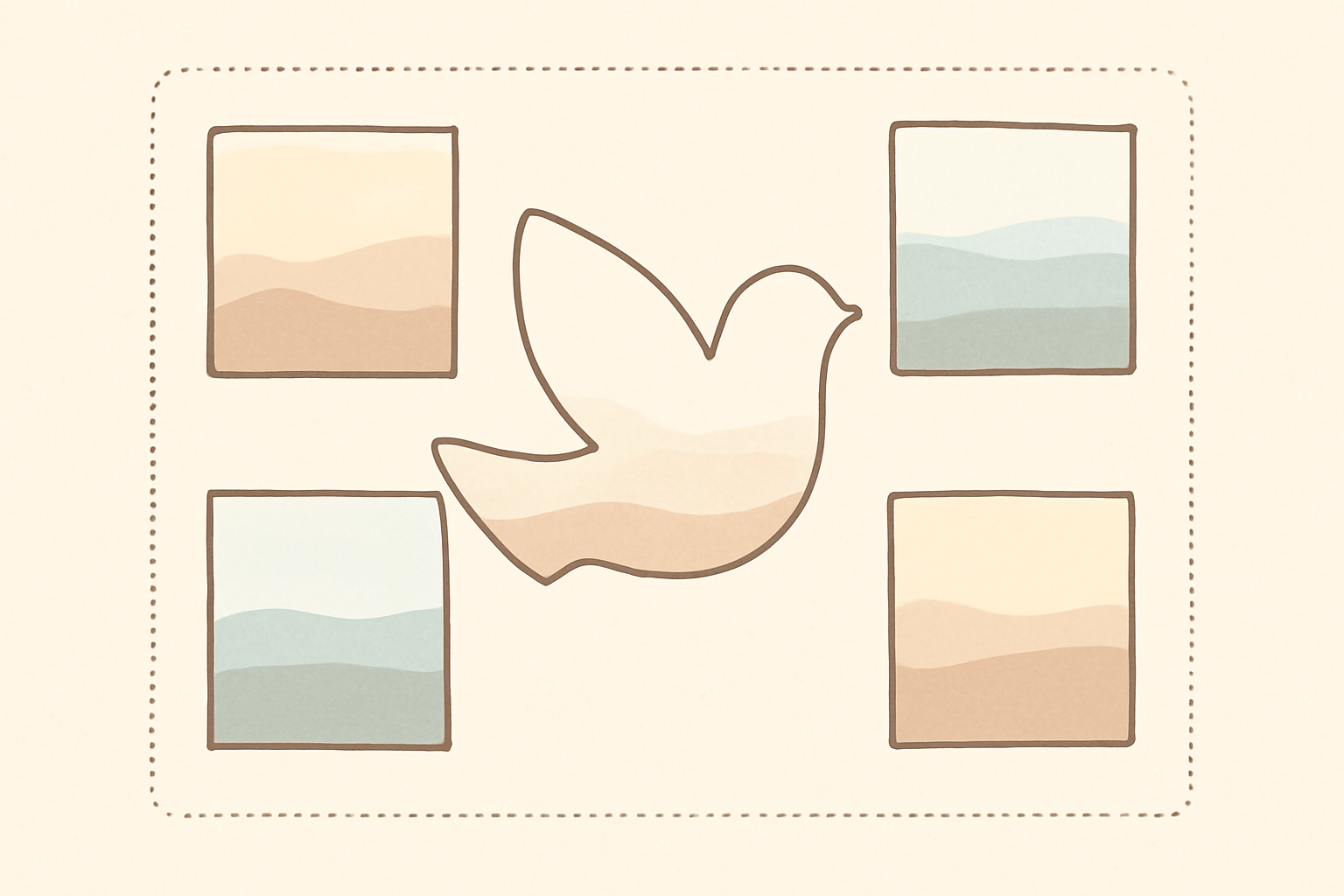
A rectangle is always fine. Some families prefer something with meaning: a dove, a leaf, a heart, a flower, an outline of a favorite place. Image to Frame converts a PNG, SVG or JPG (up to 5 MB) into a valid Canva frame, so any simple shape becomes a photo window.
One tip decides the result: use an image with a transparent background. A shape on a white background gives a rectangle, because the white counts as part of the image. Very intricate outlines can fail to convert. The border only appears after you add the frame to the design. For the idea behind this, read what is a stencil and what is a silhouette.
Keep the shape simple. A soft oval or a single leaf looks dignified; a complex outline can feel busy.
3. Text to Frames: a name with a photo showing through #
For a cover title, a photo showing through a first name or a short word such as "Remembered" can feel personal. Text to Frames turns each letter into a real Canva frame, so you can drop a landscape or a favorite place into the letters.
Use a heavy font, because thin fonts leave little room for the photo, and keep the text short (the cap is 200 characters, but a single name is best). Free accounts have 5 fonts, including Playfair Display, which is a good serif for this tone. Border, Blur and Inner shadow effects are Pro. Choose a quiet photo such as sky, water or flowers rather than a busy scene.
For a longer treatment, see photo name art ideas.
4. Qrdy Dynamic QR: a link that can change #
Families sometimes print a QR code to a livestream, a tribute page or a shared photo album. The risk is that the link is not ready, or changes, after printing. Qrdy Dynamic QR creates a code whose destination you can edit later, at $5 per month. If your link is final, a free static QR from Canva is enough. Use the dynamic one only when the destination might change, and test it with a phone before printing.
A calm workflow, in order #
- Gather photos first and pick one clear portrait for the cover.
- Set the page size. A folded half-letter program is 5.5 x 8.5 inches per page.
- Choose a template with plenty of white space and two fonts at most.
- Add the shaped portrait or grid with the apps above.
- Proofread names, dates and spellings out loud, with a second person if possible.
- Print one test copy on plain paper before the full run.
Print checklist #
- Resolution: export at 300 DPI. See what is DPI.
- Bleed: if a color or photo reaches the page edge, add bleed. See what is bleed in printing.
- Paper: a matte stock reads more quietly than gloss.
- Photos: use the highest-resolution original, not a screenshot.
For a framed set of three images, see what is a triptych, and for a longer keepsake, the best Canva apps for photo books.
Which one should you start with? #
Start with Canva's own template. Add Frames Lab if you are building a memorial board with many photos. Add Image to Frame if the family wants one portrait in a meaningful shape, and Text to Frames only if a lettered title feels right. Use a dynamic QR code only when the link might change. Simple is almost always the right call.
Frequently asked questions
A common choice is a folded half-letter program: set a custom size of 5.5 x 8.5 inches per page, or design on a Letter page in landscape and fold it in half. Ask your printer for their exact trim and bleed before you finalize.
Yes. Canva's free grids, frames and templates are enough for a simple board. Apps like Frames Lab and Image to Frame add custom grids and shaped photo windows, with free limits on how many frames you can add and Pro tiers beyond that.
There is no rule, but one clear portrait on the cover and three to six photos inside usually reads best. A memorial board can hold many more, which is where a photo grid helps.
Related products


More from QRdy Blog

How to Take Product Photos for Etsy With Your Phone (That Also Work as Mockup Templates)
Window light, rear camera at 1x, a clean print area and one untouched shot: an 8-step phone photo routine for Etsy sellers, plus how to shoot blank products so the same photos become reusable mockup templates.

How to Outline Text in Canva (3 Ways, Including Outlined Photo Letters)
Learn how to outline text in Canva with the built-in Outline effect, a stacked-copy trick for thick borders, and Text to Frames for outlined letters filled with photos.

What Is an Alpha Channel? Meaning, File Formats, and Why It Matters for Canva Frames
An alpha channel stores how opaque each pixel is. Learn how it works, which formats support it (PNG, WebP, not JPG), and why it lets a Canva frame follow your real shape.