
What Is a Photo Collage? Definition, Types, and How to Make One in Canva
A photo collage is a single design that arranges multiple photos together. Here's what it means, the main collage types, and how to build one fast in Canva.
What is a photo collage? #
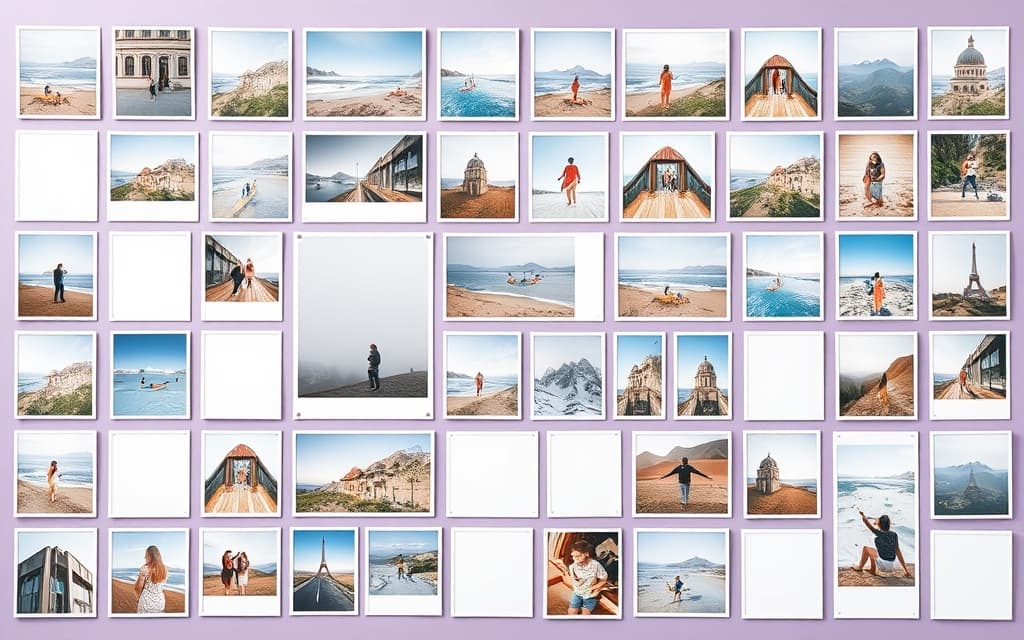
A photo collage is a single design that arranges multiple photos together into one composition. Instead of showing one picture at a time, a collage groups several — a trip, a wedding, a year of memories, a product lineup — so they read as one visual story.
The word comes from the French coller, "to glue." The old-school version was literally cutting prints and pasting them onto card. The digital version does the same thing with layout: photos sit inside cells or shapes, spaced evenly, and you swap pictures in and out until it looks right.
How a photo collage works #
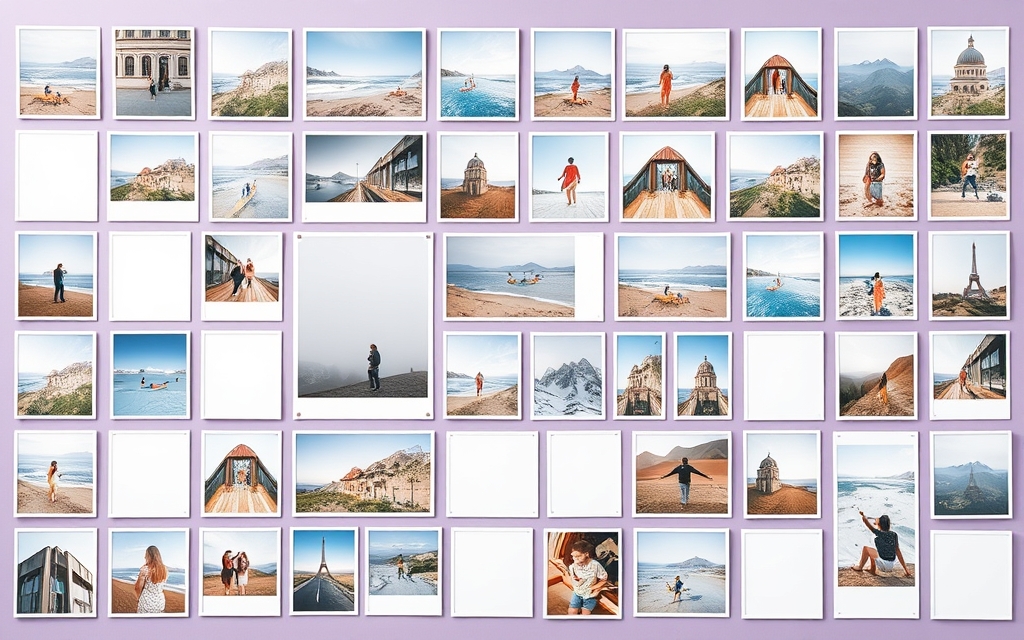
Most digital collages are built on frames — placeholder shapes you drop a photo into. In Canva, a frame automatically crops whatever image you drag onto it to fit its outline. Arrange a set of frames in a layout, fill each one, and you have a collage.
That means two things decide how a collage looks: the layout (how the cells are arranged) and the shape of each cell (rectangles, circles, or something custom). Change either and the whole mood changes.
Common types of photo collage #
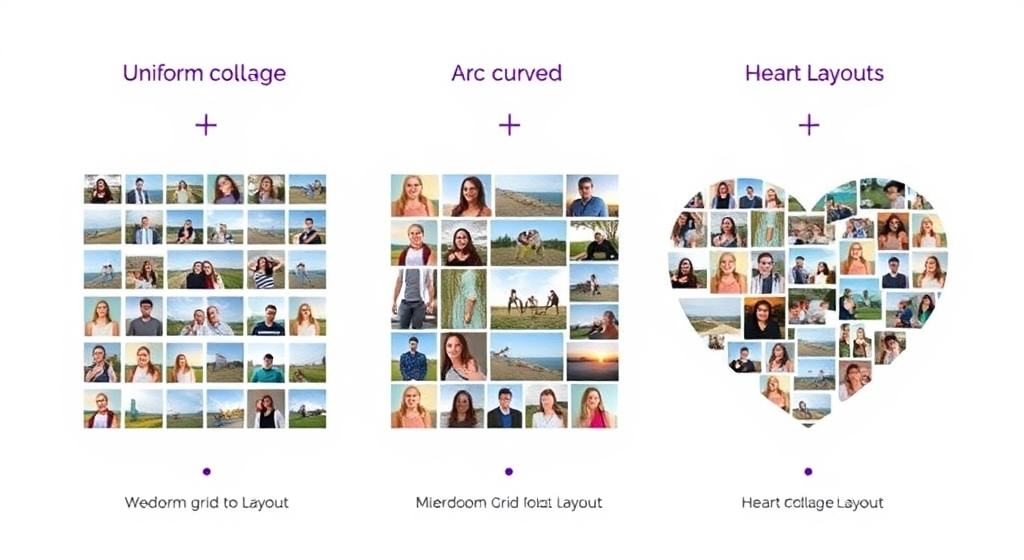
Grid collage. The most common kind — even rows and columns of rectangular cells. Clean, balanced, and easy to read. Great for portfolios, "meet the team" boards, and Instagram feeds.
Freeform / scrapbook collage. Photos of different sizes, tilted and overlapping, often with tape or sticker accents. Feels personal and handmade.
Shaped collage. All the photos fill one larger silhouette — a heart, a star, a number, a letter. Popular for anniversary and birthday gifts.
Arc and geometric collage. Cells arranged along a curve, diagonal, or burst pattern for a more designed, editorial look.
How to make a photo collage in Canva #
Canva has built-in Grids (in the Elements panel) that work well for simple rectangular layouts — drag a grid onto your page and fill the cells. That covers a lot of everyday collages, and it's free.
When you want more control over the layout or a non-rectangular shape, a dedicated collage maker helps:
- Frames Lab generates collage frames by parameter. Its Grid mode lets you set columns, rows, and gap; Arc and Diagonal modes give you curved and angled layouts; and everything auto-fits the size of your design. Fill each cell by dragging a photo in.
- Frame Collage builds grid collages by toggling cells on and off on an 8×8 up to 32×32 matrix — almost like pixel art — with presets for hearts, stars, and letters. Each cell becomes its own Canva frame.
- Image to Frame turns a custom silhouette (a PNG shape) into a single frame, which is how you make a shaped collage that fills one outline.
- Clipping Mask clips a photo to a shape or text, handy for accent pieces inside a bigger collage.
A quick path: open Frames Lab, choose Grid mode, set your rows and columns, add it to the design, then drag photos into each cell. Done in a couple of minutes.
Collage layout at a glance #
| Collage type | Best for | Fastest in Canva with |
|---|---|---|
| Grid | Portfolios, feeds, team boards | Canva Grids or Frames Lab (Grid) |
| Shaped (heart, star) | Gifts, keepsakes | Image to Frame or Frame Collage presets |
| Arc / diagonal | Editorial, posters | Frames Lab (Arc / Diagonal) |
| Freeform scrapbook | Personal memories | Manual layout + Clipping Mask accents |
Why people make collages #
A collage does something a single photo can't: it shows a whole — a full event, a range of products, a passage of time — in one frame. That's why they show up on wall prints, photo books, social posts, year-in-review graphics, and mood boards. And because the layout is reusable, once you've built one you can refresh it with new photos again and again.
Whichever route you take, start with the layout, then fill it. The photos do the talking; the collage just gives them a place to sit together.
Frequently asked questions
A photo collage is one design that arranges several photos together — in a grid, a shape, or a freeform layout — so they read as a single visual instead of separate pictures.
For a simple grid, drag a Grid from Canva's Elements panel and fill the cells — that's free and built in. For custom layouts or shaped collages, use a collage maker app like Frames Lab or Frame Collage, which generate the frames for you and let you drop photos into each cell.
A grid collage arranges photos in even rows and columns of rectangular cells. A shaped collage fits the photos inside one larger silhouette — like a heart, star, or letter — so the whole group forms that shape.
Related products


More from QRdy Blog

The Best Canva Apps for Save the Dates (2026): Photo Cards, Calendars & QR
Making a save the date in Canva? Here are five Canva apps that add what templates lack: arch and heart photo frames, a monogram, a mini calendar with the date circled, and a QR code.
What Is a Mockup? Meaning, Types, and How Print-on-Demand Sellers Use Them
A mockup is a realistic preview of your design on a real product. Learn the two meanings of "mockup", the main product mockup types, what makes one look fake, and three ways print-on-demand sellers make them.

How to Make a Pumpkin Photo Frame in Canva (Halloween, Step by Step)
Put your family, pet or costume photo inside a pumpkin shape in Canva. Three ways to do it, a step-by-step with Image to Frame, plus tips for jack-o-lantern and ghost frames.