
Printful Mockup Generator vs Your Own Product Photos: How to Get Custom Mockups Into Printful Listings
Printful's free mockup generator is great for variants and size. Here's when your own sample photos are worth it, and a 5-step workflow to turn one photo into mockups for every design and add them to your Etsy or Shopify listings.
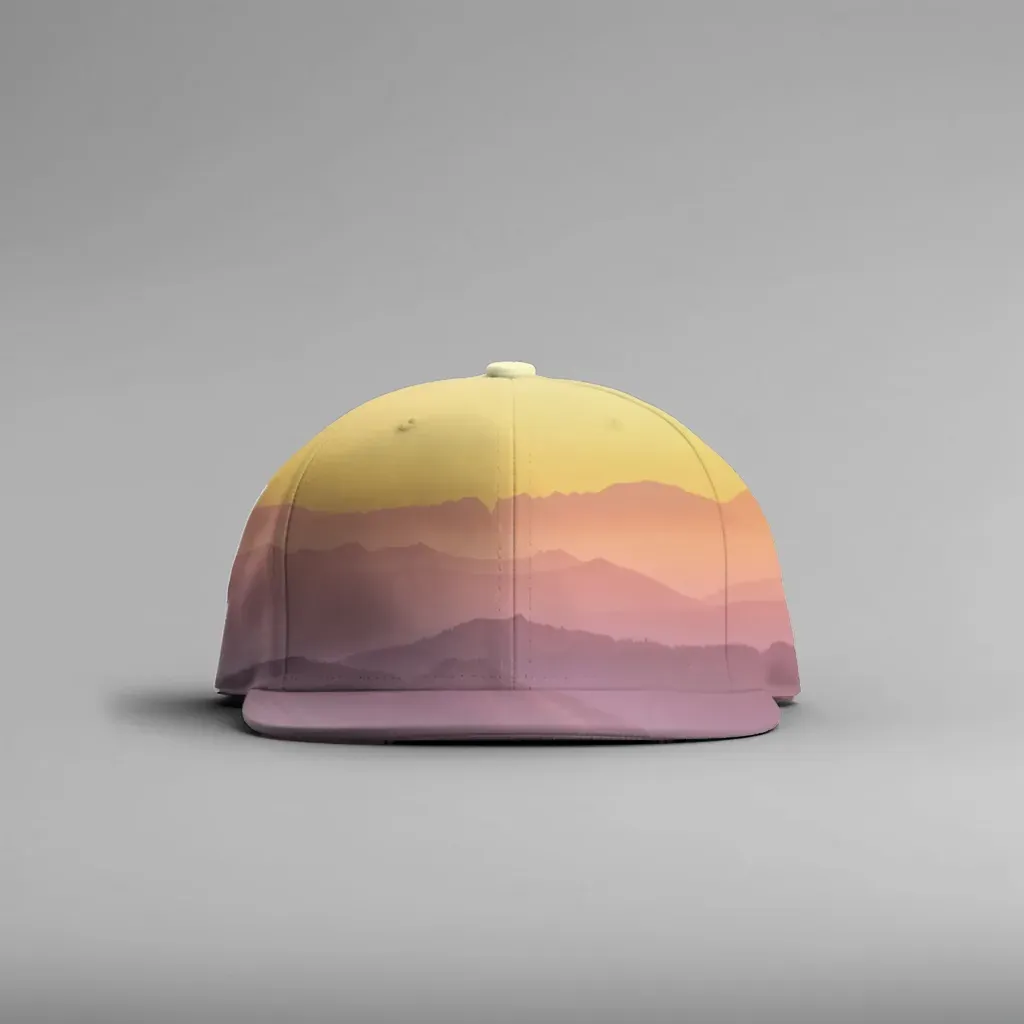
Printful's mockup generator is free, matches its catalog, and pushes 2000 × 2000 px images straight to your store, so keep using it for your base listing photos. Add your own mockups when you want images no other Printful seller has: lifestyle shots, photos of a sample you ordered, or a consistent look across your whole shop.
This guide covers when the built-in generator is enough, when your own product photos are worth the extra step, and a simple workflow for turning one photo of a blank sample into mockups for every design you sell, then getting those images into your Printful-connected Etsy or Shopify listings.
What the Printful mockup generator does well #
Before replacing anything, it's worth being clear about what you already get for free. According to Printful's own pages and Help Center:
- It covers the whole catalog. Every product you can sell has mockups, so color and variant images line up with what you actually ship.
- It's built into the publishing flow. When you add a product to a connected store, you pick a mockup style (for example flat or lifestyle) and Printful pushes the images to your listing.
- The size is already right for Etsy. Printful says it pushes 2000 × 2000 px mockups when products are published, which matches Etsy's recommendation of at least 2000 px.
- It can be customized. Printful also offers a free Custom Mockup Maker with built-in backgrounds, layouts and props.
For a new shop testing designs, that's hard to beat. The trade-off is simple: thousands of other sellers have access to the same scenes. On a search page full of similar listings, identical photos make your product blend in.
When your own product photos are worth it #
Making your own mockups adds work, so do it where it pays off:
- Your best sellers. A unique hero photo matters most on the listings that already get traffic.
- Lifestyle context you can't get from a catalog. Your sofa, your shelf, your light. Home decor and accessories sell on context.
- You ordered a sample. A photo of the real product is the most honest image you can show, and it lines up with Etsy's push for listing photos that represent the actual item (more in our guide to Etsy's AI photo rules for mockups).
- A consistent shop look. If every listing uses the same background and angle, your shop reads as a brand instead of a catalog.
- You have dozens of designs. This is where doing it by hand stops working, and where a bulk workflow helps.
If you sell through Printify as well, the same logic applies. We compared that side in Printify Mockup Generator vs Making Your Own Mockups.
Printful generator vs your own photos: a quick comparison #
| Printful mockup generator | Mockups from your own product photos | |
|---|---|---|
| Cost | Free with a Printful account | Free during open beta with MockupPress; your time to shoot photos |
| Setup | Pick a product, add a design, choose mockups | Shoot or source a blank photo, set up a template once |
| Uniqueness | Shared scenes across many sellers | Your photo, your scene |
| Matches the real product | Catalog renders | Your actual sample, if you photograph one |
| Output size | 2000 × 2000 px pushed to your store | Up to 1536 px on the long side with MockupPress |
| Pushes to store automatically | Yes, for supported integrations | No, you upload the images yourself |
| Colors | Every variant available | One photo per color (no recoloring) |
Verdict: Printful's generator wins on convenience, size and color coverage. Your own photos win on uniqueness and authenticity. Most shops do best with both: Printful images for variants and size charts, your own photos for the first one or two slots.
The workflow: one sample photo, mockups for your whole catalog #
Here's a workflow that works with any Printful product that has a visible print area: caps, pillows, totes, mugs, shirts.
Step 1: Order a blank (or one printed) sample #
Order the product you sell most. A blank version is ideal, since the design will be placed on it later. If you only have a printed sample, the new design will sit on top of the existing print, so a blank photo gives cleaner results.
Step 2: Photograph it once, properly #
Use soft window light, a clean background and a straight-on or slightly angled view of the print area. Shoot each color you sell separately, because the color in the photo is the color in the mockup. Our guide on taking product photos for Etsy with your phone covers the setup in more detail.
Step 3: Turn the photo into a reusable template #
In MockupPress, the flow is: drop a photo → drag a box → save template → render in bulk.
- Drop your sample photo into the Photos page.
- Drag a box around where the design will print. The app cuts the product out of the background, snaps to its edges, picks a surface shape (flat with perspective, cylinder for caps and mugs, or a free mesh for fabric), and measures the light and folds from your photo.
- If something looks off, use Edit: Grid to pull mesh points onto the edges, Add / Subtract brush to remove hands, straps or handles from the print area, and Highlights / Shadows / Edge to tune the lighting or nudge the border.
- Save. That photo is now a template.
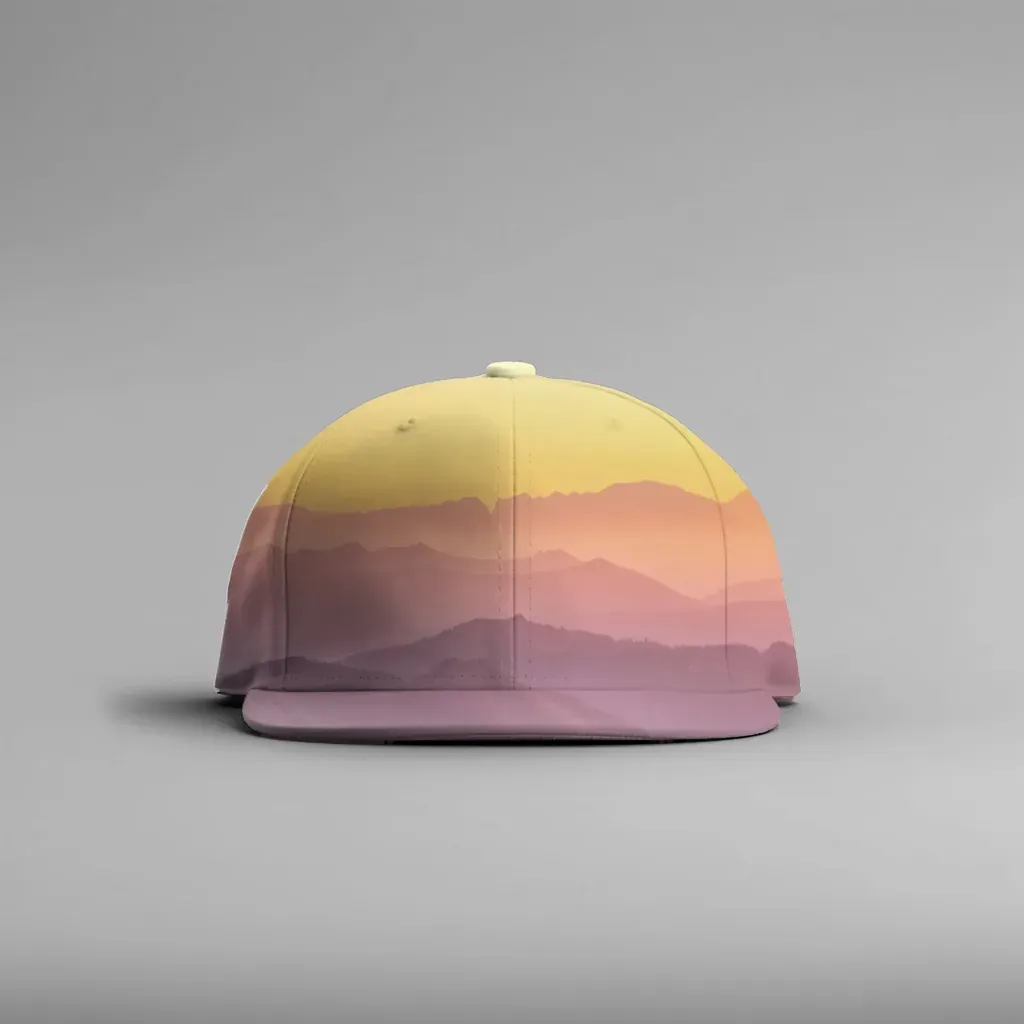
A render from one plain photo of a white cap. The design wraps around the curved front panel instead of sitting flat.
Step 4: Render every design in one batch #
On the Bulk page, select your templates and drop in your design files (transparent PNGs look best). Click Render and you get a ZIP with every design on every template, plus a manifest.csv listing each file, so you can match images to listings without guessing. A set of 2 templates × 23 designs (46 images) rendered in under a minute on a laptop in our own test.
Everything runs in your browser. Your photos and designs aren't uploaded anywhere.
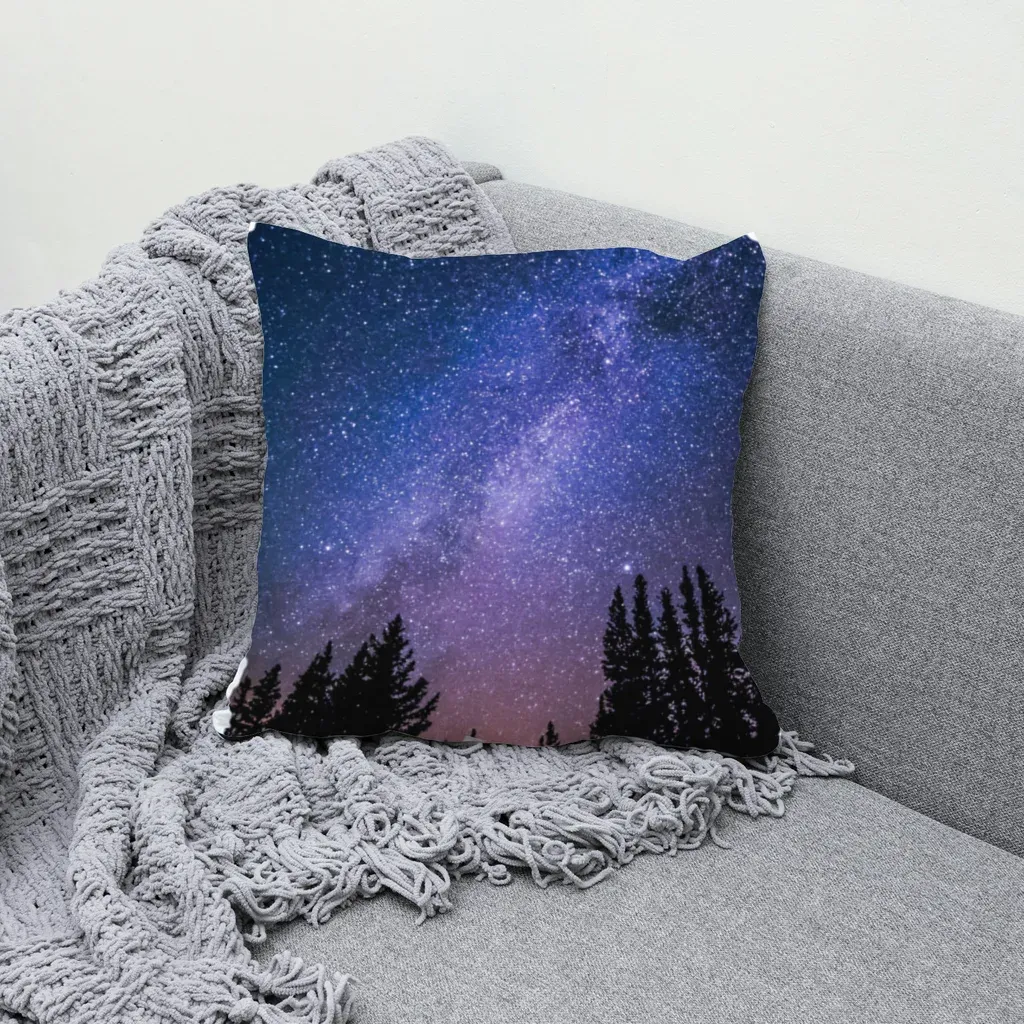
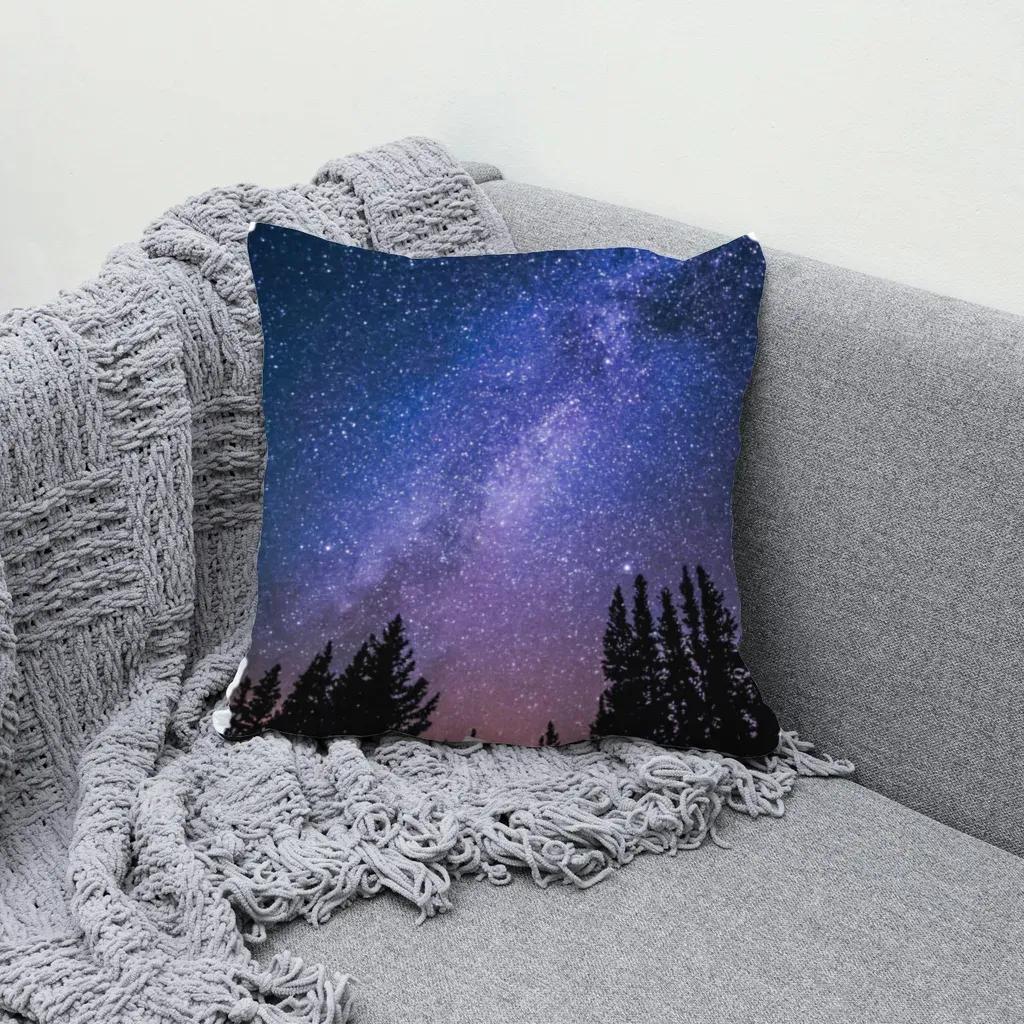
Same idea on fabric: the print follows the cushion's folds and shading from the original photo.
If you'd like to try this on your own sample photo, you can make custom mockups from your own product photos with MockupPress. It's free during open beta, with unlimited renders in the browser and no account needed.
Step 5: Get the images into your Printful listings #
MockupPress doesn't connect to Printful, Etsy or Shopify, so this part is manual, which also means you stay in control of the photo order.
- Publish from Printful as usual. In your Printful Dashboard, go to Stores, select your store and click Add product (Printful: connecting Etsy). Printful pushes its own mockups and keeps the listing synced for fulfillment.
- Add your own images on the store side. Open the listing in Etsy Shop Manager or Shopify admin, upload your custom mockups, and drag your best one into the first slot. Etsy gives you 10 image slots, so there's room for both.
- Re-check after design edits. Printful's Help Center notes that after you edit a design, you can publish the new mockups directly to Etsy, Shopify and some other platforms, and that for other integrations you download them and upload them yourself. After any edit, look over the listing to make sure your photo order is still the way you want it.
Because the listing stays synced to the Printful product, adding images on the store side doesn't change how orders are fulfilled.
Limits to know before you start #
- Size: MockupPress exports up to 1536 px on the long side. That's below Etsy's 2000 px recommendation, so keep Printful's 2000 px mockups in the listing too, and use your own renders where uniqueness matters more than zoom detail.
- No mockup library: you bring the photo. If you don't have a sample yet, a clean supplier photo you have the rights to will work.
- No recoloring: one photo per product color. Shoot each color you sell.
- Data stays on your device: templates and designs live in your browser's storage. Clearing browser data removes them, so keep your original photos and designs.
- Auto isn't perfect: busy backgrounds, hands covering the print area or steep angles may need a few Edit strokes.
Switching suppliers later? #
If you ever move a product from Printful to another supplier, or the blank changes, you only need one new photo and one new template, then a fresh batch. We walked through that in how to redo all your mockups in one batch.
Frequently asked questions
Yes. Printful says mockups are free to create and download from Product Templates, and its Custom Mockup Maker is free for Printful customers.
Yes. Publish the product from Printful so it stays synced, then upload your own images on the store side (Etsy Shop Manager or Shopify admin). Fulfillment depends on the sync, not on which photos are shown.
Etsy recommends at least 2000 x 2000 px. MockupPress outputs up to 1536 px on the long side, so pair your custom images with Printful's 2000 px mockups.
Not with MockupPress. It doesn't recolor products, so photograph each color you sell separately.
No. When you use it in the browser, templates and bulk renders are made on your device and nothing is uploaded.
More from QRdy Blog
How to Make a Torn Paper Effect on a Photo in Canva
Give any photo ripped, torn paper edges in Canva: the quick built-in way with a torn paper frame, plus how to turn any torn paper graphic into your own frame with a white paper border.
What Is a Smart Object in Photoshop? (And Why Every Mockup PSD Uses One)
A smart object is a Photoshop layer that protects the original image while you scale, warp, and filter it. Here's why every mockup PSD is built around one, how to edit it, and how to fix the "not directly editable" error.
How to Round Corners in Canva (Photos, Shapes, Frames and Collage Grids)
Round the corners of a photo, video or shape in Canva with the Corners button, then see what to do when it is missing: frames, collage grids and text boxes, with exact clicks for each.