
MockupPress
Realistic product mockups from any photo. No Photoshop, no PSD.
Drop a product photo, drag a box around the print area, and MockupPress wraps your designs onto it with real folds and lighting. Then render hundreds of designs at once, right in your browser.
No account needed. Templates and designs stay on your device.
MADE FOR PRINT-ON-DEMAND SELLERS AND DESIGNERS
How it works
One box, one save. Everything else is automatic, and everything is fixable.
Drop a product photo
Any JPG or PNG of the blank product. No PSD, no smart objects, nothing to install.
Drag a box around the print area
MockupPress cuts out the product, snaps to its edges, picks flat, cylinder or free-form, and measures the lighting. Fix anything with a grid, a brush and two sliders.
Save the template, render in bulk
Drop in all your designs. Every design renders on every template and lands in one ZIP with a manifest.csv for your listings.
Rendered with MockupPress
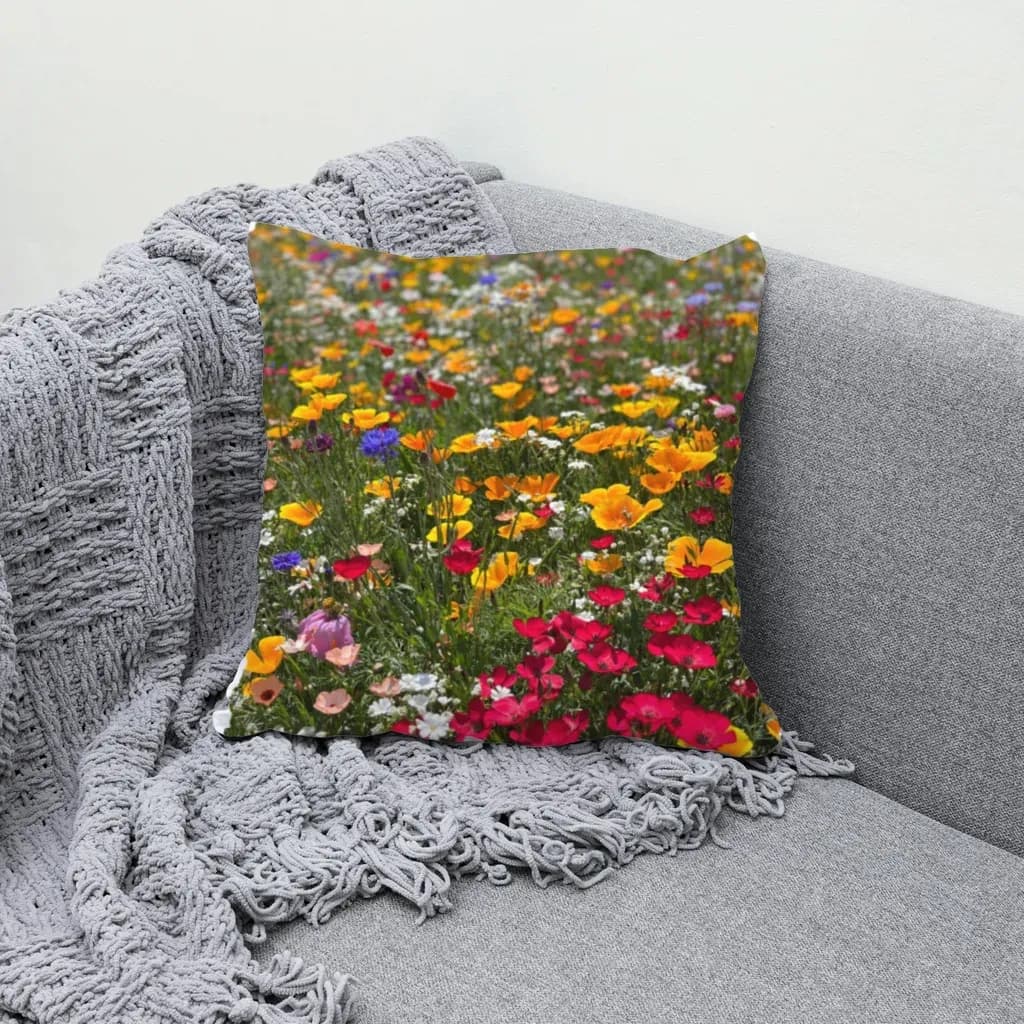
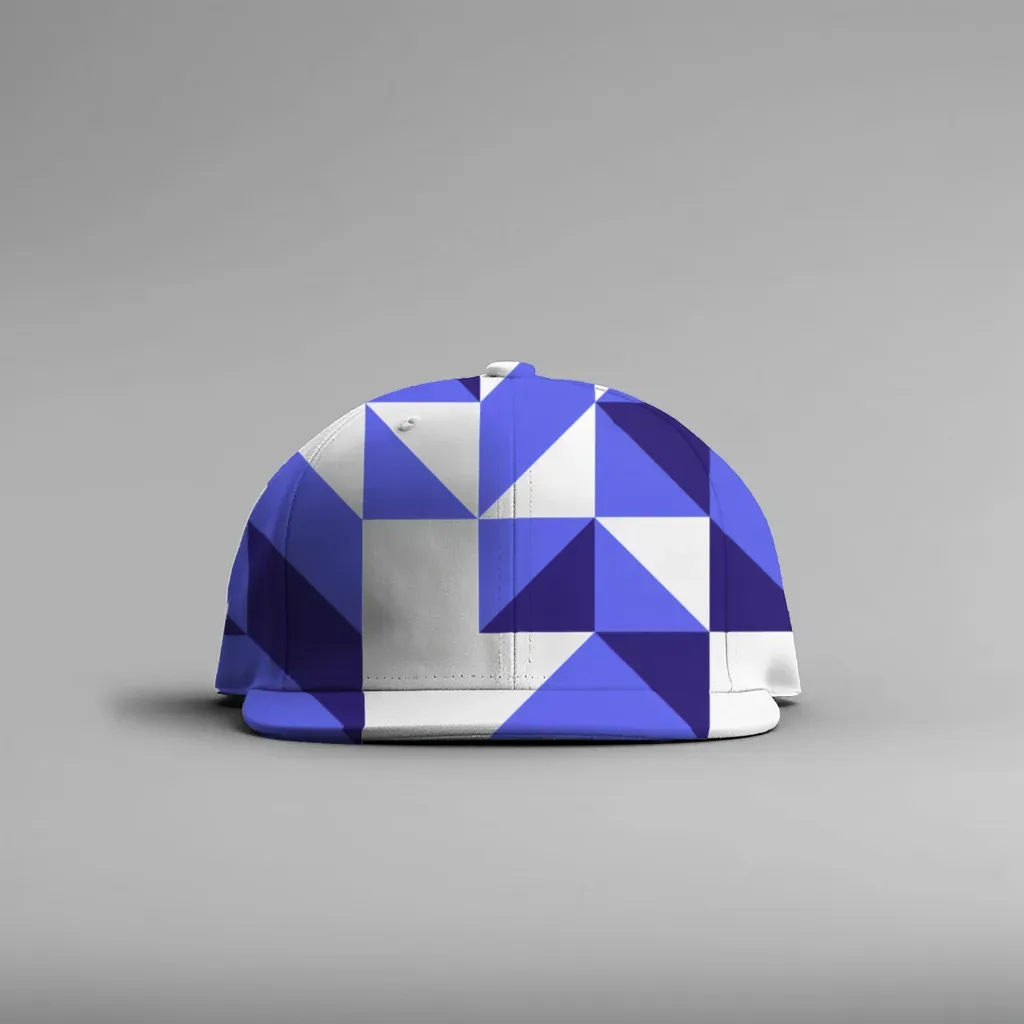
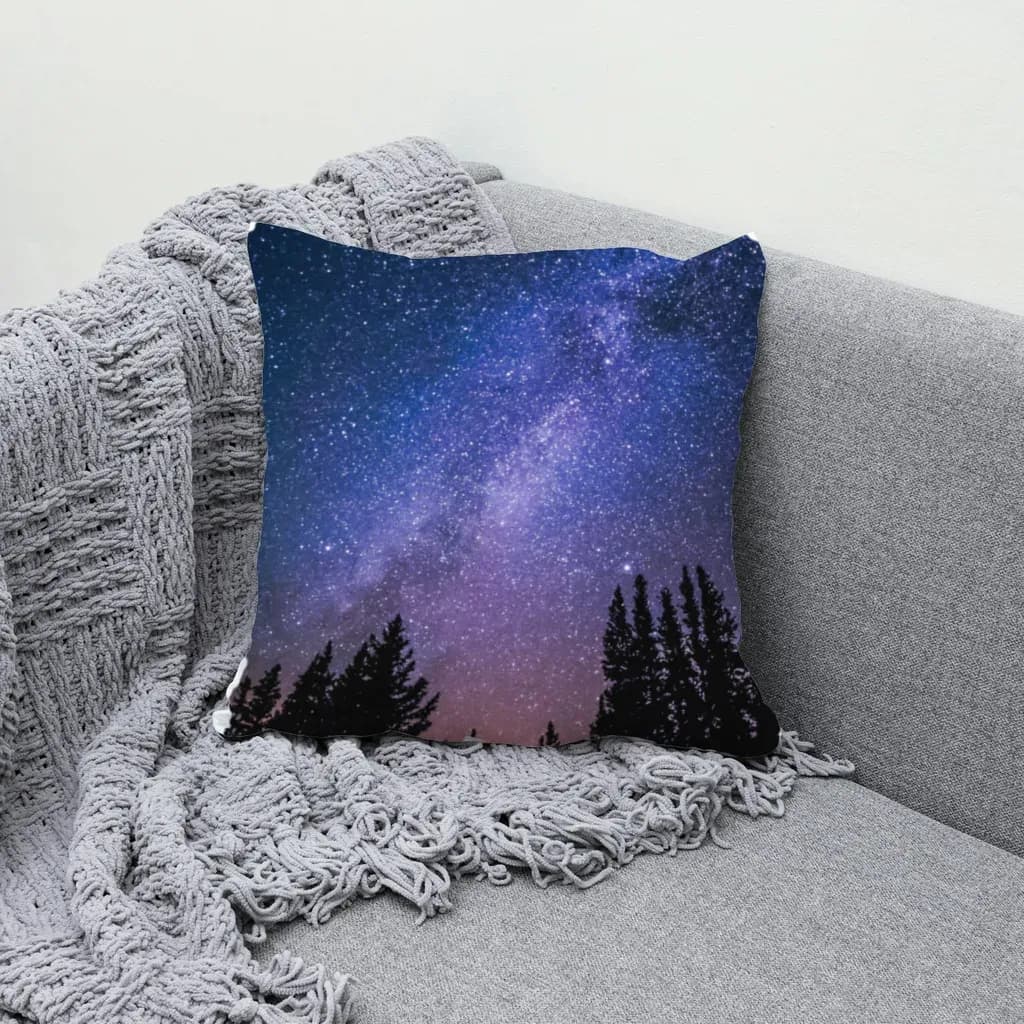
Two product photos, 23 designs, 46 renders. One bulk run, under a minute, nothing uploaded.
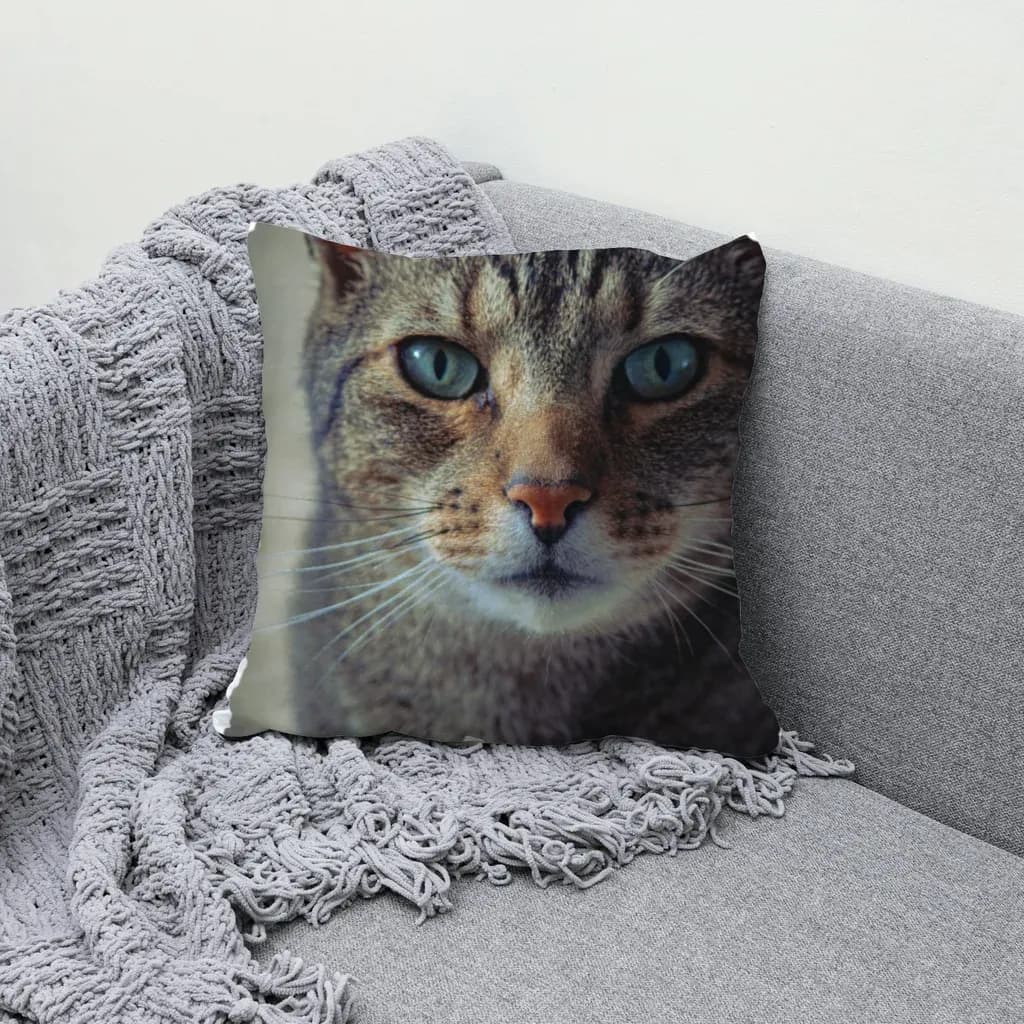
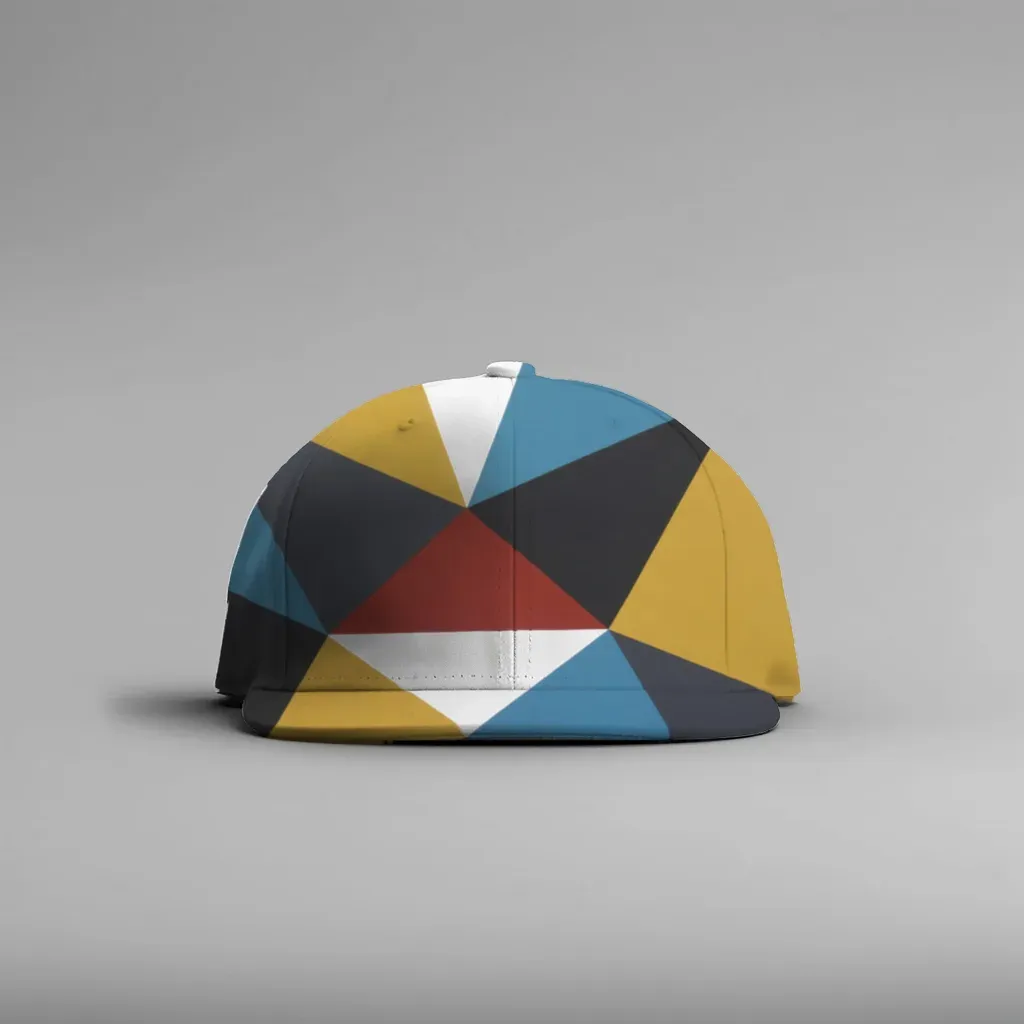
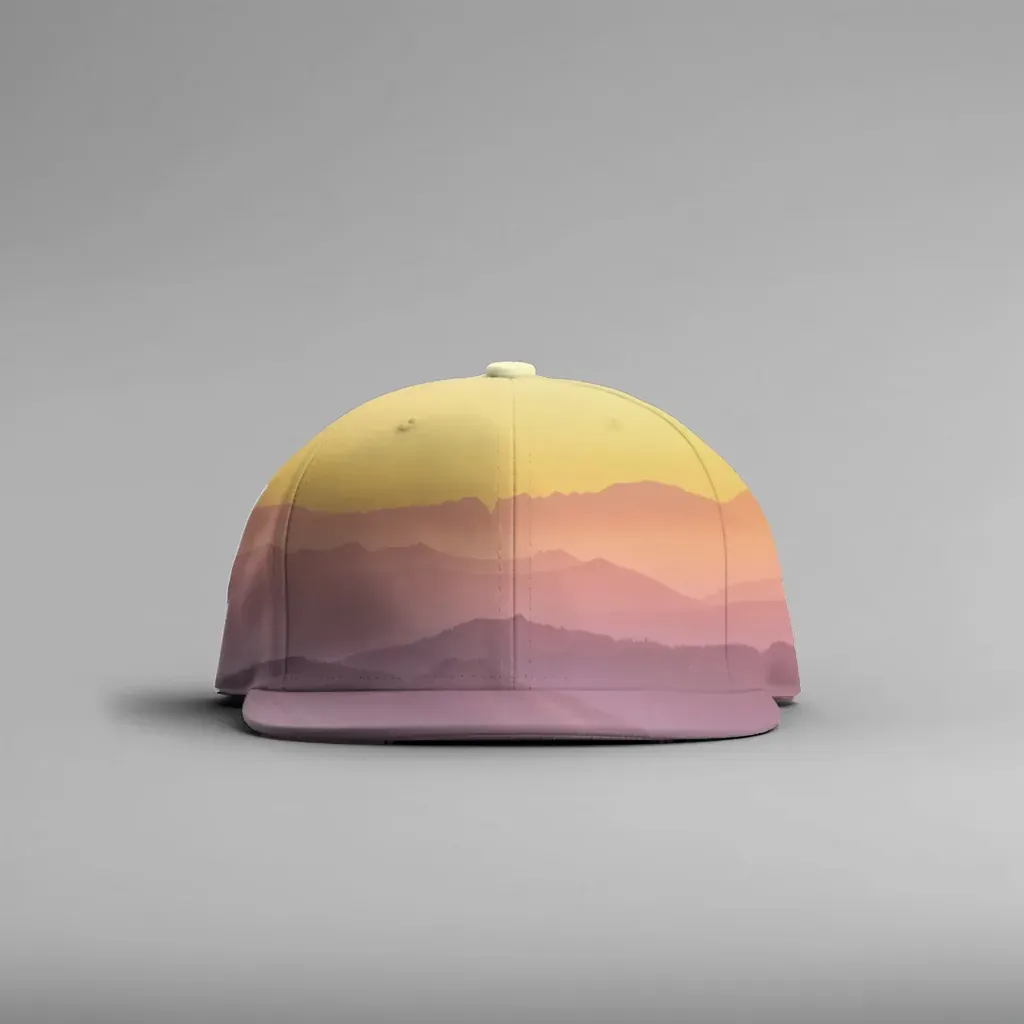
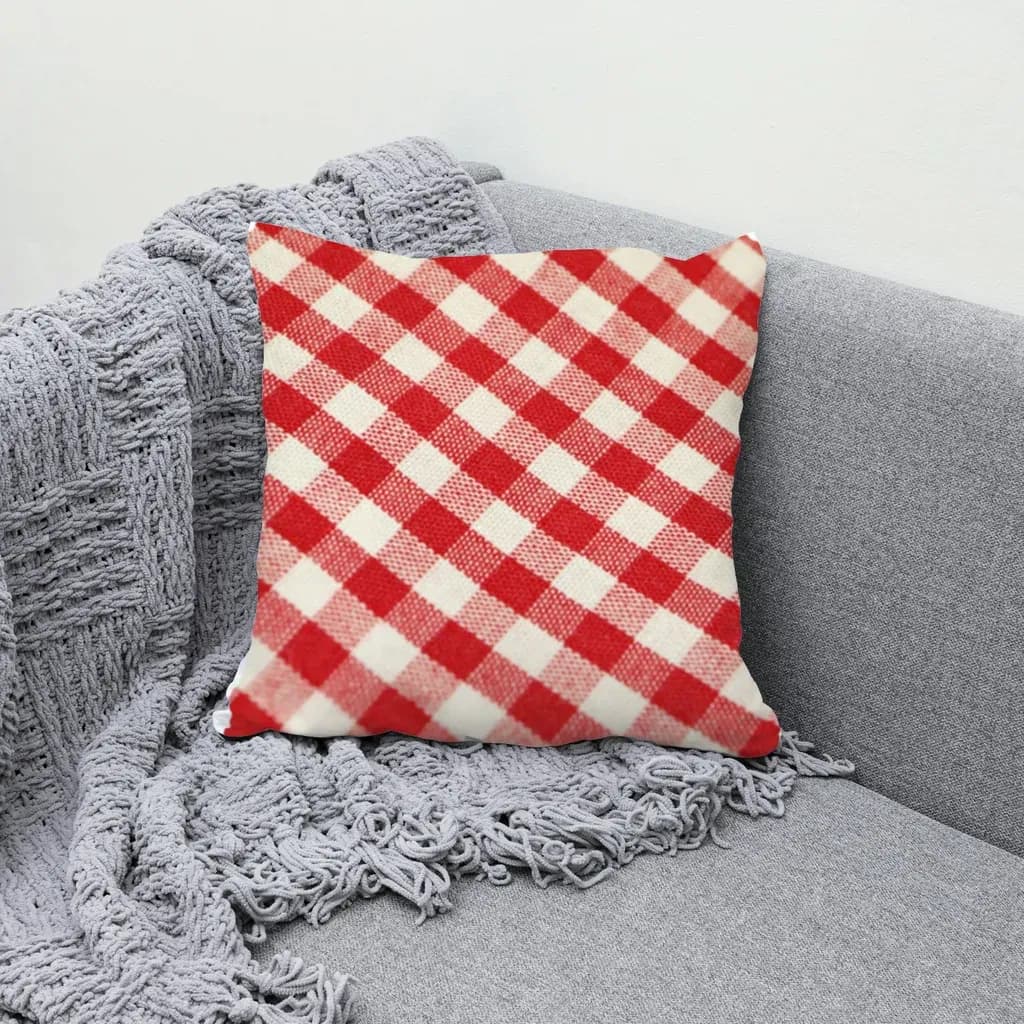
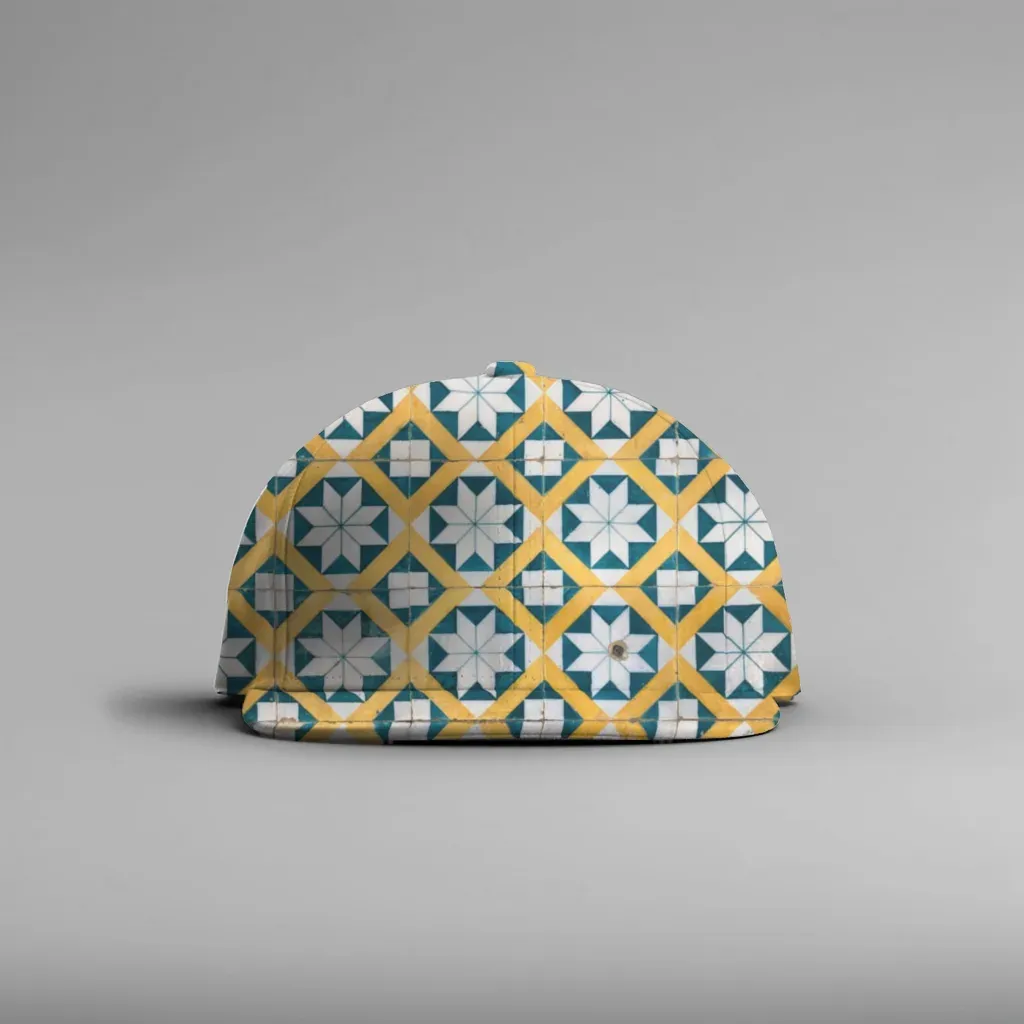
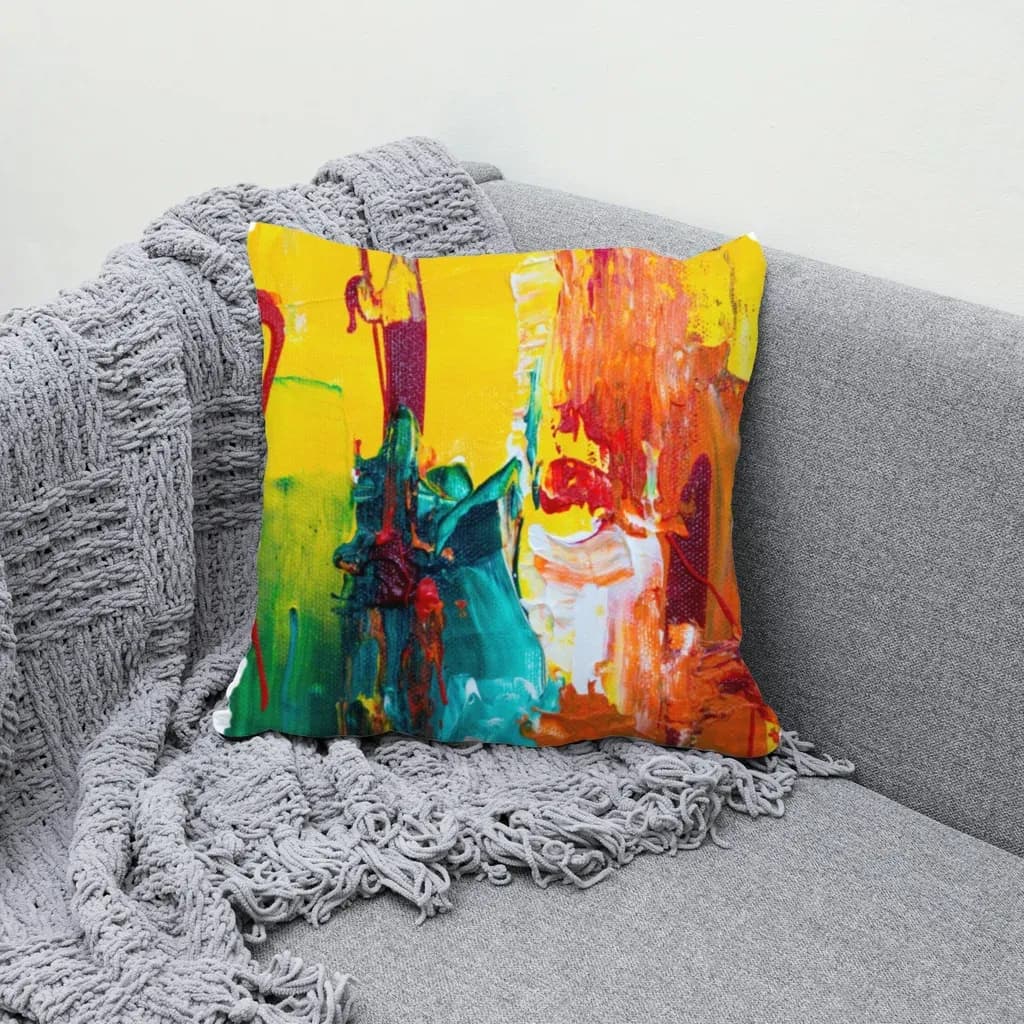
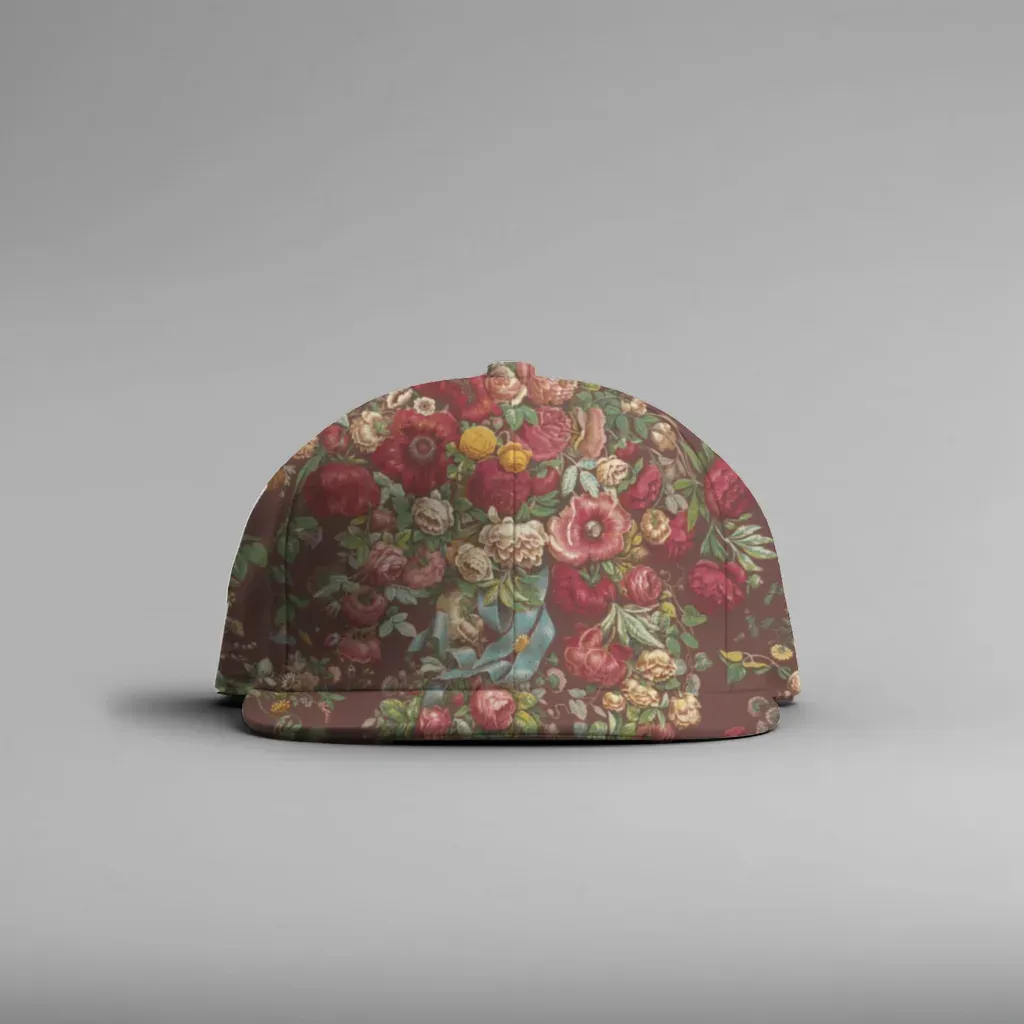
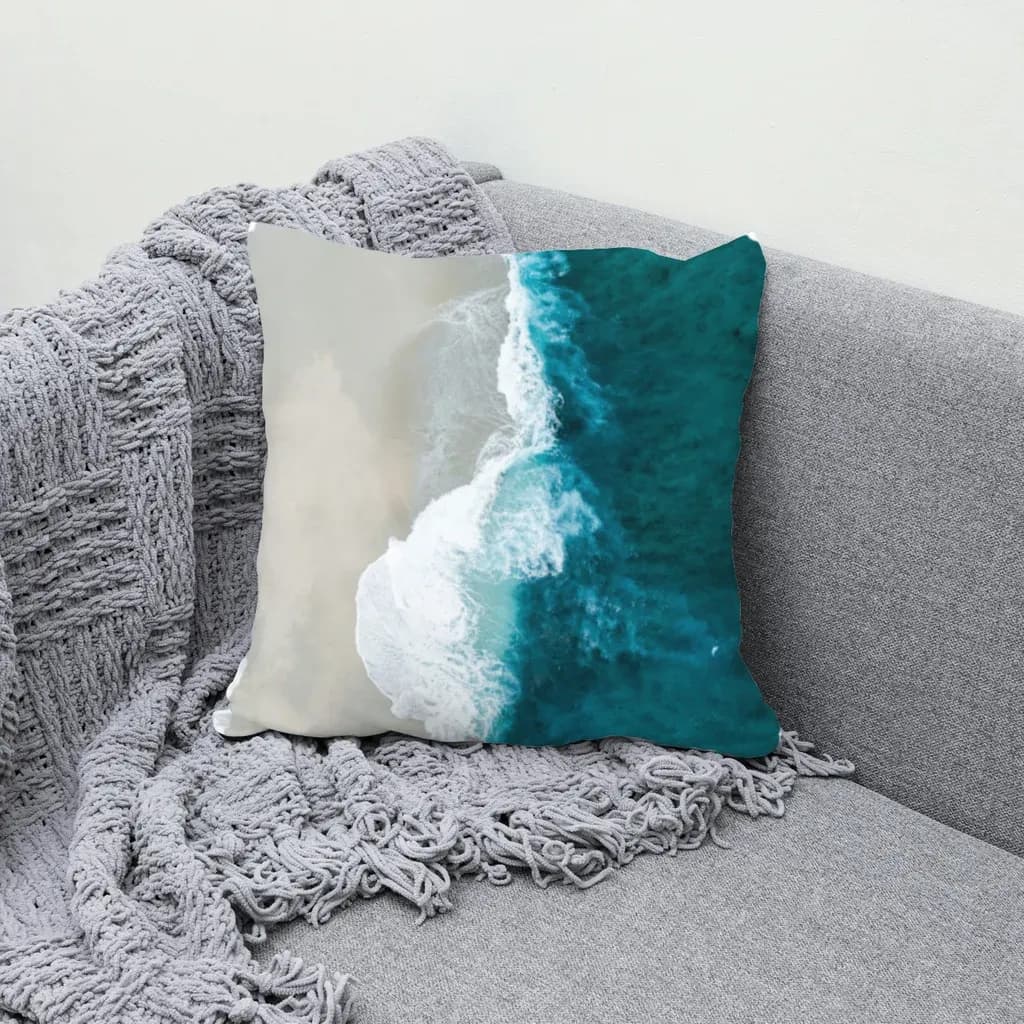
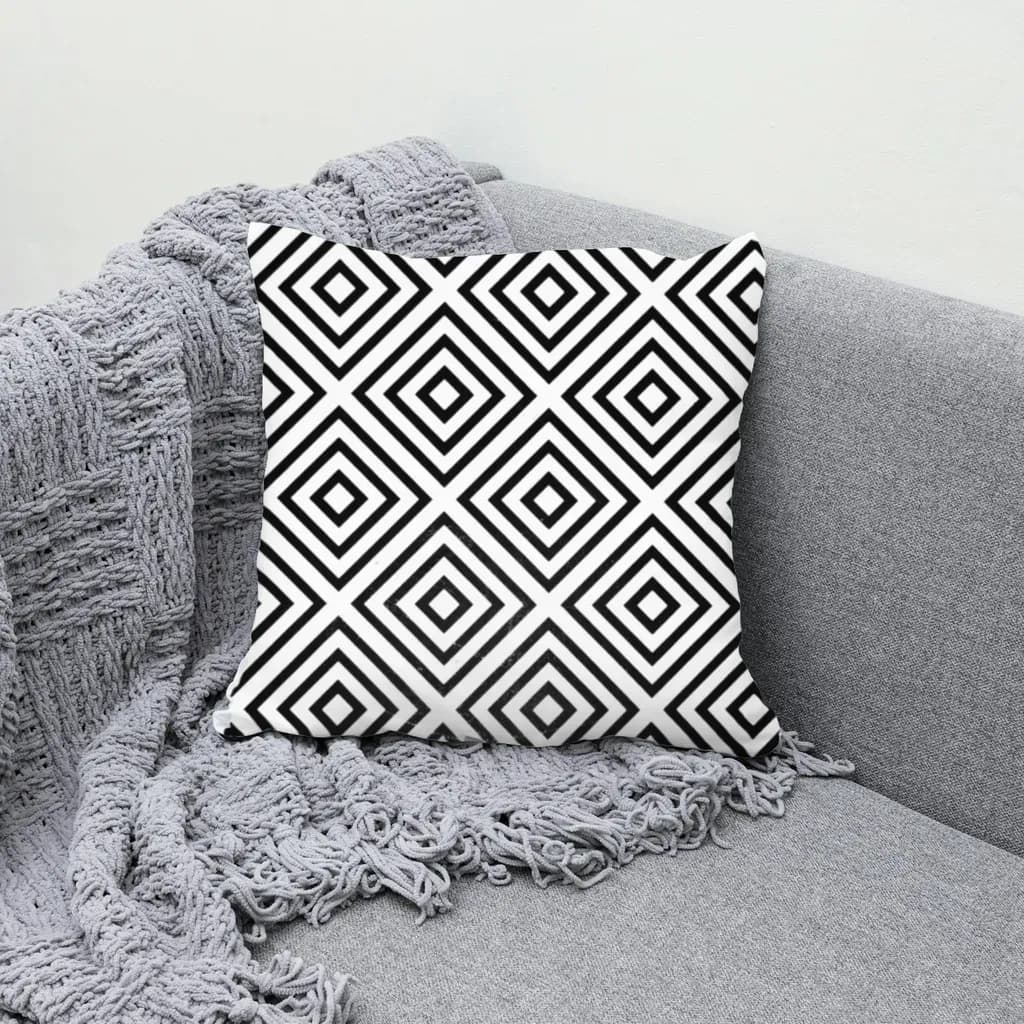
Product photos are plain stock shots of a blank cap and a blank pillow. Every fold and shadow on the print comes from the photo itself.
Why not just use Photoshop?
Most mockup tools either need a PSD prepared in Photoshop, or paste the design flat and charge per image.
| MockupPress | Photoshop smart objects | Bulk plugins for Photoshop | Online generators | |
|---|---|---|---|---|
| Works from an ordinary photo | ||||
| Needs Photoshop | ||||
| Real folds, highlights and shadows | ||||
| Bulk render N designs × M templates | ||||
| Cost per rendered image | Free in beta | Your time | Subscription | Credits |
| Your files stay on your device |
“Online generators” means credit-based mockup sites with their own photo library. Many paste the design flat, with no folds or lighting, and need a PSD if you want your own photo.
What you get
A small editor that does one job well.
One-box setup
Draw one rectangle. Cut-out, edge snapping, surface type and lighting are inferred for you.
Realistic shading
Highlights, shadows and fabric folds are measured from your photo and applied to the design, not painted on.
Cylinders and curves
Mugs, tumblers, caps and bottles wrap correctly. Free-form grids handle sleeves, pillows and draped fabric.
Fix it in seconds
Drag grid points to the edges, brush the mask to add or remove hands and straps, nudge highlights and shadows.
Multi-area templates
Front and back, or a set of three frames: consecutive designs fill consecutive areas automatically.
Export built for listings
JPG or PNG, file-name patterns with {design} {template} {color}, one folder per design and a manifest.csv.
Free during open beta
Every feature, unlimited renders, no account.
Open beta
$0
Unlimited templates and renders
Bulk export to ZIP with manifest.csv
Cut-out, shading and editor included
Your files never leave your browser
Paid plans will be announced well before anything changes.
Frequently asked questions
Do I need Photoshop or a PSD file?
No. MockupPress works from an ordinary product photo: a JPG or PNG from your phone, a stock site or your supplier. There are no smart objects to prepare and nothing to install.
Which photos work best?
A clear shot of the blank product with the print area visible: t-shirts, hoodies, caps, mugs, tumblers, pillows, tote bags, framed prints and canvases all work. Plain or busy backgrounds are both fine; the cut-out runs in your browser.
Are my photos and designs uploaded anywhere?
No. Cut-out, rendering and the ZIP export all run inside your browser. Your templates and design library are stored locally on your device, not on our servers.
How realistic is the result?
The design is warped to the surface (flat with perspective, cylinders like mugs and caps, or a free-form grid), then shaded with the folds, highlights and shadows measured from your photo. If the automatic result is off, drag the grid points, brush the mask or adjust the lighting sliders.
What does bulk rendering mean?
Save one template per product photo, drop in as many designs as you like, and MockupPress renders every design on every template in one go. You get a ZIP with one folder per design and a manifest.csv for your listings.
What formats and sizes do I get?
JPG or PNG, at the resolution of your product photo (up to 1536 px on the long edge). File names follow a pattern you set, so exports drop straight into Etsy, Printful, Printify or Shopify listings.
Is MockupPress free?
Yes, during the open beta every feature is free with unlimited renders. We will announce paid plans well before anything changes.
Can I use the mockups commercially?
Yes. Mockups you render from your own photos and designs are yours to use in shops, ads and social media. Make sure you have the rights to the product photo and the design you print on it.
Your first mockup is one box away
Drop a photo, drag a box, save. Then let the bulk run do the rest.
Open MockupPress