
Can You Still Use Mockups on Etsy? What the New AI Photo Rules Mean for Print-on-Demand Sellers
Etsy's new listing image rules require one unedited photo for most items, but print-on-demand sellers may use authorized stock photo mockups. Here is what Etsy actually says, which mockups fit, and how to order your listing photos now.
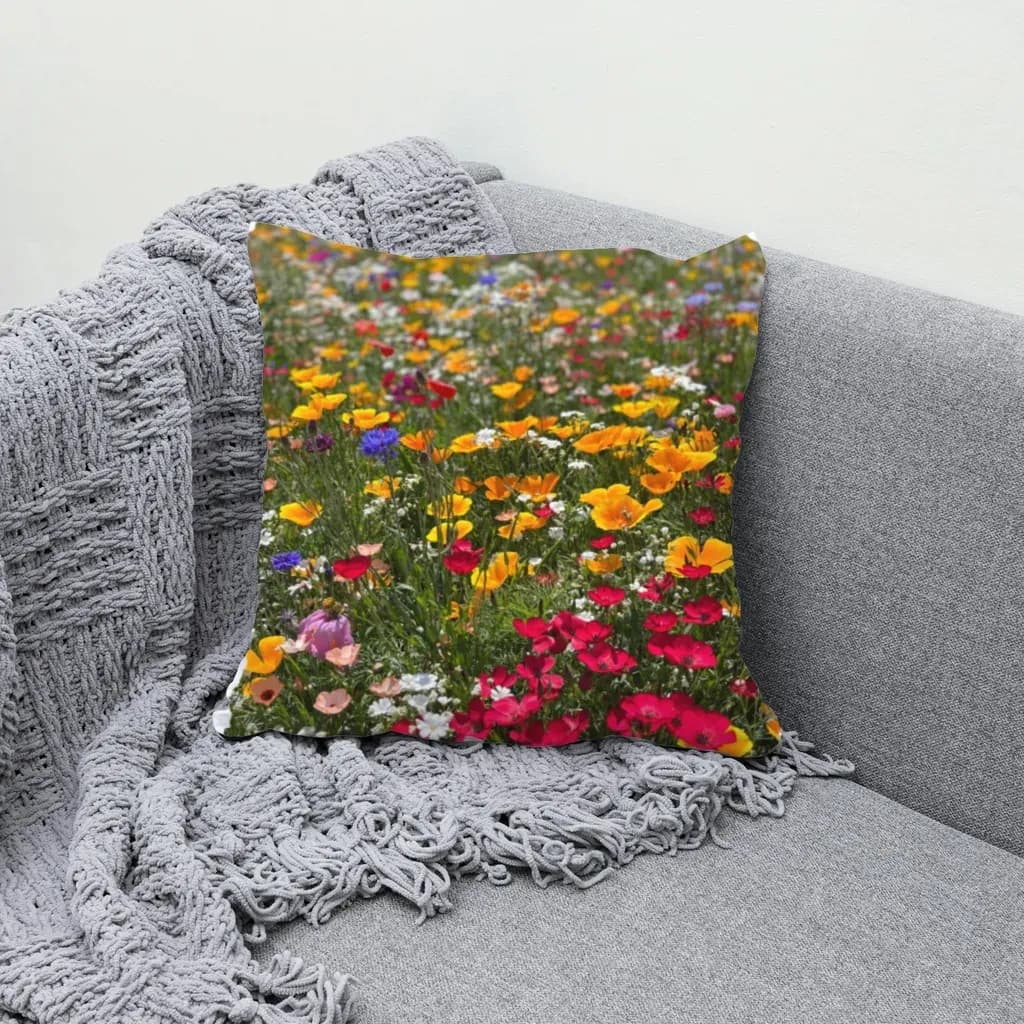
Yes, you can still use mockups on Etsy. Under Etsy's updated Listing Image Requirements, most listings need at least one real, unedited photo of the actual item, but print-on-demand sellers have a specific exception: you may use a stock photo mockup if the photo's owner has authorized it. Every image must still accurately show what the buyer receives.
In late October 2026 Etsy announced new rules on AI and listing photos, and seller forums filled up with the same question: are mockups finished? They are not. But the rules do change which mockups are safe to rely on, and what your first listing photo should be. This guide sticks to what Etsy has actually published, then shows a practical workflow for POD sellers.
Not legal advice. Etsy's policies change, so always check the current wording in Etsy Help before changing your shop.
What Etsy actually changed #
Etsy's VP of Customer Operations posted the update in the Etsy Community announcements, with the full details in the Seller Handbook. The parts that matter for listing photos:
- At least one unedited photo. For most items, your listing must include at least one photo of the actual item against a real background. That photo can't be edited or changed in any way.
- Other photos can be edited, including with AI, as long as they still accurately represent what the buyer will receive. Etsy lists cropping, resizing, adjusting light or color and changing backgrounds as acceptable edits, and warns against using AI to hide damage or change how an item looks.
- Your first photo carries extra weight. Etsy asks sellers to make it the clearest, most realistic representation of the item.
- Detection and reporting. If Etsy detects AI-generated images while you create a listing, it shows tips to help you meet its photo expectations. Members can now report listings they think use AI imagery in a misleading way; Etsy says that at first these reports won't trigger immediate enforcement.
Etsy also tightened rules on AI-generated listings more broadly (for example, bot-generated listings and AI-generated patterns or recipes), but those are outside the scope of this article.
The print-on-demand exception, in Etsy's words #
This is the line most POD sellers need. From Etsy's Help article on listing image requirements:
"If a production partner prints your original design on a standard base product (like a t-shirt or mug), you may use a stock photo mockup, if the stock photo's owner has authorized its use."
Read it closely and three conditions stand out:
- A production partner prints your design. This is the classic POD setup: your artwork, a supplier's blank.
- A standard base product. A t-shirt, mug, pillow, cap, poster.
- A stock photo you're allowed to use. The photo the mockup is built on must come from someone who has authorized its use: your supplier's product photos (check their terms), a licensed stock image, or a photo you took yourself.
Notice what the exception describes: a real photo of a real base product with your design on it. It does not describe a product scene invented from a text prompt. Whether a given tool's output counts is Etsy's call, not ours, so if you're unsure, the safest move is the one Etsy suggests for everyone: lead with your clearest, most realistic image.
So which mockups are you comfortable using now? #
Here's a practical way to sort what's in your current listings:
| Mockup type | What the product pixels come from | How it lines up with the new rules |
|---|---|---|
| Your own photo of the blank, design placed on it | A real photo you took | Close to the POD exception; strongest option for trust |
| Supplier or licensed stock blank, design placed on it | A real photo you're authorized to use | Matches the wording of the POD exception |
| PSD mockup from a template shop | A real photo inside the PSD (check the license) | Fine if licensed and the product matches what ships |
| Fully AI-generated product scene | Generated from a prompt | Most likely to trigger Etsy's AI tips; must still be accurate |
The pattern is simple: the closer your mockup stays to a real photo of the product the buyer receives, the less you have to worry about.
A real-photo mockup workflow for POD sellers #
If you'd rather not depend on generated scenes, build your mockups on photos you're allowed to use. One way to do that is MockupPress, a browser app that places your design onto a real product photo instead of generating one.
1. Collect blank photos you have the right to use #
Use your supplier's photo of the exact blank you sell, or order one blank and shoot it yourself with your phone in soft daylight. One photo per product color, because MockupPress does not recolor products.
2. Drop the photo in and drag one box #
Drop the photo on the Photos page and drag a box around where the design will print. The tool cuts the product out from the background, snaps to its edges, picks a surface shape (flat, cylinder for caps and mugs, or a free-form mesh for fabric) and measures the light and folds from your photo. Everything runs in your browser; the photo is not uploaded.
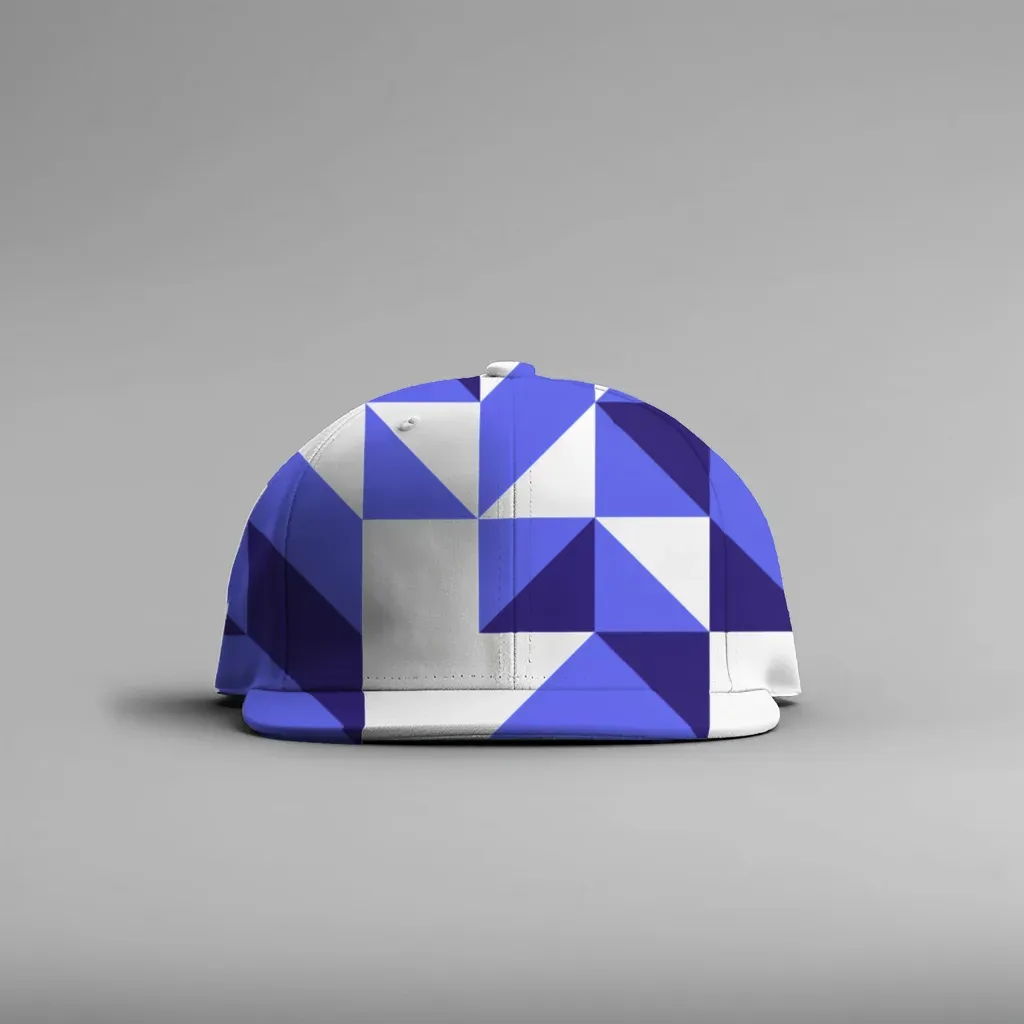
A render on a plain cap photo. The curve, stitching and shadows come from the original photo; only the design was added.
3. Fix what looks off, then save a template #
Auto detection is a starting point. There are three edit tools: Grid (drag mesh points to the edges), Add / Subtract brush (paint the print area in or out around fingers or straps) and Highlights / Shadows / Edge (how much of the photo's real lighting shows through). Click Save and the photo becomes a reusable template.
4. Render every design in one batch #
On the Bulk page, pick your templates, drop in your designs and render. You get a ZIP with every combination plus a manifest.csv listing each file, so you can sort images one folder per listing. Output is capped at 1536 px on the long edge.
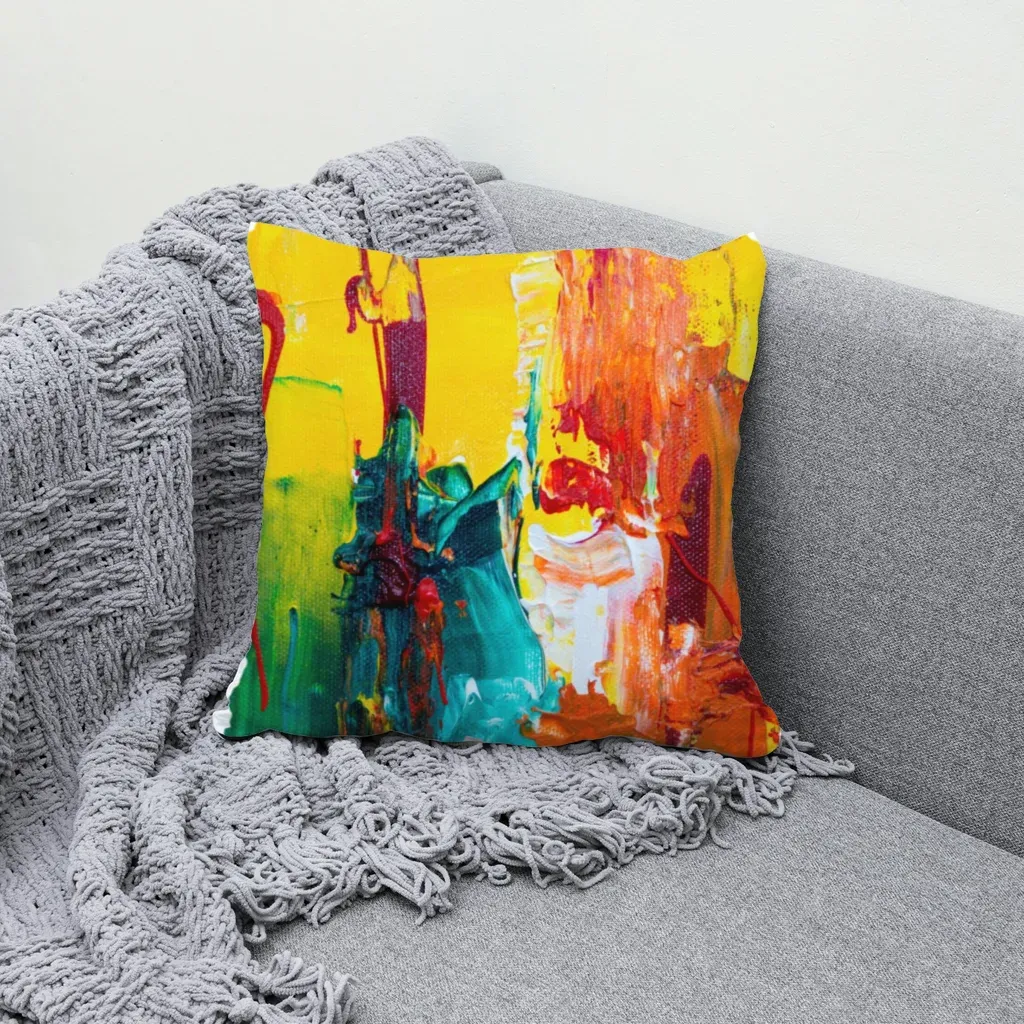
Same workflow on a pillow photo: the print follows the cushion's existing folds and shading.
If you want to keep selling with mockups while staying close to Etsy's real-photo direction, you can make mockups from your own product photos in your browser. It's free during the open beta, with no account and no watermark.
An honest note on AI: MockupPress uses a small segmentation model, running locally, to find the product's outline. It does not generate the product or the scene. We have not yet tested whether Etsy's listing tool shows its AI tips for MockupPress renders, so we can't promise how Etsy's detector will treat them. Also remember: a mockup is an edited image, so it can't be your required unedited photo for listings that need one.
For a deeper walkthrough of this approach, see How to Make Mockups for Etsy Without AI, and for image dimensions, Etsy Mockup Size.
How to order your listing photos now #
A simple lineup that respects the new rules and still sells:
- Photo 1: the clearest, most realistic image of the item. If your listing needs an unedited photo, this is the natural place for it: a real shot of the actual product against a real background. For POD items under the exception, use your most faithful mockup on an authorized blank photo.
- Photos 2–4: mockups on real blank photos, showing the design on each color or angle you offer.
- A close-up of the print or fabric so buyers can judge texture and scale.
- A size or color chart if relevant.
- Optional lifestyle images. Etsy allows edited and AI-assisted images beyond the required photo, as long as they don't misrepresent the item. Keep them as supporting images, not the main one.
If you sell several POD products, it can be worth ordering one sample of each bestseller anyway. A real photo of the item you actually ship is the one image no policy update can take away from you.
What Etsy hasn't said (yet) #
Be cautious with anyone who claims certainty beyond the published text. As of this writing, Etsy has not published a list of approved mockup tools, and it says its detection and enforcement will keep evolving. Etsy also says it will post further updates in the Community announcements thread. Bookmark the Help article and re-read it before big shop changes.
The short version #
Mockups are still allowed. Most listings need one real, unedited photo; POD sellers can use authorized stock photo mockups; every image must match what ships. Build your mockups on real photos you have the rights to, put your most realistic image first, and keep an eye on Etsy's official pages as the rules mature.
Frequently asked questions
No. Etsy's updated Listing Image Requirements ask for at least one unedited photo of the actual item for most listings, and allow edited images, including mockups, as long as they accurately represent what the buyer receives. Print-on-demand sellers may use a stock photo mockup if the photo's owner has authorized its use.
No. A mockup is an edited image, and Etsy says the unedited photo must show the actual item against a real background without being edited or changed. For print-on-demand items, Etsy describes a separate exception that allows authorized stock photo mockups. Check Etsy Help for which applies to your listing.
Etsy says it shows tips when it detects AI-generated images during listing creation, and that member reports won't trigger immediate enforcement at first. Mockups built on real, authorized product photos stay closest to Etsy's guidance, but no one outside Etsy can guarantee how its detector treats a specific tool.
Etsy asks that your first photo be the clearest, most realistic representation of the item buyers will receive. For many sellers that is a real photo of the product; for print-on-demand items, your most faithful mockup on an authorized blank photo.
No. It places your design onto a real product photo you provide and uses a small segmentation model, running in your browser, only to find the product's outline. The product, background and lighting all come from your photo.
More from QRdy Blog
The Best Canva Apps for Name Tags (2026): Photo Initials, Shaped Badges and Batch Sheets
Name tags are one of the easiest things to make in Canva. These apps add the parts Canva does not: photo-filled initials, shaped badge windows, photo-grid tags, and batch QR tags.

How to Make a 2026-2027 School Year Calendar in Canva (Semester by Semester)
Build a printable 2026-2027 school year calendar in Canva: generate each month or semester with Calendar Maker, mark breaks and exam weeks, and print or share it as a PDF.
What Is a Stencil? Meaning, Types, and How to Turn a Stencil Shape into a Canva Frame
A stencil is a cut-out template that lets paint or ink pass through only where you want it. Learn how stencils work, the main types, and how to turn a stencil shape into a photo frame in Canva.