
Throw Pillow Mockup Ideas for Etsy Home Decor Shops (7 Real Examples)
Seven throw pillow mockup ideas for Etsy home decor shops, from florals to gingham to photo prints, each with a real render made from one plain pillow photo in a single batch, plus tips on fit, folds and listing workflow.
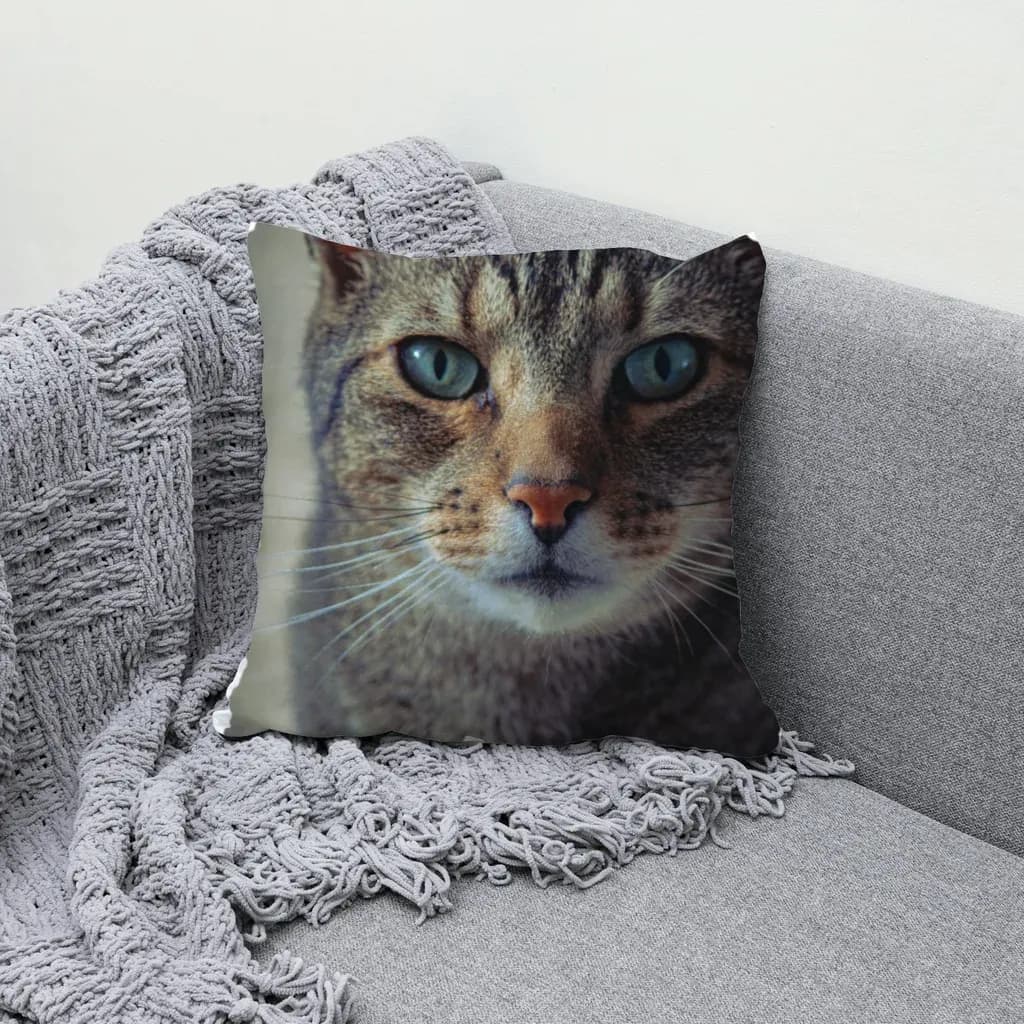
The best throw pillow mockup ideas for an Etsy home decor shop are the ones that show how your print behaves on a real, slightly squashed cushion: florals, night skies, cute faces, checks, painterly abstracts, photo prints and geometric lines. Below are 7 real examples, all rendered from one plain pillow photo in a single batch.
If you sell pillow covers, the mockup does most of the selling. A buyer scrolling a search page can't touch the fabric, so the photo has to tell them the print is crisp, the pattern lines up, and the cushion looks like it belongs on a real couch. A flat design pasted on a rectangle doesn't do that. A design that follows the folds and picks up the shadows does.
This post walks through seven design styles that work well on throw pillows, what each one teaches you about mockups, and how we made all seven from the same starting photo. (New to the term? Start with what a mockup is and how print-on-demand sellers use them.)
How these 7 examples were made #
Every image below was made the same way:
- One plain photo. A stock photo of a blank, light-colored throw pillow sitting on a sofa. No PSD, no smart object.
- One box. We dragged a box around the front of the cushion. The app cut the pillow out from the sofa, snapped to its edges, picked a free-form mesh (a Coons patch, which suits soft fabric), and measured the light and folds from the photo itself.
- One template, many designs. We saved that as a template, dropped in a folder of designs, and rendered them all in one bulk run.
So the sofa, the lighting and the pillow are identical in every shot. Only the print changes. That's useful for a shop: your listings look like one consistent collection instead of seven random photos from seven different sources.
Two honest notes before the ideas. The app doesn't recolor the pillow itself, so if you want a cream cover and a grey cover, you need a photo of each. And output tops out at 1536 px on the long side, which is fine for listing photos but not for print-size files.
7 throw pillow mockup ideas (with real renders) #
1. A soft floral field #
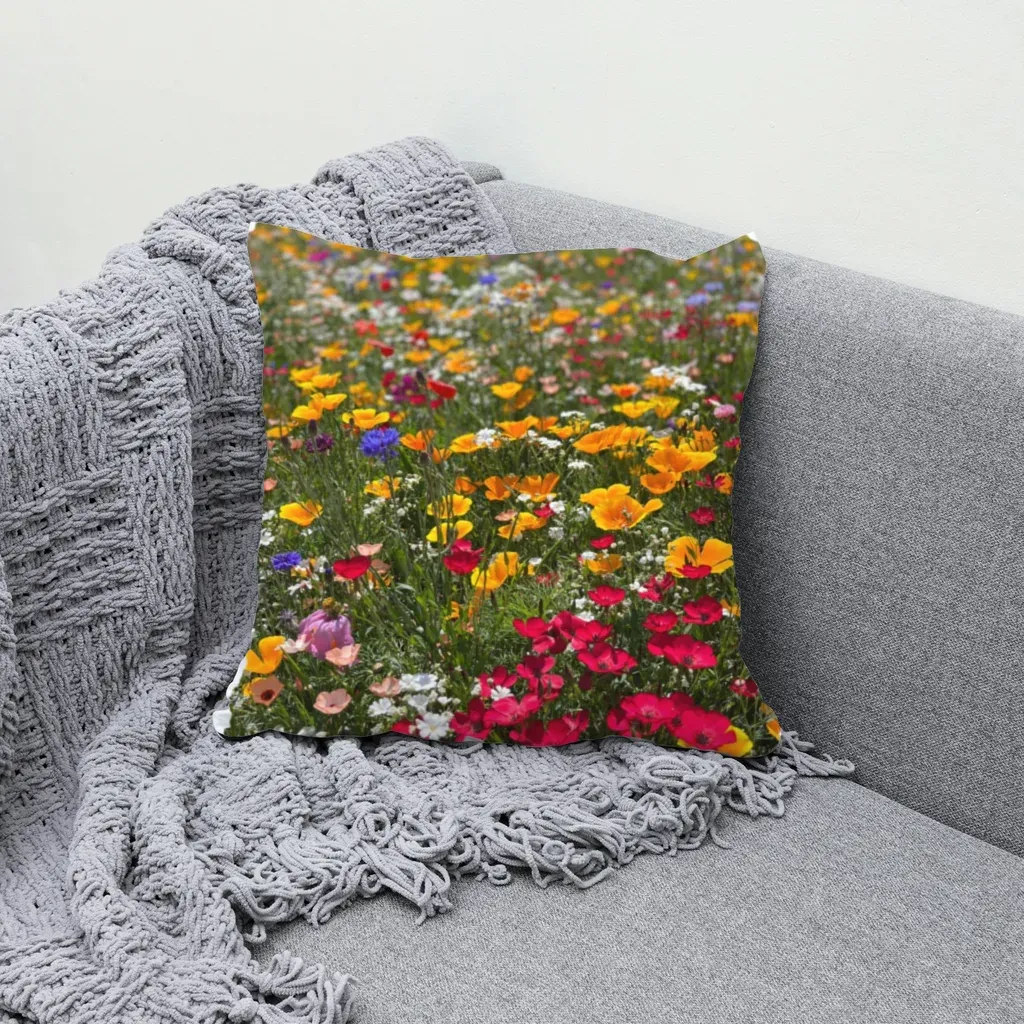
Florals are the default for home decor for a reason: they're forgiving. Small, busy motifs hide tiny distortions, and the folds near the corners make the pillow look plump rather than flat.
Mockup tip: use a floral as your first test when you build a new pillow template. If a busy print looks right, a cleaner design will too. If it doesn't, open Edit and nudge the grid points along the cushion edge.
2. A night sky with stars #
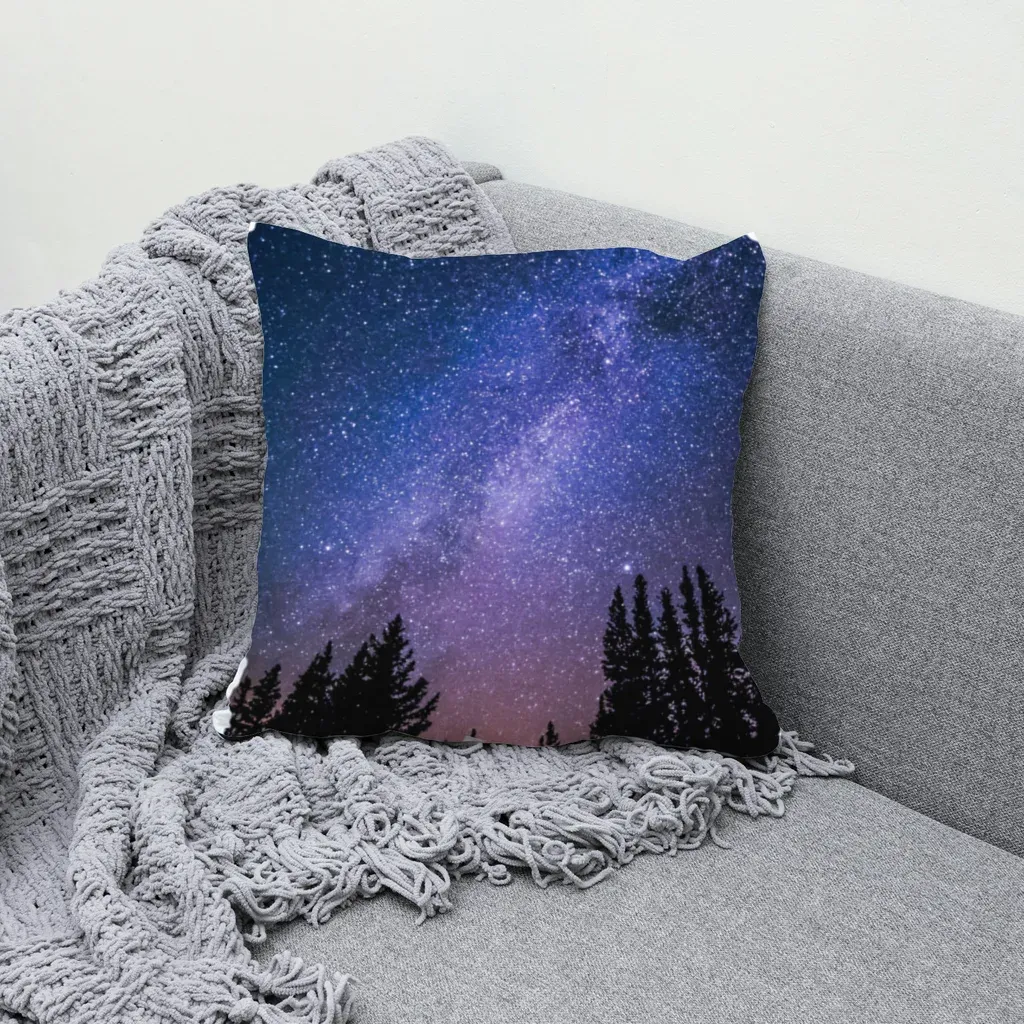
Dark, full-bleed designs are where cheap mockups give themselves away. On a flat overlay, a navy print looks like a sticker. When the shading is taken from the photo, the darker fabric still shows highlights on the top edge and soft shadow where the cushion dips.
Mockup tip: if a dark design looks too flat or too washed out, adjust the Highlights / Shadows sliders on the template instead of editing the design file.
3. A cute animal face #
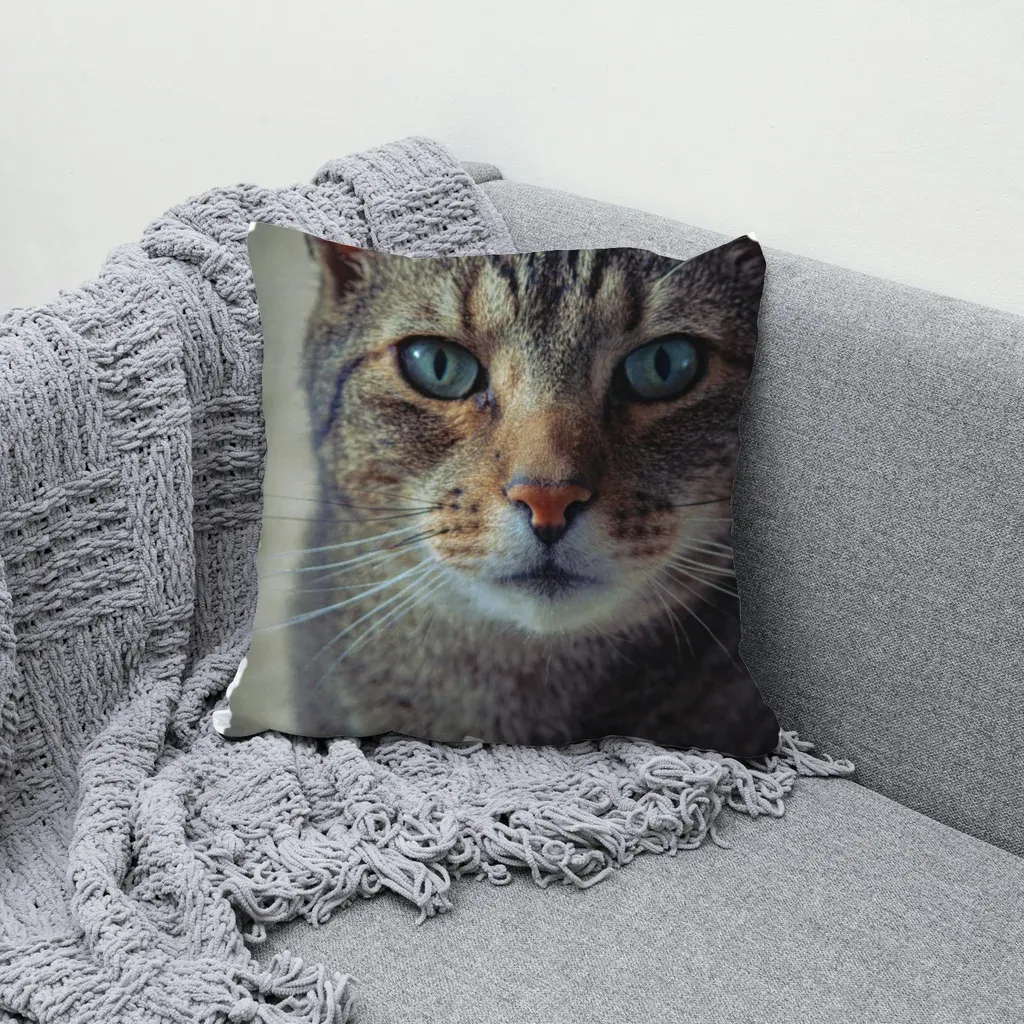
Character and pet designs are a huge niche for pillows (think gifts for cat owners and kids' rooms). Here the centering matters more than anything: eyes and nose need to land in the middle of the cushion, not slide toward a corner.
Mockup tip: for a centered motif, make your design file match the Recommended design ratio shown on the template card, and keep the subject in the middle. Then Cover (crop), the default fit, won't cut off ears or whiskers.
4. Gingham check #
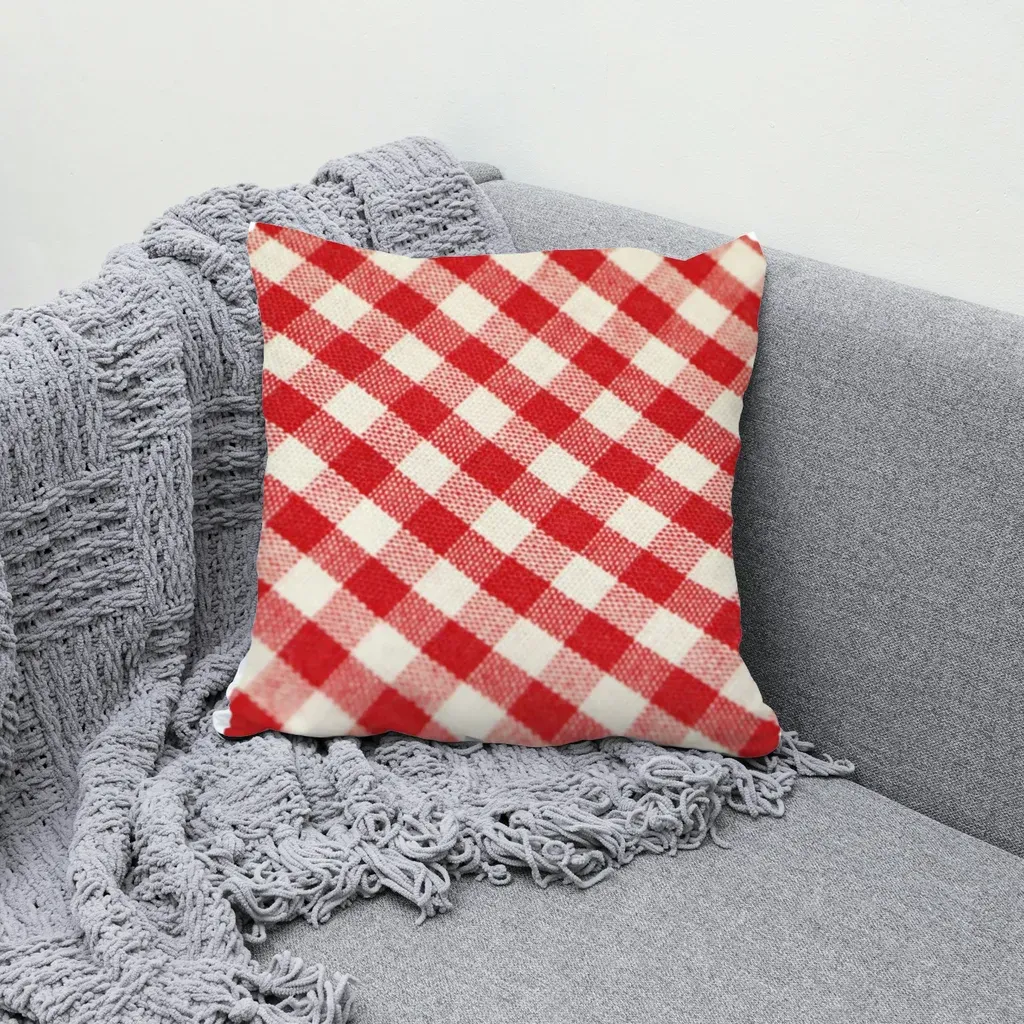
Repeating patterns are the honesty test for a mockup. Straight lines on a curved cushion should bend. If your gingham stays perfectly straight across a puffy pillow, buyers can feel that something is off, even if they can't say why.
Mockup tip: look at the lines near the seams. They should curve in with the fabric. If they drift or look kinked, it's the grid, not your design, and a couple of grid points usually fix it.
5. An abstract painting #
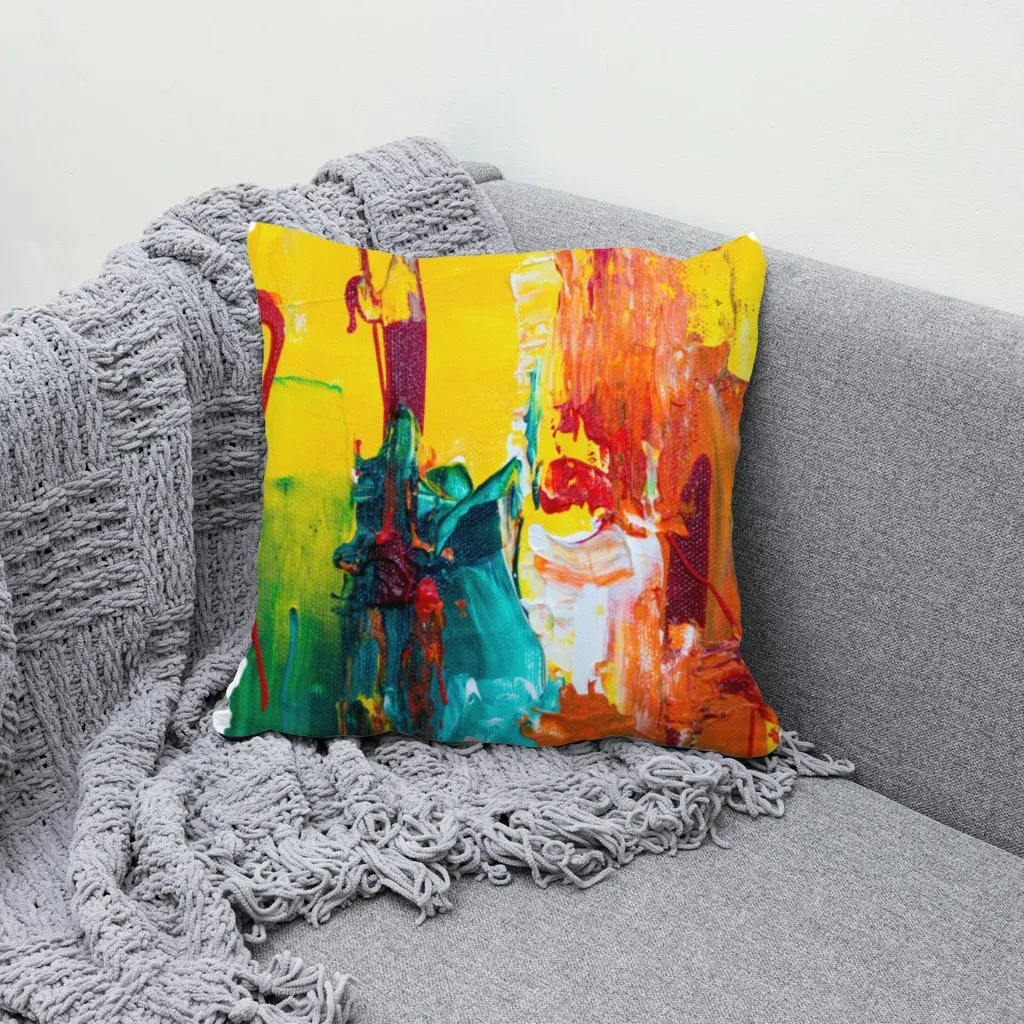
Painterly abstracts sell well to buyers matching a pillow to a room's colors. This is where you can reuse artwork you already sell as prints or canvases, so one piece of art becomes several products.
Mockup tip: an abstract usually has a "best" region. Since pillows are close to square and many paintings aren't, decide what gets cropped. Set the template to Cover (crop) to fill edge to edge, or Fit inside if you'd rather show the whole piece with a border.
6. An aerial ocean photo #
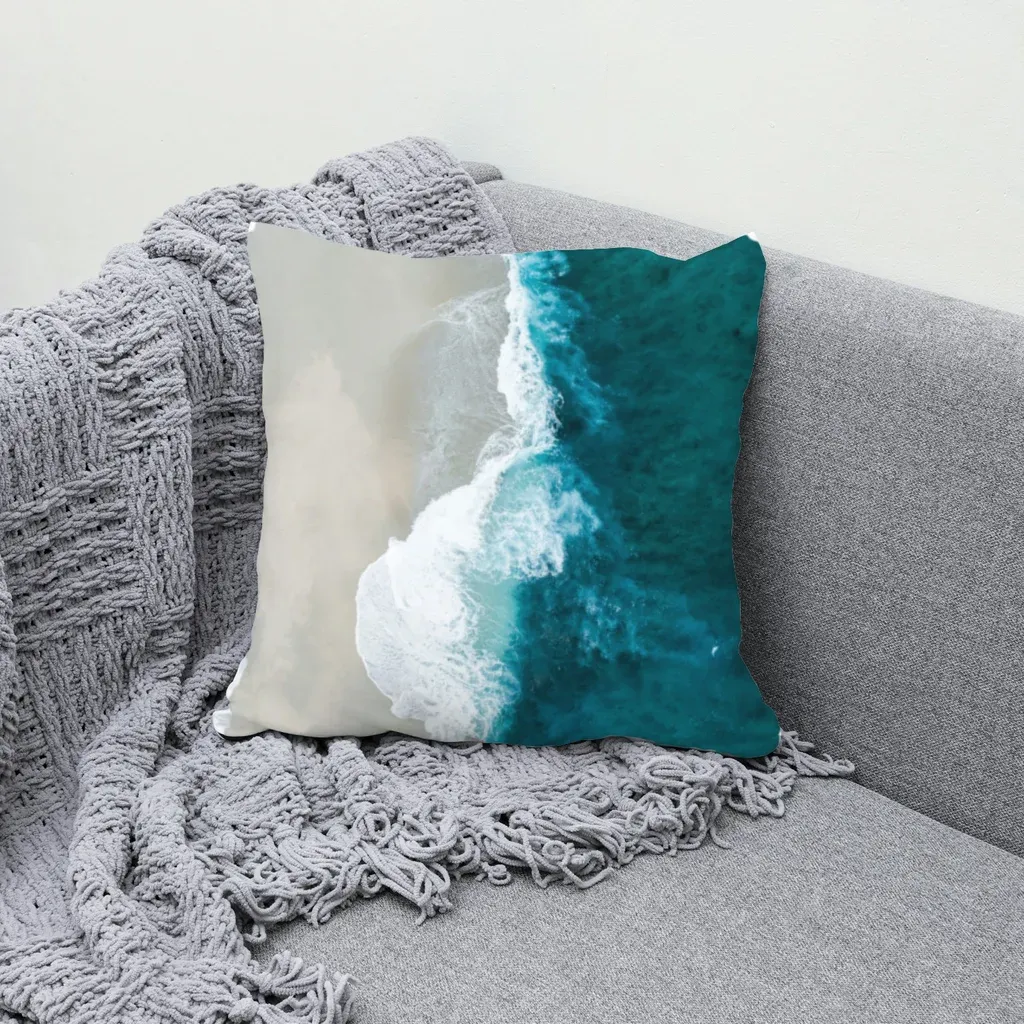
Photo prints (beaches, coastlines, landscapes) do well for coastal and vacation-home decor. They also show off fabric texture, because the folds break up large areas of smooth color.
Mockup tip: landscape-shaped photos will be cropped to the pillow's shape. Crop the photo yourself before rendering if a specific wave or shoreline must stay in view. You control the composition better in your own editor than with any automatic fit.
7. Black and white diamond lines #
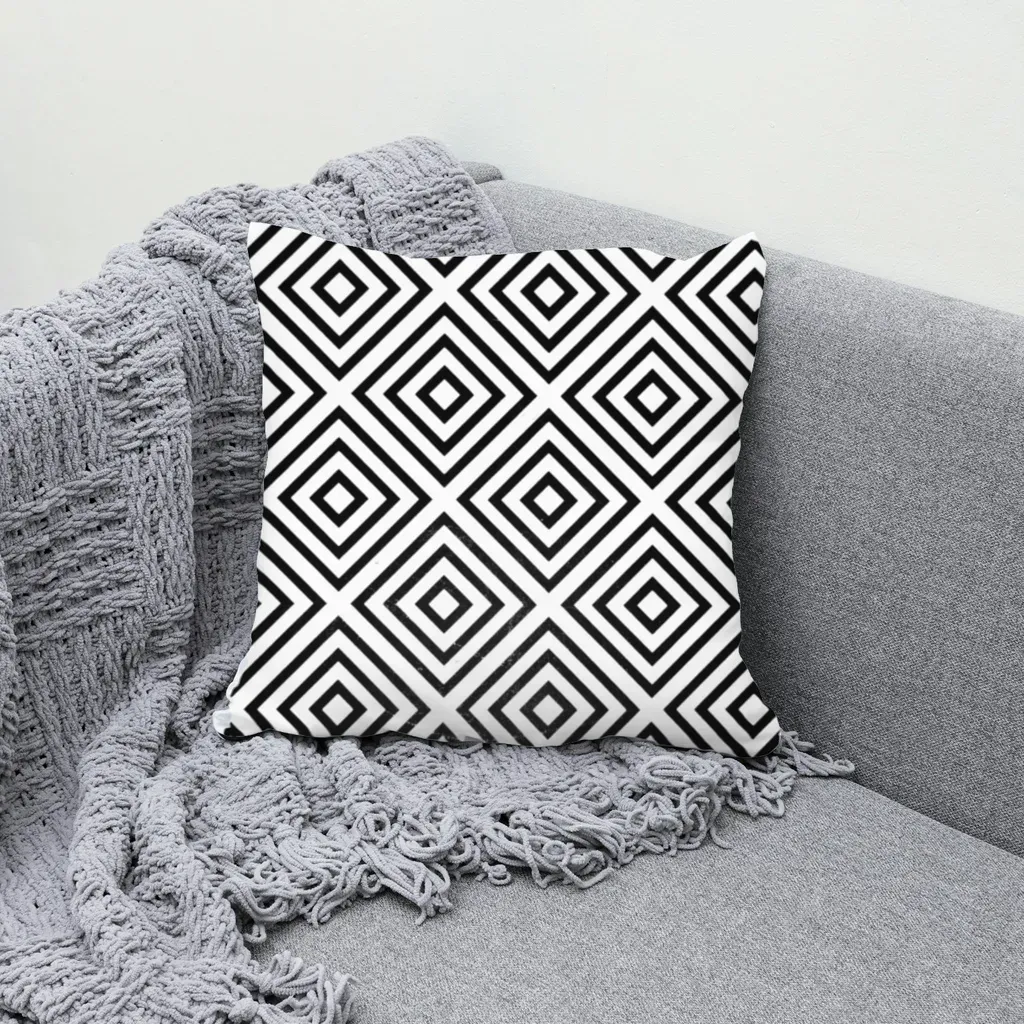
High-contrast geometric patterns fit modern and Scandinavian rooms, and like gingham they make the warp visible. Each diamond row bends a little with the cushion, which is exactly what reads as "real" at thumbnail size.
Mockup tip: fine black lines on a light pillow are where low-res files show jagged edges. Export your design larger than the template's recommended size so the lines stay clean after warping.
Turning these ideas into a listing workflow #
Once you have one good pillow template, the rest is batch work:
- Name files for your listings. In the Bulk page, a file name pattern like
{design}/{template}puts each design in its own folder, so one folder equals one Etsy listing. - Use more than one photo. Two or three pillow templates (sofa, bed, armchair) rendered in one run give every listing a primary photo plus lifestyle variants.
- Let the manifest do the bookkeeping. The ZIP includes a
manifest.csvlisting every file, its listing folder, template and design. - Catch bad color combos. The contrast guard flags designs that disappear on the pillow color, so you don't publish a beige print on a beige cushion by accident.
- Plan holiday pillows early. Seasonal covers (winter, holiday, Valentine's) are easiest to get right when the photos and listings are ready well before the season, not the week of.
If you want to try this with your own pillow photo, MockupPress is a free way to make pillow mockups from your own product photos. It runs in your browser, your photos aren't uploaded, and it's free during open beta with unlimited renders. You can jump straight into the app too. For a step-by-step walkthrough of the box-and-save flow, see how to make a mockup without Photoshop.
What MockupPress won't do for pillows #
To save you a surprise:
- No built-in pillow library. You bring the photo: a supplier's product shot, a stock photo, or your own phone picture of a blank cover.
- No color swaps. One photo is one pillow color. Shoot or source each color you sell.
- Already-printed pillows don't work well. If the cushion in the photo has a pattern, your design sits on top of it.
- Busy scenes may need a touch-up. If a hand, blanket or another cushion overlaps the pillow, use the Add / Subtract brush to fix the print area.
- Your data stays in that browser. Templates and designs live on your device, so clearing browser data removes them.
Frequently asked questions
The design has to follow the cushion: bend with the curves, pick up highlights on top and shadows where the fabric dips, and stop cleanly at the seams. A design pasted flat on a rectangle is the most common giveaway. Starting from a real photo of a blank pillow and warping the print to it fixes most of this.
Yes. With MockupPress you drop a plain photo of a blank pillow into the browser app, drag a box around the front of the cushion, save it as a template, and render all your designs onto it in one batch. No PSD or Photoshop is needed, and it is free during open beta.
Not with MockupPress. It does not recolor the product, so one photo equals one pillow color. If you sell several cover colors, use a separate photo of each and render them in the same bulk run.
Match the aspect ratio shown as Recommended design on your template card and export a bit larger than the suggested pixel size, especially for fine lines. Mockup output is up to 1536 px on the long side, which suits listing photos but is not a print file.
Cover (crop) fills the cushion edge to edge and is the default, which suits patterns and full-bleed art. Fit inside shows the whole design with space around it, which suits artwork or photos you do not want cropped.
More from QRdy Blog
10 Christmas Photo Frame Ideas You Can Make in Canva (Shaped, Printable)
Ten Christmas photo frame ideas for Canva: star, tree, mitten and bauble windows, a Frames Lab burst, a photo-letter JOY banner, plus print tips and where Canva's built-in frames are enough.

Photo Grid Maker: Online Collage Apps vs Building a Grid in Canva with Frames Lab
Need a photo grid? Compare standalone photo grid maker apps with building the grid inside Canva using Frames Lab: control, layout limits, wavy grids, editing after, and cost.
Etsy Mockup Size: Best Image Dimensions for Etsy Listing Photos
The best Etsy mockup size is a square image of at least 2000 × 2000 px, saved as an sRGB JPEG under about 1 MB with the product centered. Here's what Etsy's own rules say, how to export mockups that pass them, and what to do when your tool exports smaller.