
Etsy Mockup Size: Best Image Dimensions for Etsy Listing Photos
The best Etsy mockup size is a square image of at least 2000 × 2000 px, saved as an sRGB JPEG under about 1 MB with the product centered. Here's what Etsy's own rules say, how to export mockups that pass them, and what to do when your tool exports smaller.
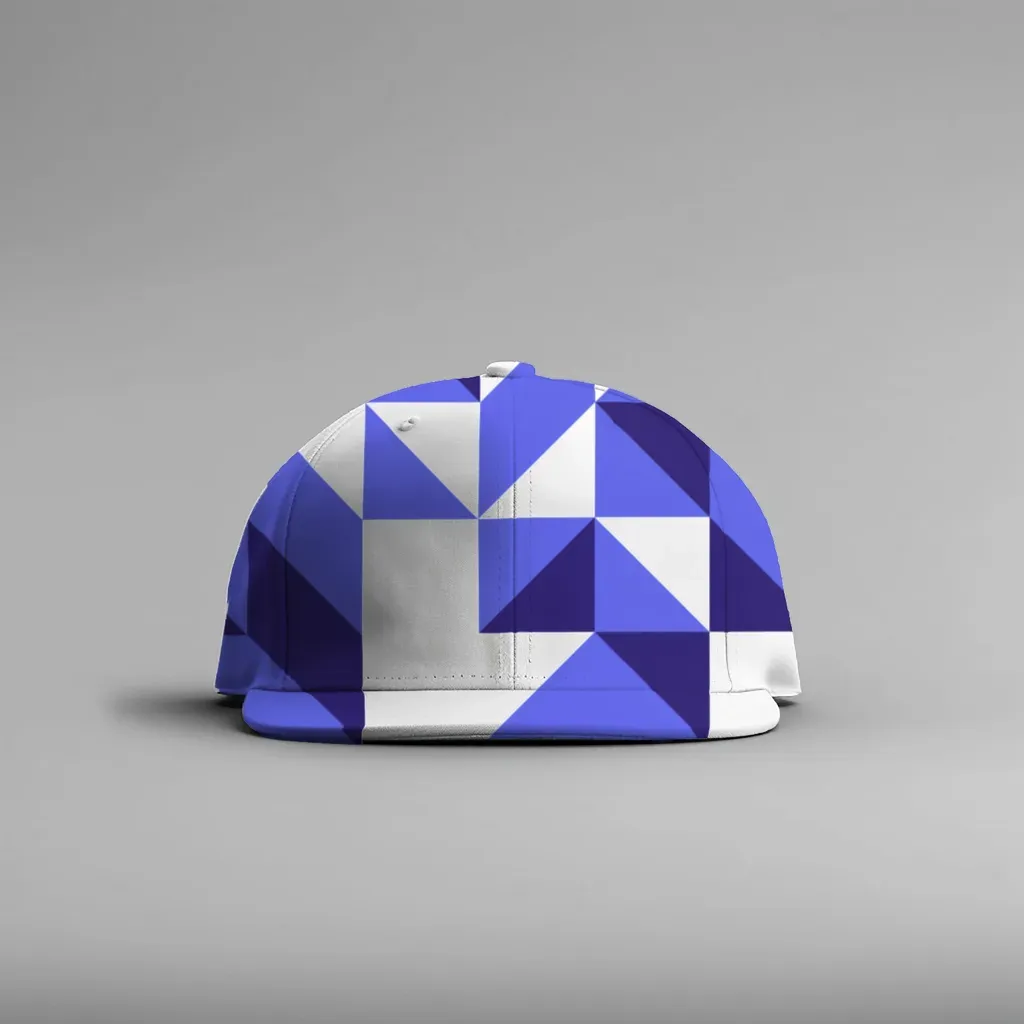
The safest Etsy mockup size is a square image of at least 2000 × 2000 pixels, saved as an sRGB JPEG under about 1 MB, with the product centered and some empty border around it. Etsy recommends 2000 px or more on the shortest side, and your first photo must be at least 635 px wide and tall so it doesn't drop in search.
That's the short answer. The rest of this guide explains where those numbers come from, why square works best for mockups, how to keep files small enough to upload, and what to do when your mockup tool exports something smaller than 2000 px.
What Etsy actually says about listing photo size #
Etsy publishes its image rules in the help article Requirements and Best Practices for Images in Your Etsy Shop. The numbers that matter for mockups are:
| Rule | What Etsy says | What it means for your mockups |
|---|---|---|
| Recommended size | At least 2000 px wide and tall | Aim for 2000 × 2000 px or larger |
| Minimum for the first photo | At least 635 px wide and tall | Smaller first photos can show up lower in search |
| Shape of the first photo | Landscape or square; later photos follow its shape | Pick one ratio and keep it for the whole listing |
| File size | Images over 1 MB "may not finish uploading" on slow connections | Export JPEG at a sensible quality, not maximum |
| File types | .jpg, .gif, .png, .svg, .heic | JPEG is the easy default for mockups |
| Transparency | Transparent PNGs aren't supported; transparent areas show as black | Never upload a mockup with a transparent background |
| Color | Etsy converts images to sRGB | Export in sRGB so colors don't shift |
| Cropping | Leave a border so the image can be cropped to square, portrait, and landscape thumbnails | Keep the product away from the edges |
Etsy also posted a community announcement, We're making updates to size and ratio for listing images, when Shop Home listings switched to a square crop. That post gives the recommendation as 2000 px on the shortest side at 72 PPI, and asks sellers to use photos that work in both square and rectangular crops.
Etsy changes its guidance from time to time, so check the help article before you redo a whole shop. The numbers above are what it says as of October 2026.
Why square is the easiest shape for mockups #
Etsy shows the same photo in several places: search results, Shop Home, the listing page, and the mobile app. Each place crops a little differently. A square image survives all of those crops best, especially since Shop Home displays listings as squares.
For print-on-demand mockups, square has two more advantages:
- One template, every product. If all your mockups are 2000 × 2000, your shop grid looks consistent no matter which product photo you started from.
- The product sits in the middle. A pillow, a cap, or a mug in the center of a square frame rarely gets its edge cut off by a thumbnail crop.
If your product is very wide (a set of three framed prints, a long banner), a landscape 4:3 or 3:2 image can work better. Whichever you choose, keep every photo in the listing the same shape, because the first photo decides the frame for the rest.
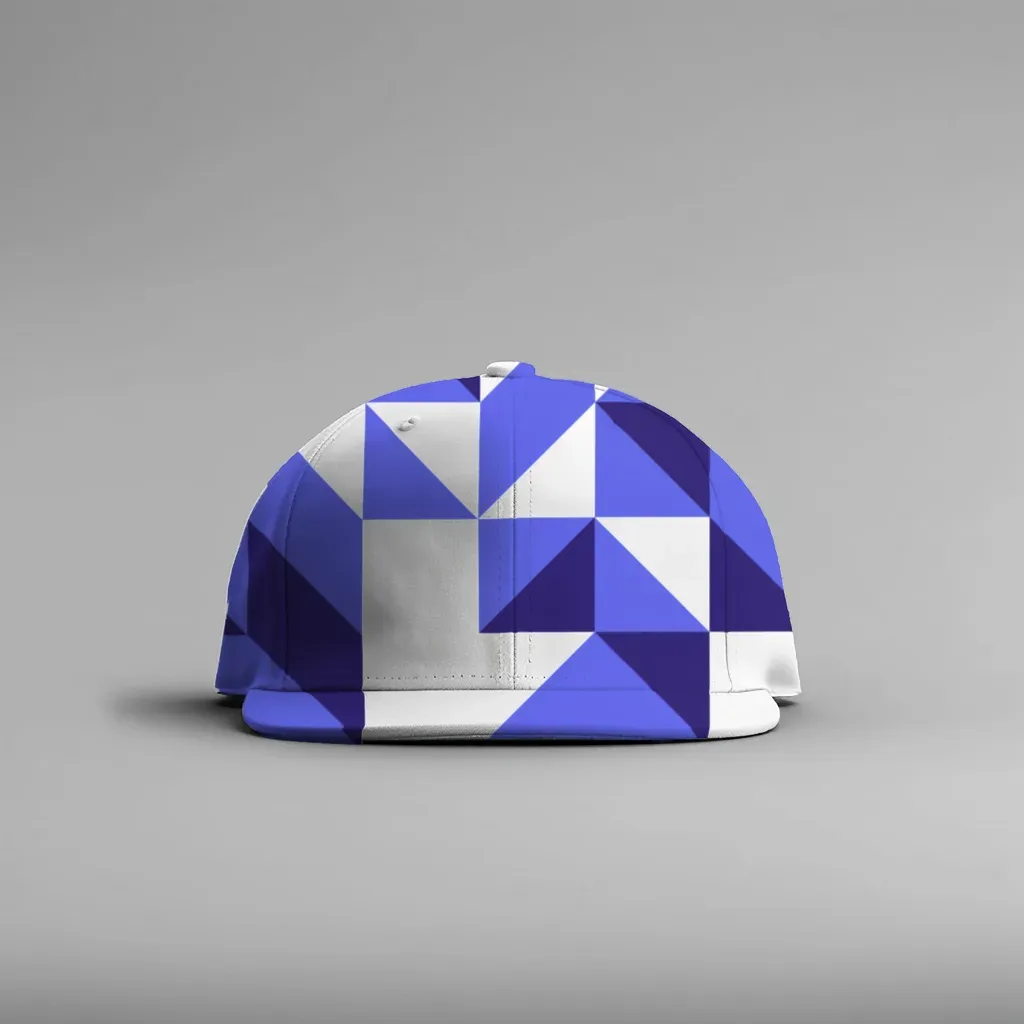
A square mockup with the product centered and a clean border. This one is 1536 × 1536 px, which clears Etsy's 635 px minimum but sits below the 2000 px recommendation (more on that below).
How to size your Etsy mockups, step by step #
1. Start from the biggest product photo you have #
A mockup can never have more real detail than the photo it was built on. If your blank product photo is 1200 px wide, a 2000 px mockup made from it is just an enlarged 1200 px image. Etsy's own help article warns that enlarging can cause pixelation.
Ask your supplier for the original file, not the web preview, or shoot your own blank product with your phone in good daylight.
2. Crop to your ratio before you build the mockup #
Decide on square (or your landscape ratio) first, and crop the blank photo to it. Leave roughly 10% empty space on every side of the product. That border is what lets Etsy crop to square, portrait, and landscape thumbnails without cutting into your design.
3. Size your design file to match the print area #
Your design should have at least as many pixels as the area it covers in the mockup. A design that fills half the width of a 2000 px mockup needs to be at least 1000 px wide, or it will look soft when buyers zoom in. Bigger is fine; the mockup tool scales it down.
4. Export as JPEG in sRGB #
For listing photos, JPEG is almost always the right format:
- JPEG at 80–90% quality usually keeps a 2000 px square well under the 1 MB mark Etsy mentions, with no visible loss.
- PNG is lossless but much heavier, and transparent PNGs show black backgrounds on Etsy. Use PNG for your design files, not for the finished mockup.
- sRGB keeps colors matching what you saw on your screen. CMYK is for print only.
5. Check the result at phone size #
Most Etsy shoppers browse on their phones. Shrink your mockup to about 300 px wide and look at it. Can you still tell what the product is and what the design shows? If not, crop tighter or pick a simpler background before you worry about pixels.
Where MockupPress fits, and its honest limit #
MockupPress turns your own product photo into a reusable mockup template. You drop a photo, drag a box around where the design prints, save it as a template, then render every design you have onto it in one batch. It runs in your browser, so your photos never leave your device, and it's free during the open beta.
For Etsy sizing, a few settings matter:
- Format: choose JPEG and set the quality, or PNG if you need it. JPEG is the better choice for listing photos.
- Design fit: Cover (crop) fills the print area completely, Fit inside keeps the whole design visible, and Stretch fills it without cropping. Each template also shows a recommended design ratio and pixel size, so you know how big to make your artwork.
- File names and folders: a pattern like
{design}/{design}_{template}puts every product's mockups into one folder per listing, ready to upload. The ZIP also includes amanifest.csvlisting every file.
Now the limit you need to know: MockupPress exports at up to 1536 px on the long side. That's well above Etsy's 635 px minimum, so your listings won't be pushed down in search for being too small, but it's below Etsy's 2000 px recommendation. In practice that means buyers who zoom in on the listing page will see a little less fine detail than they would with a 2000 px image.
If maximum zoom detail matters for a product, you have two options:
- Use a 2000 px or larger photo made another way as your first listing image, and use MockupPress renders for the design variations and extra angles.
- Accept 1536 px for the whole listing. Upscaling a 1536 px file to 2000 px adds pixels but not real detail, so it doesn't buy you much.
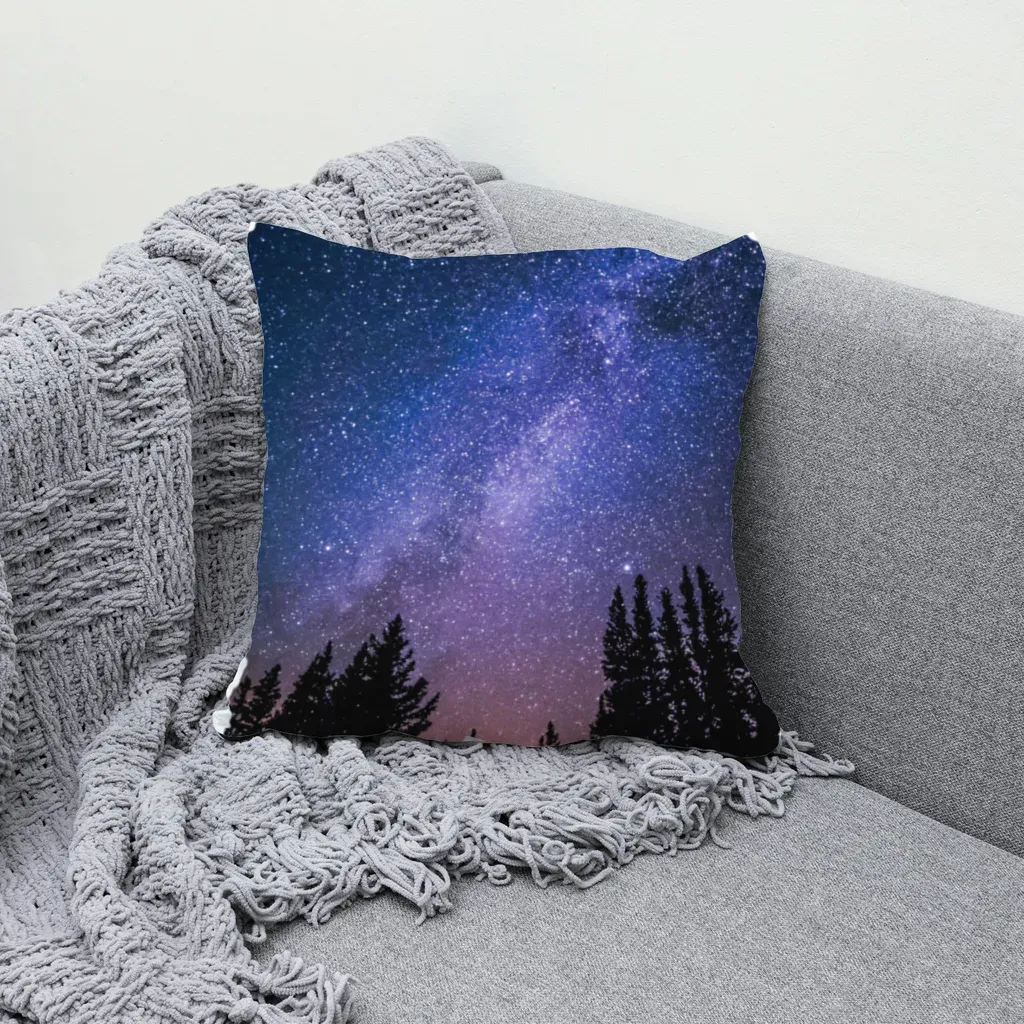
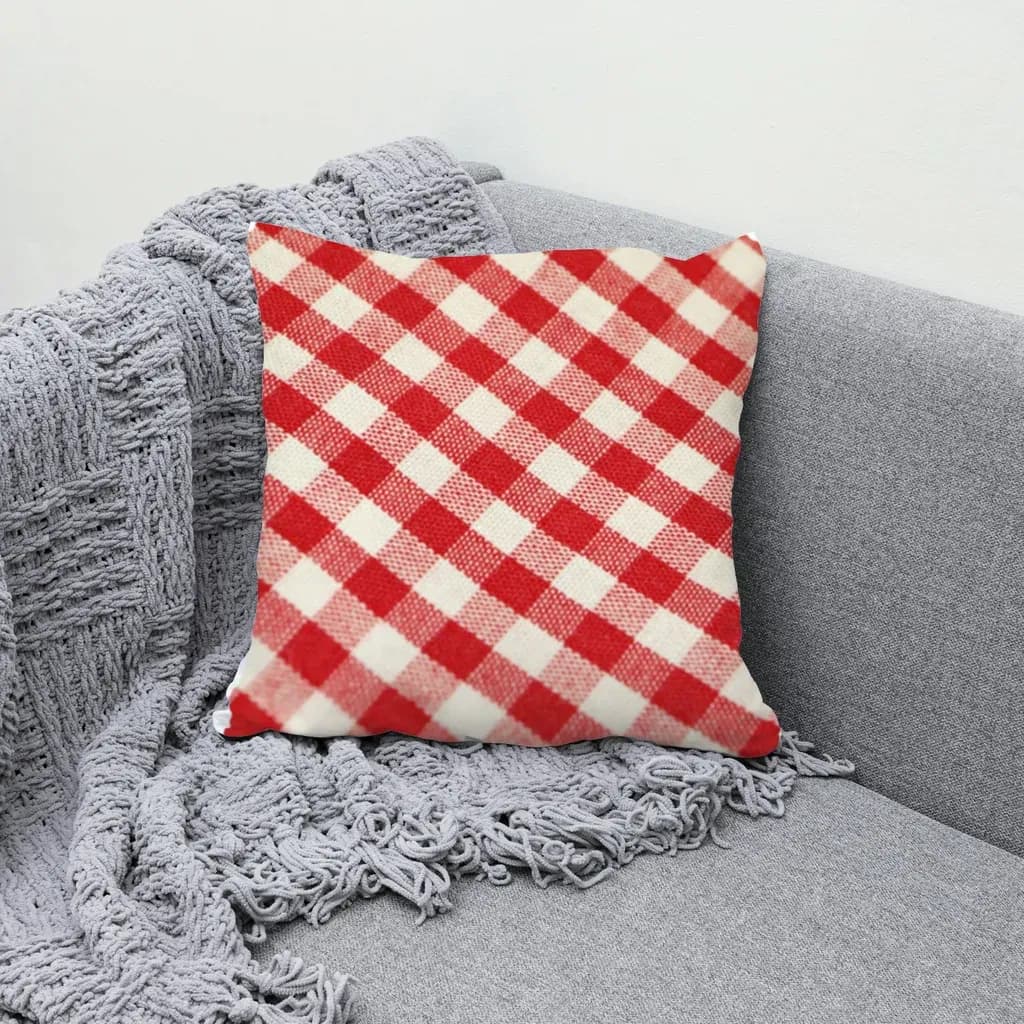
A square pillow mockup rendered from one stock sofa photo. Folds and shading come from the original photo, so the print looks like part of the fabric.
Quick checklist before you upload #
- Square (or one consistent ratio) for every photo in the listing
- 2000 px on the shortest side if your source allows it; never below 635 px for the first photo
- Product centered with a border on all sides
- JPEG, sRGB, roughly under 1 MB
- No transparent backgrounds
- Readable when shrunk to phone thumbnail size
- Same lighting and angle across the listing, so it looks like one product
If you're new to mockups, start with what a mockup is and how print-on-demand sellers use them. If you want your listing photos to come from your real product instead of AI-generated scenes, read how to make mockups for Etsy without AI.
Common sizing mistakes #
Uploading the supplier's tiny preview. Supplier dashboards often show small web previews. Download the full-size file or render your own.
Mixing shapes in one listing. A landscape first photo followed by square mockups makes the gallery jump around. Pick one ratio.
Filling the frame edge to edge. It looks bold in your editor, then Etsy's thumbnail crop cuts off the top of the mug or the brim of the cap.
Exporting max-quality PNGs. A 2000 px PNG mockup can be several megabytes. JPEG at 85% looks the same on screen and uploads reliably.
Chasing pixels over clarity. A sharp 1536 px mockup with clear lighting does more for a listing than a blurry 3000 px one. Size matters, but a clean photo matters more.
Frequently asked questions
Etsy recommends listing photos at least 2000 pixels on the shortest side. A square 2000 × 2000 px JPEG in sRGB, with the product centered and a small border, works well for search results, Shop Home and the listing page.
Etsy says your first listing photo should be at least 635 pixels wide and tall to avoid showing up lower in search. That is a floor, not a target; aim for 2000 px when your source photo allows it.
Etsy asks for a square or landscape first photo, and the first photo sets the shape for the rest of the listing. Square is the easiest for mockups because Shop Home displays listings as squares and square images survive Etsy's thumbnail crops best.
Use JPEG in sRGB for finished mockups. Etsy notes that images over 1 MB may not finish uploading and that transparent PNG areas show as black. Keep PNG for your design files.
MockupPress exports up to 1536 px on the long side, as JPEG or PNG. That clears Etsy's 635 px minimum but is below the 2000 px recommendation, so zoomed-in detail on the listing page is a bit lower than a 2000 px image.
More from QRdy Blog
The Best Canva Apps for Baby Shower Decorations (2026): Banners, Photo Walls and Countdowns
Planning baby shower decorations in Canva? Here are the Canva apps that actually help: photo-letter banners, shaped photo frames, a photo wall grid and a countdown calendar, plus where Canva's built-ins are already enough.
How to Make a 2027 Planner in Canva (Monthly and Weekly Pages, Step by Step)
Build a printable 2027 planner in Canva: 12 monthly pages in one click, reusable weekly spreads, a matching style, and print-ready export. Step-by-step with Calendar Maker, plus when Canva's built-ins are enough.
Printify Mockup Generator vs Making Your Own Mockups: When to Use Each
Printify's built-in mockup generator is free and fast, but every seller on the same blank gets similar photos. Here is when to rely on it, when to make your own mockups from real product photos, and how to combine both.