
10 Christmas Ornament Ideas You Can Make in Canva (Shaped, Printable, Photo-Filled)
Ten printable Christmas ornament ideas you can design in Canva: star, bell and tree shapes filled with photos, photo-letter words, calendars and more, with honest notes on what each one needs.
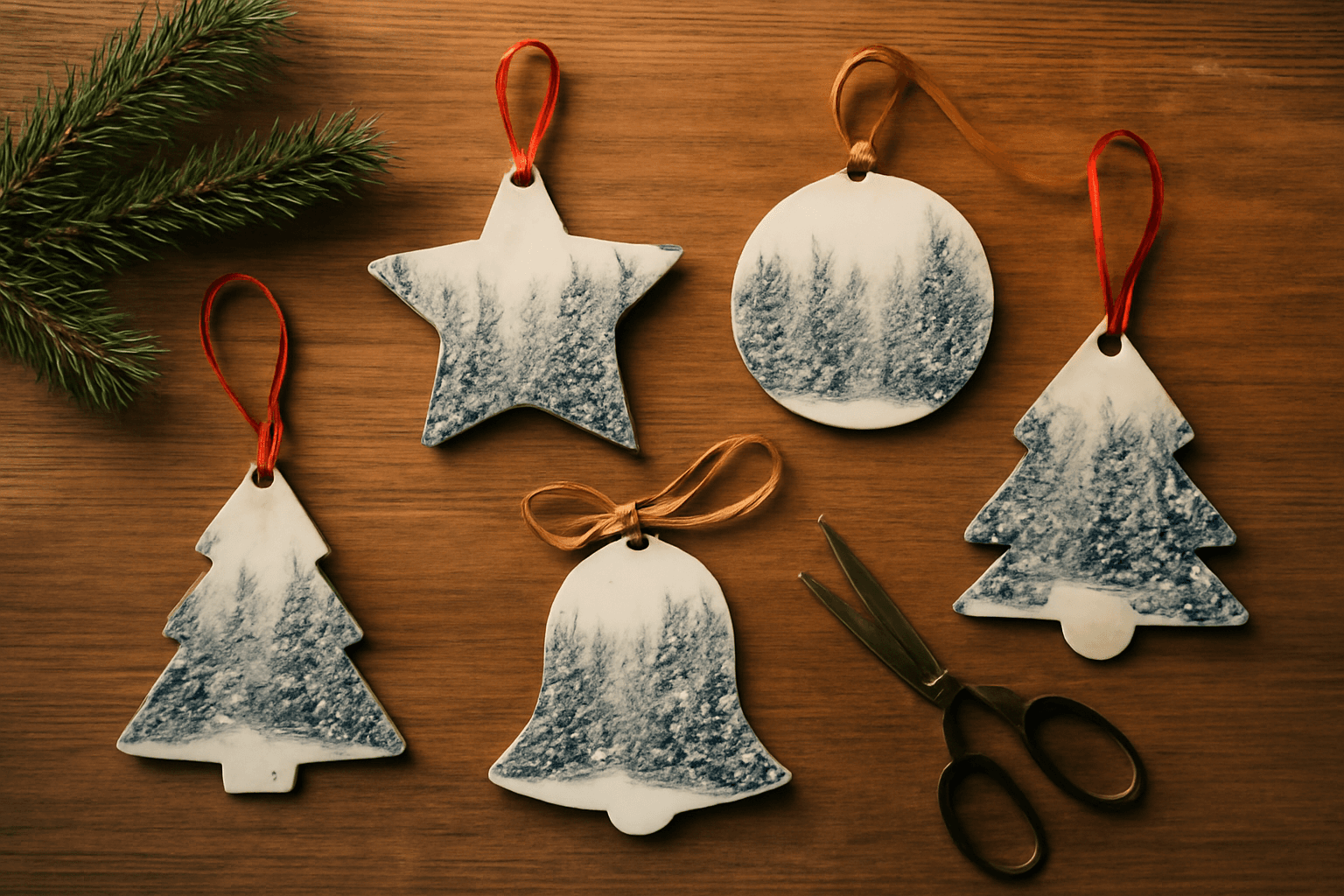
Christmas ornaments are one of the easiest things to make from your own photos: you only need a printer, cardstock, scissors and a loop of ribbon. The design part happens in Canva. Below are ten ideas, from simple to a little more ambitious, with honest notes on what each one needs.
Quick picks #
| Idea | Best for | Effort |
|---|---|---|
| Shaped photo ornament | Family photos, pets, landscapes | Low |
| Photo-letter word | JOY, NOEL, a family name | Medium |
| Mini calendar ornament | Gifts, advent-style countdown | Medium |
| Grid or strip ornament | Many small photos | Low |
| Dotted-border tag | Gift toppers | Low |
1. Star photo ornament #
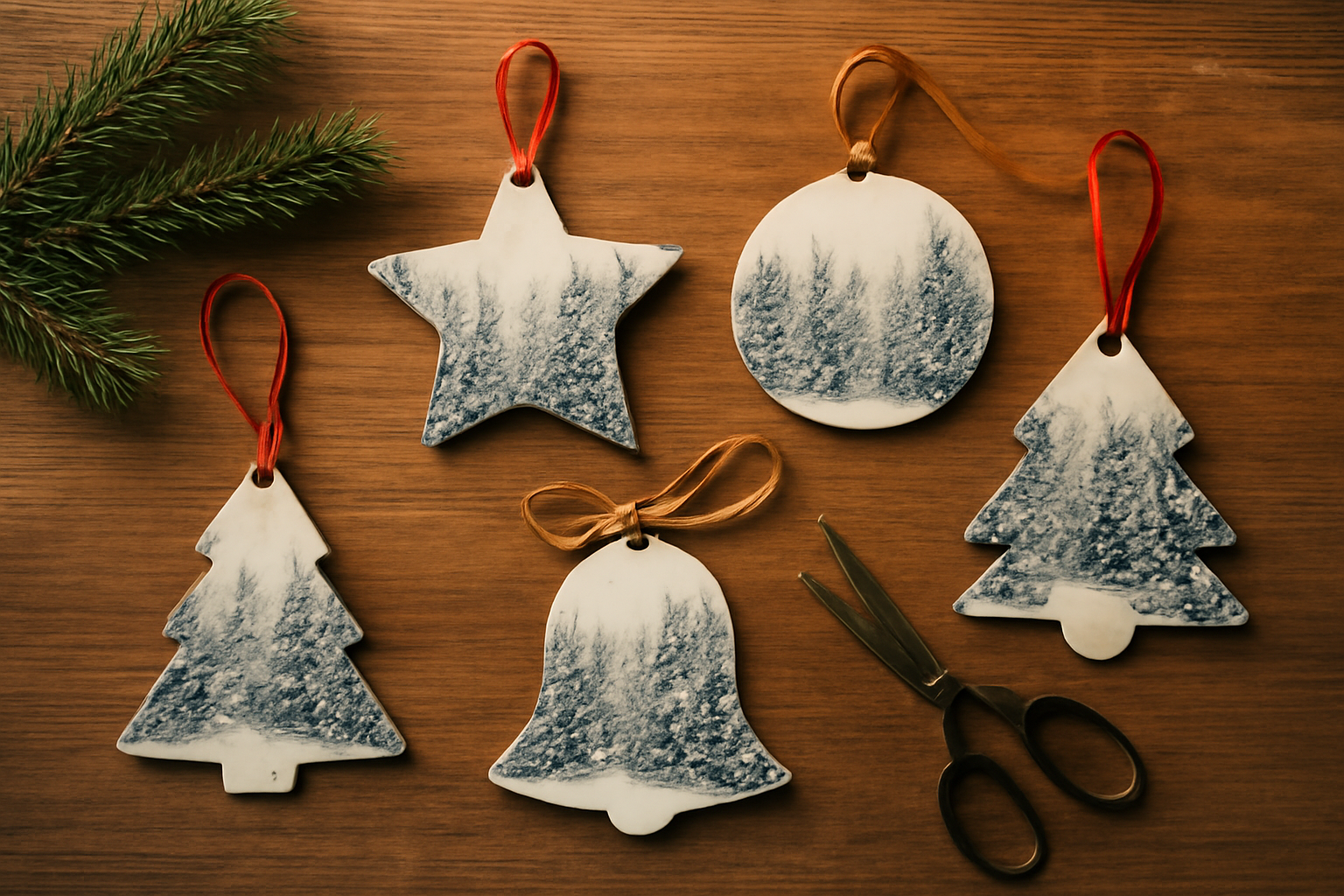
A star is the classic. In Canva, a star is a graphic, not a frame, so you cannot drop a photo into it directly. Image to Frame converts a PNG, SVG or JPG (max 5MB) into a real Canva frame; use a star with a transparent background so the frame follows the star outline instead of a rectangle. Add your photo, print, cut.
2. Bell and tree shapes #
The same trick works for bells, trees, mittens and baubles. Find or draw a simple silhouette with clean edges. Very intricate outlines with tangled curves may not convert, so keep shapes bold and simple.
3. Round bauble with a name #
Use Canva's own circle frame for the photo, then add a name below in a script font. This one needs no extra app and is the fastest route if you are short on time.
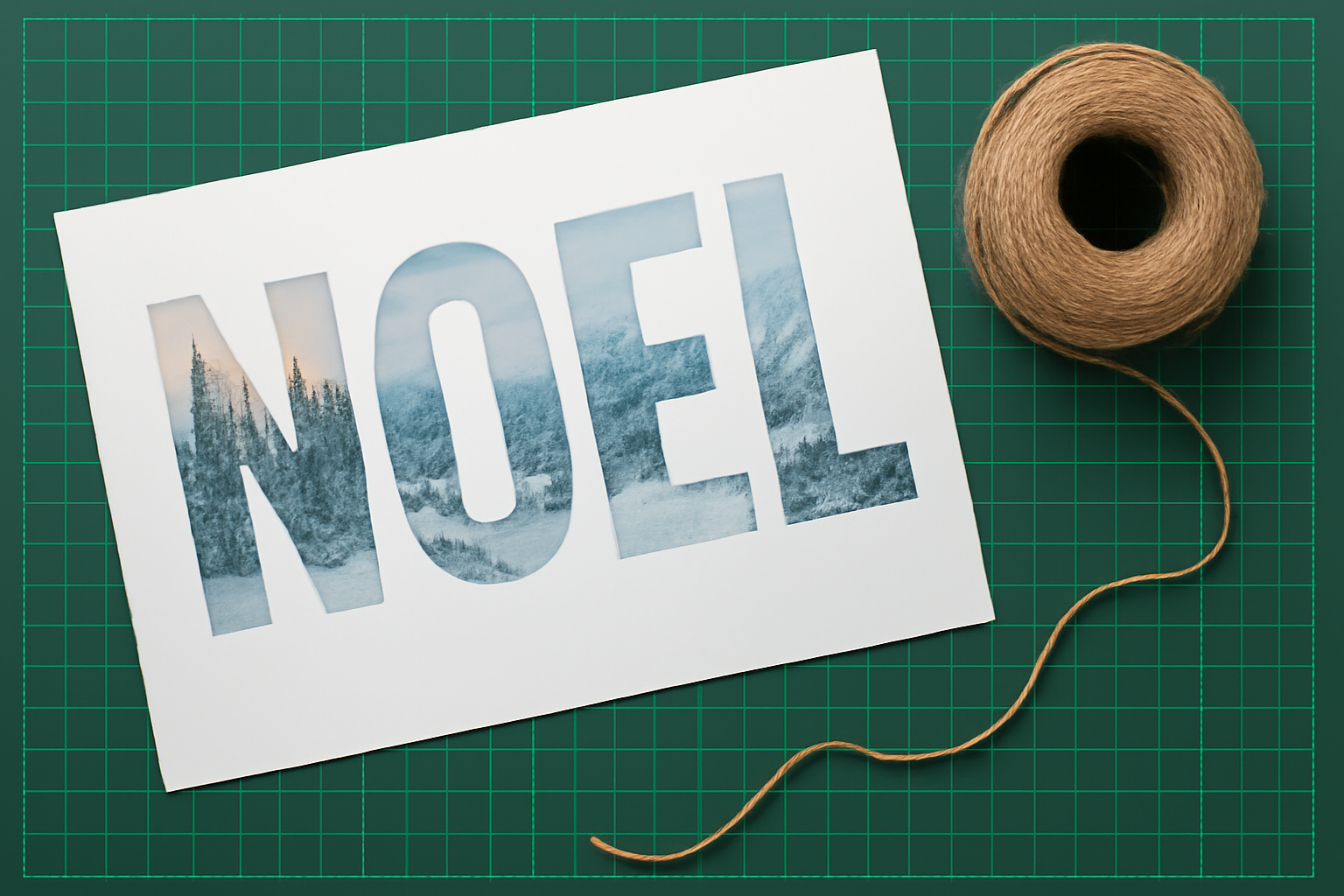
4. Photo-letter words (JOY, NOEL) #
Text to Frames turns each character into its own frame so every letter can hold a different photo. Print the word in large letters and hang it as a garland or cut each letter as a separate ornament.
5. Mini 2027 calendar ornament #
Make a tiny monthly calendar page and fold it into a card-style ornament. See how to make a 2027 planner in Canva for the calendar side. It is a useful small gift for grandparents.
6. Grid ornament #
Split one shape into a 2x2 or 3x3 photo grid with Frames Lab, then cut around the outer edge. Good when you have lots of small photos and cannot pick one.
7. Photo strip ornament #
A tall, narrow strip works like a photo-booth strip. Our photo strip guide walks through the layout.
8. Dotted-border gift tag ornament #
Add a dotted or icon border to a round tag with Border Art Maker so it doubles as a gift tag and a keepsake.
9. Year-stamped ornament #
Add the year in a bold font and a small photo from that year. People often keep these and add one each December.
10. Ornament set for a table #
Cut the same shape in several photo versions and use them as place-setting favors. See our place card ideas for layouts.
How to make any of them in Canva (step by step) #
- Create a design sized to your printer paper (US Letter or A4).
- Add a frame: either a Canva built-in shape frame, or an Image to Frame shape if you want a custom outline.
- Drop your photo into the frame and adjust the crop.
- Add a small hole mark near the top so you know where to punch.
- Print on matte cardstock, cut, punch, and thread ribbon.
Tips #
- Use bold, simple shapes. Detail gets lost at ornament size.
- Print at the highest quality setting, and leave a thin margin around the cut line.
- Glue two printouts back to back so the ornament looks good from both sides.
- Avoid putting the faces of people at the very edge of narrow shapes; they get cropped.
When Canva alone is enough #
If your ornament is a circle or a square with a photo, Canva's built-in frames are enough and an extra app is unnecessary. Reach for Image to Frame or Text to Frames only when you want a non-standard outline or photo-filled letters.
Frequently asked questions
Canva has no way to turn an arbitrary image into a frame by itself. Image to Frame converts a PNG, SVG or JPG (up to 5MB) into a valid Canva frame; use a transparent-background shape for the best outline, then drop your photo into it, print, cut and add a ribbon.
Printing and cutting at home works with a free Canva account. Some Qrdy apps have Pro features (for example Image to Frame's Frame Store), so check each app's listing for what is free and what is unlocked.
Heavy matte cardstock holds its shape best. For a sturdier ornament, glue the printout to thin chipboard or a double layer of cardstock, then punch a hole and thread ribbon or twine.
Related products


More from QRdy Blog
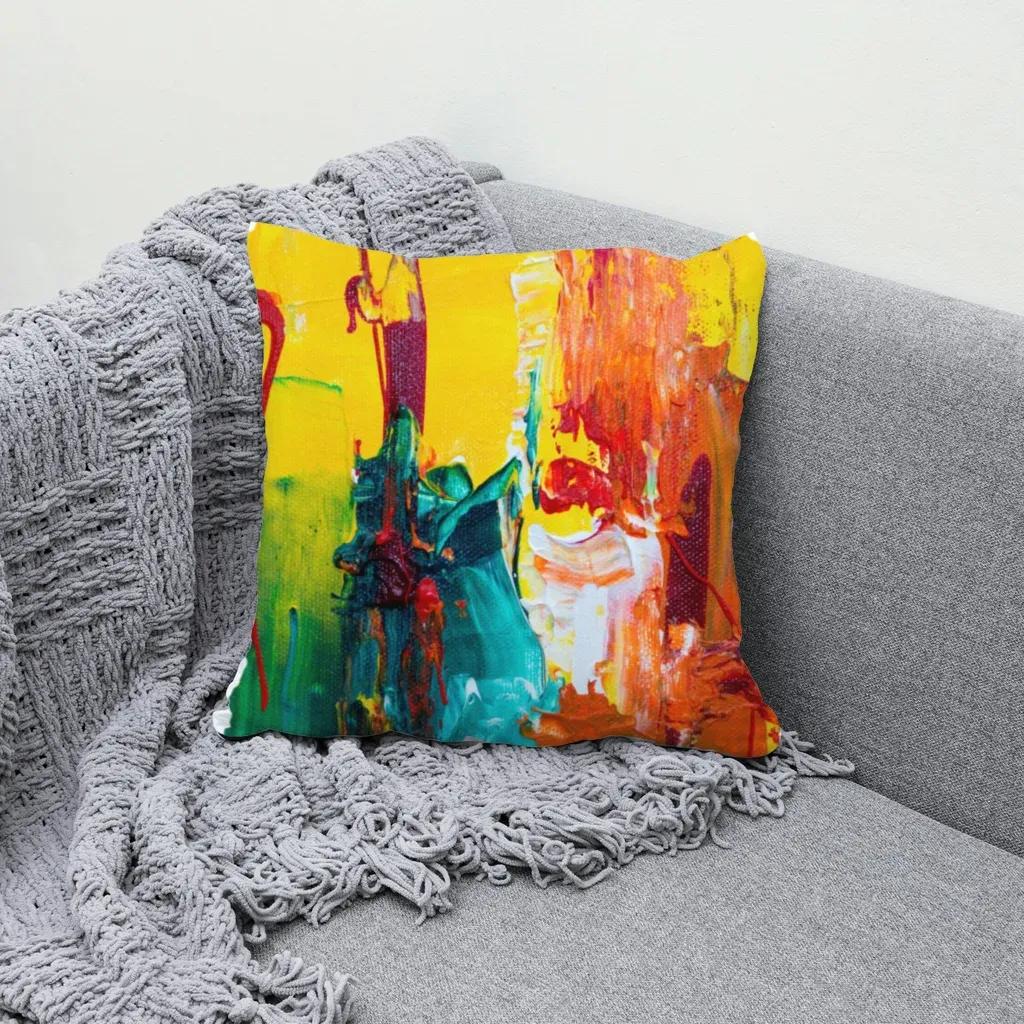
How to Use a Displacement Map in Photoshop (So Your Design Follows Fabric Folds)
Make a grayscale displacement map from your product photo, apply Filter > Distort > Displace, and blend with Multiply so your design bends with real fabric folds. Includes fixes for maps that "do nothing."

How to Add a Border to a Frame in Canva (Even When the Border Option Is Missing)
Built-in Canva frames take a border in two clicks. Custom frames often don't show the option at all. Here is the native method, plus how to bake a border into custom shape, grid and letter frames.

What Is Word Art? Meaning, Types, and How to Make Photo Word Art in Canva
Word art is text styled to work as a graphic: outlined, 3D, curved, glowing or photo-filled letters. Learn the main types, what Canva's Effects already do, and how to fill letters with photos.