
What Is a Vision Board? Definition, Types, and How to Make One in Canva
A vision board is a visual collage of the goals and life you want. Here's a clear definition, how vision boards work, the main types, and how to make one in Canva using free QRdy apps like Frames Lab — plus what Canva already does on its own.
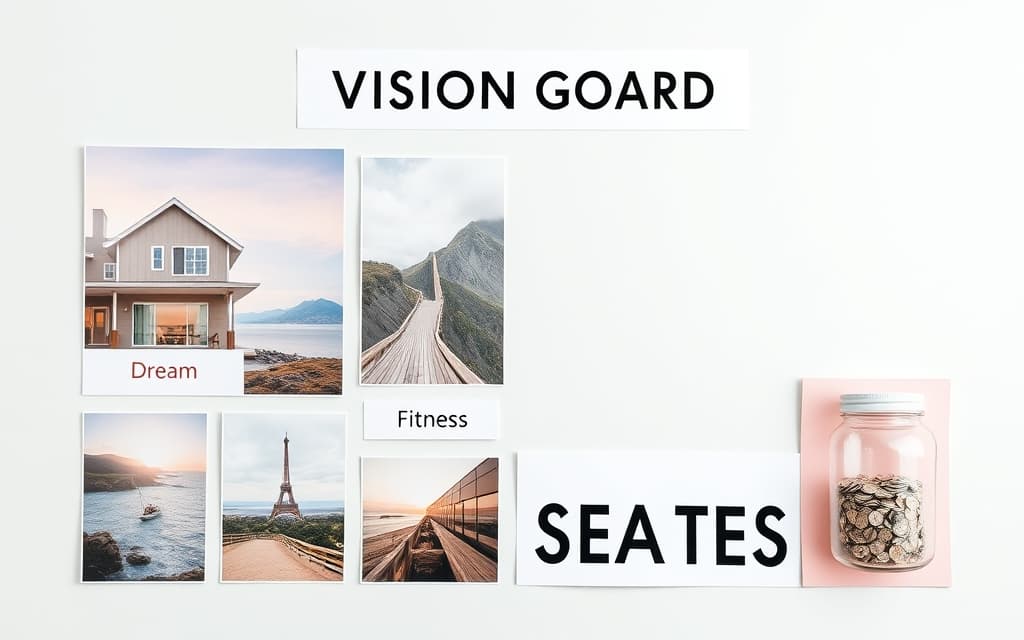
A vision board is a visual collage of the life you want — a single layout that gathers images, words, and reminders of your goals so you see them every day. Some people pin one to a wall; plenty of others build a digital one to set as a phone wallpaper or desktop background. This guide defines what a vision board actually is, explains how it works, covers the main types, and shows how to make one in Canva.
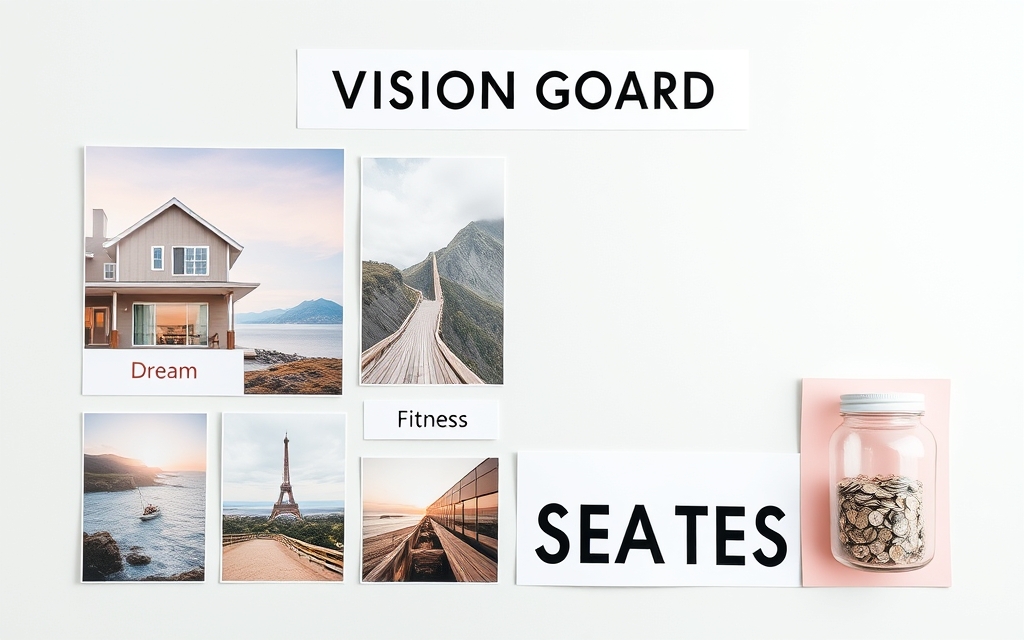
Vision board, defined #
A vision board is a curated collage of aspirations. Where an ordinary photo collage looks backward — arranging photos of things that already happened — a vision board looks forward. It mixes three kinds of elements:
- Images of what you're aiming for (a home, a destination, a fitness goal, a product you want to launch).
- Words — a goal, an affirmation, a single "theme of the year" like Focus or Grow.
- Structure — dates, milestones, or categories that turn a wish into a plan.
That last ingredient is what separates a good vision board from a random pile of pretty pictures. A board that says "save $5,000 by December" next to a picture of the trip does more than a picture alone.
How a vision board works #
The idea behind it is simple: repeated visual exposure keeps a goal top of mind. When you see your priorities every morning, small daily decisions drift toward them. It isn't magic — a board won't do the work for you — but as a focusing tool it's genuinely useful, which is why coaches, students, and teams use them for planning.
A well-built board usually has three layers:
- A layout — a grid, a theme-based cluster, or free-form arrangement.
- Cells that hold images — the photos and graphics that carry the feeling.
- Labels — the words and numbers that name each goal.
Types of vision boards #
| Type | What it's for | Look |
|---|---|---|
| Grid board | Balanced overview of several life areas | Neat rows and columns |
| Themed / category board | Grouping goals (health, money, travel) | Clusters with headers |
| Single-focus board | One big goal for the year | One hero image + words |
| Free-form / scrapbook | Creative, personal, layered | Overlapping photos and notes |
| Digital wallpaper board | Phone or laptop background | Sized to a screen |
How to make a vision board in Canva #
Canva is a natural home for a digital vision board, and you can go a long way with what's built in.
With Canva alone: start a blank design (or a "Vision Board" template), drop images from Elements → Grids for a tidy layout, add text for your goals, and you're done. For a simple rectangular grid, that's all you need — no extra tools.
When you want more than rectangles, a few free QRdy Canva apps help:
- Frames Lab builds the structure. Its Grid mode gives you an exact number of rows and columns; Arc makes a curved photo banner; Burst and Diagonal add energy. Every cell is a real Canva frame, so you just drag a photo in and it snaps to shape, and the whole thing auto-fits your page.
- Image to Frame turns a goal image into a shaped frame — put your dream destination inside a heart or a star instead of a plain box.
- Text to Frames fills your theme word (like DREAM or 2027) with an inspiring photo, so the words carry an image too.
- Calendar Maker adds the plan — a small month or date-range grid so a goal gets a deadline, not just a picture.

A quick build order #
- Pick a size — square or story ratio for a phone wallpaper, landscape for a desktop.
- Add a layout with Frames Lab (or Canva Grids).
- Drop a photo into each cell.
- Add goal words; optionally fill one with a photo via Text to Frames.
- Add a date or mini-calendar so at least one goal has a deadline.
- Download — or set it as your wallpaper.
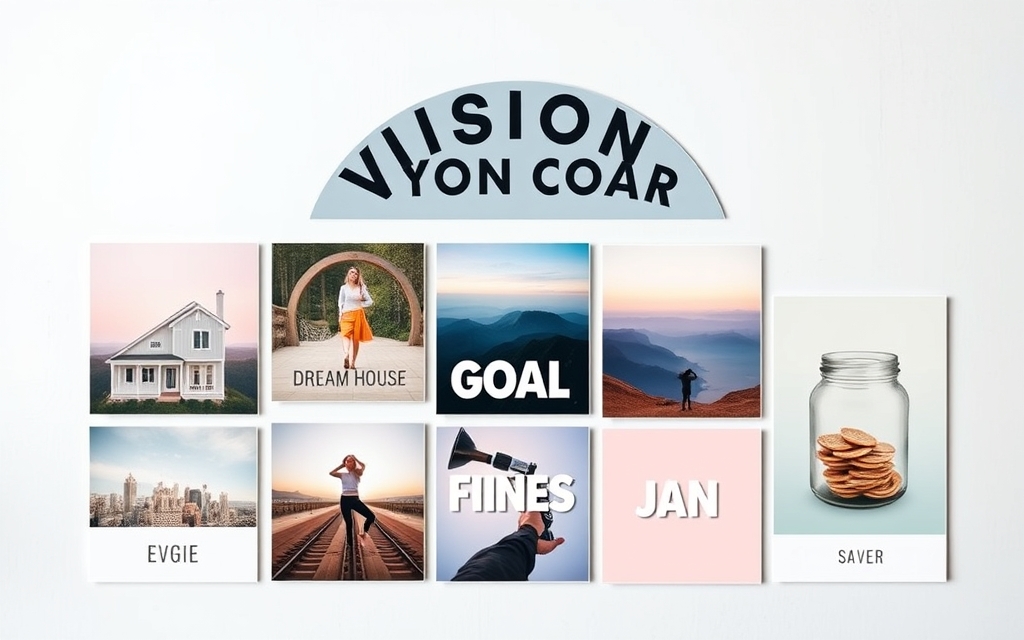
Vision board vs photo collage #
They're cousins, not twins. A photo collage arranges pictures of memories; a vision board arranges pictures of intentions and adds words and a plan. The tools overlap — both use frames and grids — but the purpose is different: one remembers, the other aims.
A vision board is one of the most rewarding designs to make because it's entirely yours. Start with a simple grid, add the words that matter, and give at least one goal a real date.
Frequently asked questions
A vision board is a visual collage of your goals and the life you want. It combines images of what you're aiming for, words or affirmations, and often a structure like categories or deadlines, so you see your priorities regularly and stay focused on them.
A photo collage arranges pictures of things that already happened — it looks backward at memories. A vision board looks forward: it arranges images of goals and intentions and adds words and sometimes dates to turn wishes into a plan.
Yes. Canva's free plan covers blank designs, templates, grids and text, which is enough for a basic vision board. Free QRdy apps like Frames Lab, Image to Frame and Text to Frames add shaped frames, arc and grid layouts, and photo-filled goal words when you want more than plain rectangles.
Related products


More from QRdy Blog

How to Make a Hat Mockup From a Photo (So the Design Curves With the Cap)
Turn one photo of a blank cap into realistic hat mockups: drag a box around the front panel, let the design wrap the curve with the photo's real shading, then render all your designs at once in your browser.
The Best Canva Apps for Family Reunions (2026): Invites, Banners, Photo Walls and Calendars
Planning a family reunion in Canva? Here are the five Qrdy apps that actually help: shaped photo invitations, photo-letter banners, photo-wall grids, a countdown calendar and a QR link that can change after printing.
How to Make a Birthday Calendar in Canva (Family Birthday Tracker, Step by Step)
Build a printable family birthday calendar in Canva: 12 months, one page each, with names added in minutes. A step-by-step tutorial using Calendar Maker, plus honest notes on what Canva does on its own.