
10 Halloween Canva Design Ideas (Spooky Photo Frames, Party Signs & More)
Get a head start on spooky season with 10 Halloween design ideas you can make in Canva — spooky photo frames, party invites, photo-filled BOO letters, countdown calendars, cobweb borders, and more, each mapped to the QRdy app that makes it easy.
10 Halloween Canva Design Ideas (Spooky Photo Frames, Party Signs & More)
Halloween sneaks up fast, and the people who nail it are the ones who design ahead — party hosts, teachers, and small shops all start planning weeks before October 31. The good news: you can build almost everything spooky right inside Canva. Here are 10 ideas, each paired with the QRdy app that makes it quick, plus honest notes on where Canva's built-in tools already have you covered.
1. Spooky shaped photo frames #
Drop a portrait into a bat, ghost, or pumpkin silhouette instead of a boring rectangle. Canva's native Frames only include preset shapes, so use Image to Frame: upload a transparent PNG of the shape and it becomes a real Canva frame you can fill with any photo. Tip — remove the background first so the frame hugs the true outline.
2. Halloween party invitation #
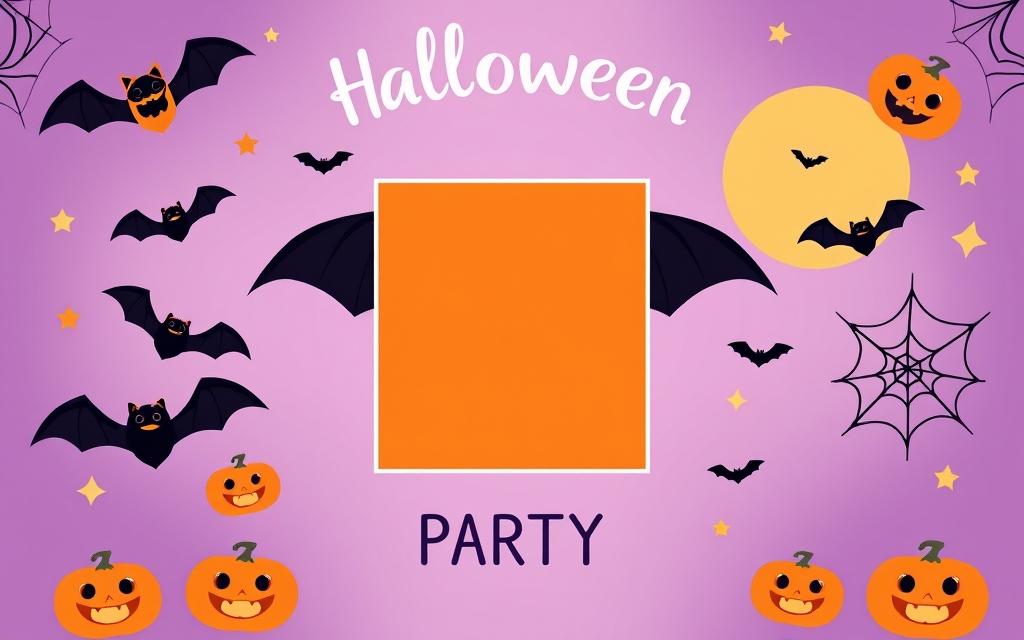
Build an invite once and reuse it for every guest. Set a spooky photo inside a shaped frame, add your details, and you've got a template. Canva has plenty of party templates too — mix them with a custom frame to stand out.
3. Photo-filled "BOO" lettering #
Type BOO or SPOOKY and give each letter its own photo — fog in one, a pumpkin in the next, a costume shot in the last. Text to Frames turns every character into a separate frame with 100+ fonts (including horror faces like Creepster), so your headline isn't just a flat color.
4. Countdown-to-Halloween calendar #
Kids (and marketers) love a countdown. Use Calendar Maker to generate an October calendar in seconds, style it in orange-and-black, and mark the 31st. It drops straight into a poster or planner page.
5. Cobweb and bat borders #
Frame a flyer or class poster with a repeating spiderweb, bat, or star edge. Border Art Maker distributes icons evenly along a line and lets you tweak spacing and rotation — far faster than copy-pasting a hundred little bats.
6. DIY photo-booth frames #
Turn a shape into a hold-up-and-pose prop. Image to Frame converts an exported design or PNG into a frame guests can drop selfies into for a shareable photo-booth look.
7. Costume-photo collage #
Show off the whole crew's costumes in one layout. Frames Lab builds grid and arc collages that auto-fit your page — drop a different photo into each cell for a tidy, shareable recap.
8. Class or trick-or-treat schedule #
Planning a classroom party or a neighborhood trail? Calendar Maker's Week tab makes a clean timetable — add rows for each activity slot and share it with families.
9. "Spooky sale" burst badge #
Running a Halloween promo? Frames Lab's Burst mode generates starburst and sunburst frames you can fill with a product shot or a discount graphic — an eye-catching badge without drawing rays by hand.
10. Monogram pumpkin door sign #
Make a front-door or booth sign with a pumpkin outline filled with a family photo or initial. Use Image to Frame for a reusable frame, or Clipping Mask if you just want a quick one-off cut-out of a single photo.
A note on Canva's built-ins #
Canva already ships Halloween templates, Frames in preset shapes, and Grids for simple collages — great starting points. The QRdy apps above step in when you need a custom shape (bat, pumpkin, your logo), a different photo per letter, generated calendars, or repeating decorative borders that Canva doesn't build natively.
Get a head start #
Pick two or three ideas from this list, build them now as templates, and spooky season is handled. Frames and lettering you make in August still look just as good on October 1 — and you won't be scrambling the night before the party.
Frequently asked questions
Late summer is ideal. Parties, class themes, and shop promos all get planned weeks ahead, so building your invites, signs, and frames in August or September means they're ready to print or post the moment October arrives.
Canva's built-in Frames only include preset shapes, so for a bat, ghost, or pumpkin you'll want Image to Frame — it turns a transparent PNG of the shape into a real Canva frame you can drop a photo into. Remove the background first so the frame follows the outline.
Use Text to Frames. Type a word like BOO or SPOOKY, and each letter becomes its own frame you can fill with a different photo or texture — fog, pumpkins, a costume shot per letter.
Related products


More from QRdy Blog
How to Make a Hat Mockup From a Photo (So the Design Curves With the Cap)
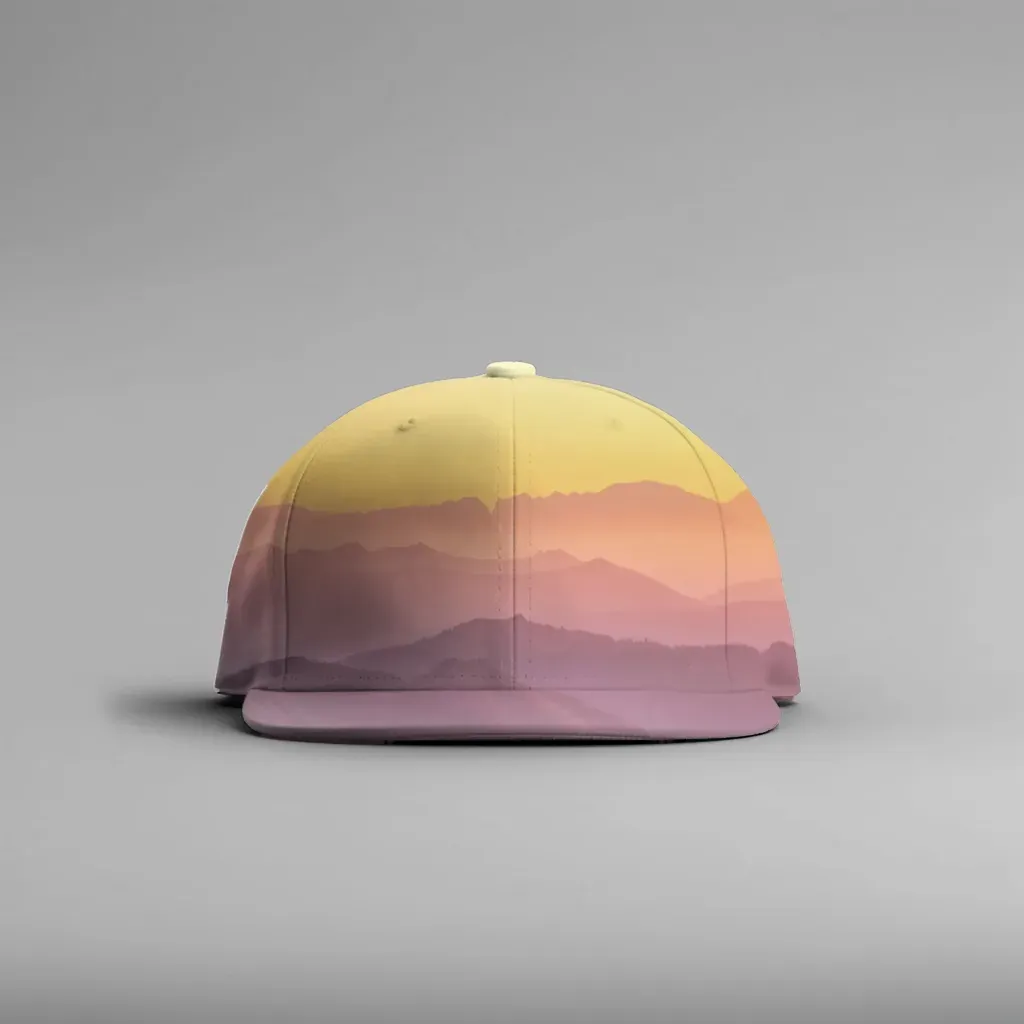
Turn one photo of a blank cap into realistic hat mockups: drag a box around the front panel, let the design wrap the curve with the photo's real shading, then render all your designs at once in your browser.
The Best Canva Apps for Family Reunions (2026): Invites, Banners, Photo Walls and Calendars
Planning a family reunion in Canva? Here are the five Qrdy apps that actually help: shaped photo invitations, photo-letter banners, photo-wall grids, a countdown calendar and a QR link that can change after printing.
How to Make a Birthday Calendar in Canva (Family Birthday Tracker, Step by Step)
Build a printable family birthday calendar in Canva: 12 months, one page each, with names added in minutes. A step-by-step tutorial using Calendar Maker, plus honest notes on what Canva does on its own.