
10 Fall Design Ideas for Canva (Autumn Photo Frames, Planners & More)
Ten cozy autumn design projects you can make in Canva — leaf-shaped photo frames, fall photo collages, foliage-filled titles, October planners, and more — using a handful of QRdy Canva apps (plus honest notes on what Canva already does for free).
Autumn is the coziest season to design for. Warm rust-and-mustard palettes, falling leaves, pumpkins, sweater weather — it all photographs and lays out beautifully. Whether you're making a harvest festival flyer, a fall newsletter, or just refreshing your feed for the season, here are ten fall design ideas you can build in Canva, plus the QRdy Canva apps that make the fiddly parts quick. Where Canva already does something for free, we'll say so.
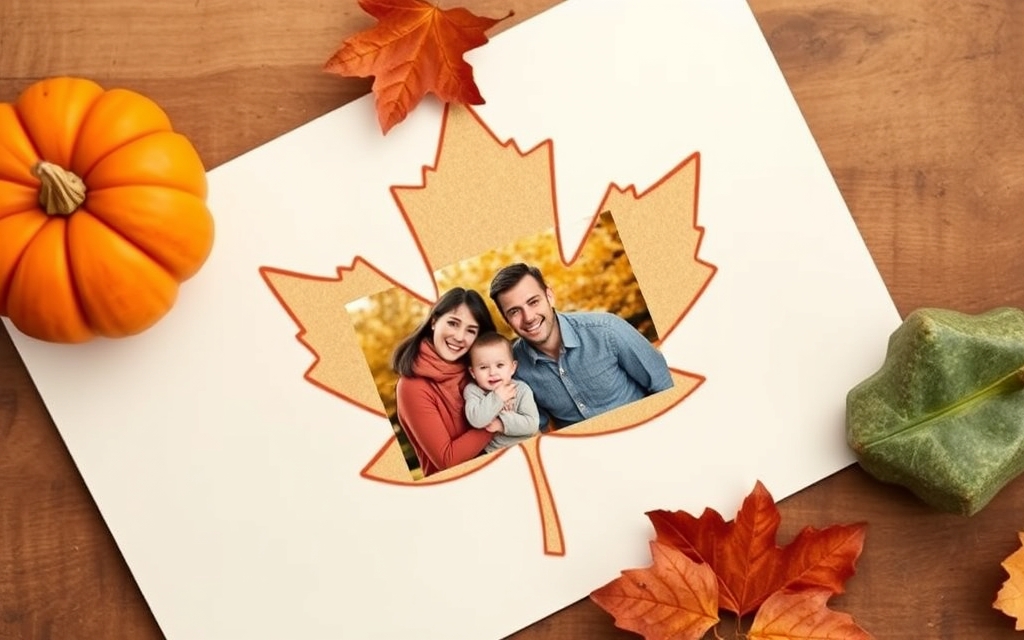
1. Leaf-shaped photo frames #
The signature fall look: a family photo or a shot of golden foliage cropped into the shape of a maple leaf, an acorn, or a pumpkin. Canva's Elements panel has a handful of built-in frames, but for a specific silhouette you choose, use Image to Frame. Upload a transparent PNG or SVG of the shape (up to 5MB), remove the background first so the frame hugs the real outline, then click Add frame to design and drop your photo in. You can even set a border thickness and color for a printed-photo feel.
2. A fall photo collage or mood board #
Round up your apple-picking, pumpkin-patch, and foliage photos into one warm grid. Frames Lab builds parametric collage frames — its Grid and Diagonal modes give you multi-cell layouts you can tune by rows, columns, and gap, and the Arc mode adds a soft curved cell for a magazine feel. Canva's native Grids (under Elements) are a solid free starting point for simple rectangles; reach for Frames Lab when you want arcs, angled strips, or a burst layout instead of plain squares.
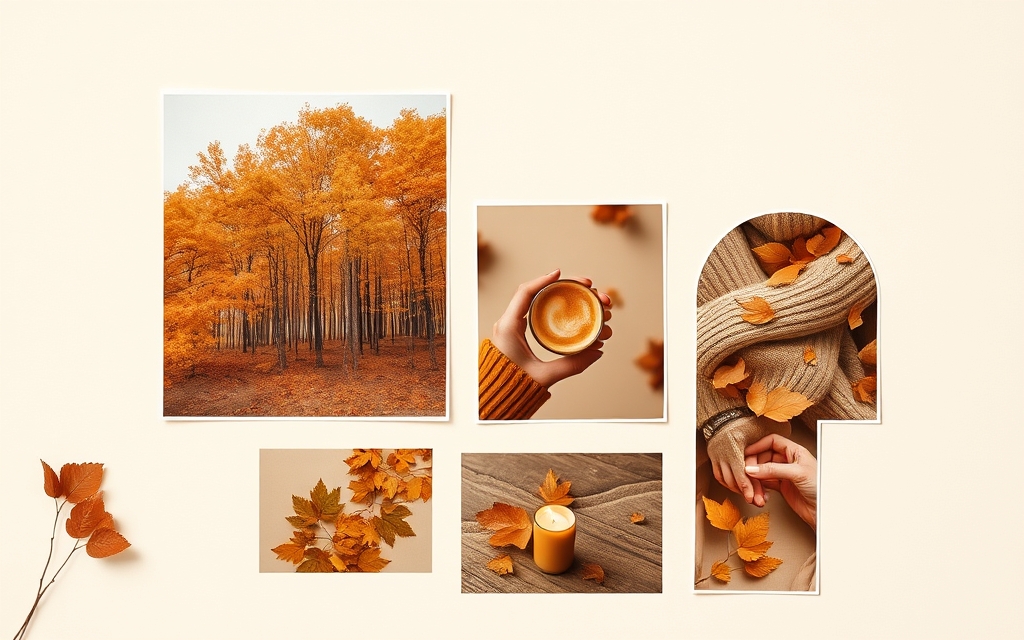
3. "AUTUMN" titles filled with foliage #
Instead of a flat colored headline, fill each letter of FALL or AUTUMN with a different photo — orange trees in the A, a pumpkin in the U, a cozy scarf in the M. Text to Frames turns every character into its own real Canva frame; switch on Split into letters to drop a different photo (or even a video) into each one. Pick from 100+ fonts (5 are free) and add a border so the letters stay crisp against busy photos. Canva has no true native "fill text with an image" tool, so this is the fast way to get the effect.
4. An October or November content calendar #
Planning posts, promos, or a personal fall bucket list? Calendar Maker generates a month grid in a couple of clicks — pick October or November, choose from 30+ built-in color styles (the warm and botanical palettes suit the season), and drop it straight into your design. You can even generate all 12 months, each on its own page, for a full seasonal planner. Canva has no native calendar generator, so this saves you from drawing a table by hand.
5. A Thanksgiving or harvest countdown #
Build excitement for a big date with a countdown or event schedule. Use Calendar Maker's Custom tab to make a date-range strip leading up to Thanksgiving, or the Week tab for a "Friendsgiving weekend" itinerary with rows for each activity. Style it in warm tones and it doubles as a printable.
6. Cozy leaf and acorn borders #
Frame a menu, invitation, or quote card with a repeating ring of little leaves or acorns. Border Art Maker distributes an icon or image evenly around your design and lets you fine-tune spacing and rotation — much tidier than dragging elements one by one. For a quick free version, a simple rectangle outline in Canva works too; Border Art Maker shines when you want a decorative, repeating motif.
7. A harvest festival or pumpkin-patch flyer #
Give an event flyer a custom hero image by cropping the venue or product photo into a themed shape — a pumpkin, a barn, a leaf — with Image to Frame, then layering your date and details on top. Pair it with a leaf border from idea #6 and a foliage-filled title from idea #3 for a design that feels made for the season, not just recolored.
8. A seasonal gratitude or vision board #
Fall is peak reflection season. Make a "thankful" board or a cozy-goals vision board by combining a Frames Lab grid of aspirational photos with a Text to Frames theme word (fill "GRATEFUL" with a warm sunset). It's a lovely printable for the fridge or a calming phone wallpaper.
9. Fall recipe cards and menus #
Soup season deserves good-looking recipe cards. Drop the finished-dish photo into a rounded or bowl-shaped frame with Image to Frame, add a repeating leaf border with Border Art Maker, and set your ingredients in a warm serif. Consistent frames across a set of cards make them look like a real recipe collection.
10. Autumn social covers and story highlights #
Refresh your profile for the season with photo-filled cover text (Text to Frames), a small leaf-frame avatar (Image to Frame), and matching highlight icons. Because Text to Frames can fill letters with video, a title like COZY with subtle falling-leaf footage inside makes a scroll-stopping reel cover.
Quick tool guide #
| You want to… | Reach for | Canva free alternative |
|---|---|---|
| Crop photos into leaf/pumpkin shapes | Image to Frame | A few built-in Elements frames |
| Build a fall photo collage | Frames Lab (Grid/Arc/Diagonal) | Native Grids |
| Fill "AUTUMN" letters with photos | Text to Frames | No true native equivalent |
| Make an October/November calendar | Calendar Maker | Draw a table by hand |
| Add decorative leaf borders | Border Art Maker | Plain rectangle outline |
A quick honest note #
Canva's free library is genuinely good for fall: thousands of seasonal templates, autumn stickers and photos, native Grids for collages, and some built-in frames. These apps aren't replacements — they cover the specific gaps: your own custom shapes as frames, photo-filled text, and auto-generated calendars. Mix and match, and you can put a cozy autumn design together in minutes.
Grab a warm drink, open Canva, and pick one idea to try first — the leaf-shaped photo frame is the fastest way to feel the season on the page.
Frequently asked questions
Yes. Canva has thousands of ready-made autumn templates and seasonal Elements (leaves, pumpkins, and a few leaf-shaped frames) you can use for free. The ideas here go a step further — putting your own photos inside custom leaf shapes, filling the word AUTUMN with foliage, or auto-generating an October calendar grid — which the built-in library alone doesn't do.
Canva's Elements has some built-in frames, but for a custom leaf, pumpkin, or acorn silhouette you supply, use the Image to Frame app: upload a transparent PNG or SVG of the shape (remove the background first so the frame follows the real outline), click Add frame to design, then drag any photo into it.
Most steps work on a free Canva account. The QRdy apps have free tiers (for example, Text to Frames unlocks 5 fonts free) and Pro upgrades for the full feature set. A few Canva actions like background removal are Pro-only, so check each tool's limits before you start.
Related products


More from QRdy Blog
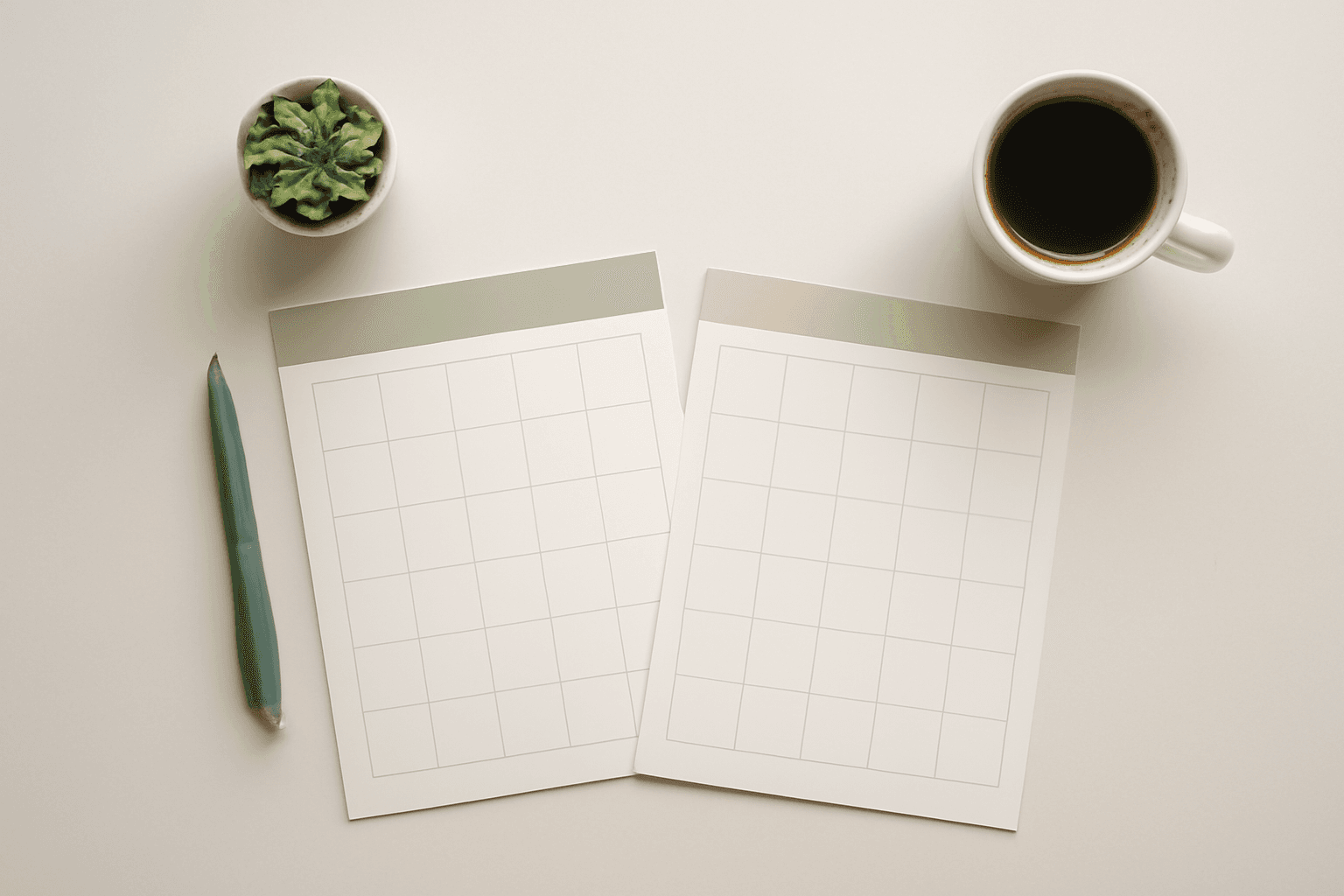
How to Make a 2027 Planner in Canva (Monthly and Weekly Pages, Step by Step)
Build a printable 2027 planner in Canva: 12 monthly pages in one click, reusable weekly spreads, a matching style, and print-ready export. Step-by-step with Calendar Maker, plus when Canva's built-ins are enough.
Printify Mockup Generator vs Making Your Own Mockups: When to Use Each
Printify's built-in mockup generator is free and fast, but every seller on the same blank gets similar photos. Here is when to rely on it, when to make your own mockups from real product photos, and how to combine both.
What Is Die Cut? Meaning, Die Cut vs Kiss Cut, and How to Design One in Canva
Die cut means cutting paper, vinyl or card into a custom shape instead of a rectangle. Here is what it means, how it differs from kiss cut, and how to prepare a die cut file in Canva.