
10 Christmas Design Ideas for Canva (Photo Frames, Cards, Gifts & More)
Ten festive Christmas projects you can make in Canva — from tree-shaped photo frames and family photo cards to keepsake photo calendars, advent countdowns, and gift tags — with the exact Canva apps for each.

Christmas is the busiest design season of the year — cards to send, gifts to wrap, parties to invite people to, and a whole month of social posts. The good news is you can make almost all of it in Canva, and a handful of QRdy Canva apps make the fiddly parts (photo-shaped frames, photo-filled text, accurate December calendars) genuinely fast.
Here are ten Christmas projects worth making this year, with the exact tool for each. Most use the free tiers; where something is Pro-gated, we say so.
1. Tree- or ornament-shaped photo frames #
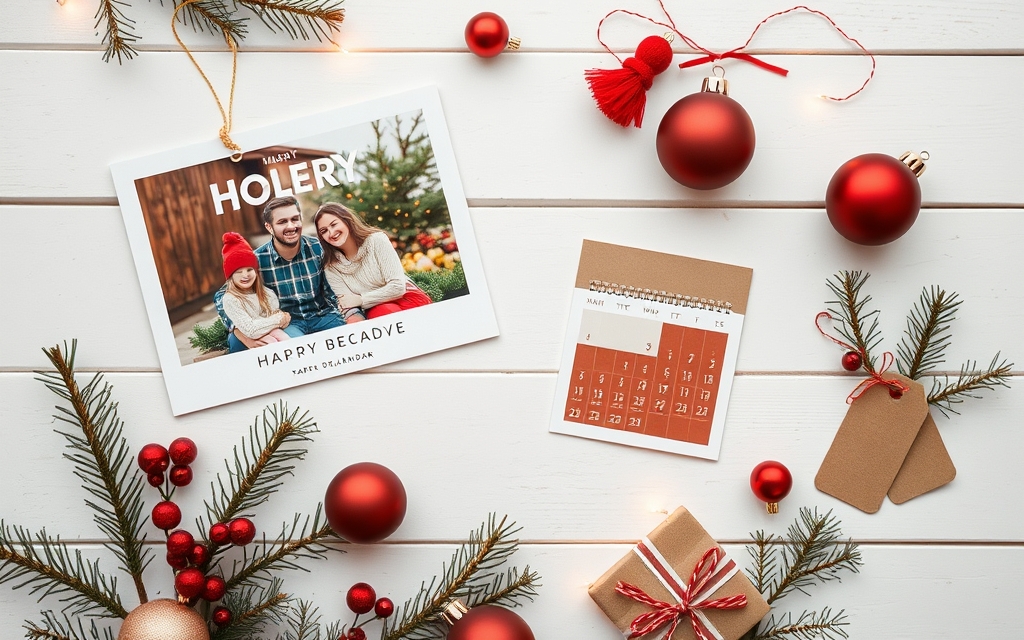
Drop a family photo inside a Christmas-tree, bauble, star, or gingerbread silhouette. Grab a shape PNG from Elements, run it through Image to Frame to convert it into a real Canva frame, then drag any photo in and swap it whenever you like. Reusable, unlike a one-off Clipping Mask cut-out.

2. A family photo collage card #
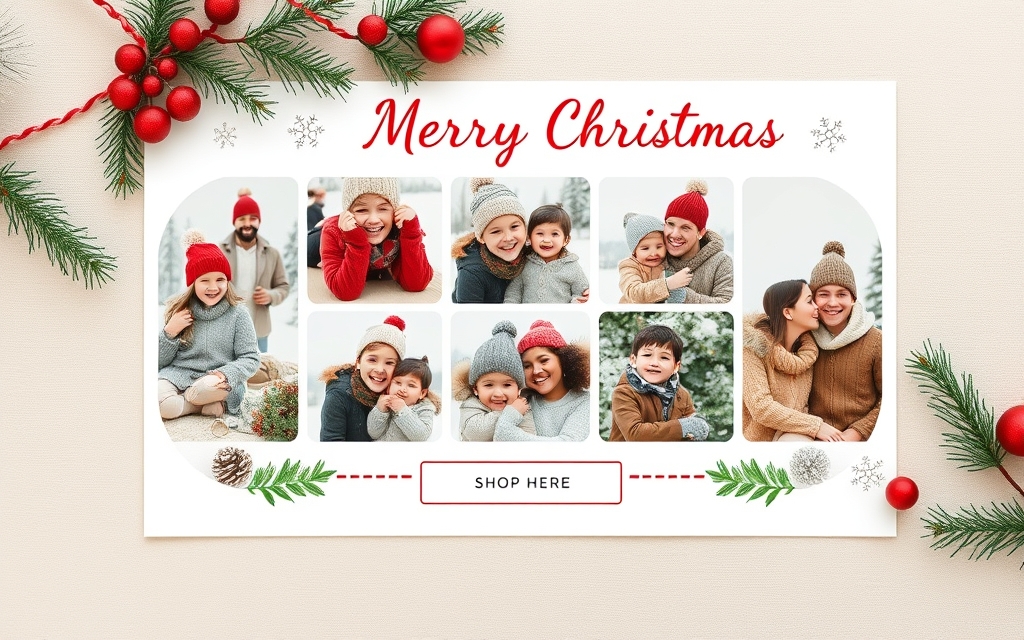
The classic holiday card: several photos of the year in one tidy layout with a "Merry Christmas" greeting. Build the layout with Frames Lab — a Grid for a clean modern card, or an Arc for a warmer, curved-top look — then drop a photo into each cell. Add a script greeting and you're print-ready.
3. A keepsake photo calendar (the gift that actually gets used) #
A personalized 2026 photo calendar is one of the best low-cost gifts you can make. Use Calendar Maker to auto-generate accurate month grids, hit Add all months for a full 12-page set, then top each month with a family photo via Image to Frame. Style with one of the 30+ palettes and export as a PDF Print file. (Add to design is a Pro feature.)
4. Photo-filled "NOEL" or family-name letters #
Turn a word like NOEL, JOY, or your family name into letters, each filled with a different holiday photo, using **Text to Frames and its **Split into letters feature. Perfect as a card header or a printable wall sign. Five fonts are free; 100+ fonts and Blur/Border effects are Pro.
5. A DIY advent / Christmas countdown calendar #
Kids love a countdown. Use Calendar Maker to generate a December grid, then style the 1–24 (or 1–25) squares as a countdown, or make 24 numbered photo pockets with Frames Lab's Grid mode. Print it, add small treats behind each day, and you have a homemade advent calendar.
6. Custom gift tags with a photo or monogram #
Small but high-impact. Make a set of gift tags with a shaped photo (a bauble or star frame from Image to Frame) or a monogram initial, then batch them onto one page to print and cut. Add a decorative repeating border with Border Art Maker — holly, snowflakes, or dots — for a finished look.
7. A holiday party invitation #
Whether it's an office party or a family dinner, an invite with a photo-filled title and a festive border reads better than plain text. Combine a Text to Frames headline, an Image to Frame photo shape, and a Border Art Maker frame edge on top of a Canva invitation template.
8. A "year in photos" recap collage #
Great for a newsletter, an Instagram carousel, or the back of your card. Use Frames Lab's Grid or Diagonal mode to arrange 6–12 of the year's best photos into one shareable recap, then add a short caption for each season.
9. Themed Christmas ornaments to print #
Design flat printable ornaments: a circle or bauble frame filled with a pet or baby photo, a decorative border, and a name and year. Print on cardstock, punch a hole, add ribbon. Image to Frame handles the photo shape; Border Art Maker adds the trim.
10. Festive social posts and story covers #
Keep your feed cohesive through December with a matching set: photo-filled seasonal titles (Text to Frames), a snowflake or holly border (Border Art Maker), and consistent frames for product or family shots (Image to Frame). Build one, duplicate, swap the photo.
Quick tool guide #
| Project | Main QRdy app | What it does |
|---|---|---|
| Tree/ornament photo frames | Image to Frame | Turns any shape PNG into a reusable photo frame |
| Photo cards & collages | Frames Lab | Grid / Arc / Diagonal photo layouts |
| Photo-filled NOEL/JOY letters | Text to Frames | A different photo in every letter |
| Photo calendar gift | Calendar Maker | Auto date grids, 12-month sets, PDF Print |
| Borders, tags, ornament trim | Border Art Maker | Decorative repeating edges |
Honest note on Canva's built-in tools #
Canva already has thousands of Christmas templates, built-in Frames (heart, circle, and a few shapes) and Grids under Elements, and its own text and border options. For a quick post, those are often enough. The QRdy apps earn their place when you want something Canva can't do natively — a photo inside a custom tree or bauble shape, a different photo in each letter, or an accurate, auto-generated December calendar grid. Use the built-ins for speed, reach for the apps when you want the design to feel made rather than picked.
Start with one project — the photo card or the photo calendar are the highest-impact — and you'll have a reusable setup you can repurpose every December.
Frequently asked questions
Yes. Canva has thousands of free and Pro Christmas templates for cards, invitations, and social posts, plus built-in Frames and Grids under Elements. The QRdy apps in this list add things Canva's native tools can't do easily — like turning a Christmas-tree or ornament PNG into a reusable photo frame, filling letters with different photos, or auto-generating an accurate December calendar grid.
Yes. You can lay out photos with Canva's free Grids, or use Frames Lab's free add limit to build a grid or arc collage card. Some polish features (100+ fonts in Text to Frames, Blur/Border/Inner-shadow effects, Calendar Maker's Add to design) are Pro-gated, but you can design and export a basic photo card without paying.
Use Calendar Maker's Month tab to auto-generate accurate 2026 date grids, then Add all months for a full 12-page set. Drop a family photo above each month using Image to Frame custom shapes, style with one of the 30+ palettes, and export as a PDF Print file for a printable keepsake gift.
Related products


More from QRdy Blog
Can You Still Use Mockups on Etsy? What the New AI Photo Rules Mean for Print-on-Demand Sellers
Etsy's new listing image rules require one unedited photo for most items, but print-on-demand sellers may use authorized stock photo mockups. Here is what Etsy actually says, which mockups fit, and how to order your listing photos now.
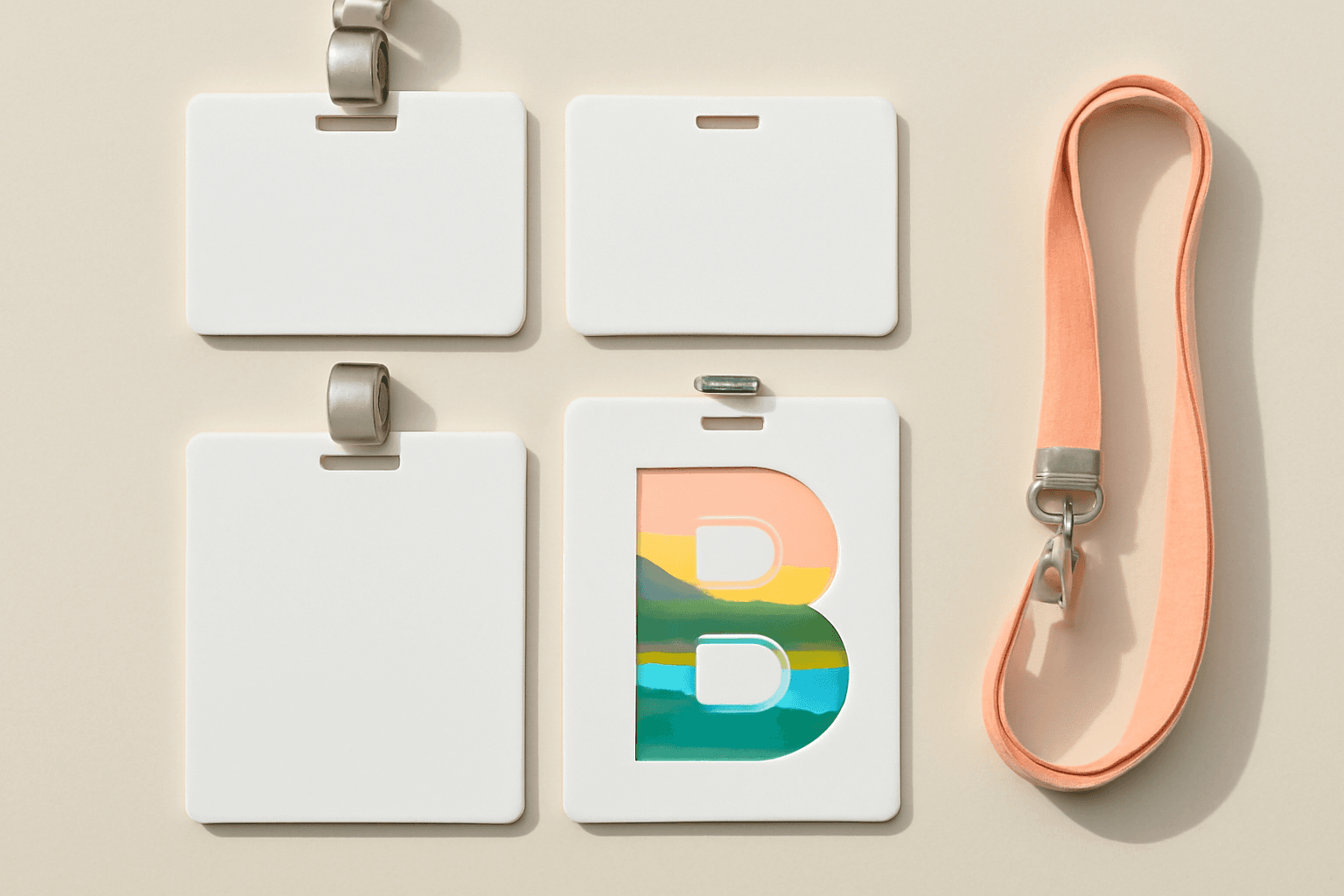
The Best Canva Apps for Name Tags (2026): Photo Initials, Shaped Badges and Batch Sheets
Name tags are one of the easiest things to make in Canva. These apps add the parts Canva does not: photo-filled initials, shaped badge windows, photo-grid tags, and batch QR tags.

How to Make a 2026-2027 School Year Calendar in Canva (Semester by Semester)
Build a printable 2026-2027 school year calendar in Canva: generate each month or semester with Calendar Maker, mark breaks and exam weeks, and print or share it as a PDF.