
The Best Canva Apps for Weddings (2026)
Planning a wedding in Canva? These six Canva apps help you make custom photo frames, name typography, collages, countdown calendars, and decorative borders for invites, save-the-dates, signage, and thank-you cards.
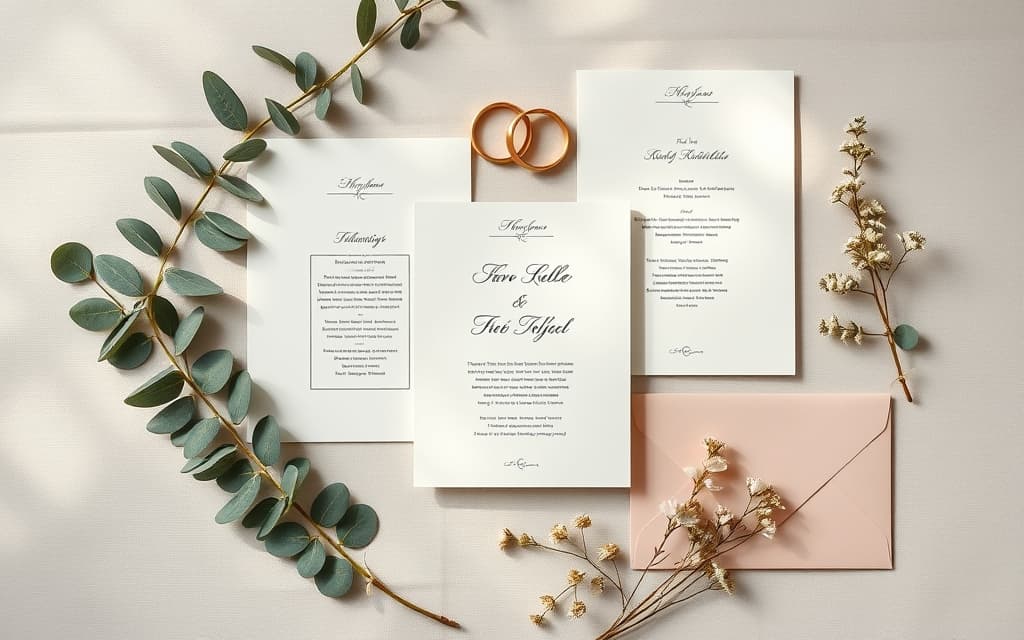
Canva is where a lot of couples end up designing their own invites, save-the-dates, welcome signs, and thank-you cards. It is affordable, it has thousands of wedding templates, and you can hand a design off to a printer in minutes. But the built-in editor has limits: its frames come in a fixed set of shapes, its grids are rectangular, and there is no native way to pour a photo inside a couple's names.
That is where Canva apps come in. Apps live in the left-hand Apps panel inside the Canva editor and add tools Canva itself does not ship. Below are the six we reach for most when designing wedding stationery and decor, what each one is genuinely good at, and where Canva's own features already do the job.
Quick pick #
| If you want to… | Use | Why |
|---|---|---|
| Put a couple photo inside a heart, monogram, or custom shape | Image to Frame | Turns any PNG/SVG shape into a real Canva frame you can drop photos into |
| Build a photo collage for a welcome sign or photo wall | Frames Lab | Grid, arc, and diagonal photo layouts that resize to fit your page |
| Fill the couple's names or initials with an engagement photo | Text to Frames | Every letter becomes its own frame, so each letter can hold a photo |
| Make a countdown, weekend itinerary, or planning timeline | Calendar Maker | Generates month, week, or custom date-range tables in a few clicks |
| Add floral or dotted borders to invites and menus | Border Art Maker | Repeats an icon or image evenly into a decorative border |
| Drop a fast photo grid onto a thank-you card | Frame Collage | Toggle-cell grid where each cell is a frame |
1. Image to Frame — custom-shaped photo frames #
Image to Frame is the one we install first for a wedding. It converts a PNG, SVG, or JPG (up to 5MB) into a valid Canva frame — the kind of shape you can drag a photo or video into so it fills the outline. Canva's built-in frames are limited to whatever is in the Elements panel; this lets you make a frame in any shape.
For weddings that means a heart frame for a save-the-date, a monogram-shaped frame holding an engagement photo, or your venue's silhouette filled with a couple portrait. One tip straight from the app: remove the background first so the frame hugs the real outline instead of coming out as a rectangle.

Best for: invites, save-the-dates, shaped photo displays, and monogram graphics.
2. Frames Lab — collages and photo walls #
Frames Lab is a full toolbox for building frames by parameters. Its Create modes cover Shape, Burst, Grid, Arc, and Diagonal, plus an Explore tab of ready-made frames and a Style tab for adding blur, border, or inner-shadow effects. Frames auto-size to fit your current page, so you are not resizing by hand.
At a wedding it shines for photo layouts: a Grid collage for a welcome sign or engagement-photo wall, an Arc frame for an elegant curved photo along the top of a program, or a Diagonal strip for a modern invite. Drop different photos into each cell and swap them freely.
Best for: photo collages, welcome signs, engagement photo displays, and multi-photo programs.
3. Text to Frames — names and initials filled with photos #
Ever seen a design where the couple's names are filled with an engagement photo showing through the letters? Text to Frames does exactly that. You type the text, pick from 100+ fonts, and each character becomes its own Canva frame. Turn on Split into letters and every letter can hold a different photo — so "MR & MRS," a monogram, or the wedding date can each carry their own image.
It also adds three optional effects (blur, border, inner shadow), which help the letters stay legible when a busy photo sits inside them.
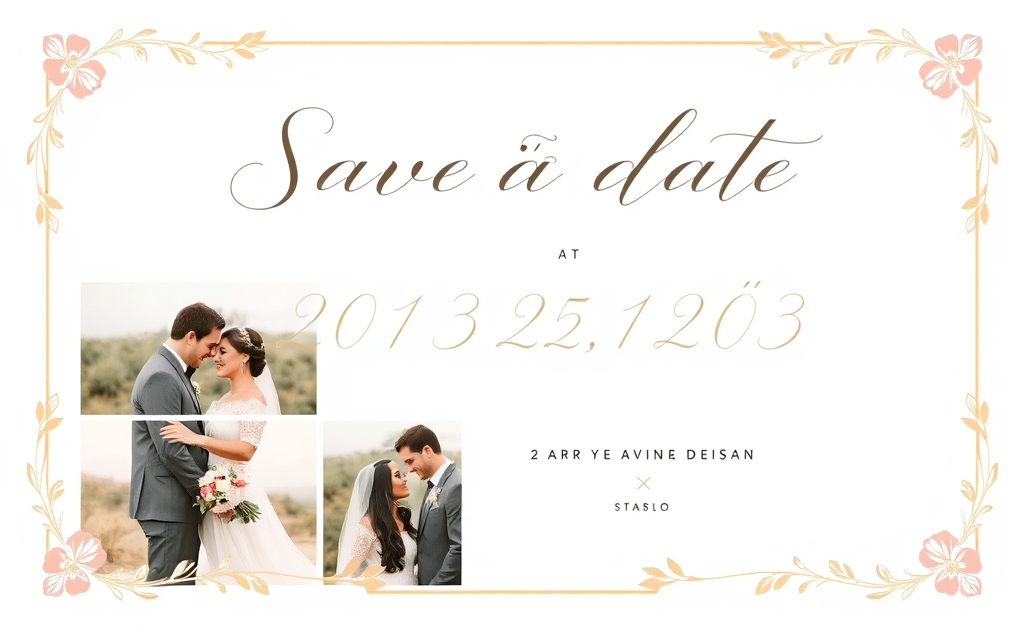
Best for: monograms, name typography on invites and signage, and photo-filled titles.
4. Calendar Maker — countdowns and weekend itineraries #
A wedding is really a small project with a lot of dates, and Calendar Maker generates the tables for you instead of drawing cells by hand. The Month tab makes a countdown calendar or a "save these dates" page, the Week tab is perfect for a wedding-weekend itinerary (rehearsal dinner, ceremony, brunch), and the Custom tab covers any date range up to 150 days — handy for a planning timeline. There are 30+ built-in color palettes and roughly 14 decorative page templates to match your theme.
Best for: countdown graphics, weekend schedules for guests, and behind-the-scenes planning timelines.
5. Border Art Maker — decorative borders #
Border Art Maker builds borders by repeating a dot, icon, or image evenly around your design, with control over spacing and rotation. For weddings that is the fast route to a floral edge on an invitation, a delicate frame around a menu card, or a repeating monogram border on table signage — without hunting for a border template that happens to fit your page size.
Best for: invitation and menu borders, table signage, and program edges.
6. Frame Collage — quick photo grids #
Frame Collage is the low-effort collage option: a toggle-cell grid (8×8 up to 32×32) where each cell is a frame you fill with a photo. When you just need a tidy photo grid on a thank-you card or a photo guest-book page and do not need arc or diagonal layouts, this is quicker than configuring Frames Lab.
Best for: thank-you cards, photo guest books, and simple multi-photo pages.
Where Canva's built-in tools are already enough #
To be fair, you do not need an app for everything. Canva's template library has thousands of wedding suites that are genuinely good starting points. Its built-in Frames (in Elements) cover basic circles, hearts, and rectangles, and its Grids handle straight rectangular photo layouts. If your idea fits those shapes, use them — reach for the apps above when you want a custom shape, a photo inside text, a parametric collage, or a generated calendar that Canva can't produce natively.
A realistic wedding stack: template from Canva → Image to Frame or Text to Frames for the hero photo element → Frames Lab or Frame Collage for photo pages → Border Art Maker for the finishing edge → Calendar Maker for the itinerary. Each app is free to try, with Pro unlocking the full feature set.
Frequently asked questions
No. Each app installs from the Canva Apps panel and works on a free Canva account, though some features (like Image to Frame's Frame Store, extra fonts in Text to Frames, or unlimited adds in Frames Lab) require the app's own Pro upgrade. Canva Pro is separate and mainly helps with background removal, which pairs well with Image to Frame.
For a shape like a heart or monogram, use Image to Frame: convert a heart PNG into a frame, then drop your photo in. For your names or initials, use Text to Frames, type the text, and turn on Split into letters so each letter holds a photo. Both create real Canva frames you can reposition and zoom.
These are editor-panel apps that run best in the desktop Canva editor. A good workflow is to build your custom frames, collages, and typography on desktop, then open the design on your phone to swap or adjust photos inside the frames.
Related products


More from QRdy Blog
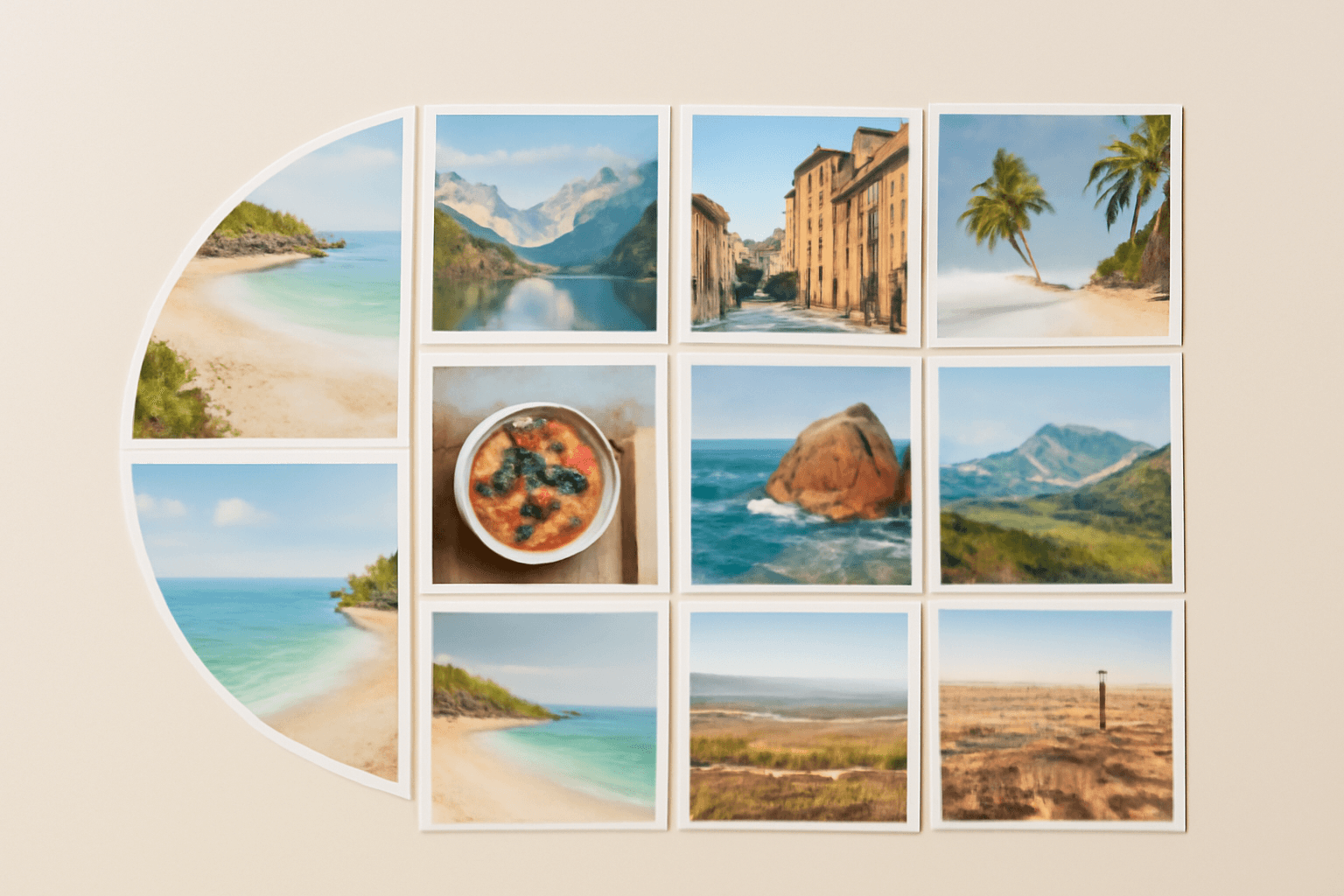
10 Photo Collage Ideas You Can Make in Canva (Grids, Arcs, Diagonals and More)
Ten photo collage ideas you can build in Canva, from classic grids and rainbow arcs to diagonal strips and sunburst layouts, with honest notes on when Canva's built-in grids are enough.
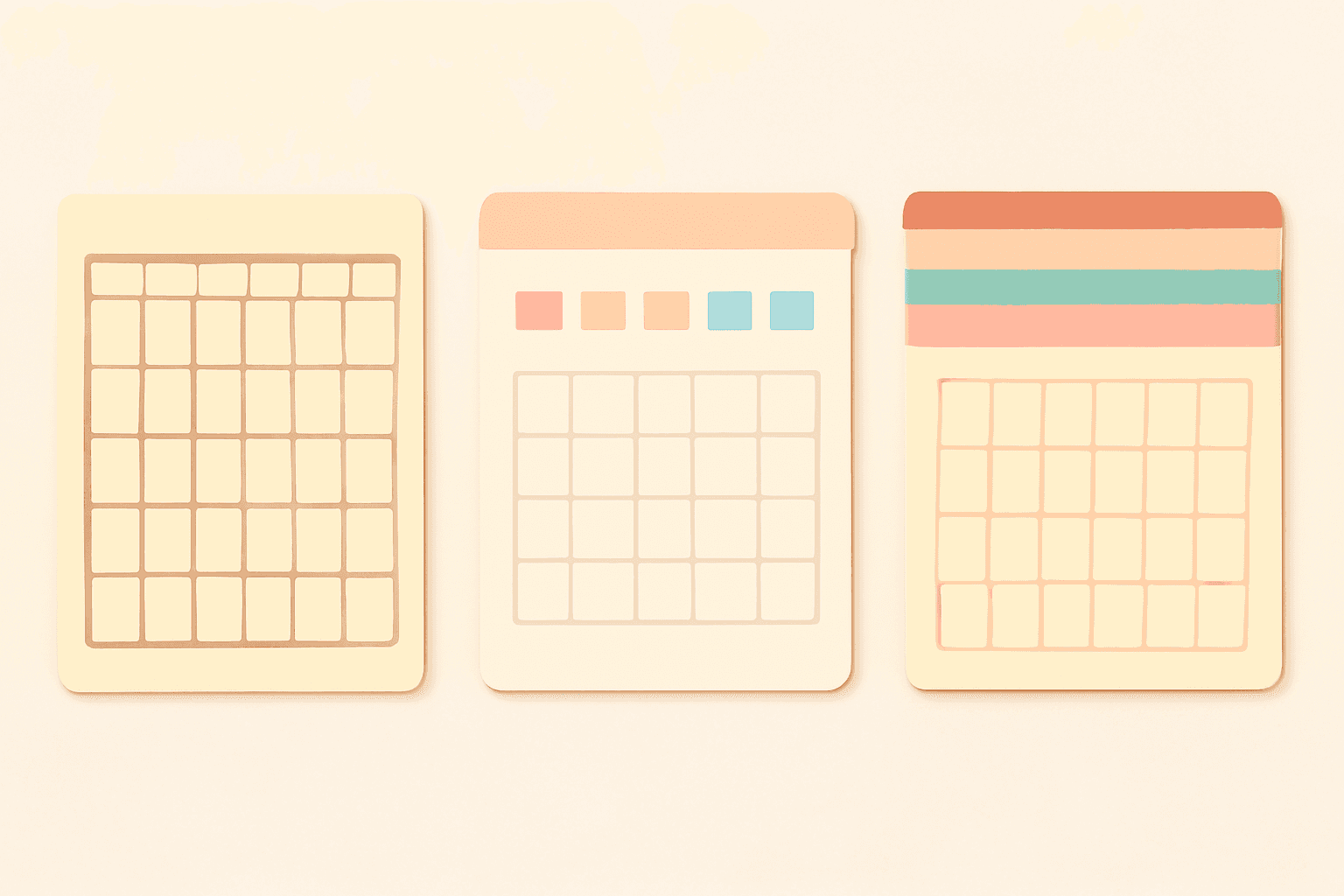
Canva Monthly Calendar: Template vs Table vs Calendar Maker (Which Is Fastest?)
Three ways to make a monthly calendar in Canva: a ready-made template, a hand-built table, or the Calendar Maker app. We compare setup time, flexibility and 12-month projects, with a clear verdict.
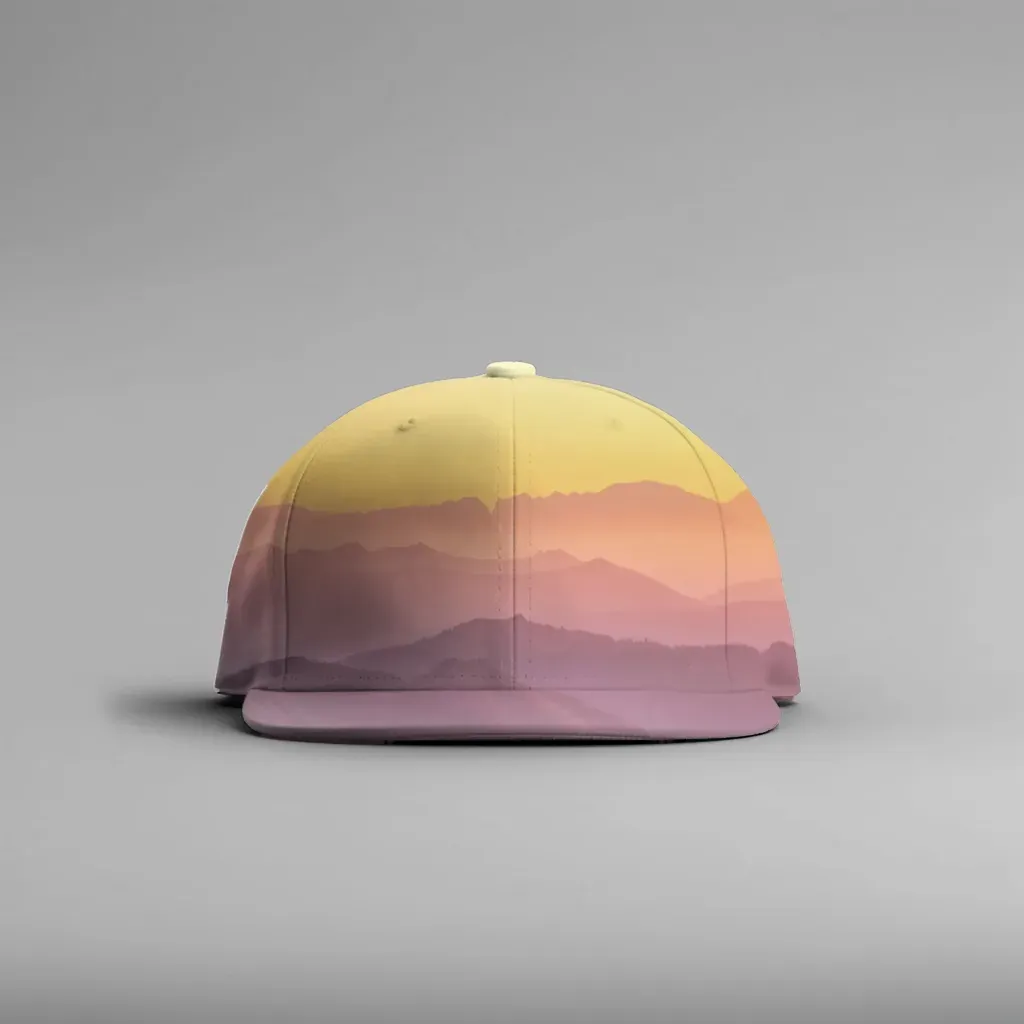
How to Make a Hat Mockup From a Photo (So the Design Curves With the Cap)
Turn one photo of a blank cap into realistic hat mockups: drag a box around the front panel, let the design wrap the curve with the photo's real shading, then render all your designs at once in your browser.