
The Best Canva Apps for Small Businesses (2026)
Running a small business on Canva? These QRdy apps handle the design jobs Canva can't do alone — editable QR codes, branded content calendars, product photo frames, and more. Here are our top picks for 2026.
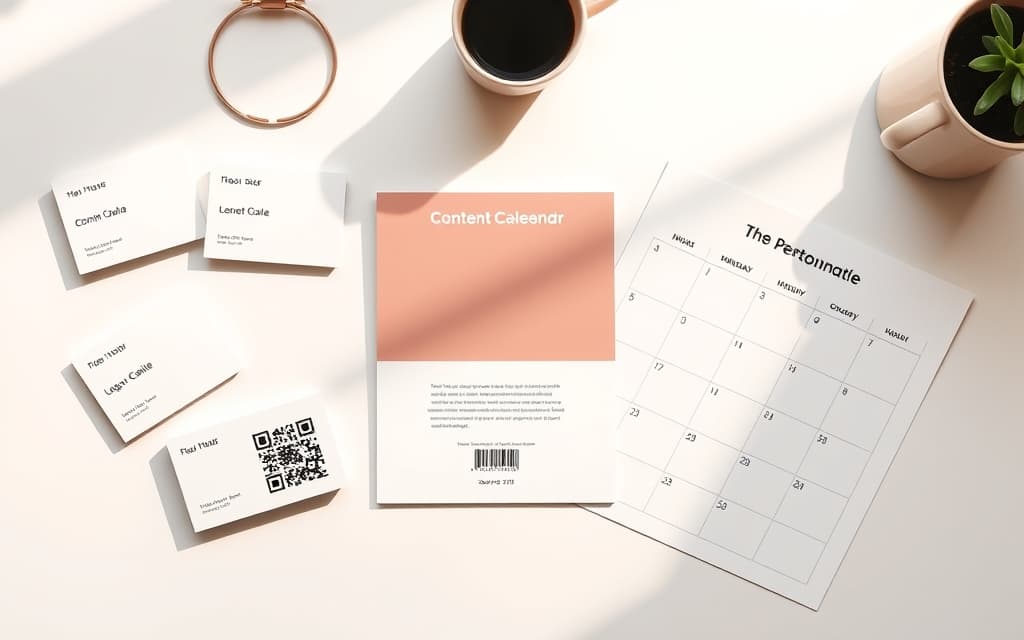
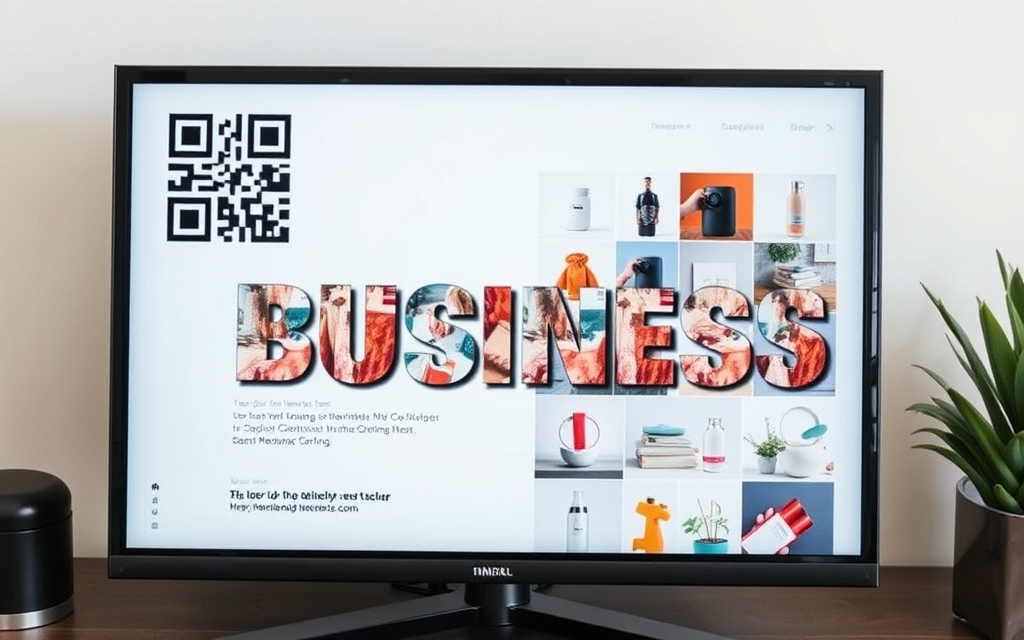
Canva already does a lot for a small business — social posts, flyers, menus, logos. But there are a handful of jobs it can't do well on its own: an editable QR code you can update after printing, a content calendar built in seconds, a product photo cropped into your logo shape, or a headline with your product inside every letter. That's where a few well-chosen Canva apps earn their place.
We run these tools day to day, so this isn't a copy-paste list. Below are the QRdy Canva apps we'd actually reach for as a small shop, freelancer, or solo marketer — plus honest notes on where Canva's built-in features already have you covered.
Quick-pick table #
| If you need to… | Use this app | Why |
|---|---|---|
| Print a QR you can edit later + track scans | Qrdy — Dynamic QR | Change the destination after printing; see scan stats |
| Plan posts / promos on a calendar | Calendar Maker | Generates month/week/custom grids inside Canva |
| Put product photos in a custom or logo shape | Image to Frame | Turns any PNG/SVG into a real Canva frame |
| Make a headline with photos inside the letters | Text to Frames | Each letter becomes its own photo frame |
| Build a fast product collage or sale badge | Frames Lab | Grid, arc, burst and polygon frames in one panel |
| Generate lots of QR labels at once | Bulk QR | Batch-create QR codes from a list |
1. Qrdy — Dynamic QR (the one most businesses actually need) #
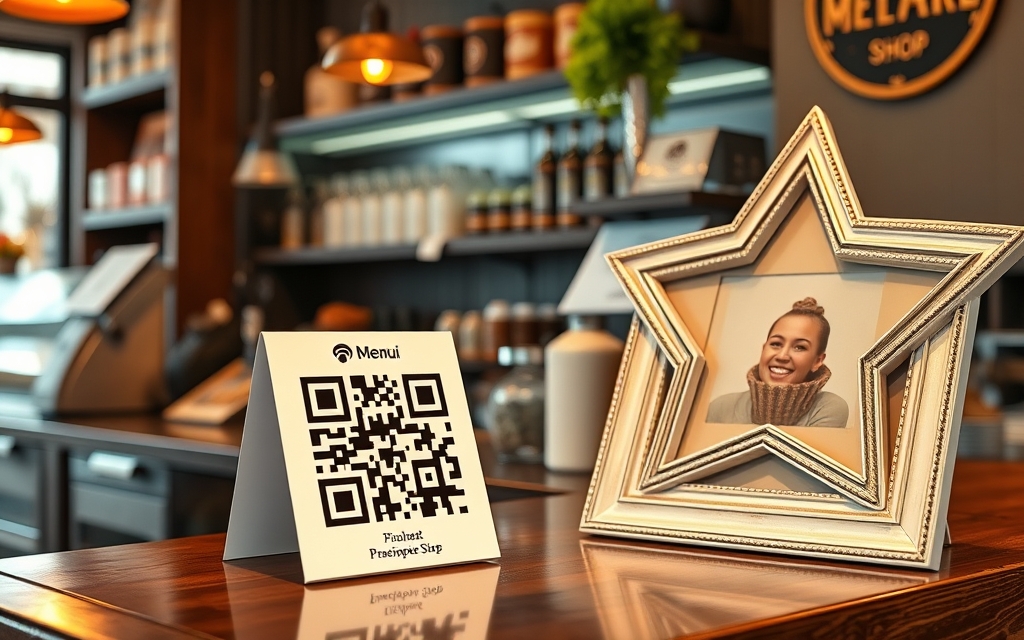
If you print anything — a menu, a flyer, packaging, a business card — a dynamic QR code is the single most useful upgrade. Canva's built-in QR generator makes static codes: the destination is baked in, so if the link changes you reprint everything. Qrdy makes dynamic codes you can edit after printing, and it shows you scan analytics (total scans, device, and rough location).
Real small-business uses: a menu QR you swap seasonally, a WiFi QR for the counter, a "leave us a Google review" code, or a promo link you point at whatever's on sale this week. It runs right inside Canva, and the Pro plan is $5/month — noticeably cheaper than the $15–$49/month most dedicated dynamic-QR platforms charge. There's also a free Starter tier with device-based routing and basic tracking.
Best for: cafés, salons, retail, F&B, and anyone running offline campaigns they want to measure.
2. Calendar Maker (content planning without the busywork) #
Consistency is the hard part of small-business marketing, and a content calendar fixes that. Calendar Maker generates month, week, or custom date-range grids and drops them straight into your Canva design — no drawing tables or typing dates. There are three tabs (Month, Week, Custom), 30+ built-in color styles, full font control, and about 14 decorative page templates.
Beyond a social planner, small businesses use it for promo schedules, class or appointment timetables (Week tab), and even printable wall/desk calendars you can sell or give away as a branded freebie. Note: adding the calendar to your design is a Pro feature.
Best for: planning posts, sales, and events — or making a calendar product.
3. Image to Frame (make product photos look designed) #
Canva's built-in Frames are handy, but you're stuck with their shapes. Image to Frame turns any PNG, SVG, or JPG (up to 5MB) into a real Canva frame — including your logo shape — then you drop product photos inside. One tip that makes or breaks the result: remove the background first, so the frame follows the true outline instead of a rectangle.
For a shop, that means product shots inside your logo for ads, custom shaped thumbnails for listings, or on-brand packaging graphics. You can also adjust border thickness and color once the frame is in your design.
Best for: product listings, ads, and branded imagery that isn't just another rounded rectangle.
4. Text to Frames (headlines that sell) #
Want a SALE or your brand name with a product photo inside each letter? Text to Frames makes every character a genuine Canva frame, so you drop a different image into each letter and adjust it like any other frame. It ships with 100+ fonts (5 free), a "Split into letters" toggle, and three Pro effects (blur, border, inner shadow).
This is a quick way to make promo banners, sale graphics, cover images, or video thumbnails feel custom without touching Photoshop. Canva's native trick (letter-shaped elements + a clipping mask) can only show one image across the whole word — this is the tool when you want each letter different.
Best for: promo headlines, launch graphics, and eye-catching thumbnails.
5. Frames Lab (fast collages and sale badges) #
Frames Lab is a frame toolbox — grid, arc, burst, diagonal, and polygon layouts, plus an AI Shape option and SVG-to-frame conversion. For a small business, it's the quickest way to build a product-grid collage for a carousel, a starburst "20% OFF" badge, or an arc photo strip for a story highlight. Drop photos in, swap them anytime.
Best for: social carousels, product roundups, and attention-grabbing badges.
6. Bulk QR (when one code isn't enough) #
Need a QR on every product label, event ticket, or table number? Bulk QR creates many codes at once from a list — links, text, email, SMS, WiFi, or MeCard — and can even read QR codes back from an image. It's the batch companion to Qrdy Dynamic QR for jobs where you'd otherwise make codes one by one.
Best for: product labels, markets and events, and bulk print runs.
Honest note on Canva's built-in tools #
Canva Pro already includes a Brand Kit (logos, colors, fonts), built-in Frames and Grids, and a basic static QR generator — for simple needs those may be all you require. The apps above are worth it when you hit the limits: editable/trackable QR codes, custom frame shapes, per-letter photo text, or generating calendars and batches of codes fast. Mix and match — most of these run side by side in the same Canva editor.
Building a starter stack #
If you're just getting going, a lean small-business stack looks like this: Qrdy Dynamic QR for anything printed, Calendar Maker to stay consistent, and Image to Frame to make product photos look intentional. Add Text to Frames and Frames Lab when you want promos to pop, and Bulk QR once you're printing at volume.
Frequently asked questions
For most small businesses the highest-impact picks are Qrdy Dynamic QR (editable, trackable QR codes for print), Calendar Maker (content and promo planning), and Image to Frame (product photos in custom or logo shapes). Add Text to Frames and Frames Lab for eye-catching promos, and Bulk QR when you need many codes at once.
You can, but Canva's built-in QR codes are static — the destination is fixed, so if the link changes you have to reprint. Qrdy Dynamic QR lets you change where a printed code points afterward and shows scan analytics, which matters for menus, promos, and review links.
Each has free functionality and a Pro upgrade. Qrdy Dynamic QR has a free Starter tier and a $5/month Pro plan; Text to Frames includes 5 free fonts with 100+ on Pro; and Calendar Maker and Image to Frame let you build and preview for free, with adding to your design gated to Pro. Check each app for current limits.
Related products


More from QRdy Blog
Can You Still Use Mockups on Etsy? What the New AI Photo Rules Mean for Print-on-Demand Sellers
Etsy's new listing image rules require one unedited photo for most items, but print-on-demand sellers may use authorized stock photo mockups. Here is what Etsy actually says, which mockups fit, and how to order your listing photos now.
The Best Canva Apps for Name Tags (2026): Photo Initials, Shaped Badges and Batch Sheets
Name tags are one of the easiest things to make in Canva. These apps add the parts Canva does not: photo-filled initials, shaped badge windows, photo-grid tags, and batch QR tags.

How to Make a 2026-2027 School Year Calendar in Canva (Semester by Semester)
Build a printable 2026-2027 school year calendar in Canva: generate each month or semester with Calendar Maker, mark breaks and exam weeks, and print or share it as a PDF.